Business Value:
- Clearly communicates how long a PO is valid to vendors and stakeholders.
- Reduces the risk of vendors fulfilling outdated or expired orders.
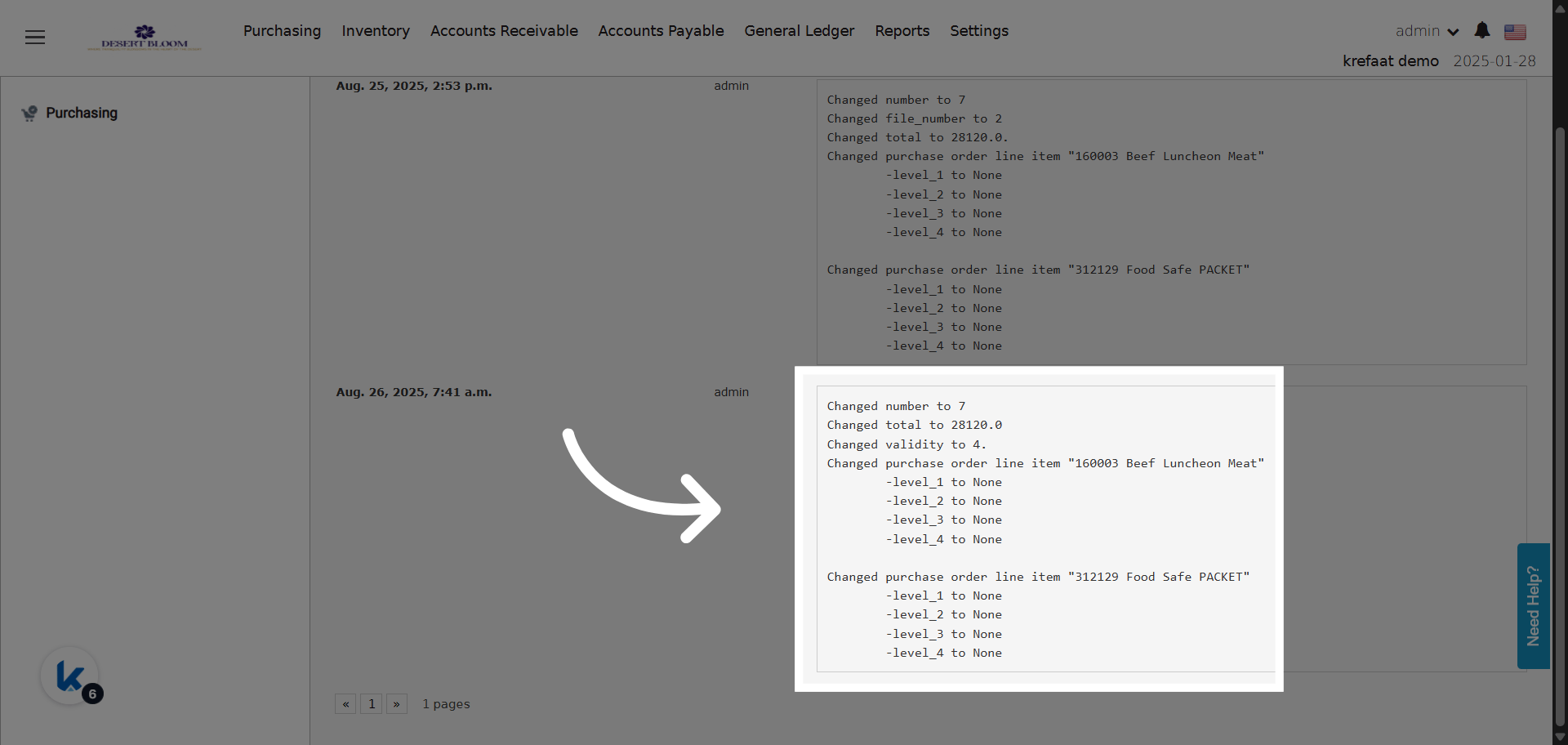
- Enables automated tracking and auditing of any changes to PO validity.
- Ensures procurement process compliance and transparency.
Use Cases:
- A procurement manager wants to ensure a supplier is aware that the PO is only valid for 30 days from its date.
- An auditor checks the PO history to see if/when the validity period was updated or removed.
- The finance team references printed POs to verify that orders were placed and fulfilled within the validity period.
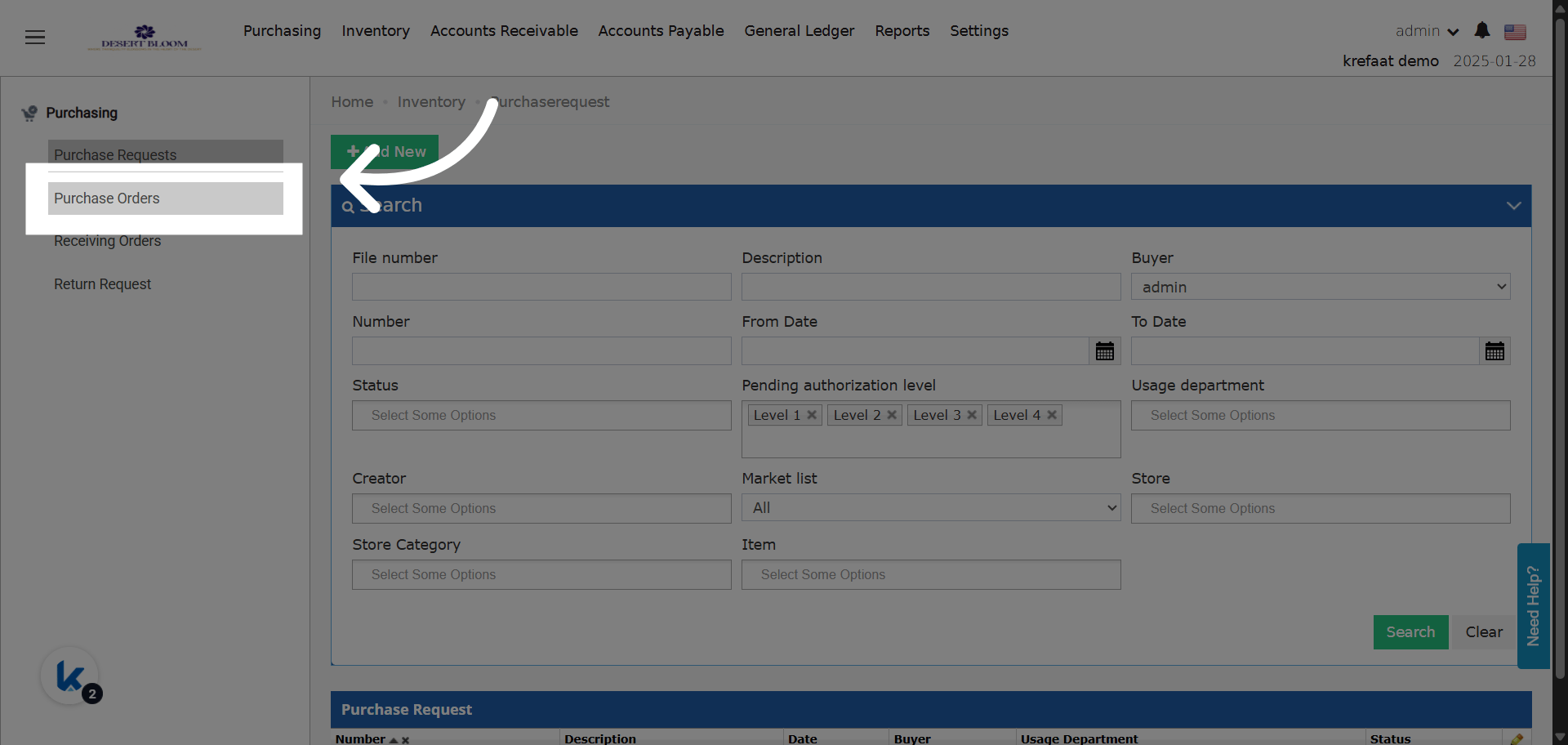
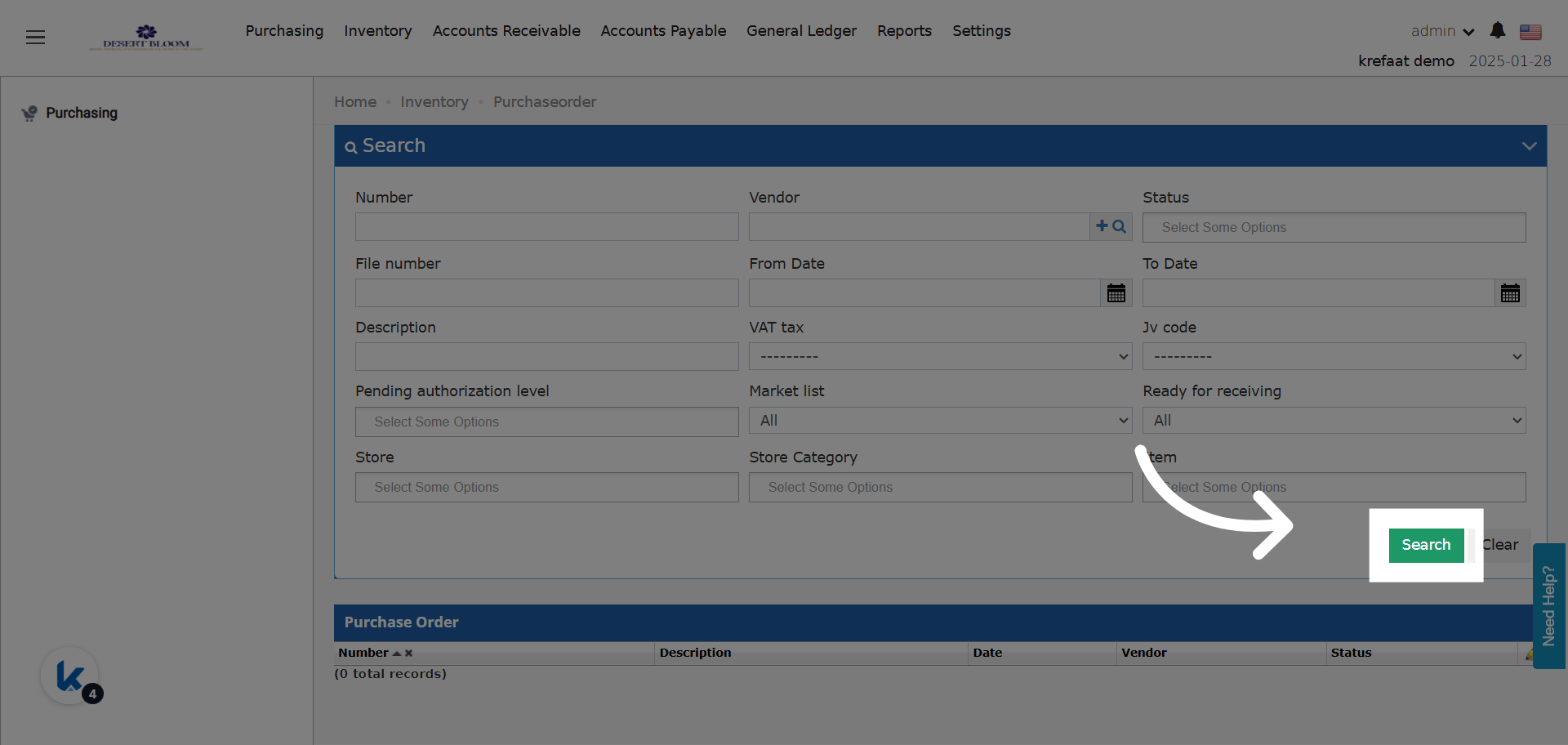
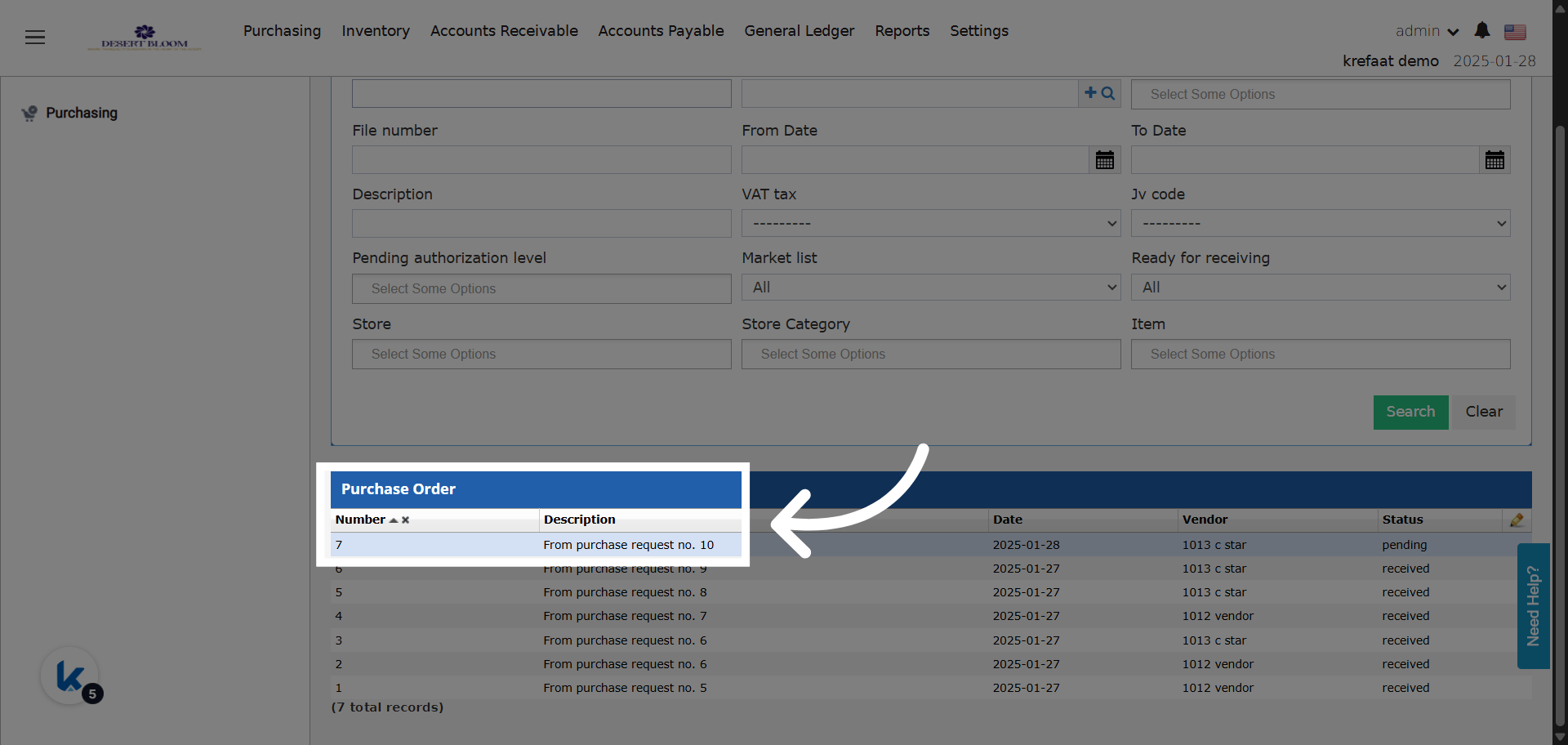
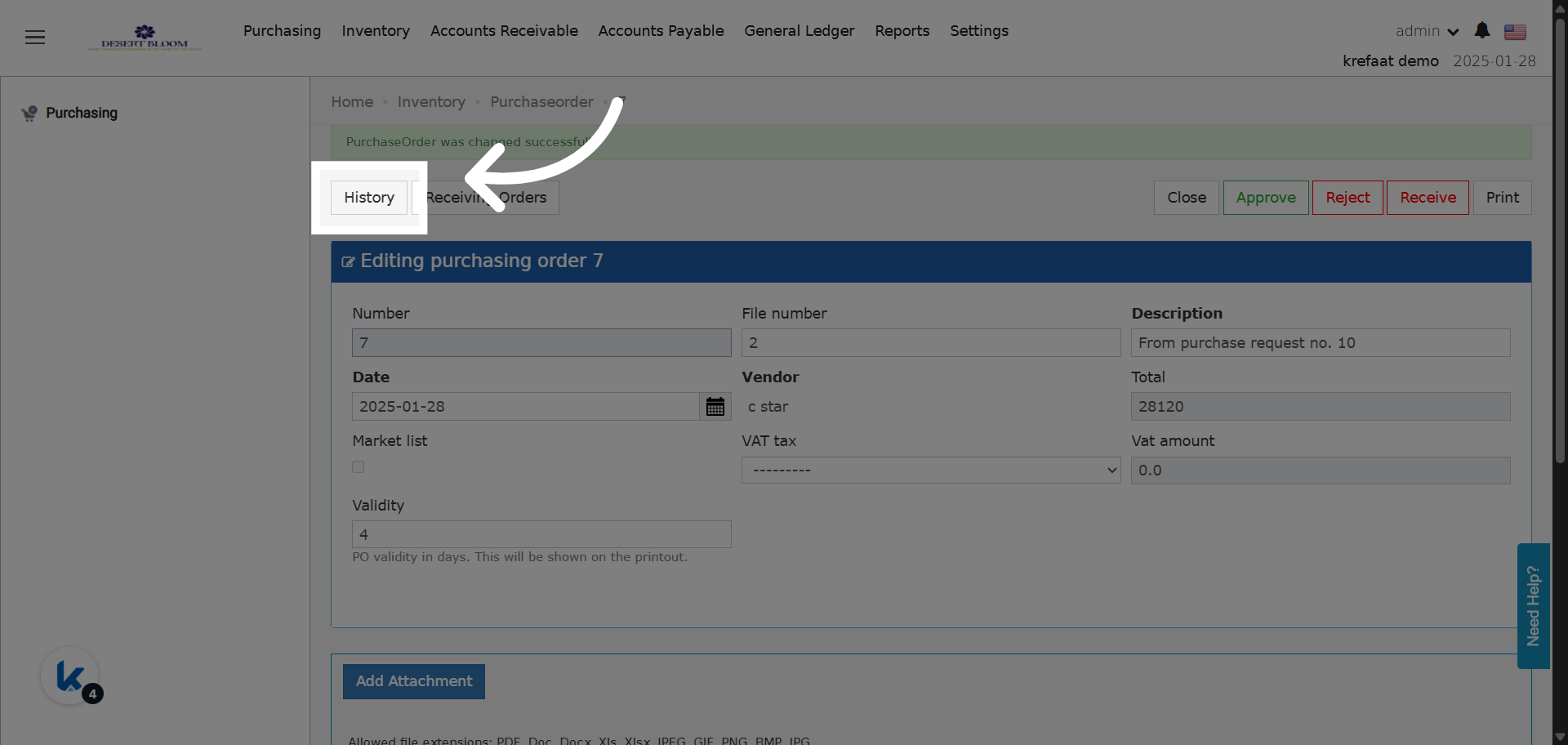
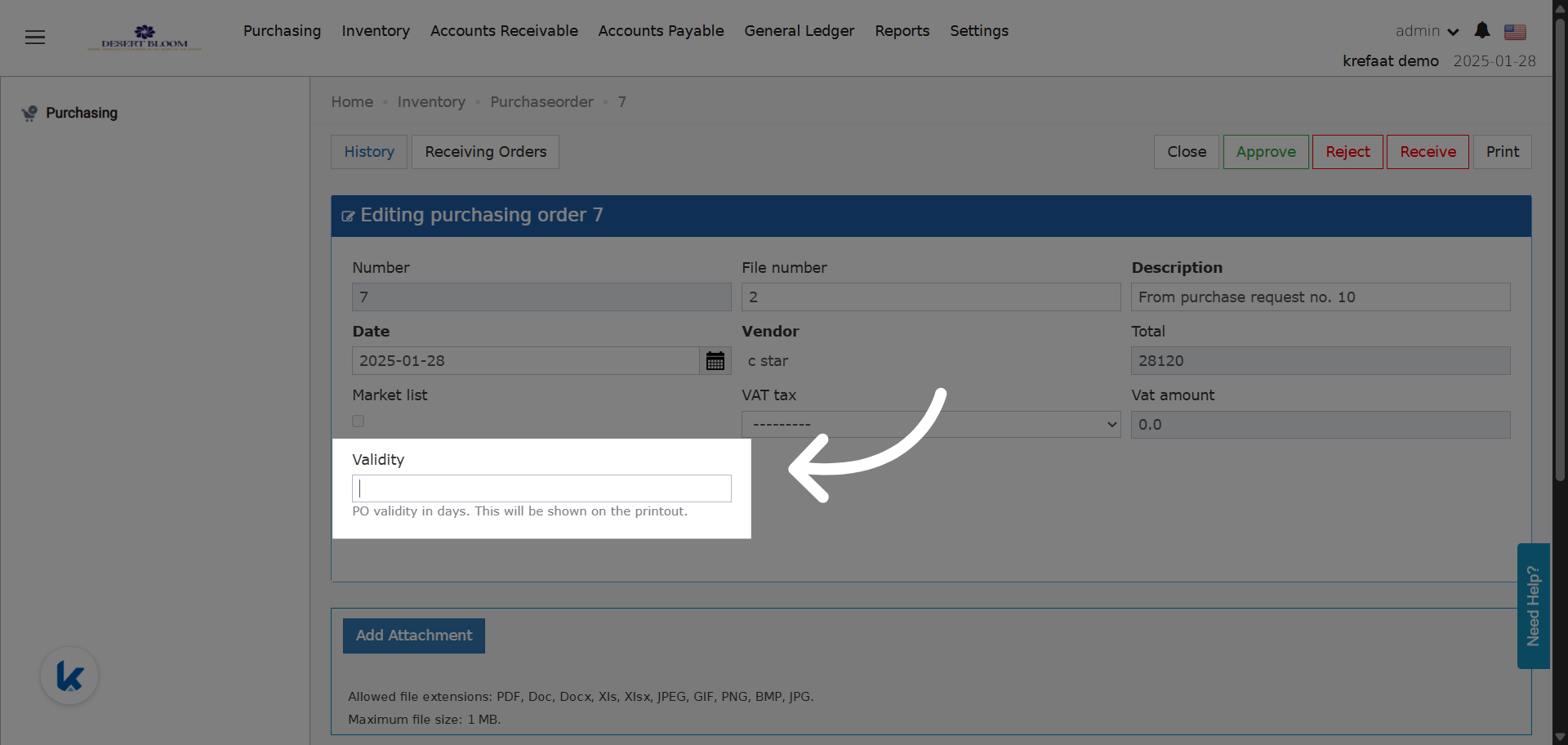
New Validity Field!
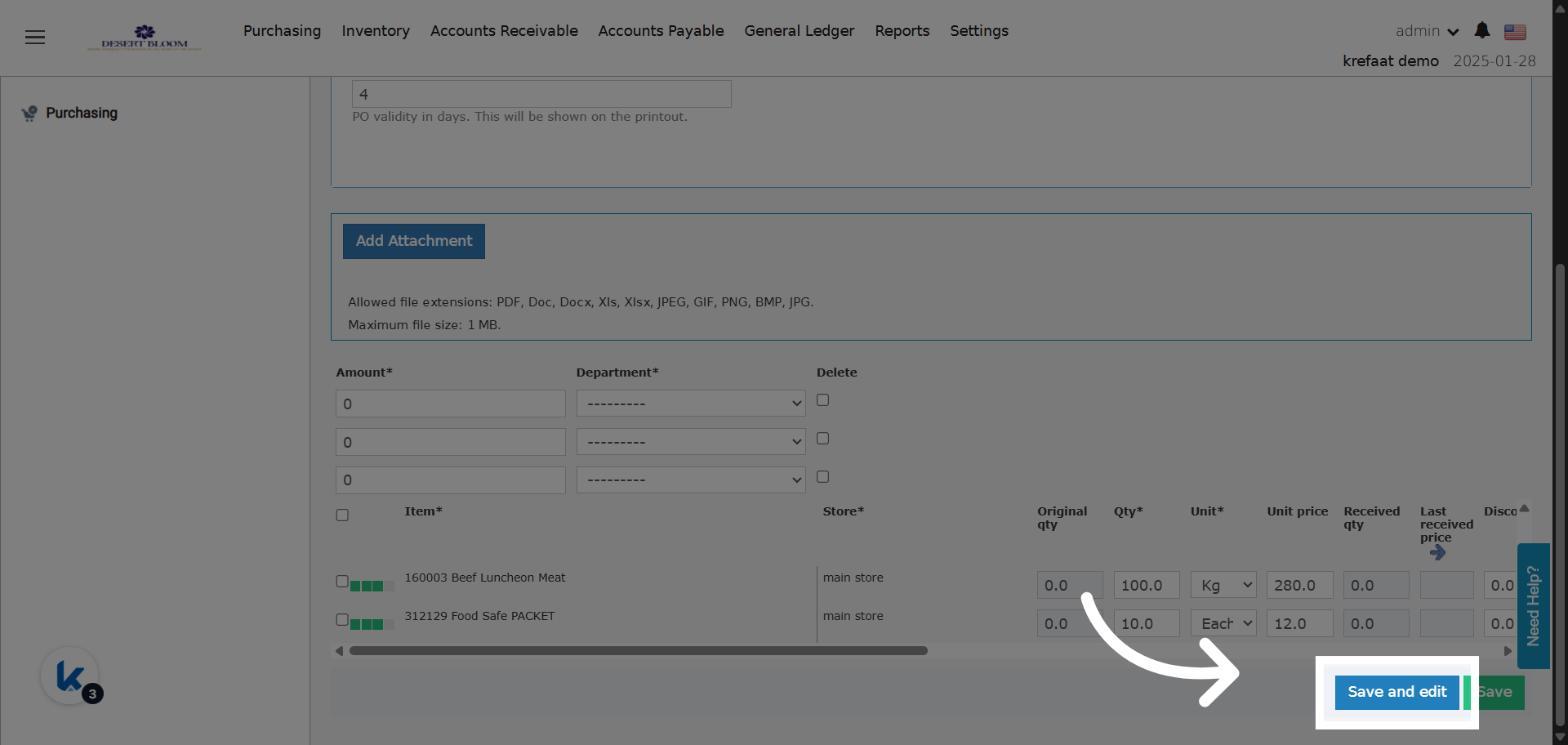
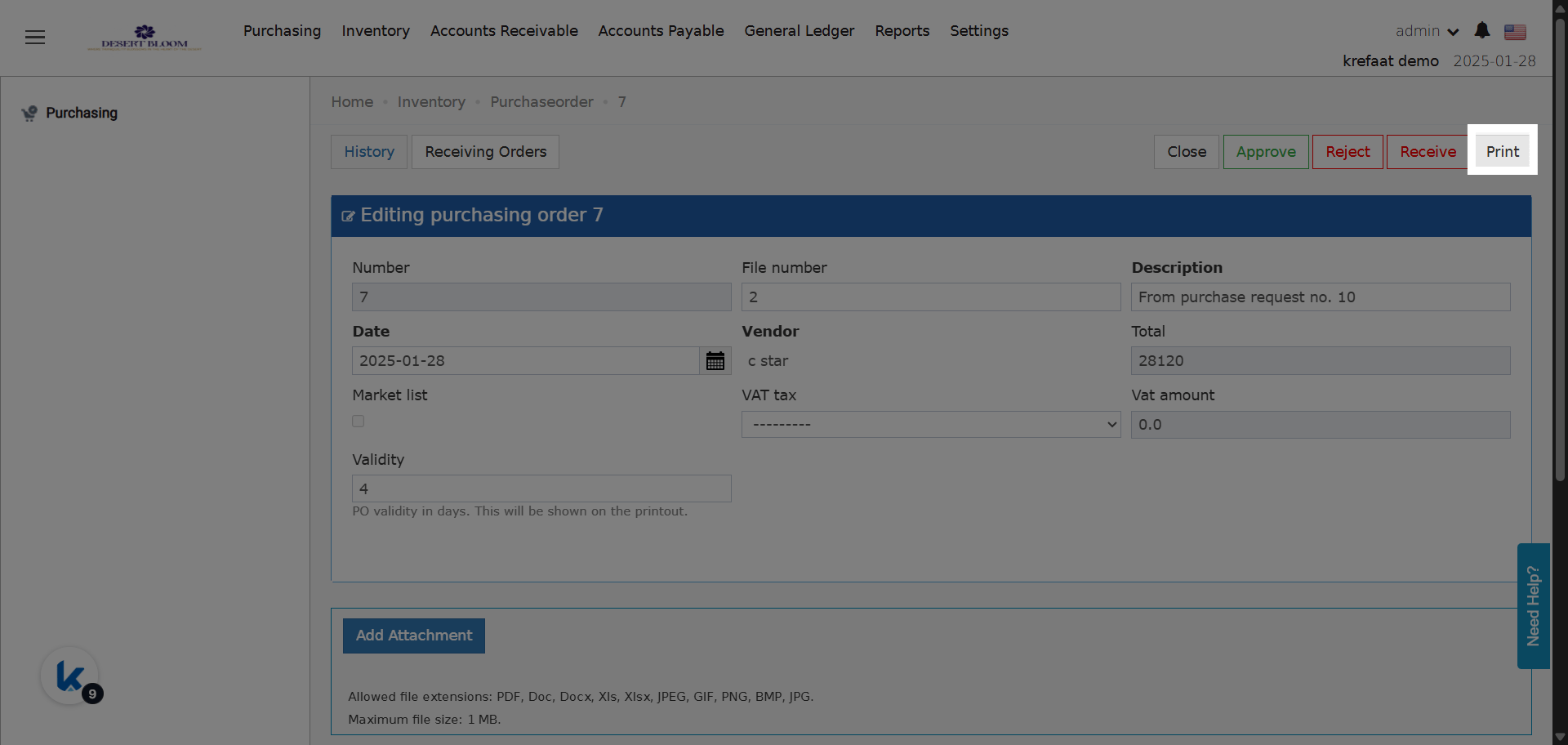
Field Behavior:- Field Name: Validity
- Type: Number field (accepts only positive integers).
-
Function:
- When a number is entered, it indicates how many days the PO is valid from the PO date.
- If left empty, no validity period is displayed or applied.
-
If Validity is entered:
-
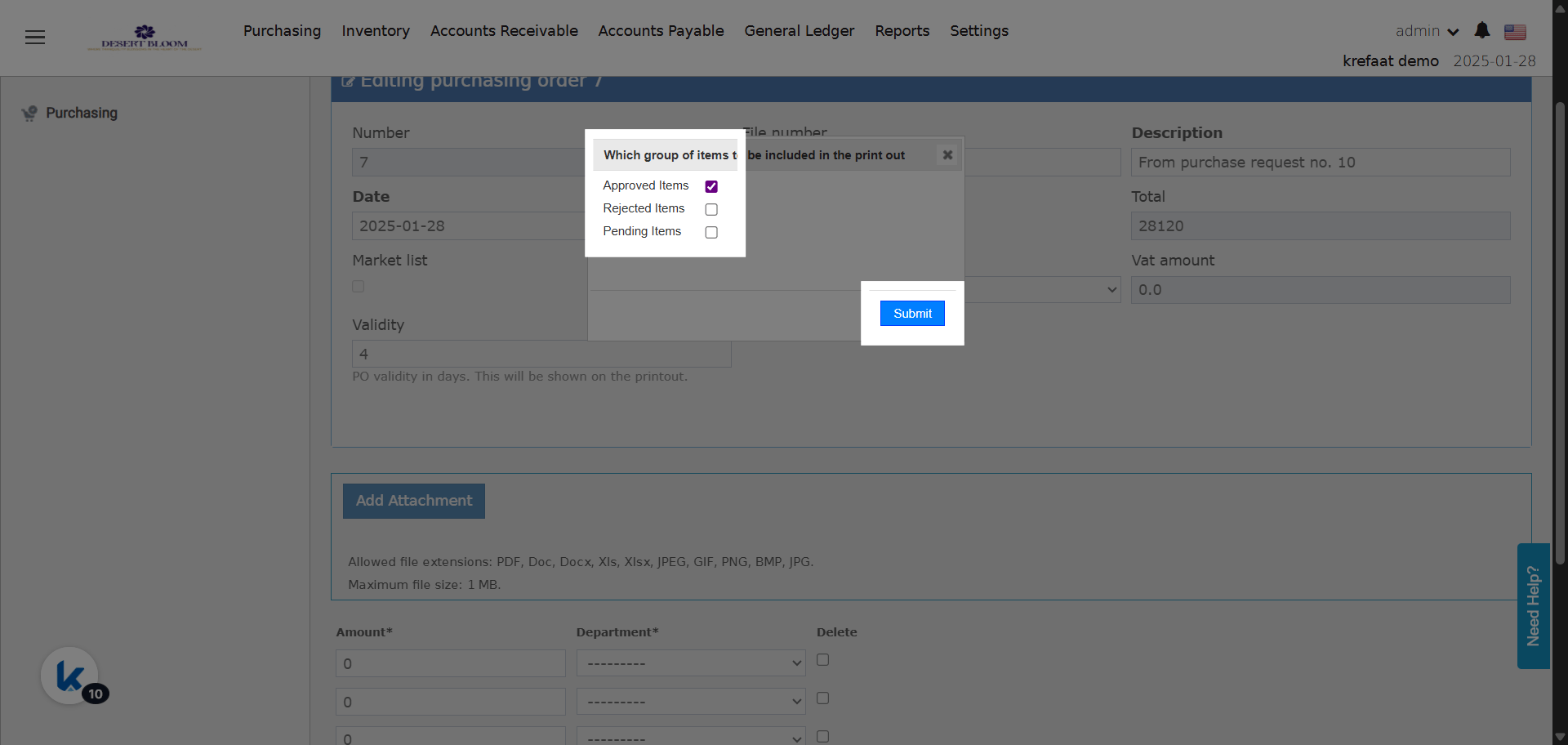
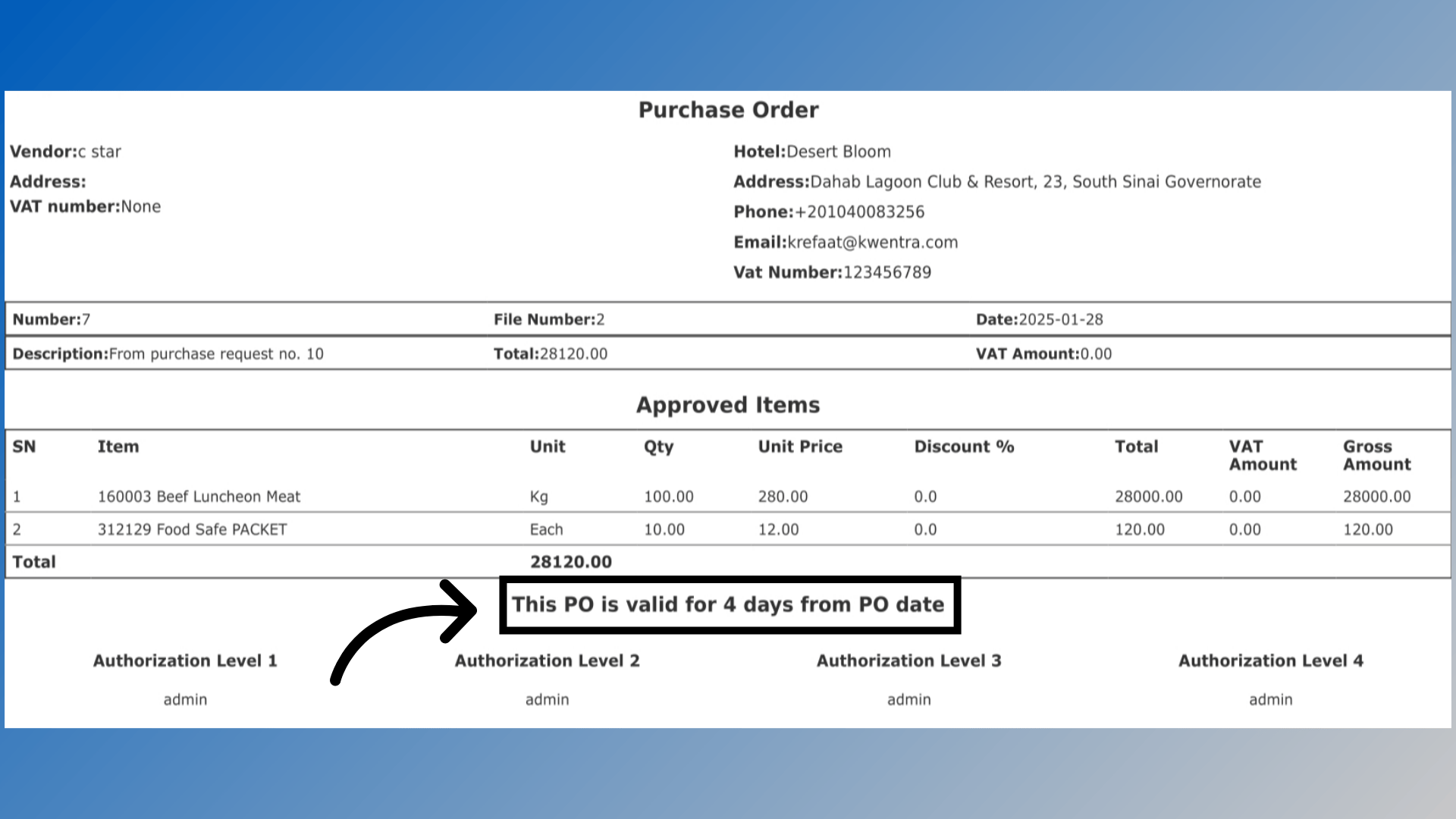
PO printout will include a new line (under the items table, before signatures):
“This PO is valid for X days from PO date.”
-
PO printout will include a new line (under the items table, before signatures):
-
If left empty:
- This line is not shown on the printout.
Audit Logging
- Any changes to the Validity field (adding, removing, or editing the number) are logged in the PO history with a timestamp and user info.