🎯 Business Value
- Reduces pressure on users: Enables preparers to progressively build purchase requests without the immediate risk of triggering approvals.
- Improves data accuracy: Ensures the PR is complete before initiating any approval workflow.
- Avoids premature actions: Prevents accidental PO creation, approvals, or rejections before the request is finalized.
- Boosts collaboration: Allows users to save drafts, review with others, and finalize later.
🧰 Use Cases
- Hotels preparing complex purchase requests with multiple line items and vendors, needing time to finalize details.
- Junior staff drafting PRs for manager review before submission.
- Department heads organizing monthly or quarterly procurement, reviewing and submitting batches at once.
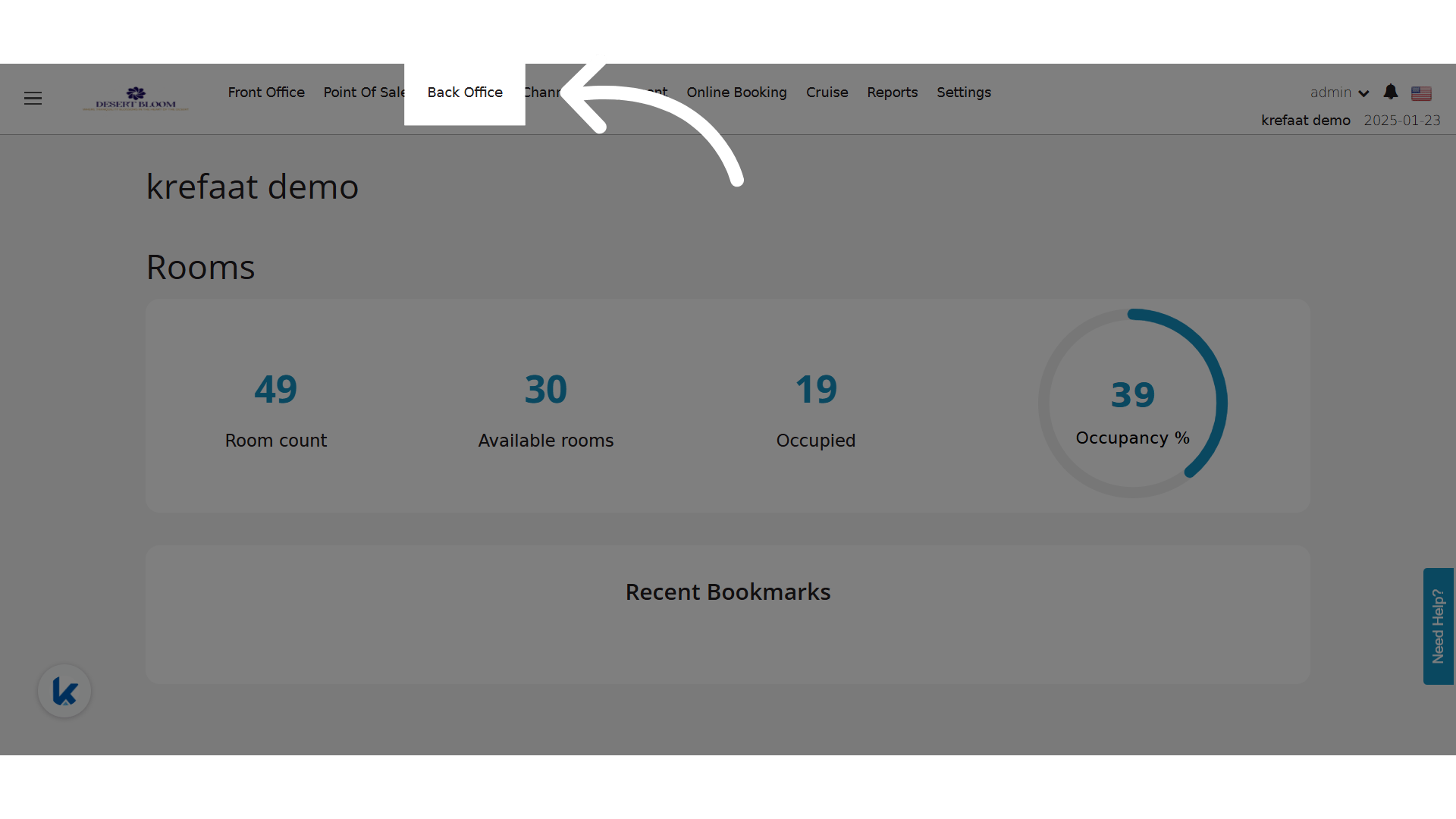
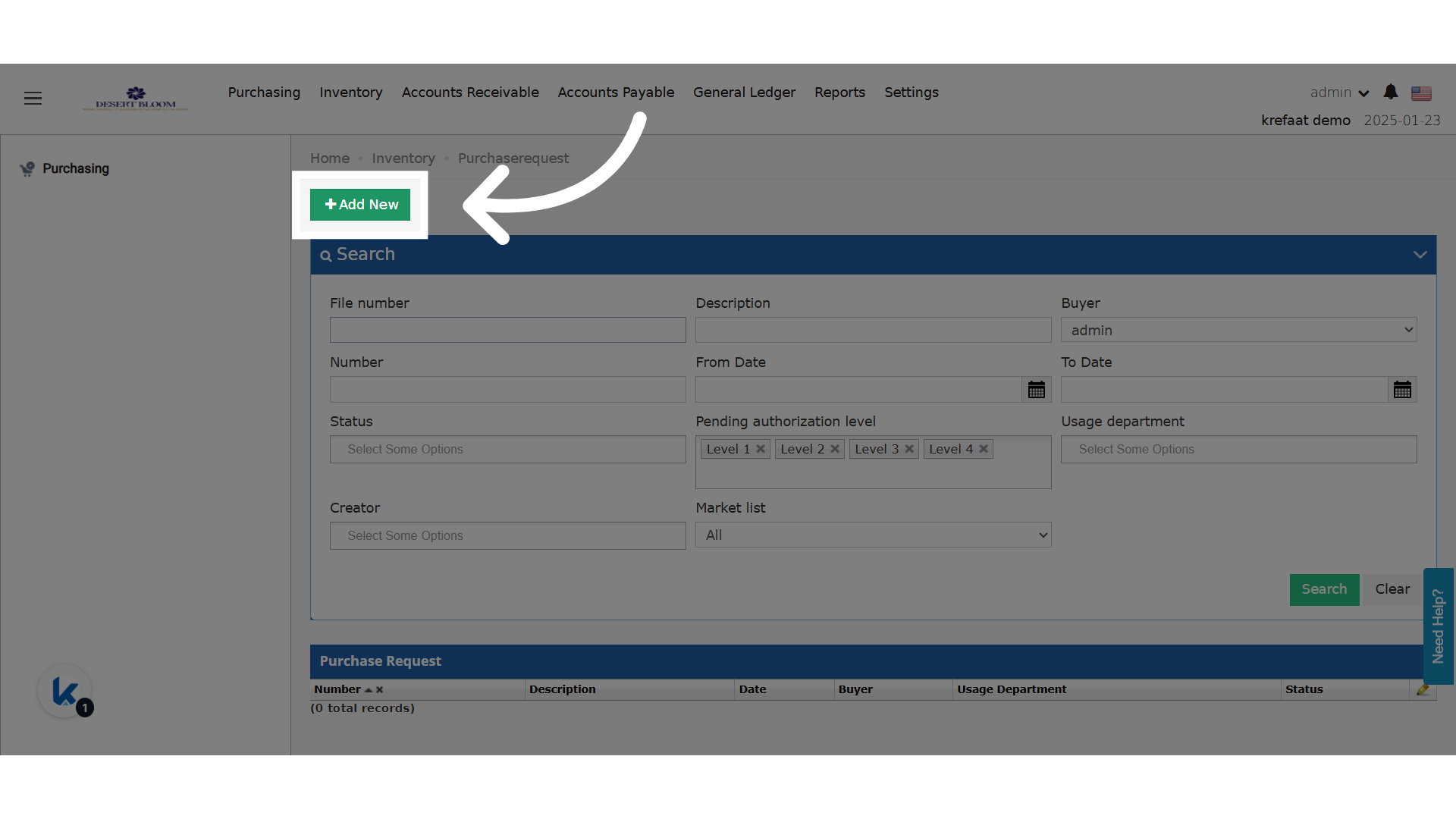
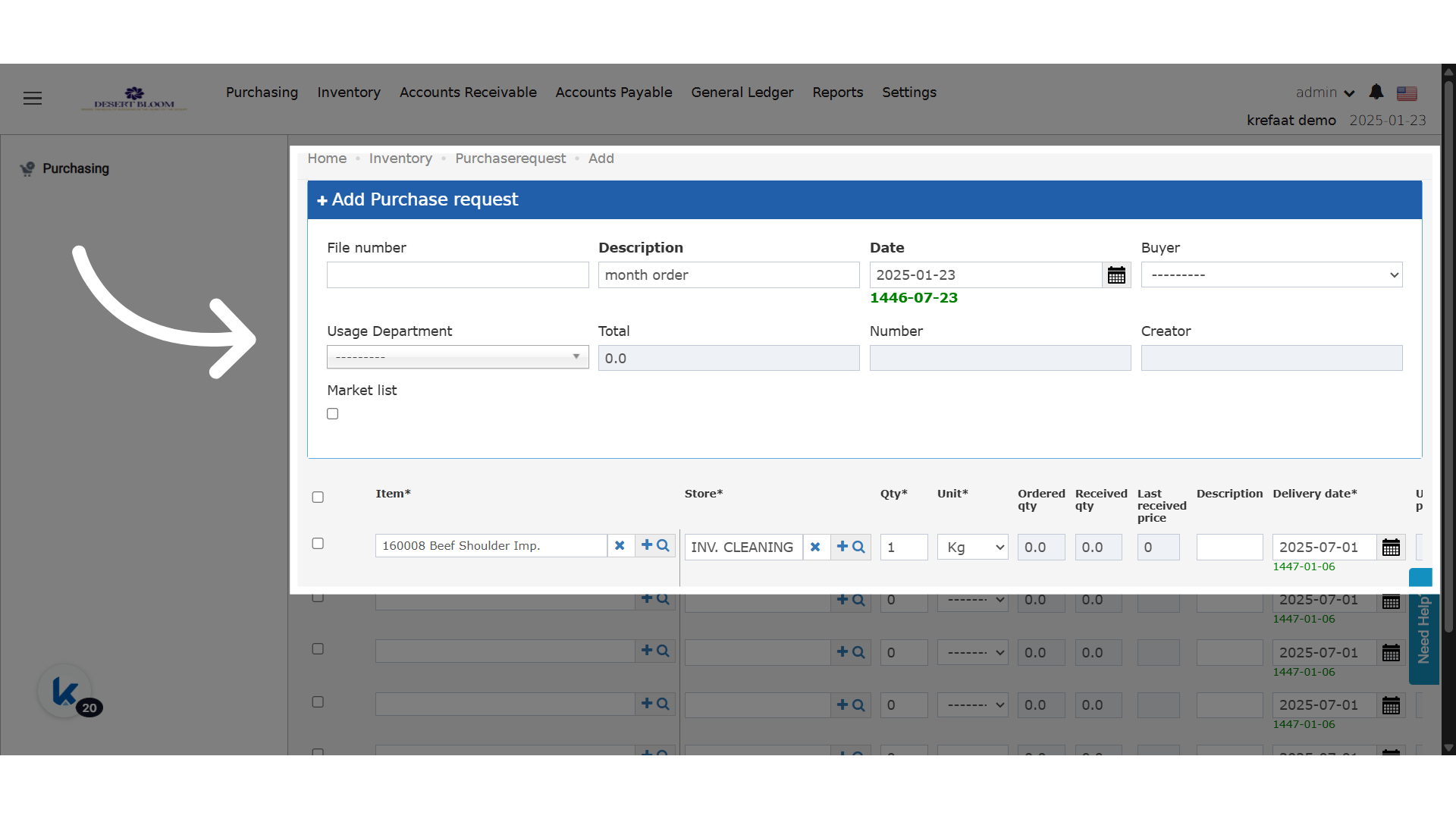
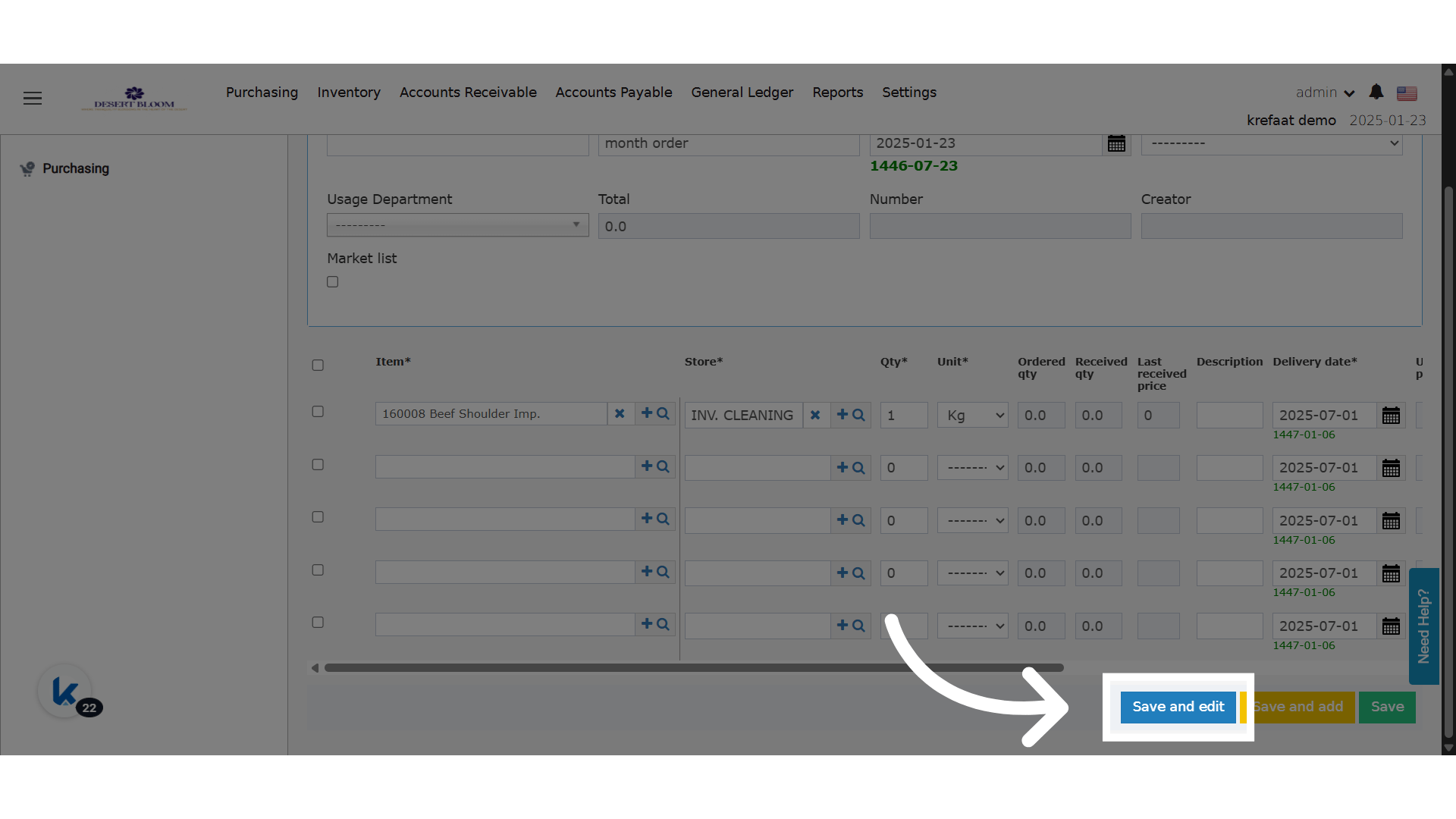
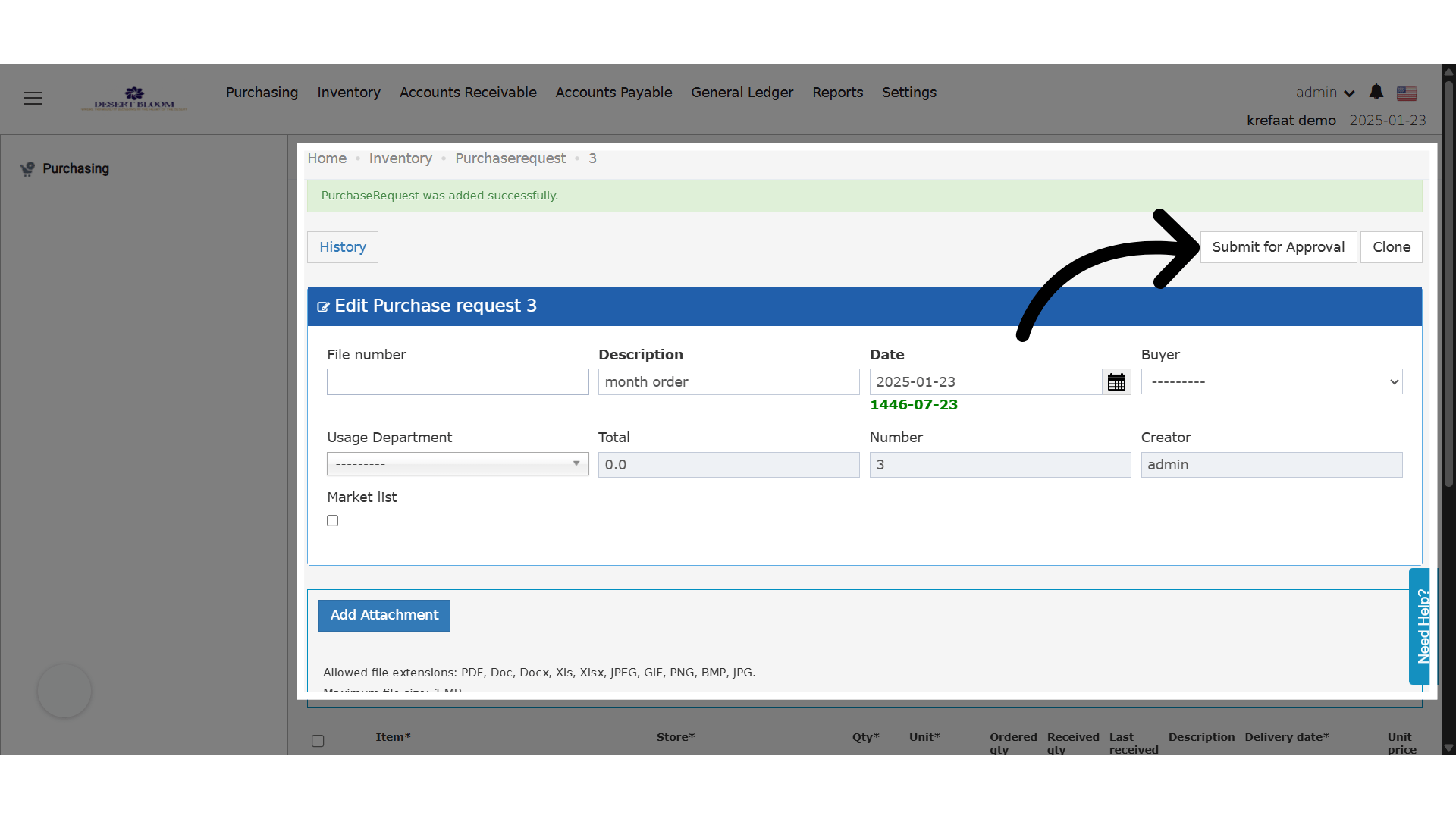
🆕 New States & Transitions
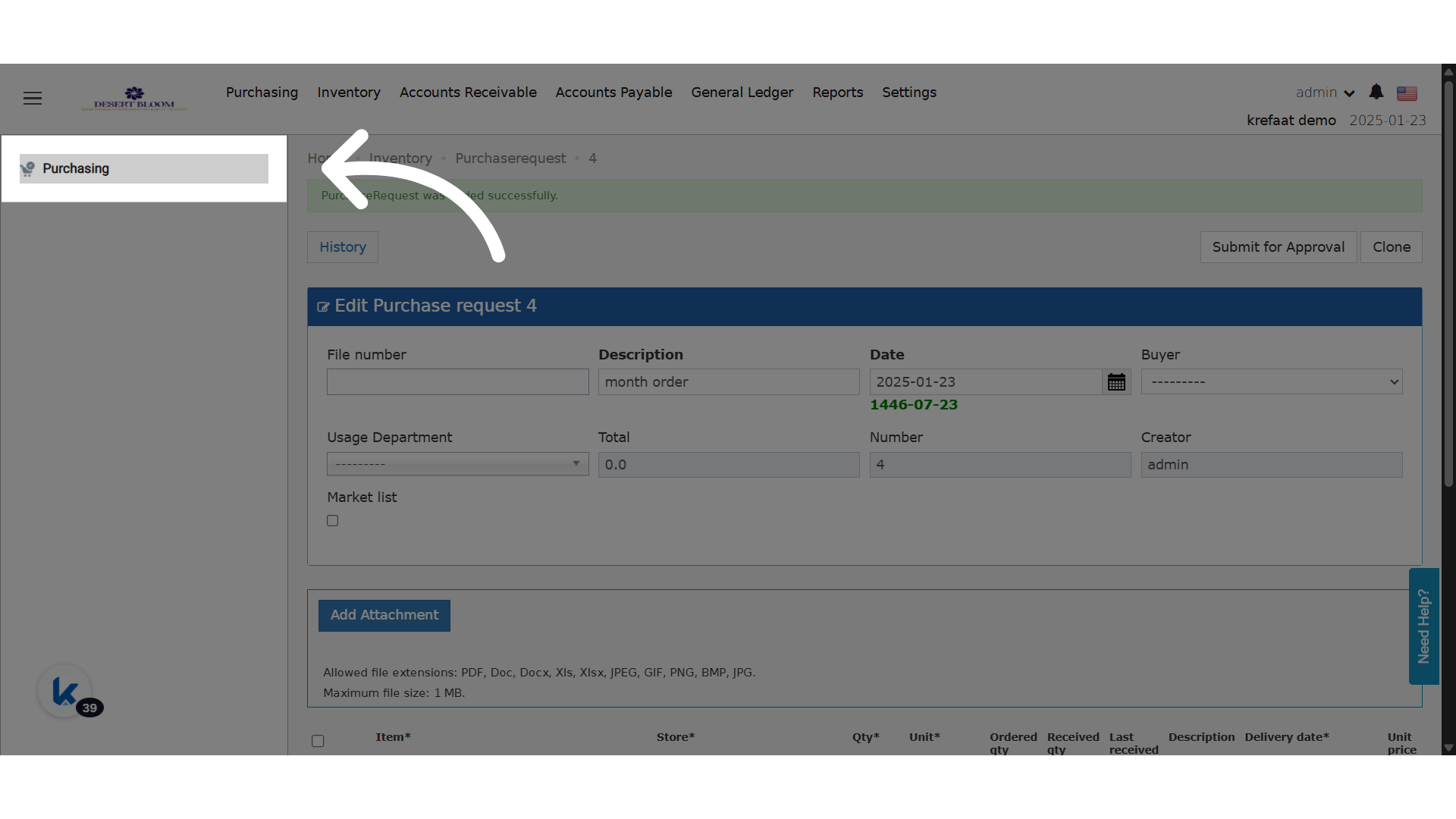
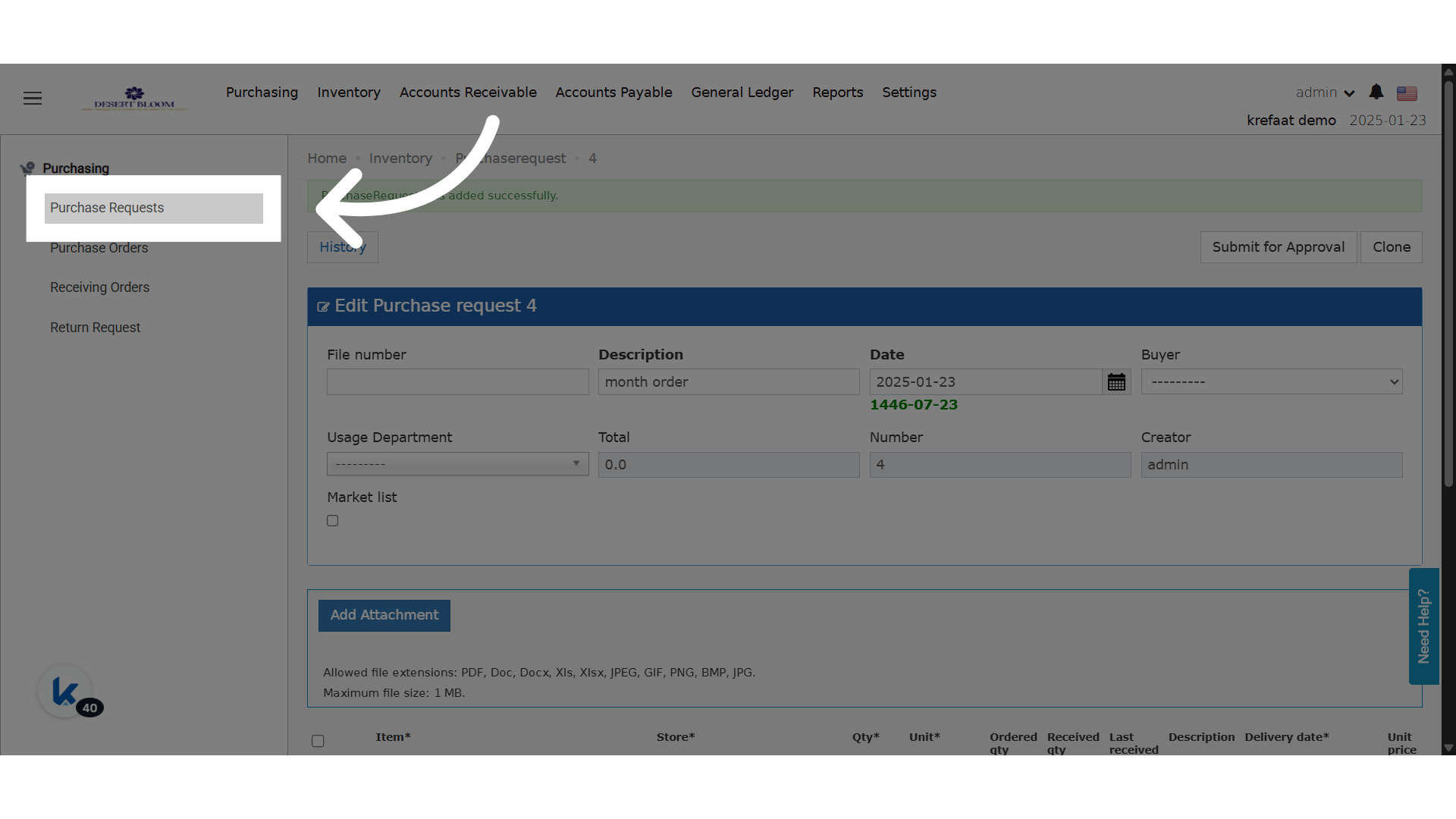
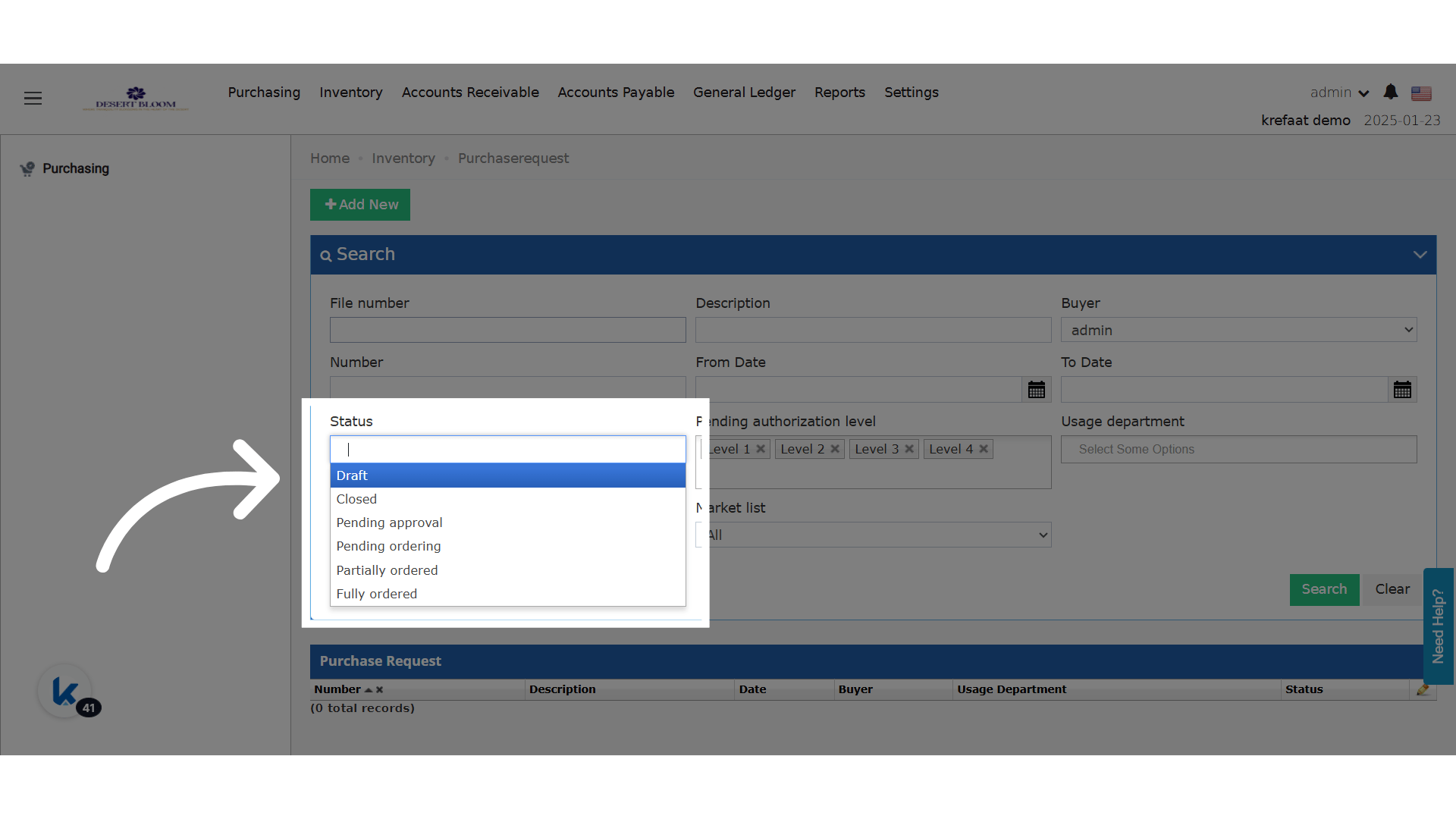
- PRs saved are now initially placed in a Draft state.
- Only “Submit for Approval” button is visible in Draft state.
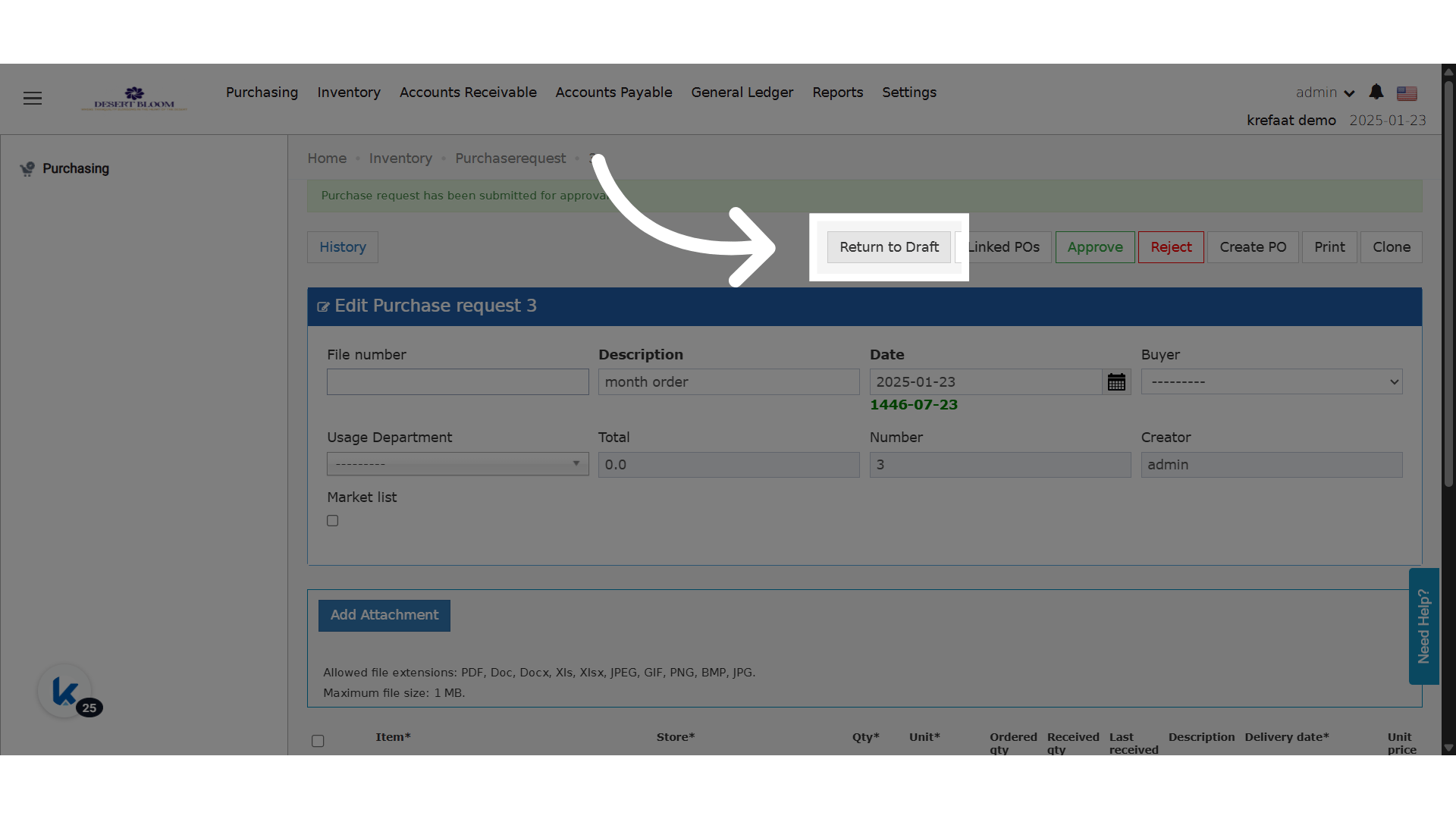
- Submitting moves the PR to Pending state and exposes standard actions (Approve, Reject, Create PO).
- A new button “Return to Draft” is available only if no actions were taken in Pending state.
🔒 Edit Restrictions
- In Pending state, only the following fields remain editable:
- Unit Price
- Discount
- Total
- Vendor
🔐 Access Control
- Only the PR creator can:
- Submit for Approval
- Return to Draft