💡Business Value
- Match supplier invoices with what is in the system.
- Check tax amounts at a glance.
- Make sure order totals match the item lines.
🧭 Use Cases
- Purchasing teams check the VAT a supplier charged, with no outside tools.
- Finance teams check that the order VAT equals the sum of the line VATs.
- Auditors get a clear breakdown of gross amounts.
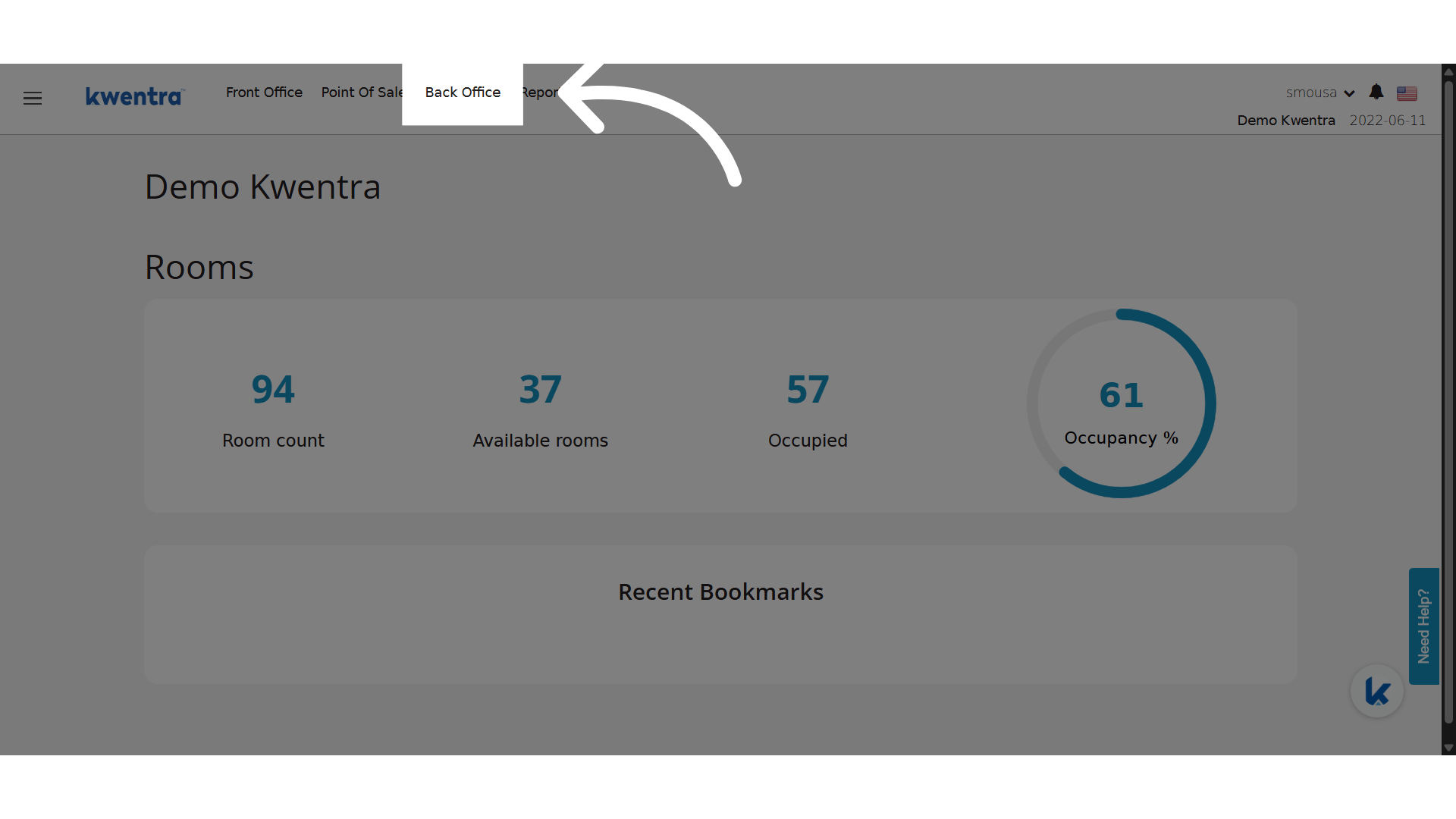
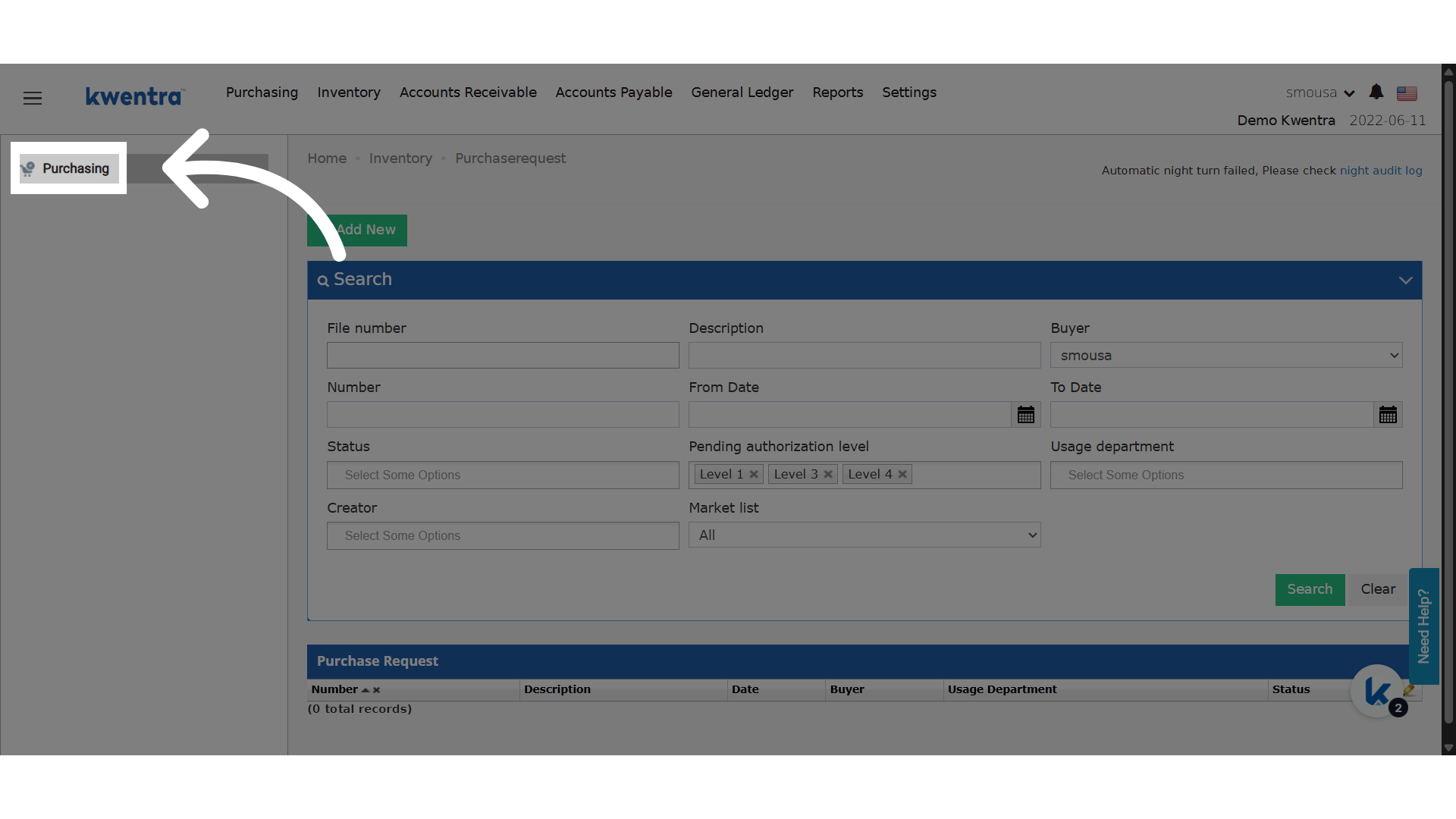
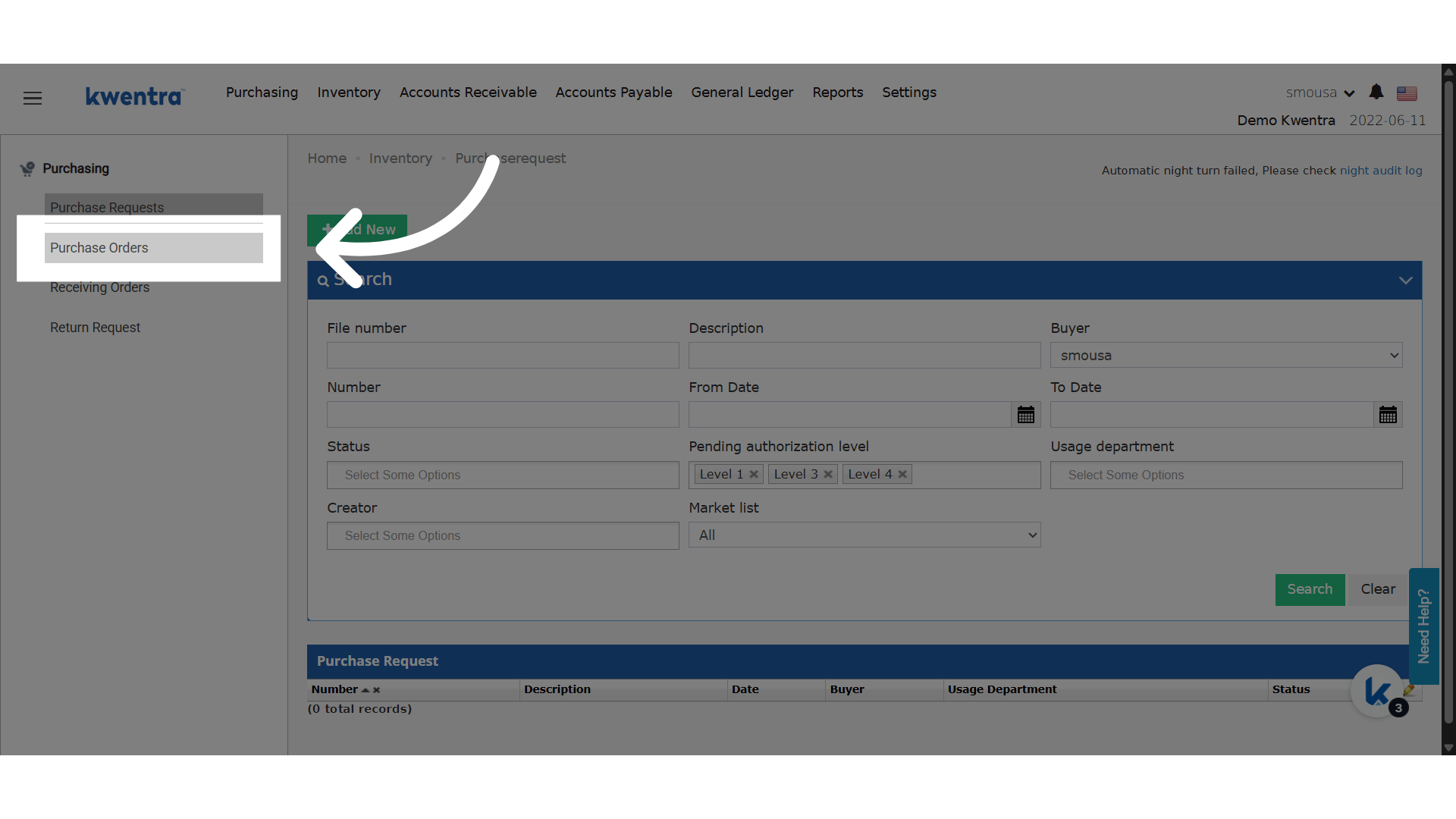
- Back Office → Purchasing → Purchase Order
- Back Office → Purchasing → Receiving Order
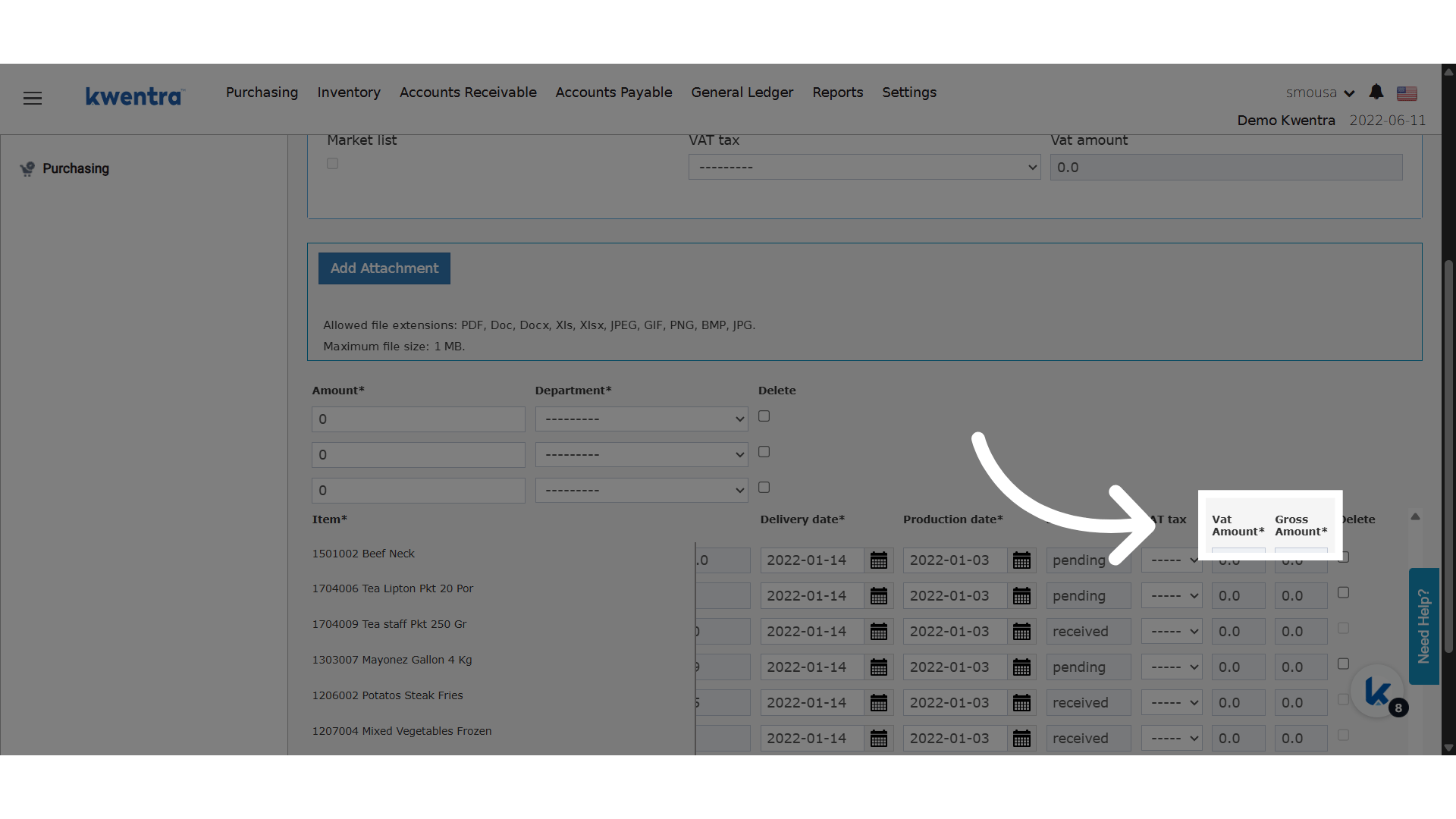
🆕 New Columns on Each Item Line:
- VAT Amount
- Shows the VAT for each item.
- Read-only field.
- Worked out from the VAT rate and the item total.
- All VAT Amounts add up to the order’s “VAT Amount”.
- Gross Amount
- Equals Item Total Price + VAT Amount.
- Read-only field.
- All Gross Amounts add up to the order’s “Total Store Amount”.