

Auto-Lock POS Terminals
Set a terminal to lock itself after each order is submitted to the kitchen, or deactivate it when it is not in use.
A normal flow of the users of Point of Sale Cashiering is to lock their terminal after submitting the order to the kitchen using their own cashiering PIN.
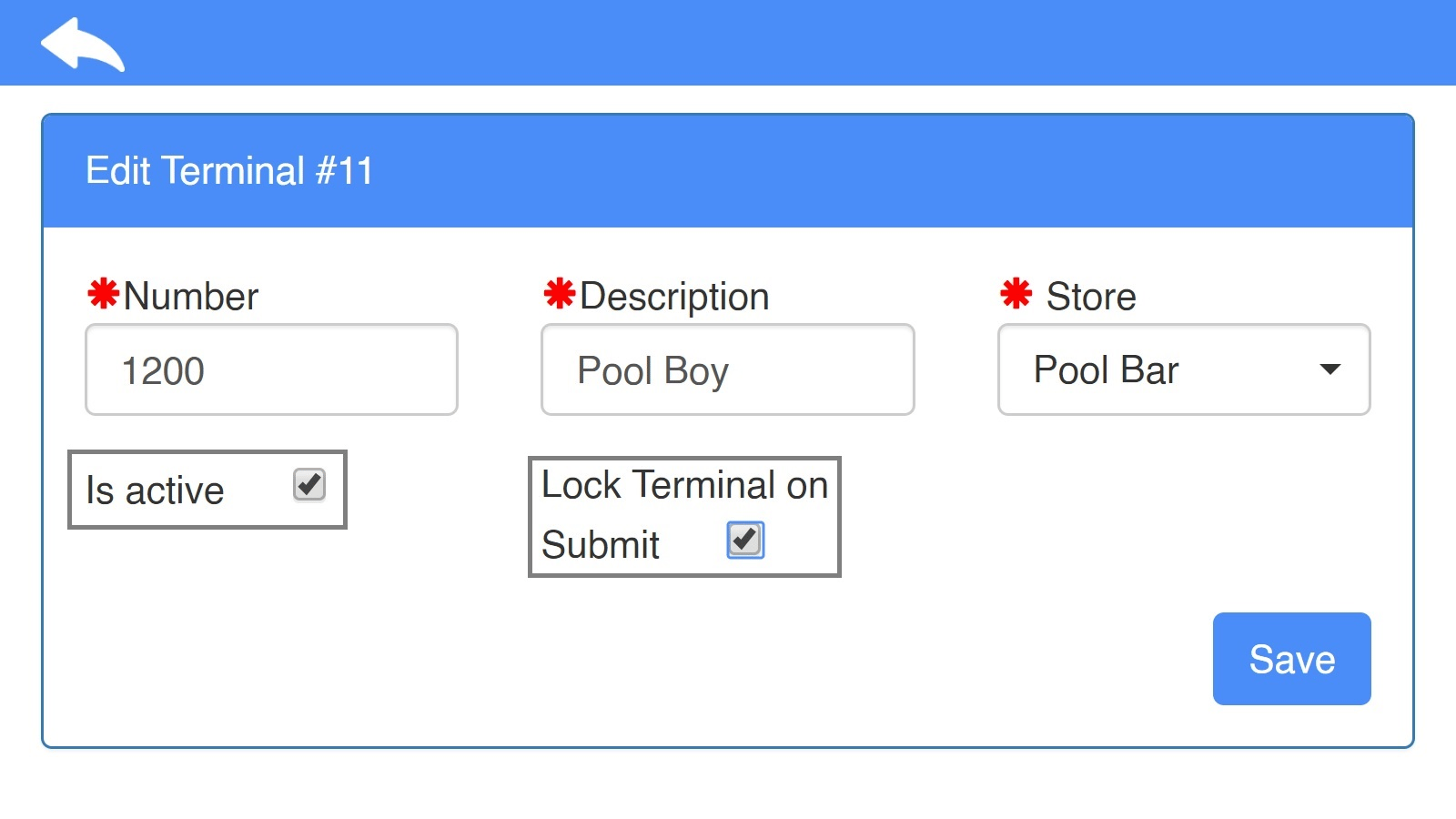
Now you can easily mark the Terminal to lock after submit as below.
You can also disable the terminal if there’s no need to use it.
Point of Sale → Settings → Terminal → Select Terminal