

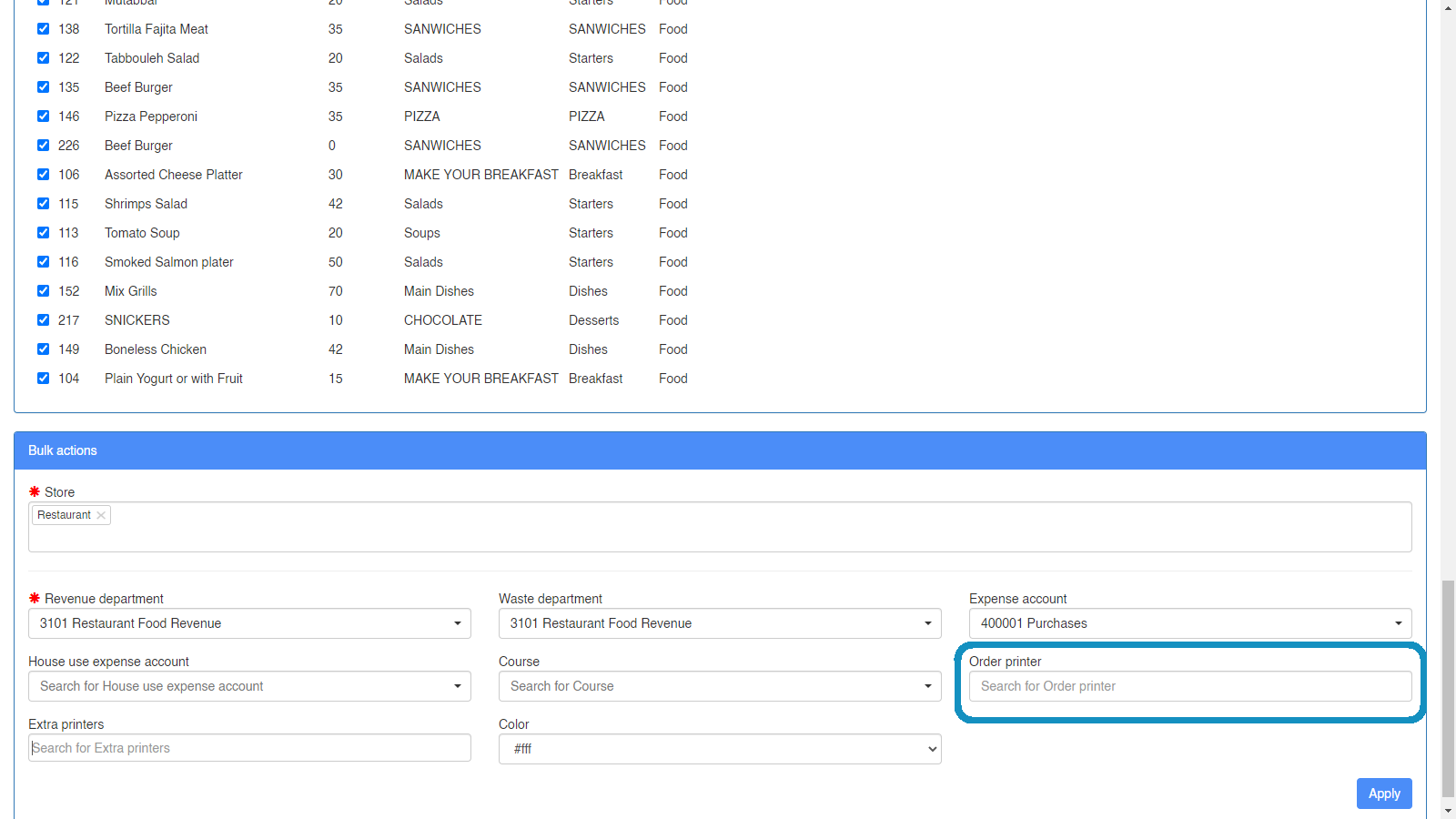
Send Kitchen Orders to multiple POS Printers
Route each menu item to the kitchen, bar or lounge that actually prepares it, so one order can print at several stations.
When sending a kitchen order that would be prepared at 2 or 3 different ends at your restaurant, you would need every kitchen/bar/lounge responsible for this order to be notified via printer/display screen.
For example a “Chef kitchen printer” and a “Cold Kitchen Printer” would both need to see the salads and cold desserts, but the hot food menu items would only be printed on the “Chef kitchen printer” only.
Settings → Menu Items → Search for menu → select items