

- Apply a discount on slow moving items in the menu.
- Apply staff discounts on items from the menu.
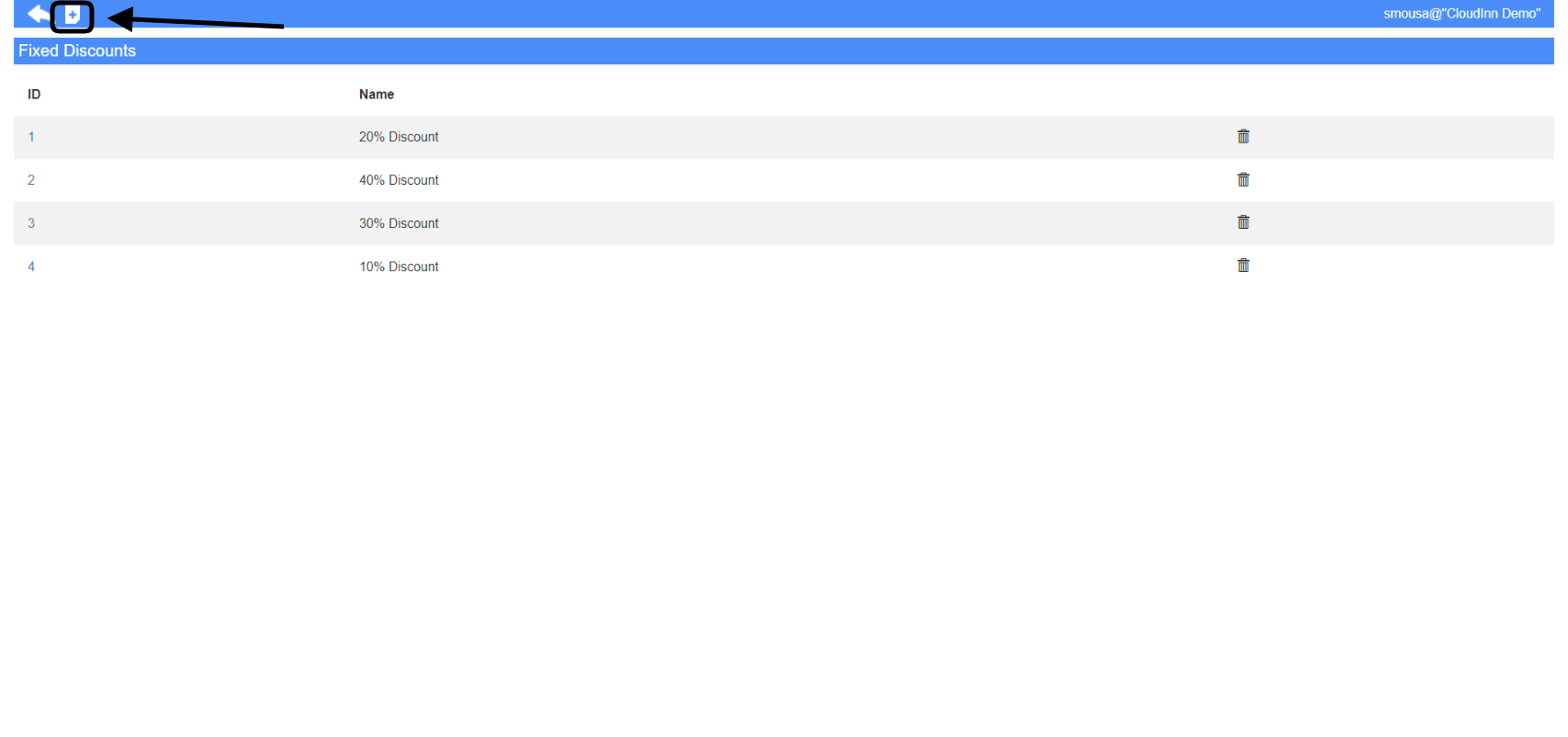
- Select the Item Group you would like to apply the discount on.
- Highlight the items you desire the discount to apply on and click Add to Selection to add them to the final form.
- Provide a name for your discount setting.
- Choose the type of discount you want whether a percentage or amount based discount.
- Choose which cashiers have the authority to apply this discount.
- Choose the outlet you wish for this discount to appear.
- Your desired items are already added, just click Save for the settings to reflect.