How Front Office cashiers close their cashier at the end of a shift, reconcile cash and Visa balances, and print the Cashier Transaction Summary report.
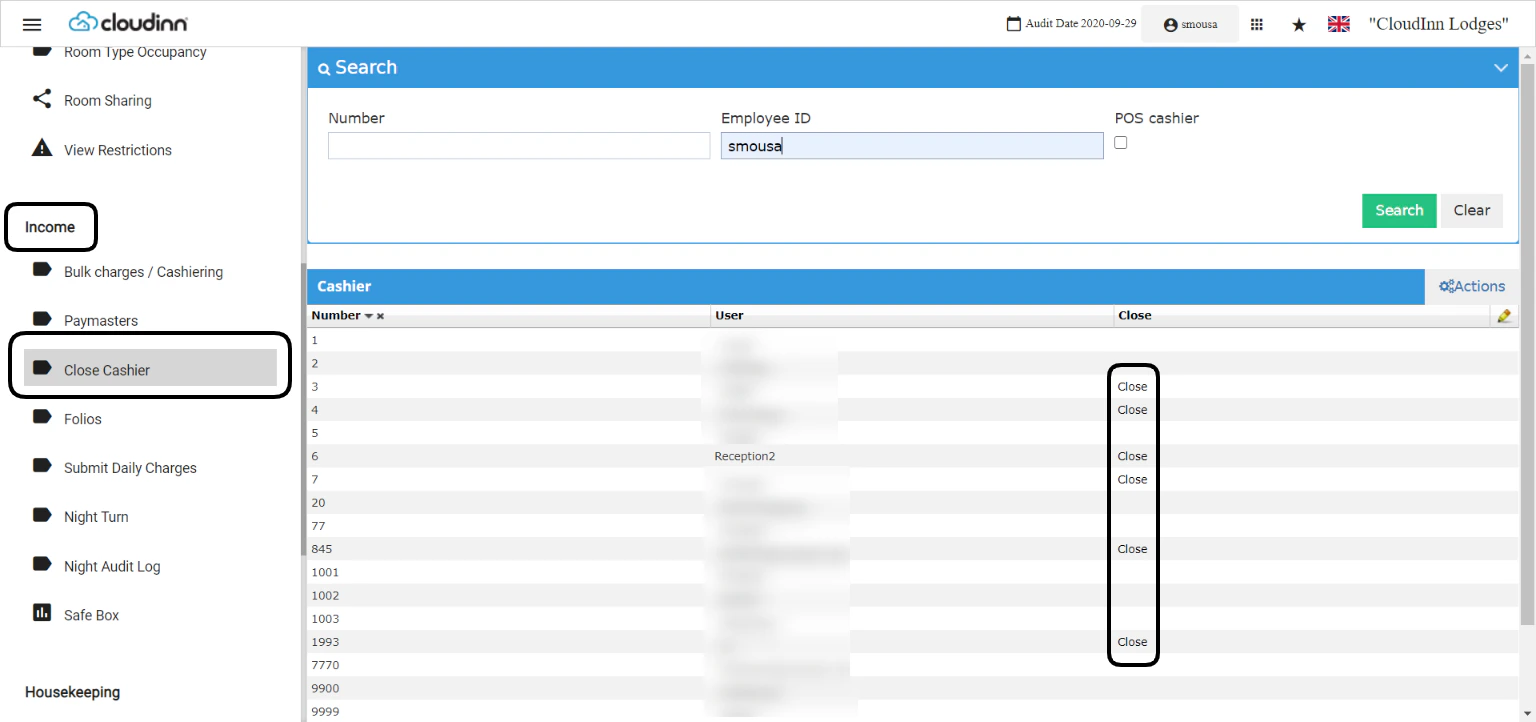
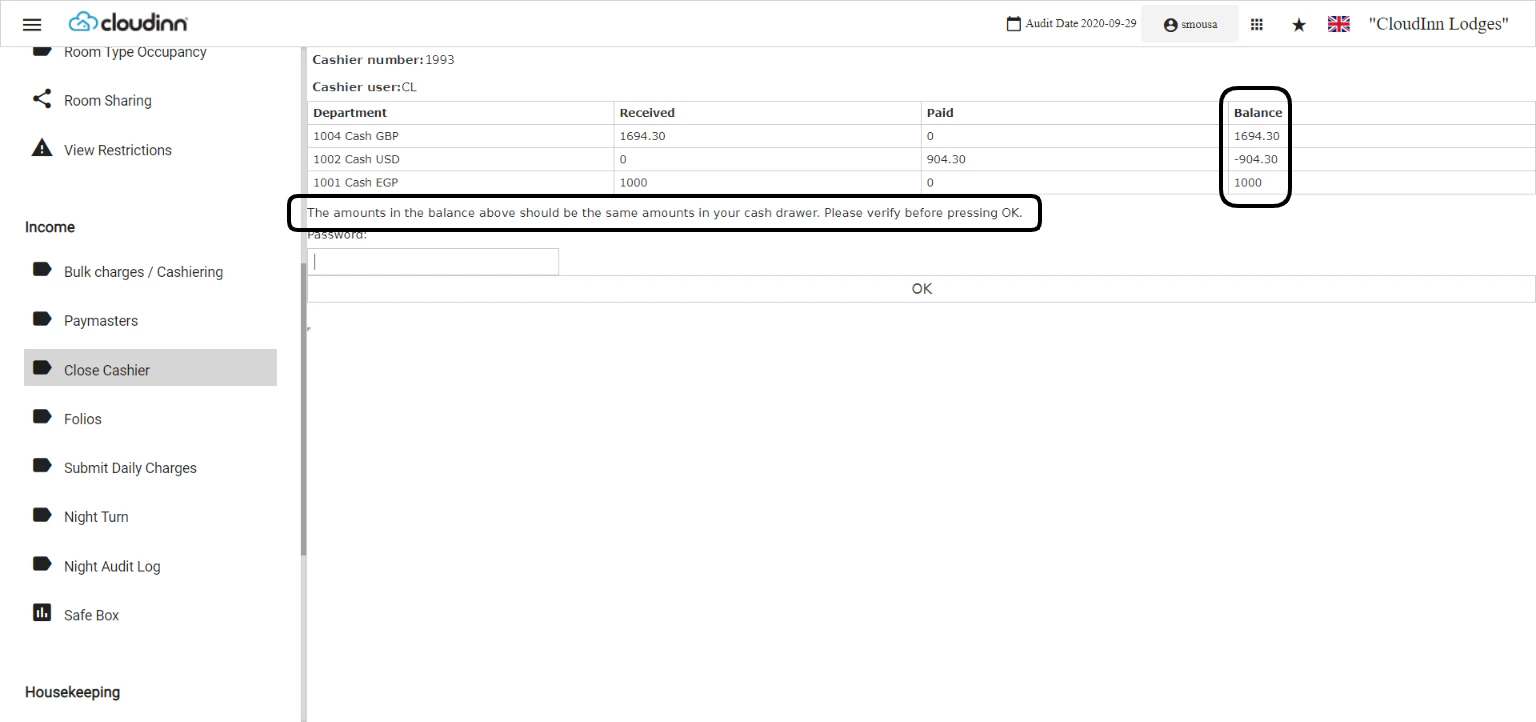
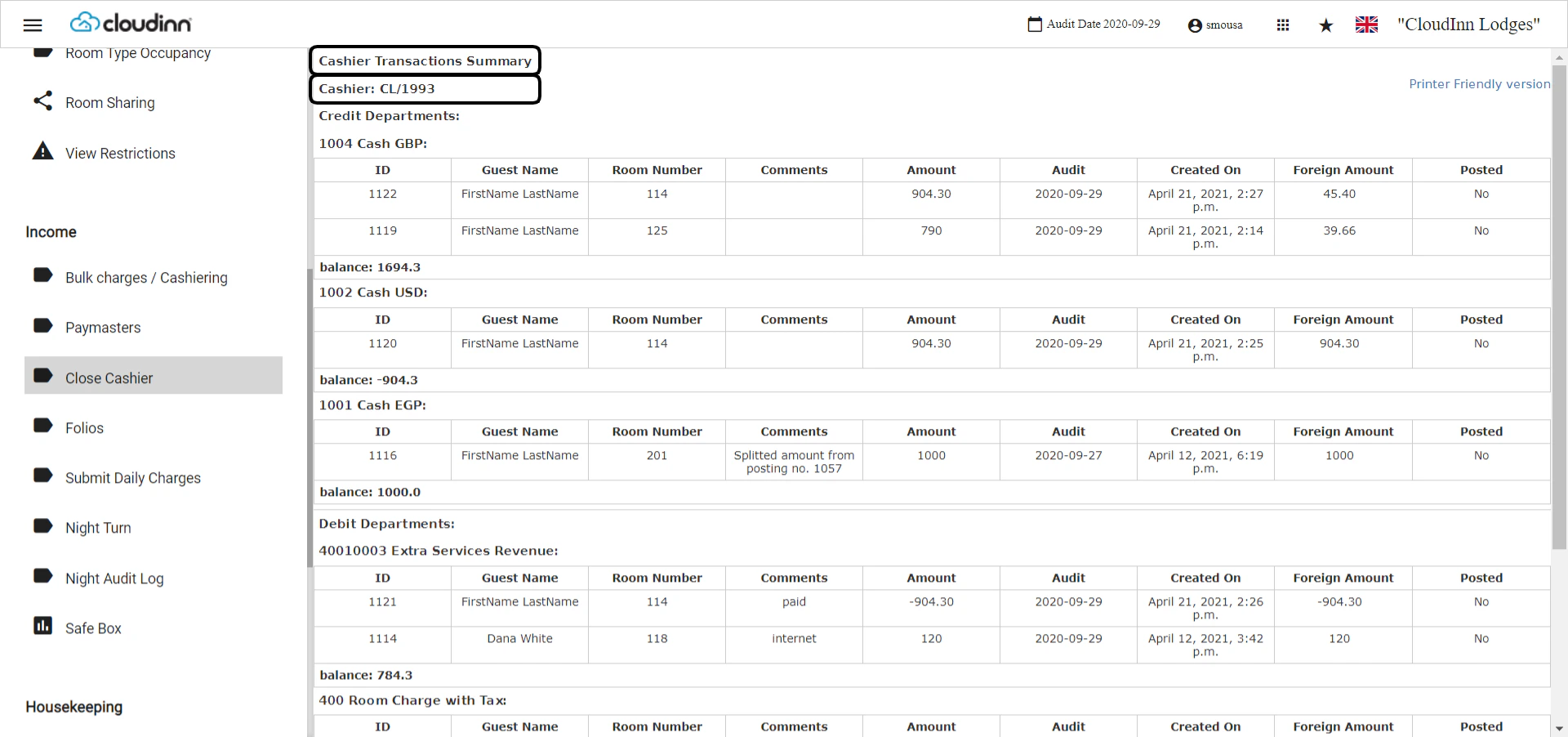
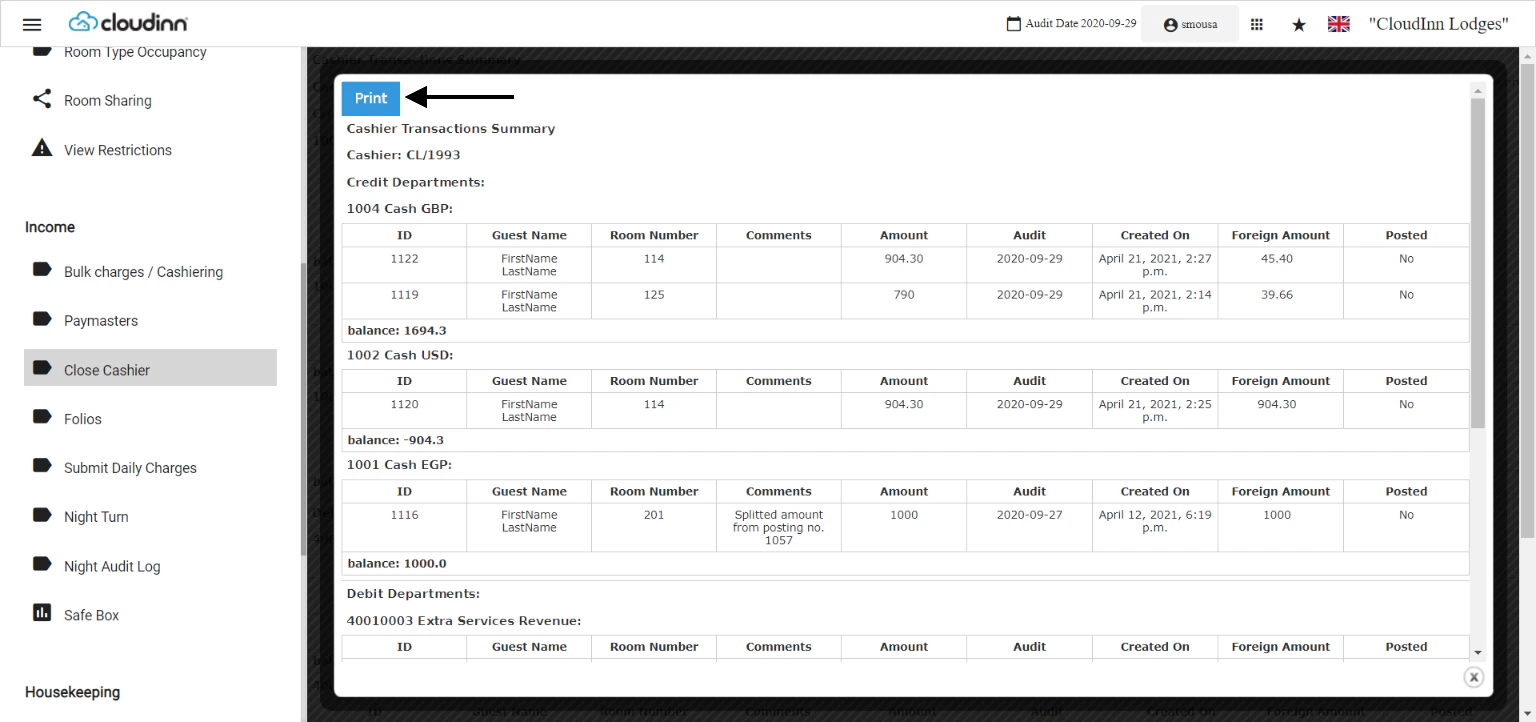
Your Front Office Cashiers and Receptionists should end their shift on the system and deliver the total cash received on that day to your finance team.It is very important to Close Cashier on a daily basis to keep track of the charges they make and the money they receive.Front Office → Income → Close CashierOnly opened cashiers would have the option to Close.When you click on close you would get the below screen.The amounts in the balance column should be exactly matching the amounts of cash in the cashier’s cash drawer.For Visa payments, the balance of received payments on Visa Payment Departments should match the total amount on the visa slips produced from your visa machine.Insert your password and click OK.The Cashier Transaction Summary report shows each and every transaction done by your cashier on that day in order to track the transactions and audit accordingly.Your cashiers should click on Printer friendly version to print a copy of this report and hand it over with the cash and visa slips.Update: 20th of June, 2022When performing the end of day process of closing your cashier, the system will now show you the amounts received in its correct currency and its equivalent to the system’s base currency.