

Business Value
- Shows room charges, extras and payments in separate columns.
- Shows what each guest still owes, or how much they paid in advance.
- Lists deposits paid before arrival in their own section.
- Helps you check the front office totals against the accounting reports.
Use Cases
- A night auditor runs the report and checks every open balance before closing the day.
- A front office manager filters Expected departures to collect balances before check-out.
- An accountant compares the report totals with the Trial Balance and Balance Sheet.
How It Works
Running the Report
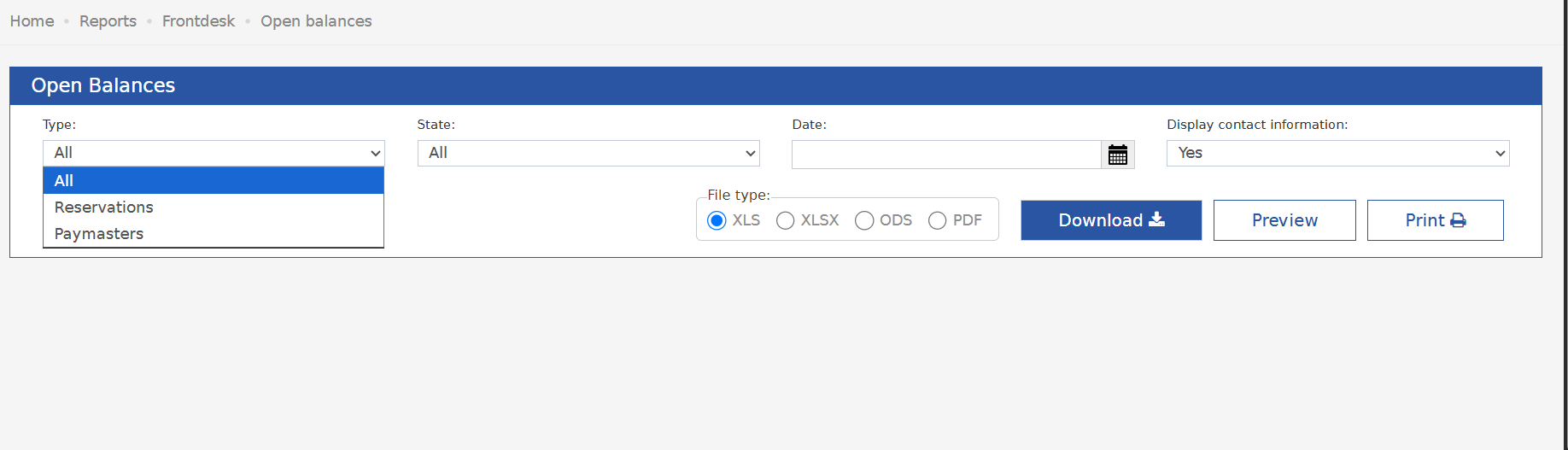
- Type: choose All, Reservations or Paymasters.
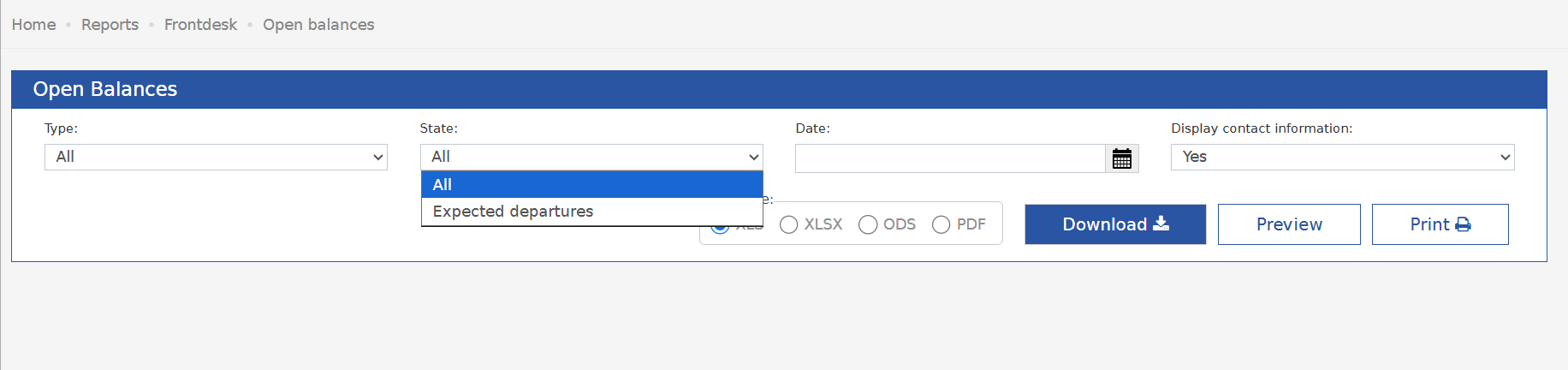
- State: choose All or Expected departures.
- Date: pick the date you want the balances for.
- Display contact information: Yes (the default) adds the guest’s Email, Address and Mobile.
- File type: XLS (the default), XLSX, ODS or PDF.
- Click Preview, Download or Print.
Report Sections
- Guest Ledger: open balances of in-house guests and open paymasters.
- Deposit Ledger: payments made in advance, before arrival.
Report Columns
Update: October 11, 2026
Cancelled postings no longer show in the Room Charge, Extras and Payment columns.What Changed
Before, a cancelled posting stayed in the report forever. So did the reversal that cancelled it.- A cancelled payment kept adding to the Payment column.
- Its reversal was counted as Extras.
- A cancelled charge did the same, the other way round.
- The amounts grew with every cancel-and-repost cycle.
The Report Date Decides
A pair is hidden only when the posting and its cancellation fall on or before the report date.- A payment cancelled after the report date was still live on that date.
- That payment keeps showing in the Payment column for that date.
Example
A paymaster with real room charges of 32,570.01 and a Visa payment of 40,120.08. The hotel also made two test payments and cancelled them the same day: 107.72 and 108.72.
The 216.44 was the two reversals. This paymaster has no extras at all. Staff read that figure as an extra amount owed.