This report helps hotels:
- Review total occupancy and revenue for a specific period
- Accurately track gross and net revenue, including transferred postings
- Understand how much was collected in payments
- Get a clear picture of guest activity and financials tied to departure dates only
✅ Use Cases
- Front Office or Finance Managers reviewing revenue tied to guest departures.
- Income auditors confirm all charges and payments are included, even if transferred.
- The r eservations team filter s all guests who checked out within a certain date range for reporting or follow-up.
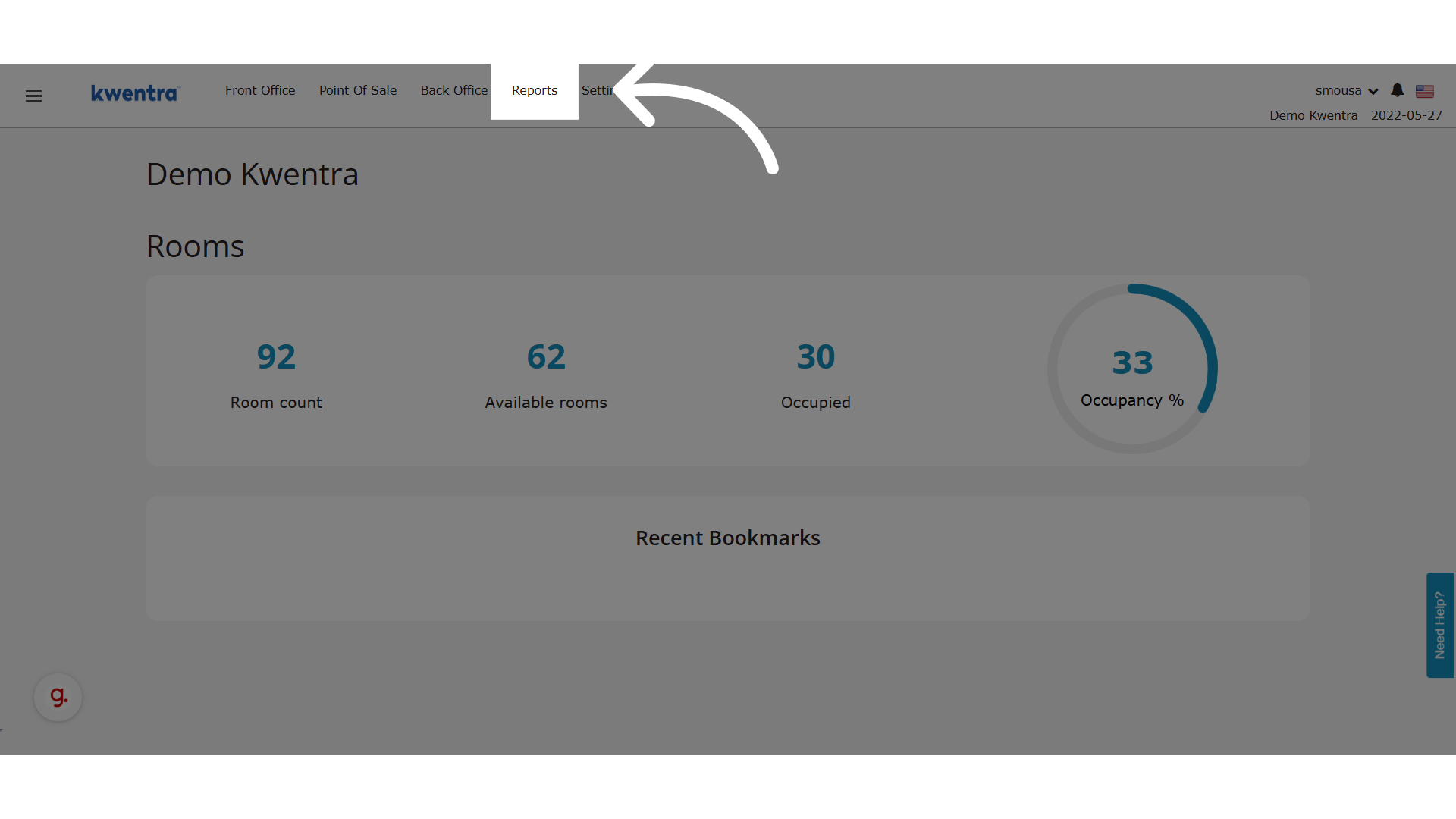
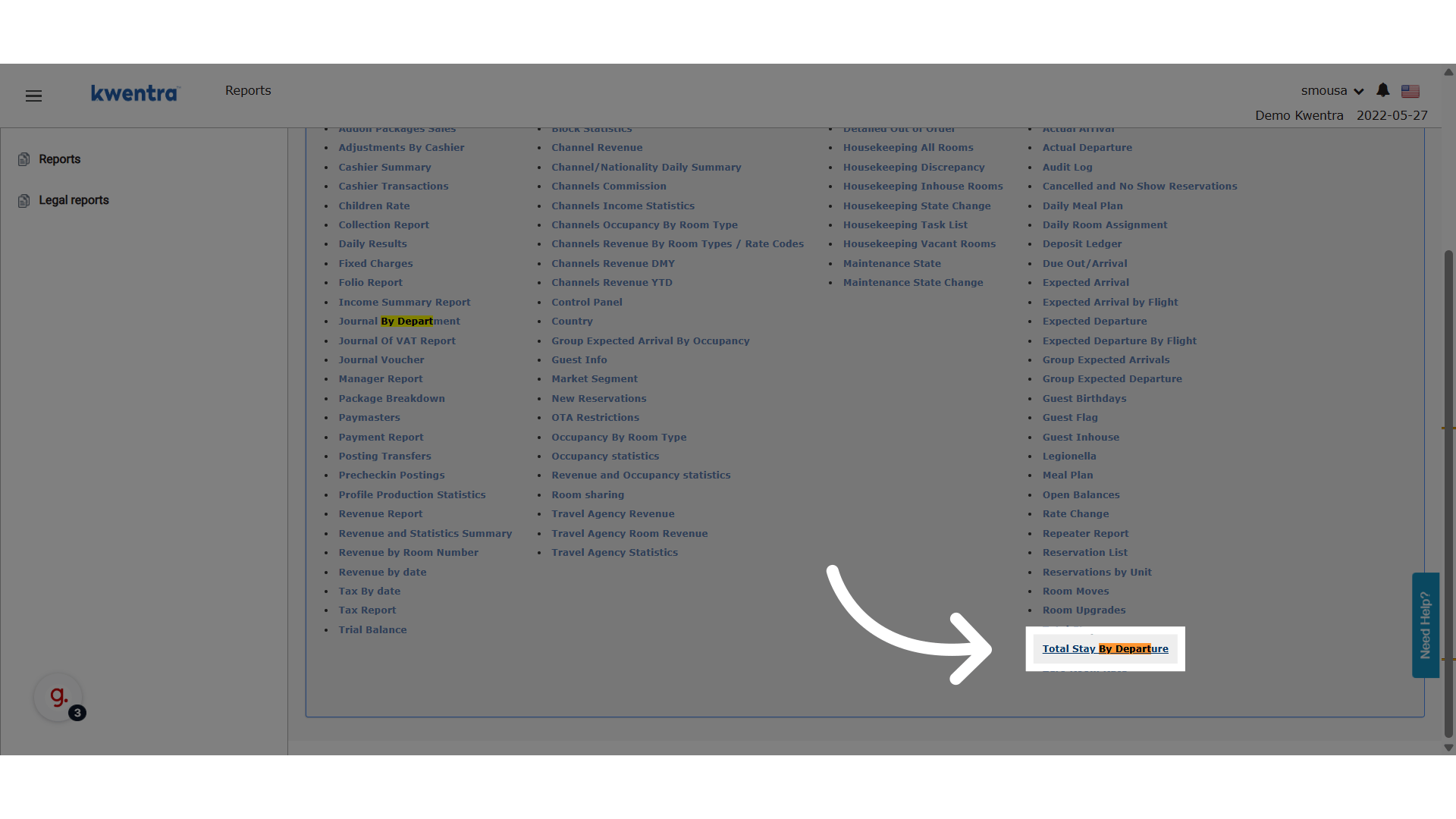
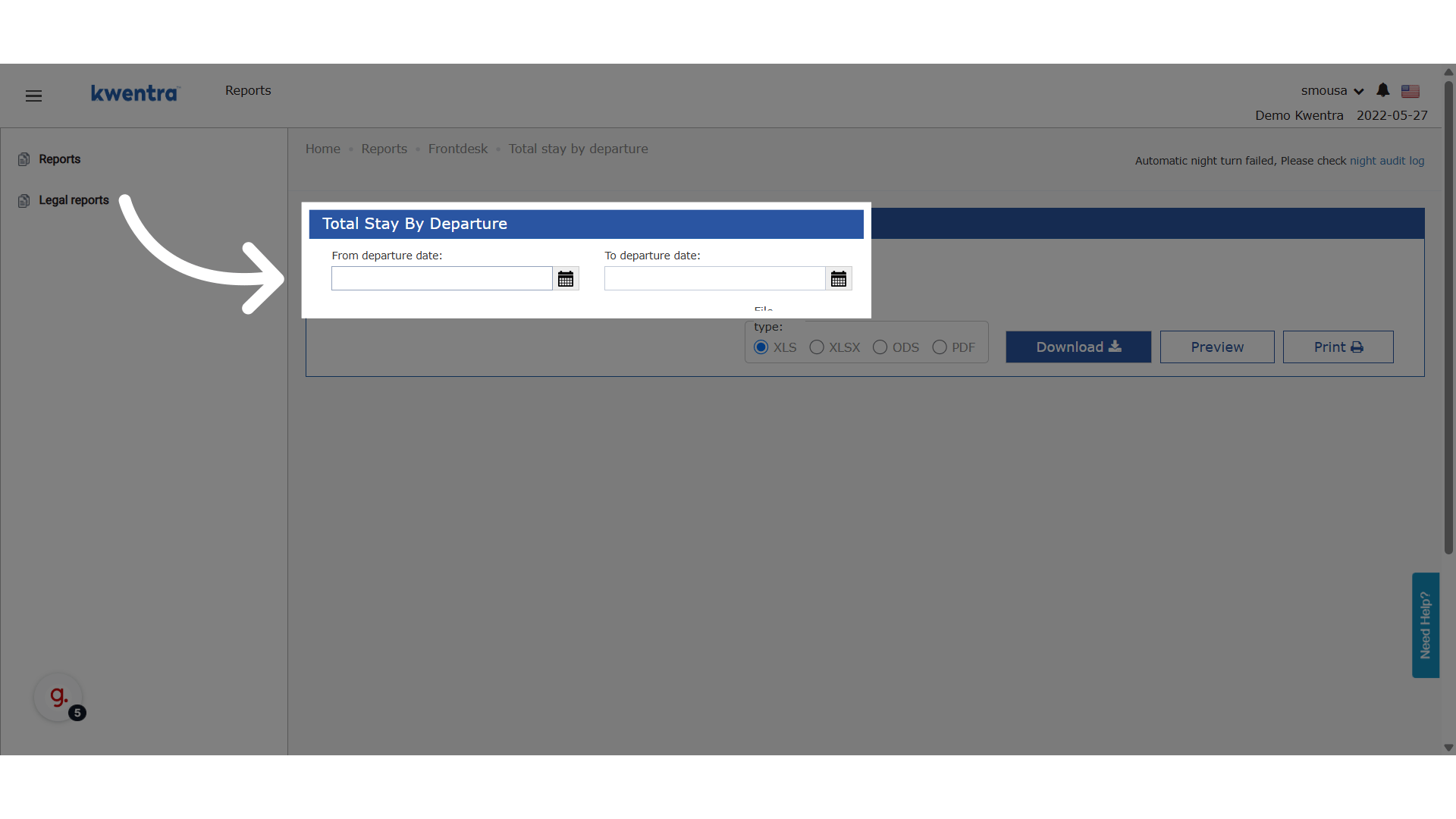
Reports → Front Office → Front Desk → Total Stay by Departure
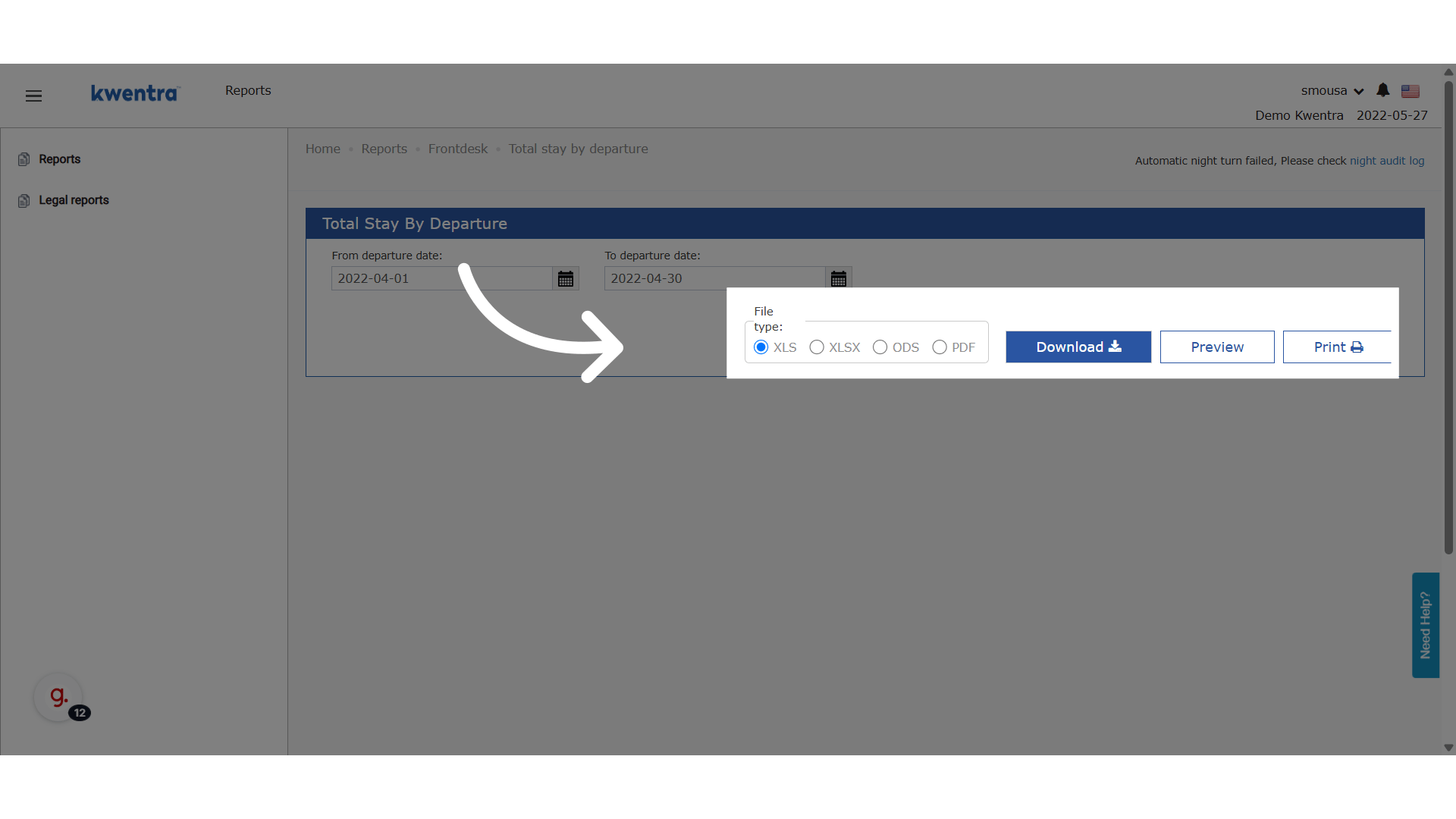
📊 Report Columns
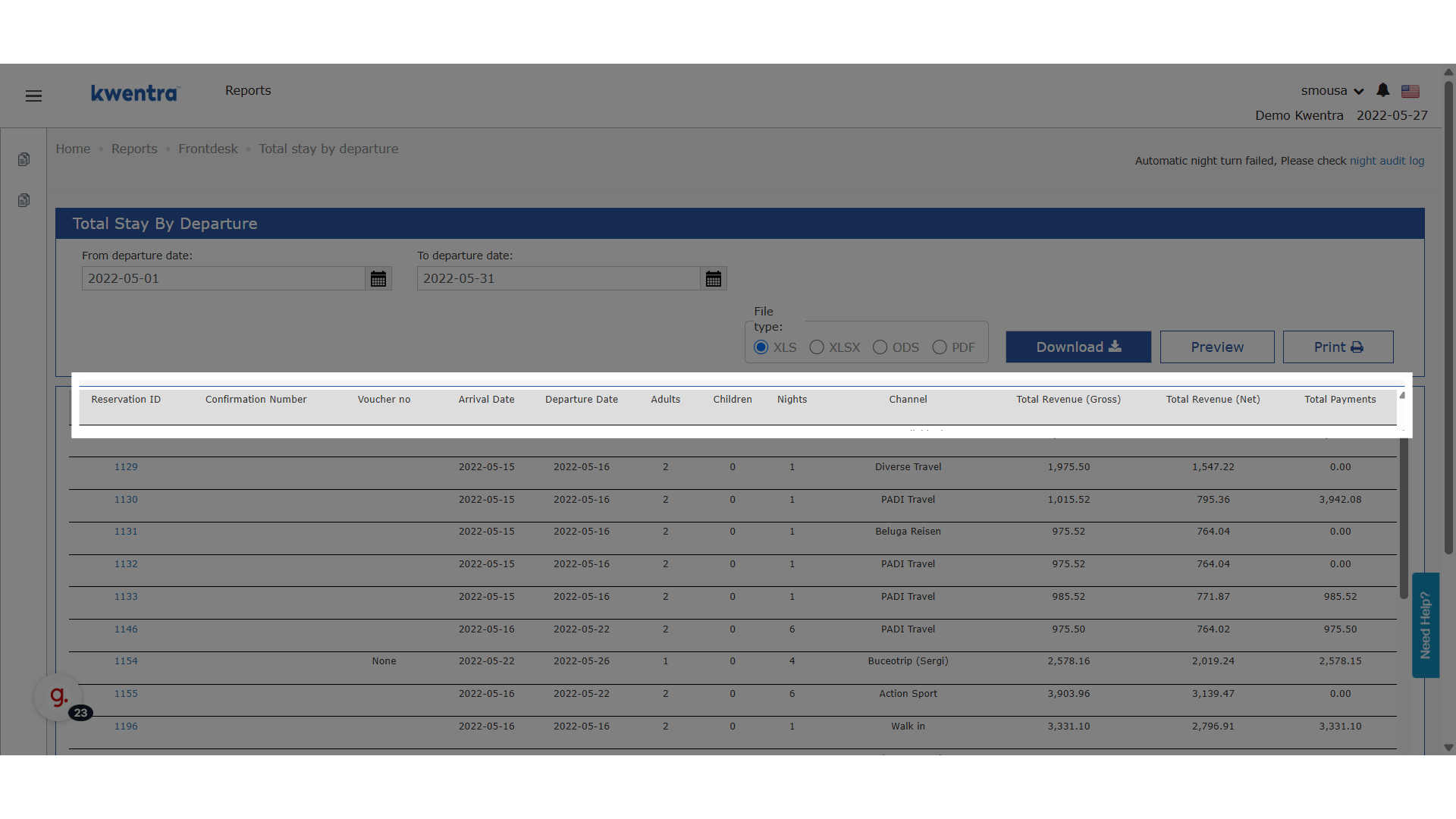
- Reservation ID: Unique system ID — now clickable to open the reservation in a new tab.
- Confirmation Number: Guest confirmation number.
- Voucher Number: Linked voucher number (if any).
- Arrival Date: Actual arrival date.
- Departure Date: Actual departure date.
- Adults: Number of adults on the reservation.
- Children: Number of children on the reservation.
- Nights: Number of nights stayed.
- Channel: Booking channel (e.g., OTA, Direct).
- Total Revenue (Gross): Sum of all debit postings before tax/discount.
- Total Revenue (Net): Sum of all debit postings after discounts.
- Total Payments: Sum of all credit postings (what was paid).
🔁 Grand Total Row
The last row in the report includes the sum of:- Total reservations
- Total adults
- Total children
- Total nights
- Total gross revenue
- Total net revenue
- Total payments