

🔐 Report Permissions | صلاحيات الوصول
Users in the following roles can access this report: FO Manager, Receptionist, Night Auditor, Income Auditor, General Manager, Financial Controller, Shift Leader, Administrator, and all related view-only or no-settings variations. A new report permission has been added to support role-based access.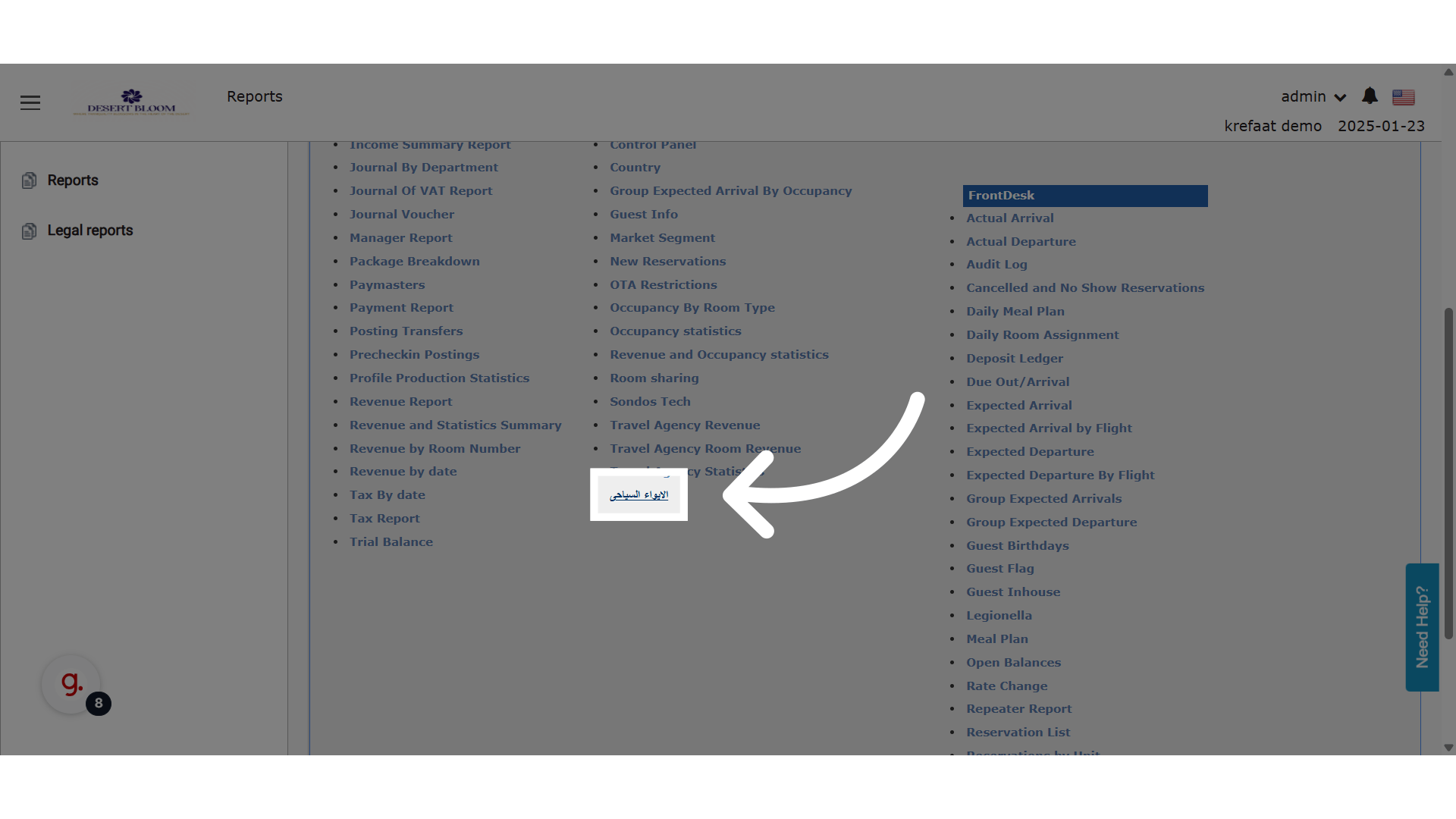
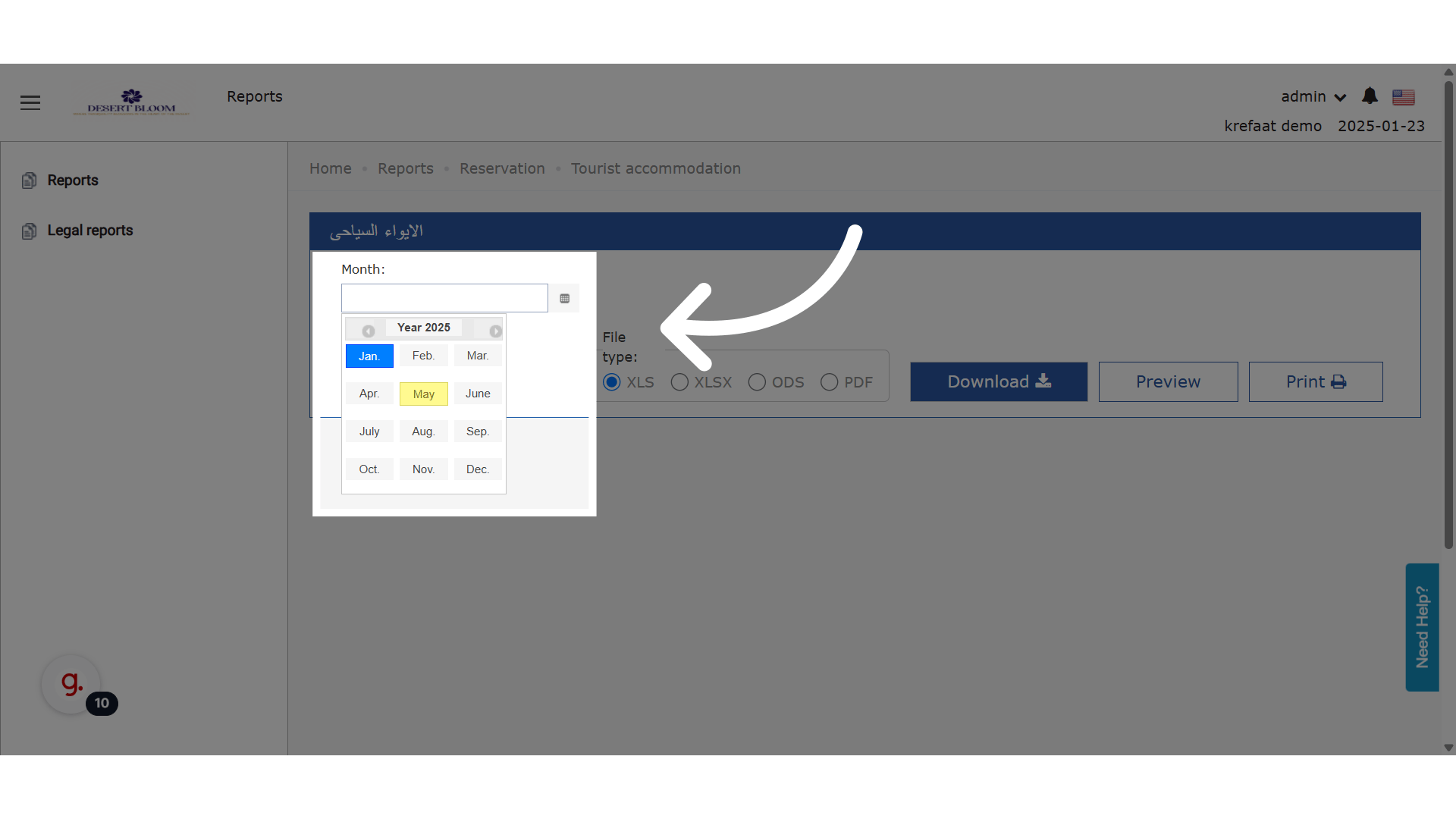
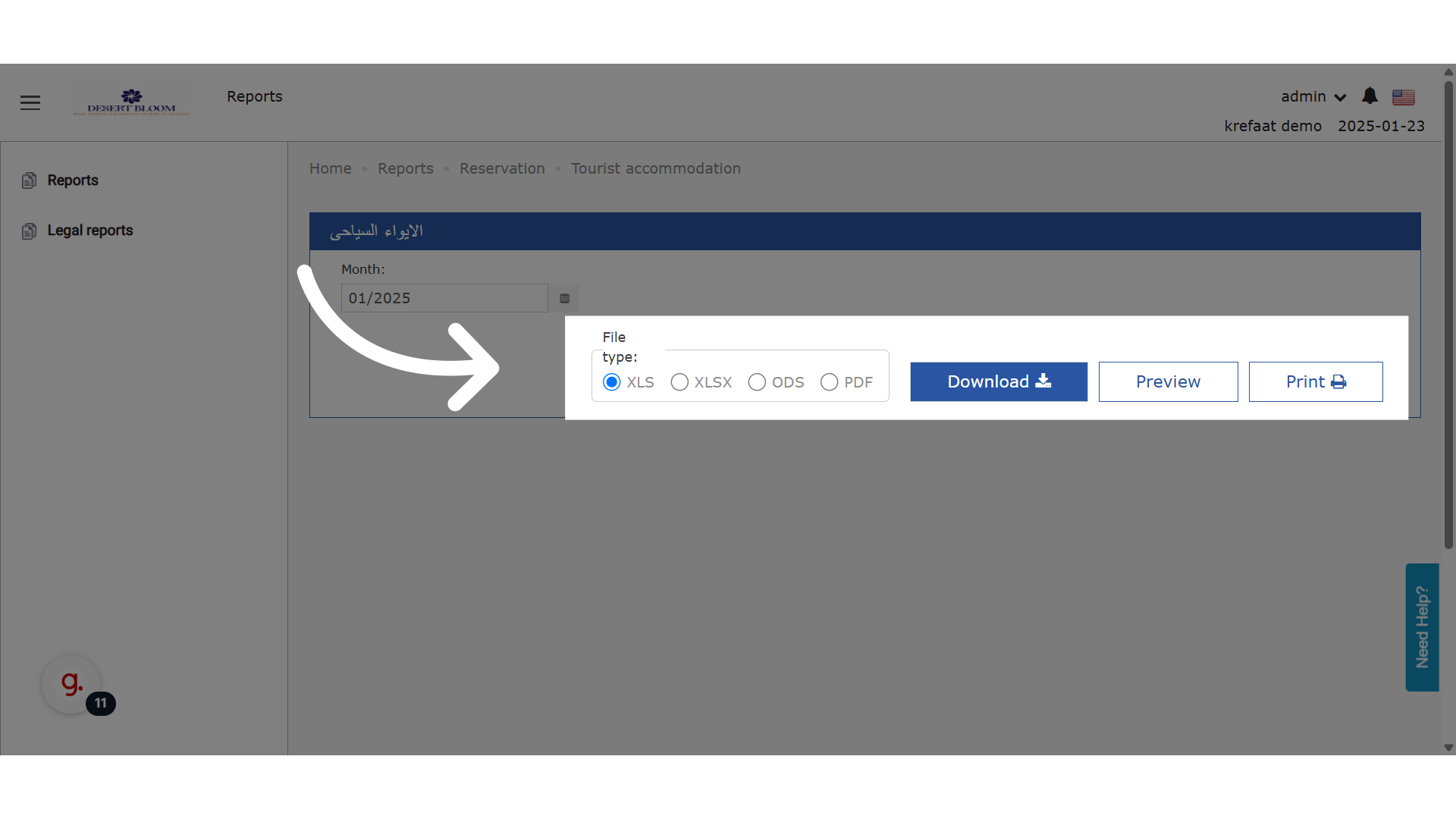
🧮 Calculation Rules | قواعد الحساب
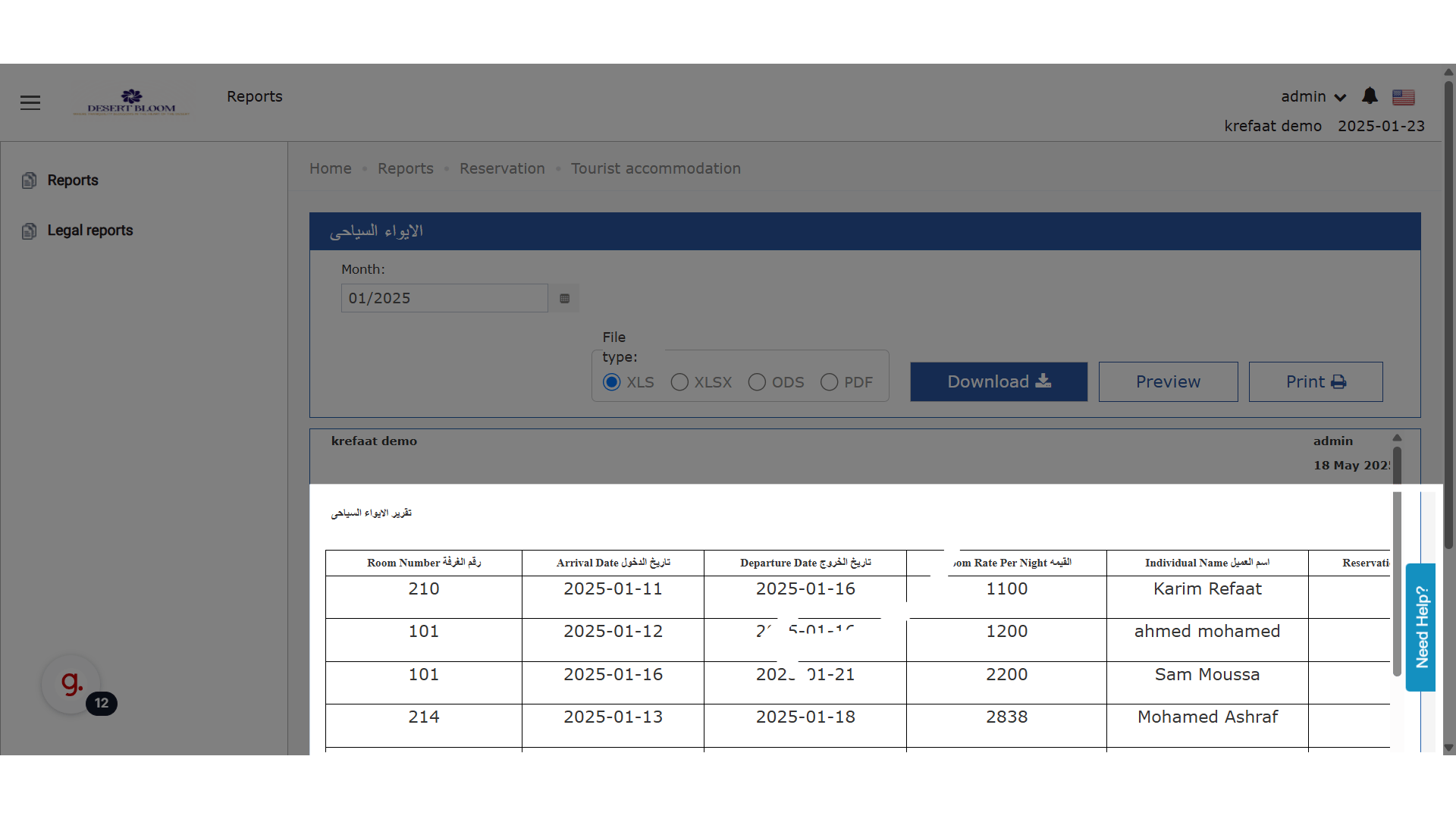
📌 Departure Date (تاريخ الخروج) If the guest departs after the last day of the month, the report will use the last day of the month. 📌 Room Rate Per Night (القيمة) The average room rate is calculated only for the days within the selected month. 📌 Included Reservations The report includes:- Expected reservations
- Checked-in guests
- Checked-out guests All linked to the selected month.
UPDATE: 18th of September, 2025
[NEW] “Exclude Packages” Checkbox Filter
New Feature: You can now generate the Tourist Accommodation Report with an option to exclude package revenue from the “Total Net Room Rate” column. This helps you analyze room-only revenue separately from bundled packages (such as meal plans or spa).- How it works:
- A new checkbox filter labeled “Exclude Packages” appears in the report filters.
- Default: Unchecked (report continues to show net room rate including all packages, as before).
- When checked: The “Total Net Room Rate” will only include room amounts; package charges are excluded.
- Separate room revenue from packages for ADR, RevPAR, or tax analysis
- Create exports that match requirements from auditors or owners who want room-only values
- Understand performance excluding promotions or package deals
- On the Tourist Accommodation Report screen, in the filter section (beside other filters)
- This only affects the “Total Net Room Rate” column.
- All other report logic (e.g., which reservations appear, date logic) is unchanged.