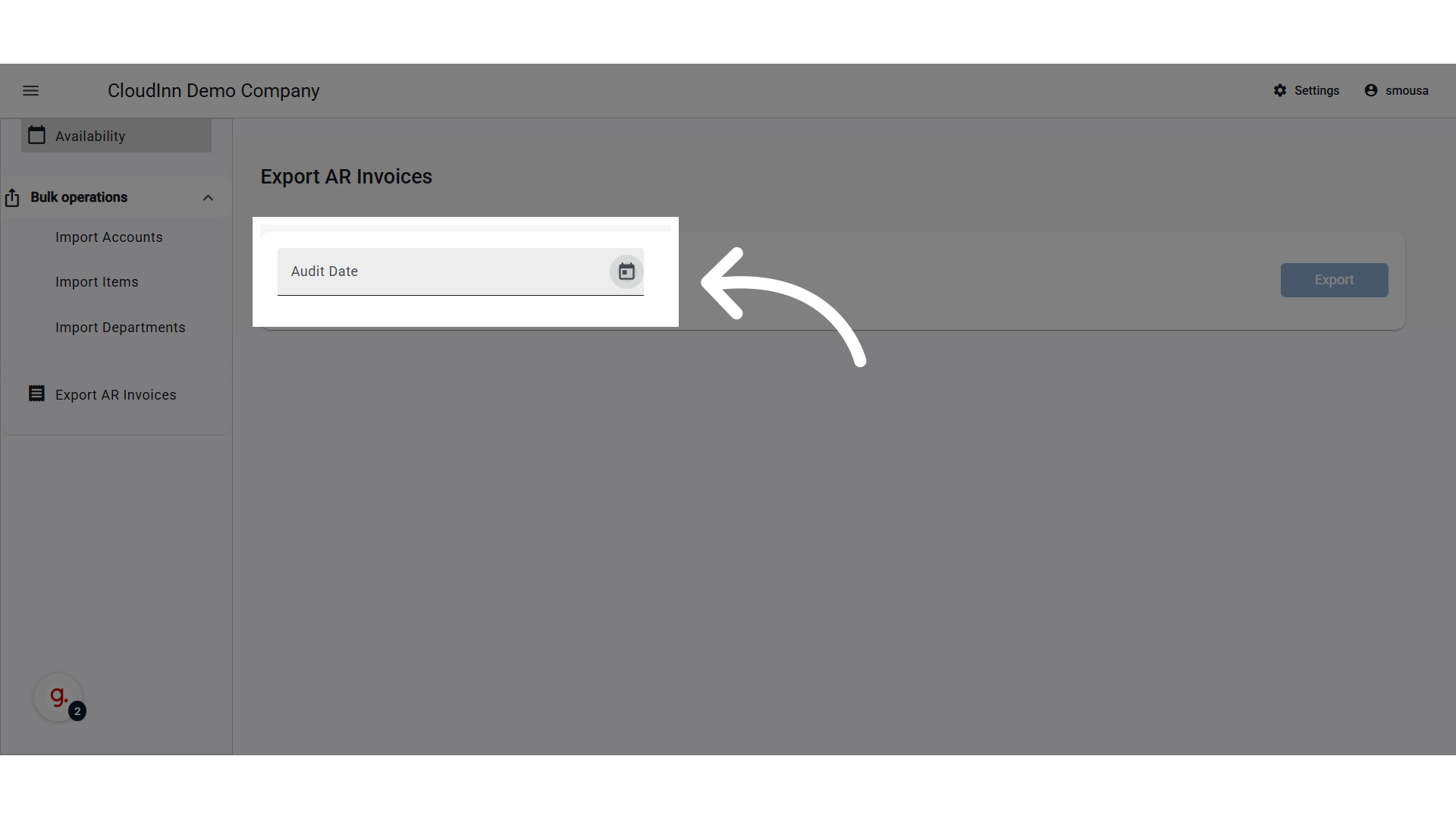
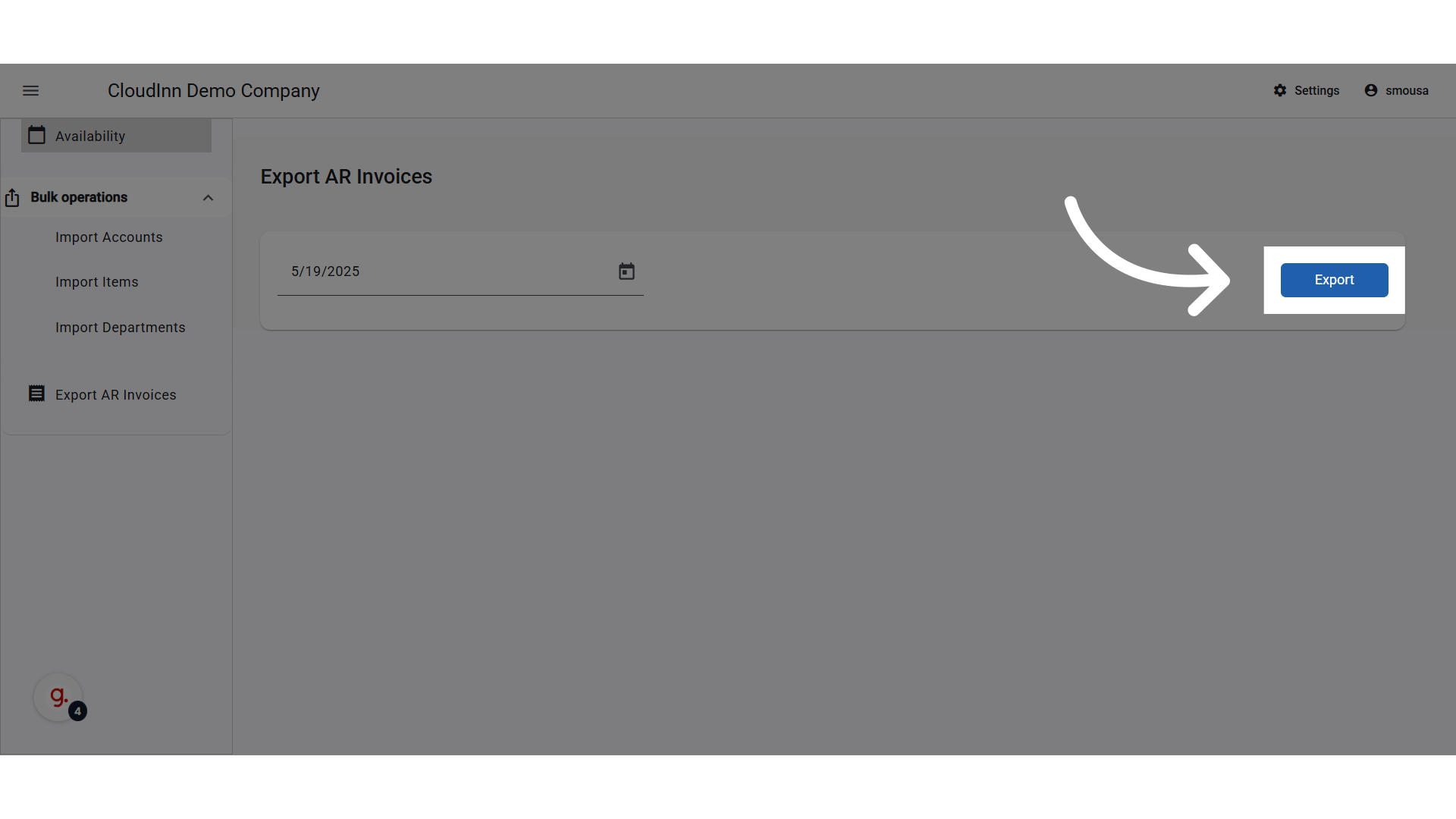
Value & Application
💡 Business Value
This export helps:- Central finance teams gather invoice data from all properties on a specific audit date.
- Standardize the export format to match AR import requirements at the head office.
- Ensure all data is correctly mapped to the right AR account and department.
- Prevent manual re-entry of information.
✅ Use Cases
- A group accountant exports all property-level AR postings for March 15.
- The head office needs AR data structured by mapped channels and departments.
- A user wants to pull AR invoices for a selected date and work on all the company’s invoices collectively.
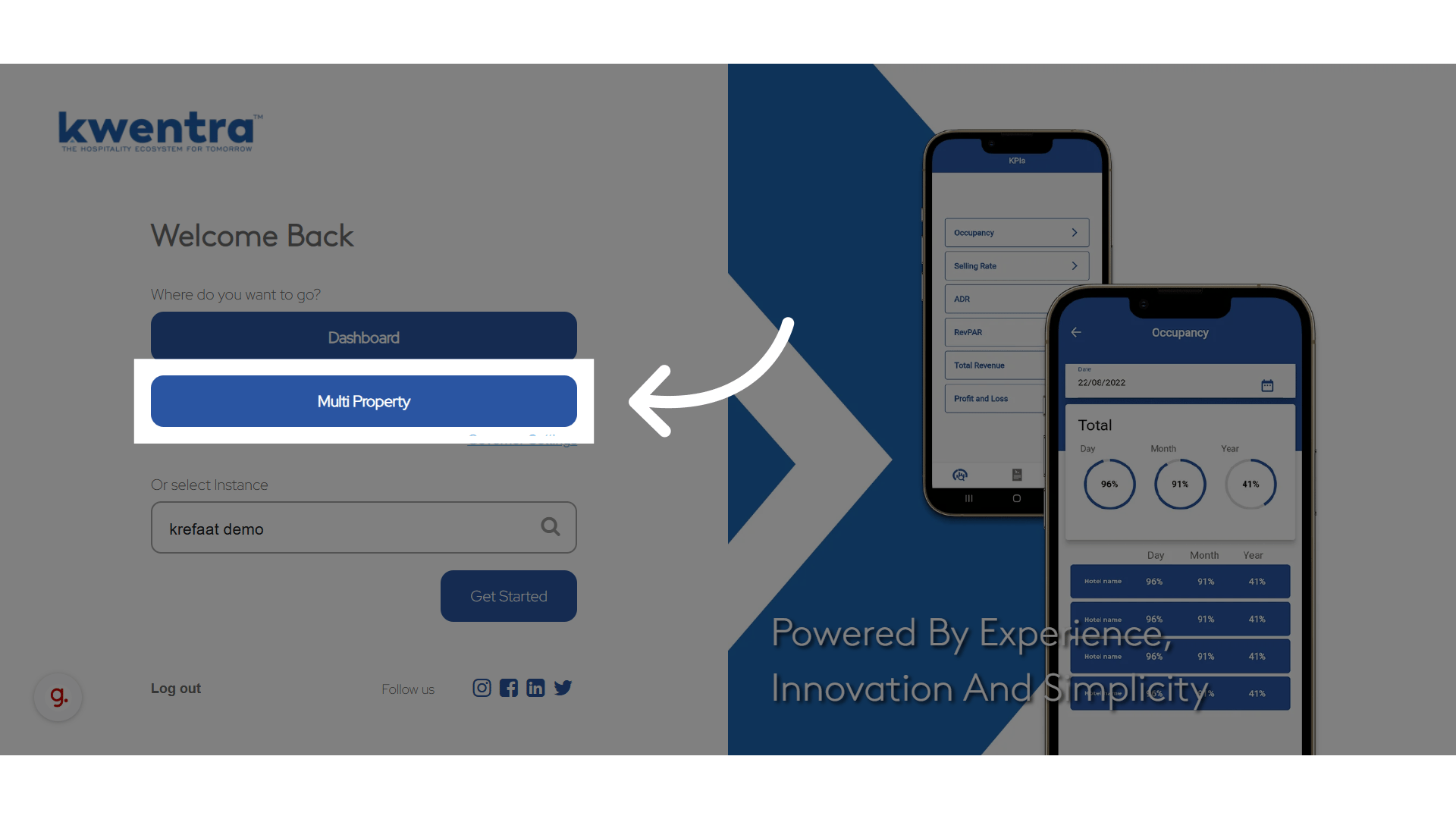
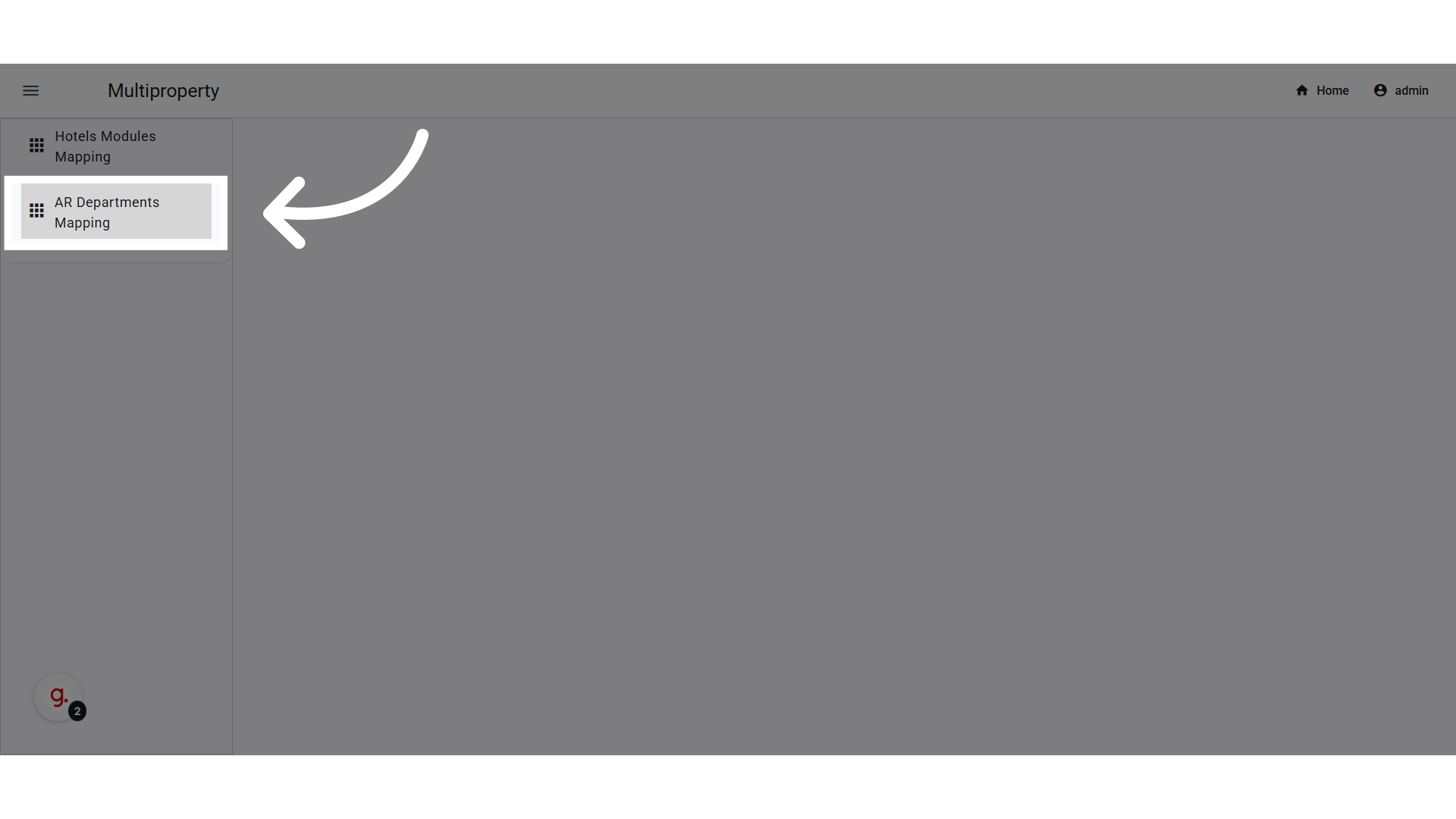
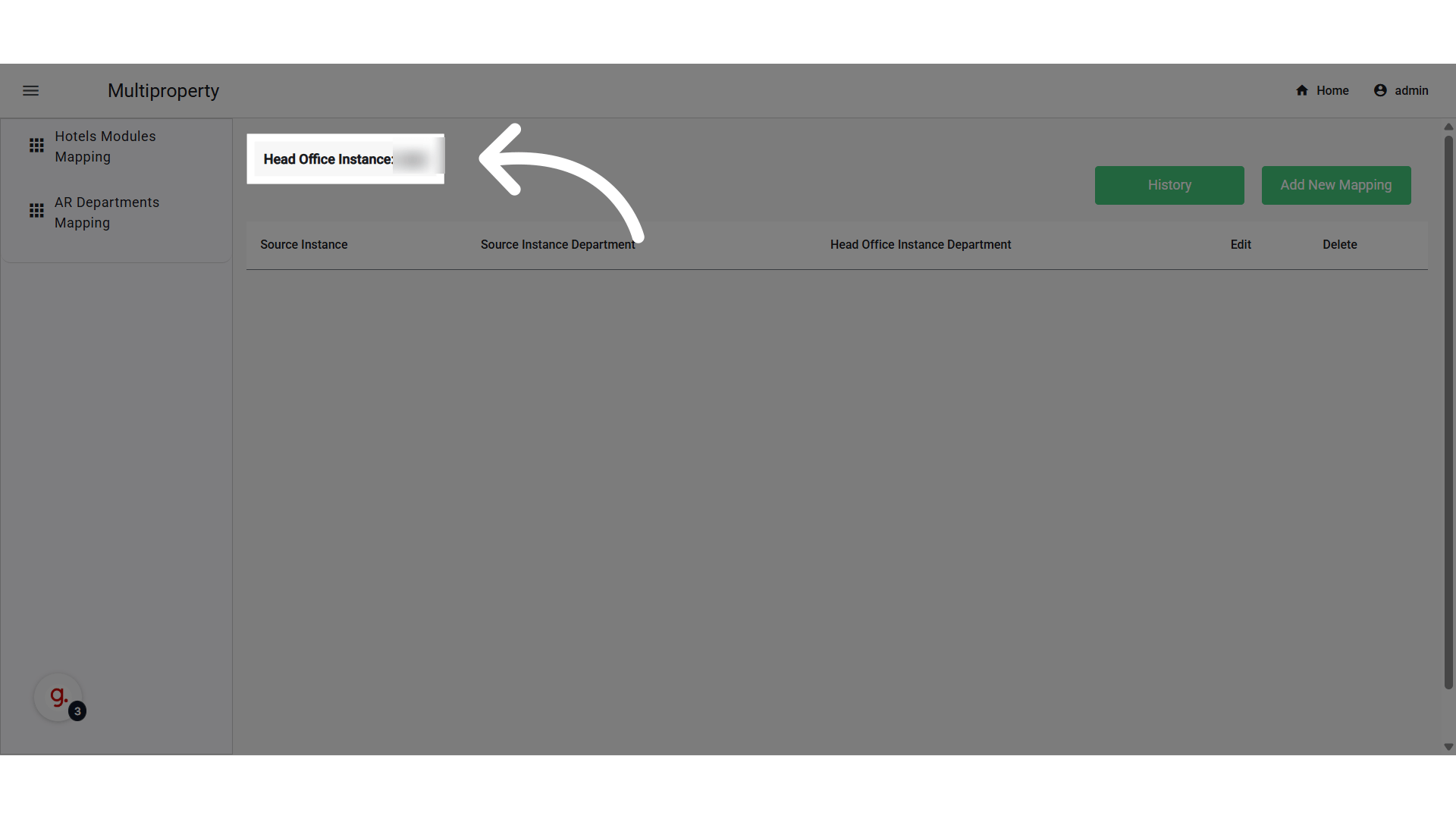
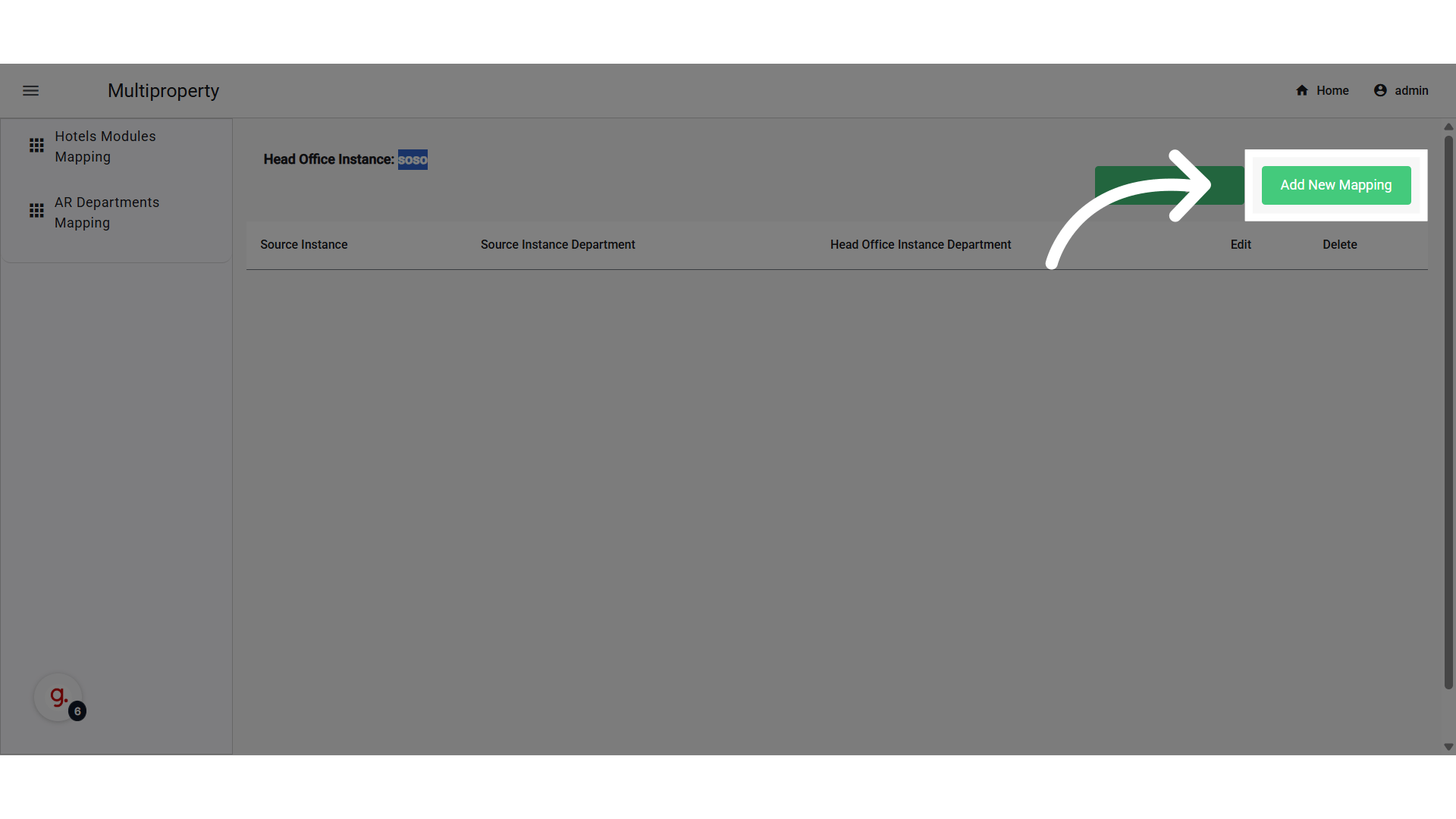
- Hotel (Source): All instances in the company except the Head Office.
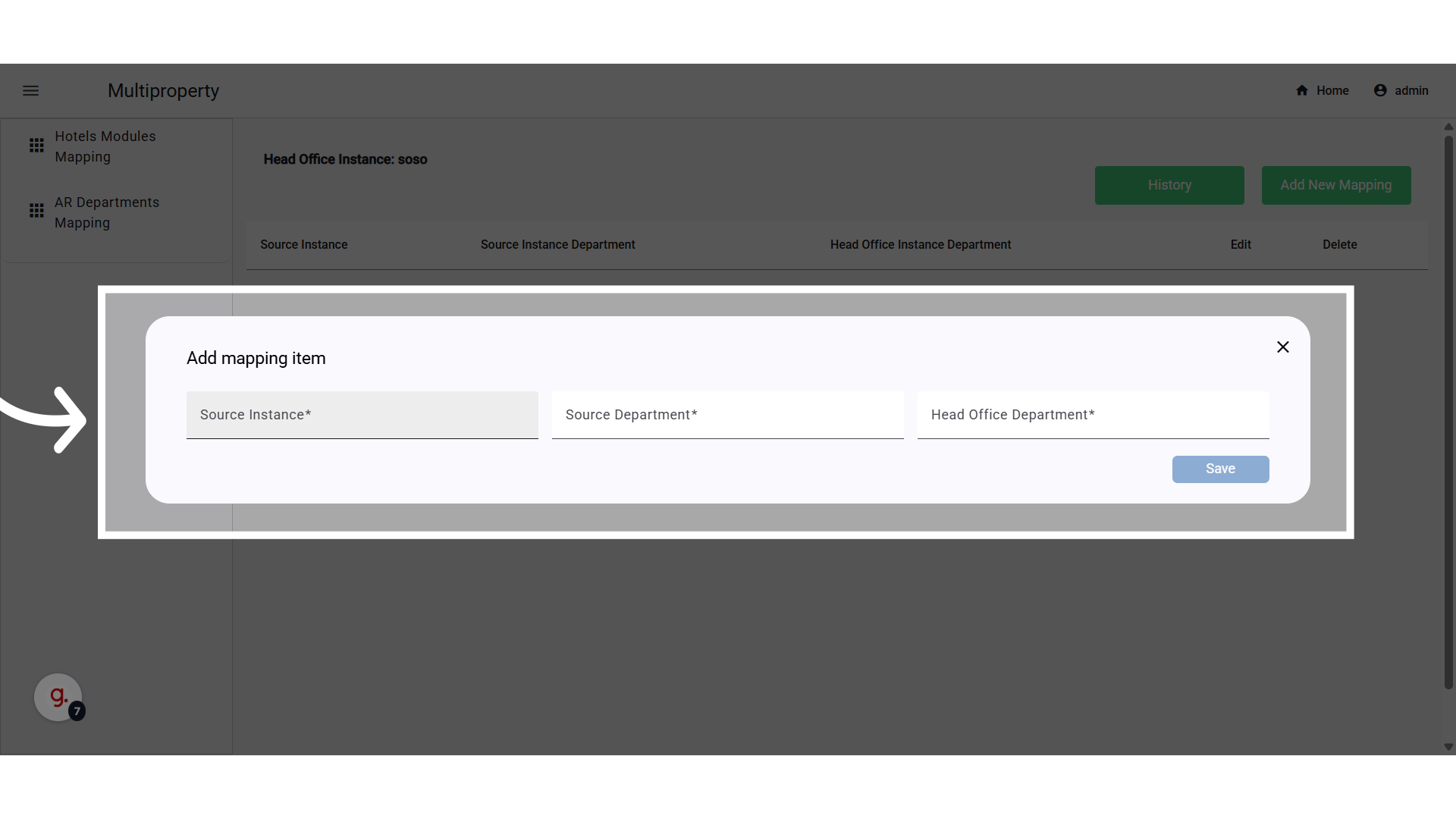
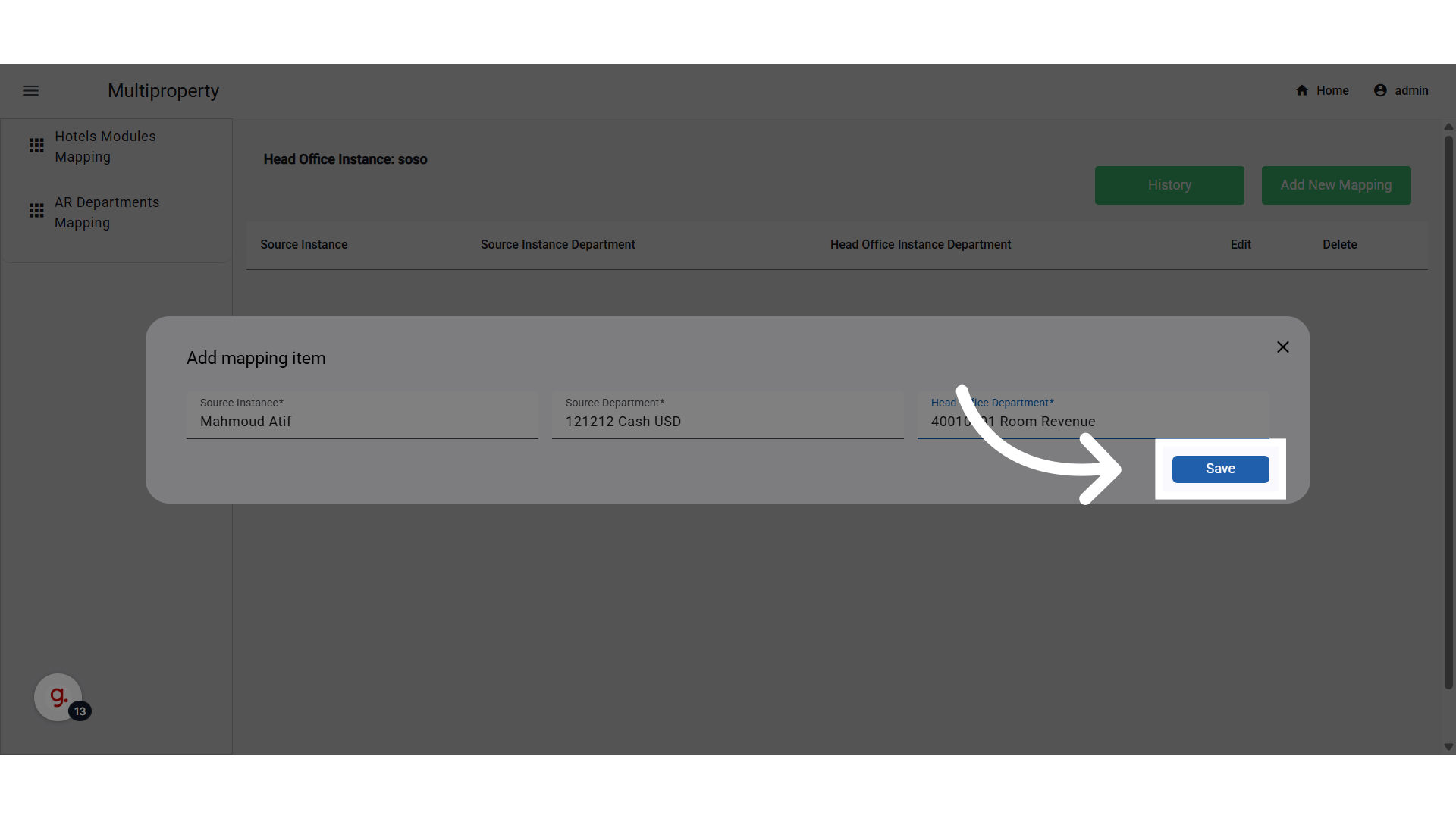
- Credit Department: A Dropdown of all payment departments in the source property (excludes: City Ledger, Credit Card, Loyalty)
- Debit Department (Head Office): A Dropdown of debit departments in the Head Office property.