Business Value
- Centralized Insights: Managers and reservation teams can monitor all upcoming arrivals across their entire hotel portfolio from one place.
- Proactive planning enables better coordination for operations, the front office, and housekeeping across properties.
- Customizable Views: Users can filter by hotel, channel, rate code, or room type to focus on specific business needs.
Use Cases
- Multi-property managers: Track guest arrivals for all properties they oversee, for resource allocation and staffing.
- Sales teams: Filter arrivals by channel or rate code to review booking trends or prepare for VIP/group arrivals.
- Operations: Identify group bookings and coordinate special requirements across hotels.
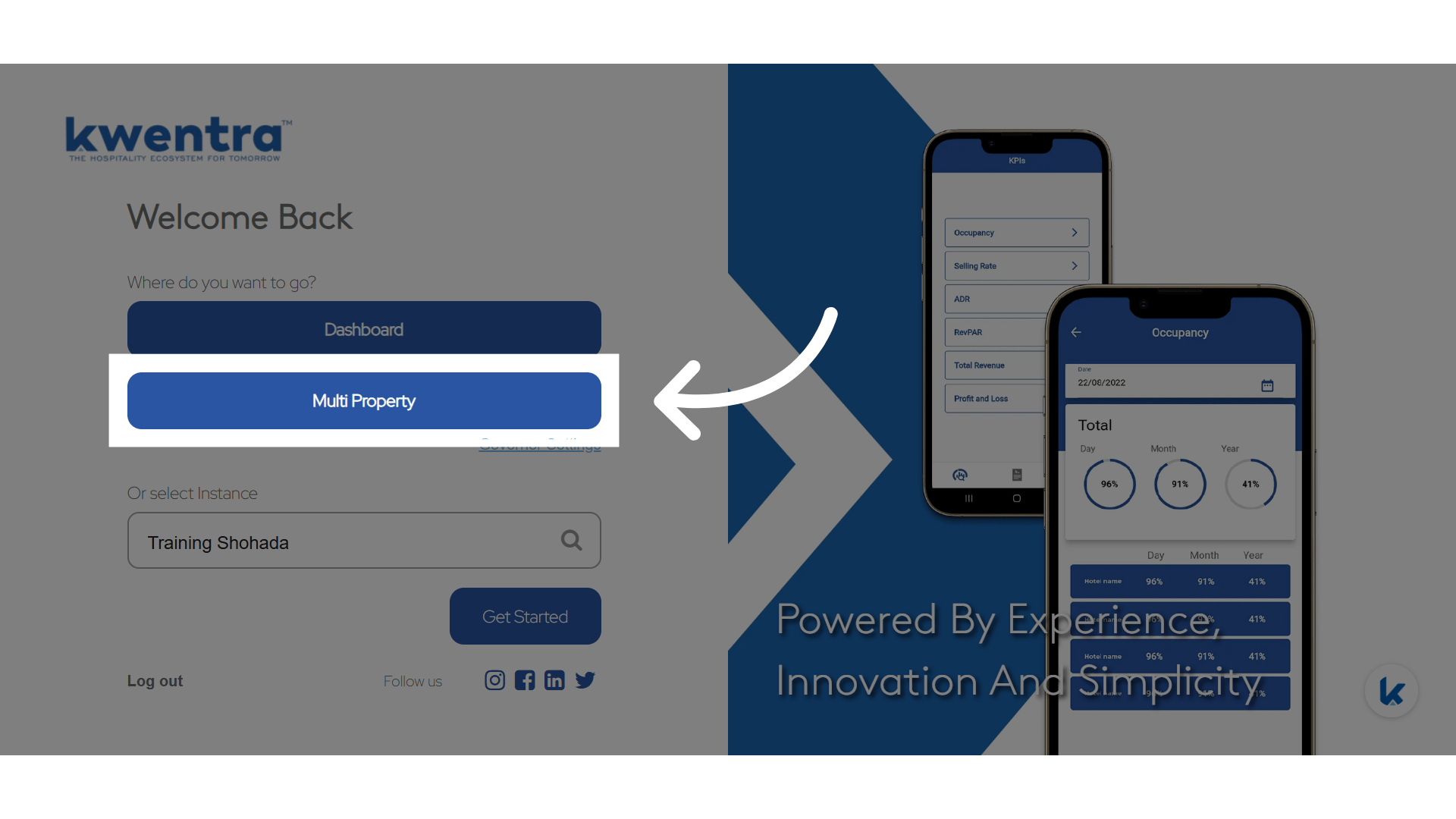
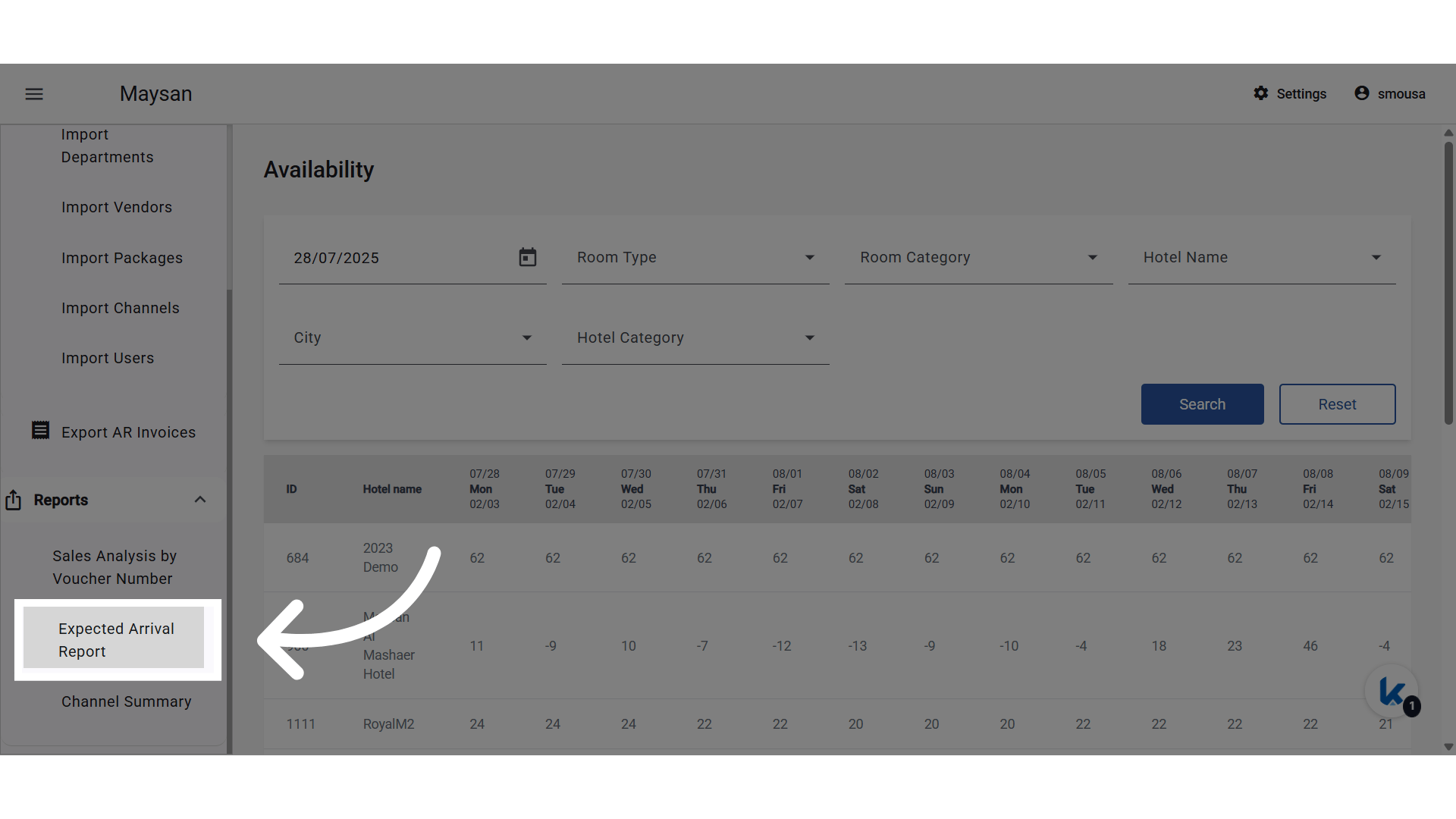
Report Parameters:
- From date / To date: Use calendar pickers to select the desired period.
- Hotel: Multi-select autocomplete of all hotels the user can access.
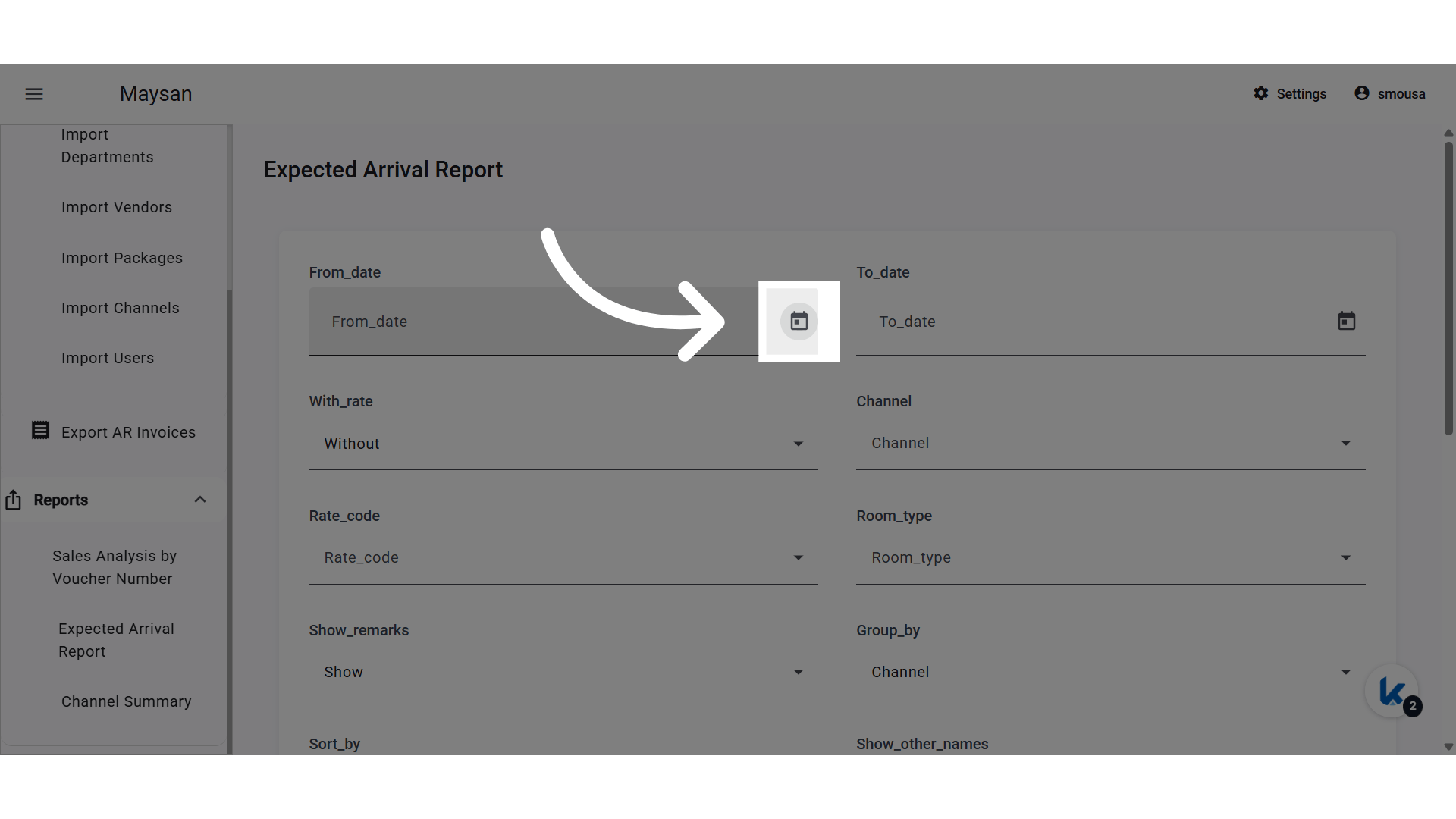
- Channel: Multi-select autocomplete of all channels across those hotels.
- Rate Code: Multi-select autocomplete of all available rates across those hotels.
- Room Type: Multi-select autocomplete of all available room types across those hotels.
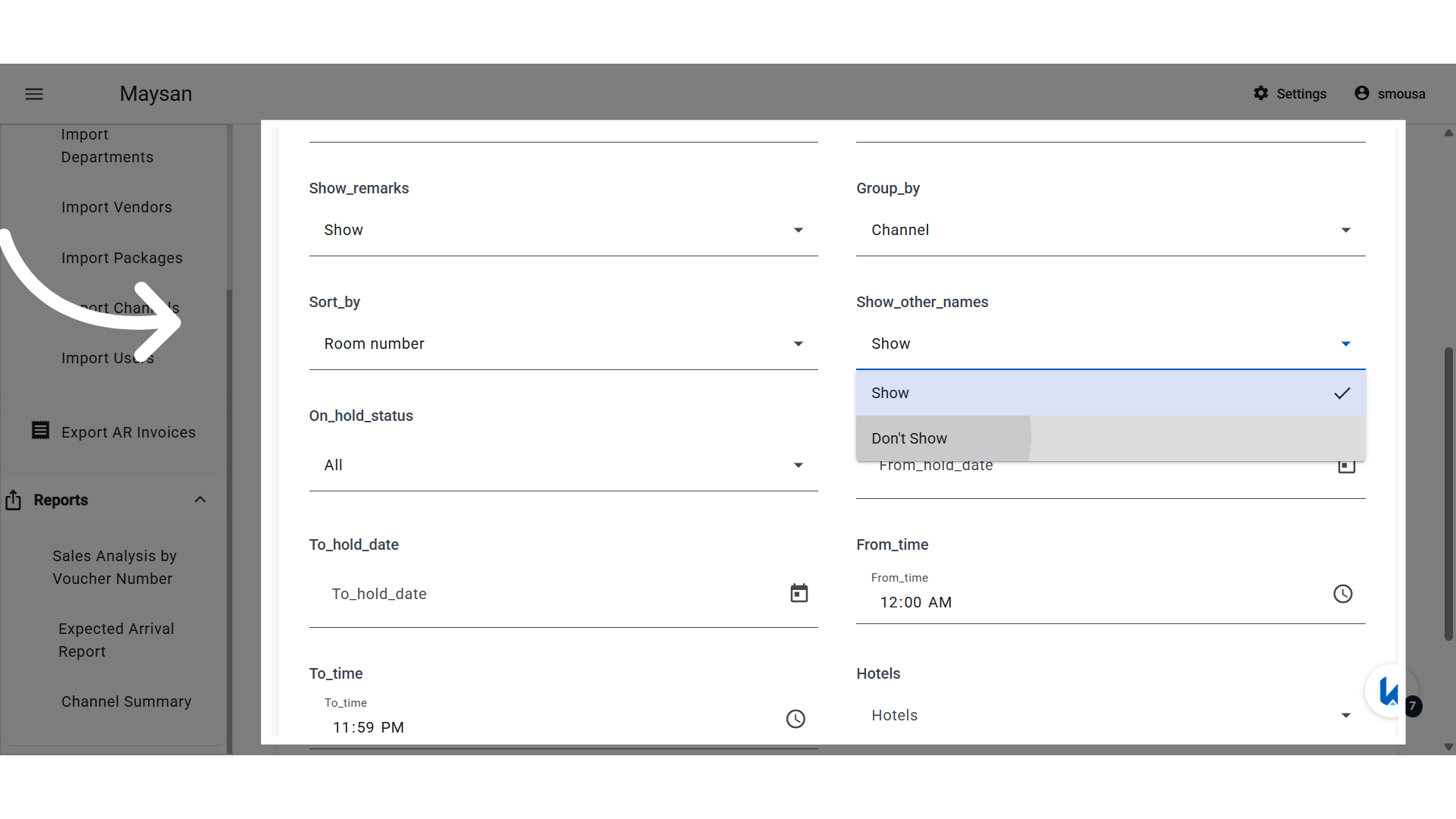
- Group by: Drop-down with options: “Channel” or “none”.
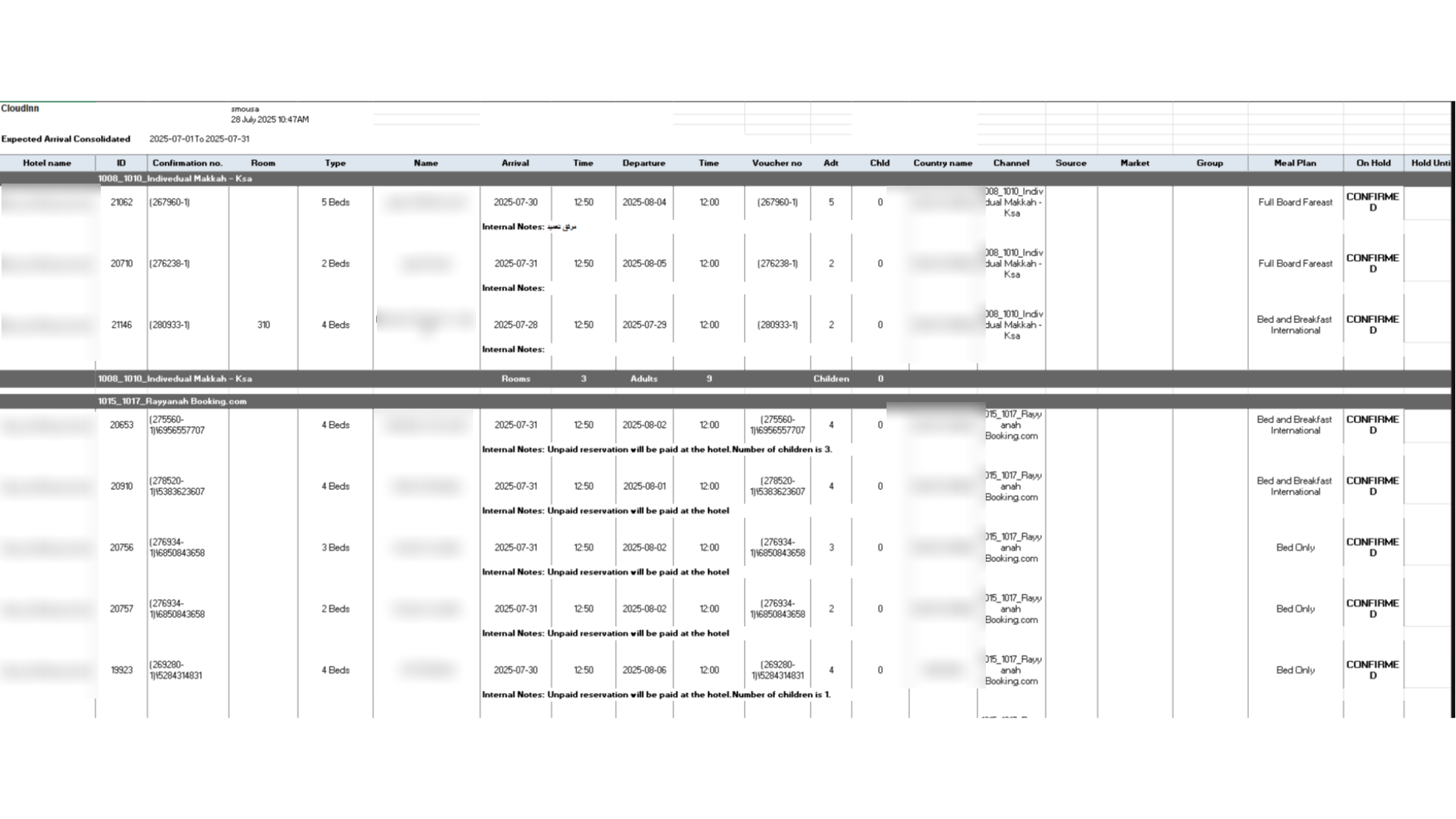
Report Structure:
- Sort order: Always sorted by Arrival, then Confirmation number.
- Sections:
- Individual Reservation Section:
- Columns:
- Hotel Name (new)
- ID
- Confirmation number (new)
- Room Type
- Name
- Arrival / Time
- Departure / Time
- Voucher no
- Adults (Adt)
- Children (Chld)
- Channel
- Country (new)
- Source
- Market
- Group
- Rate code
- Columns:
- Group Reservation Section:
- Columns:
- ID
- Group name
- Arrival
- Departure
- Voucher no
- Country name
- Channel
- No. of rooms (remaining)
- Group remarks
- Source
- Market
- Rate code (new)
- Columns:
- Individual Reservation Section: