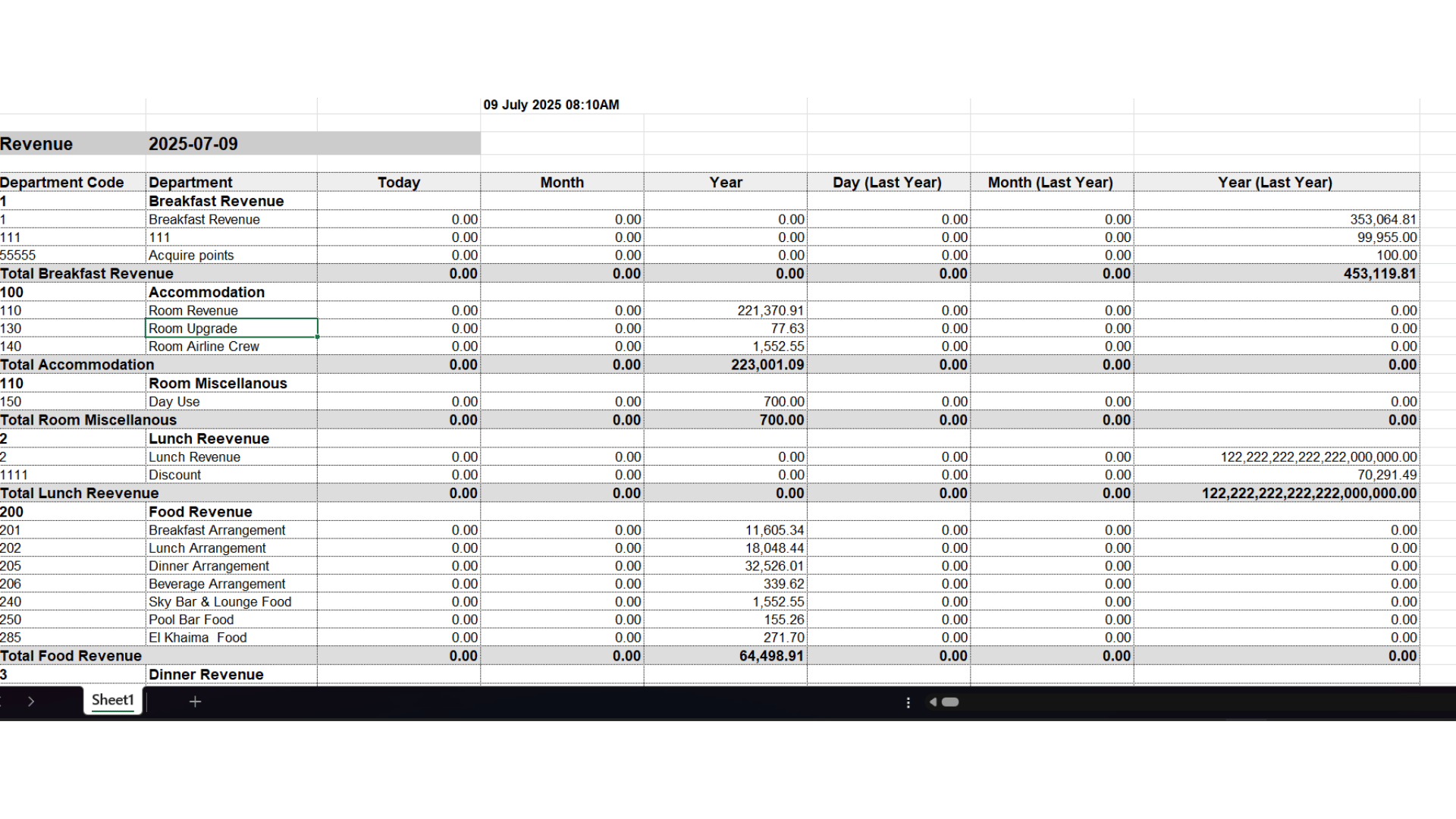
💡 Business Value
This feature brings powerful financial oversight to multi-property and head office users. You can now:- Track revenue across all departments from one screen.
- Benchmark against last year’s performance.
- Monitor progress against the uploaded budget.
- View revenue in both Hijri and Gregorian calendars.
✅ Use Cases
- 📈 CFO reviewing company-wide revenue performance against budget.
- 🏨 Cluster managers comparing department revenue across multiple properties.
- 📅 Auditors analyzing revenue growth YoY (year-over-year).
- 🎯 Budget tracking and adjustment based on real-time deviation.
- 📊 Daily dashboards for head office reporting.
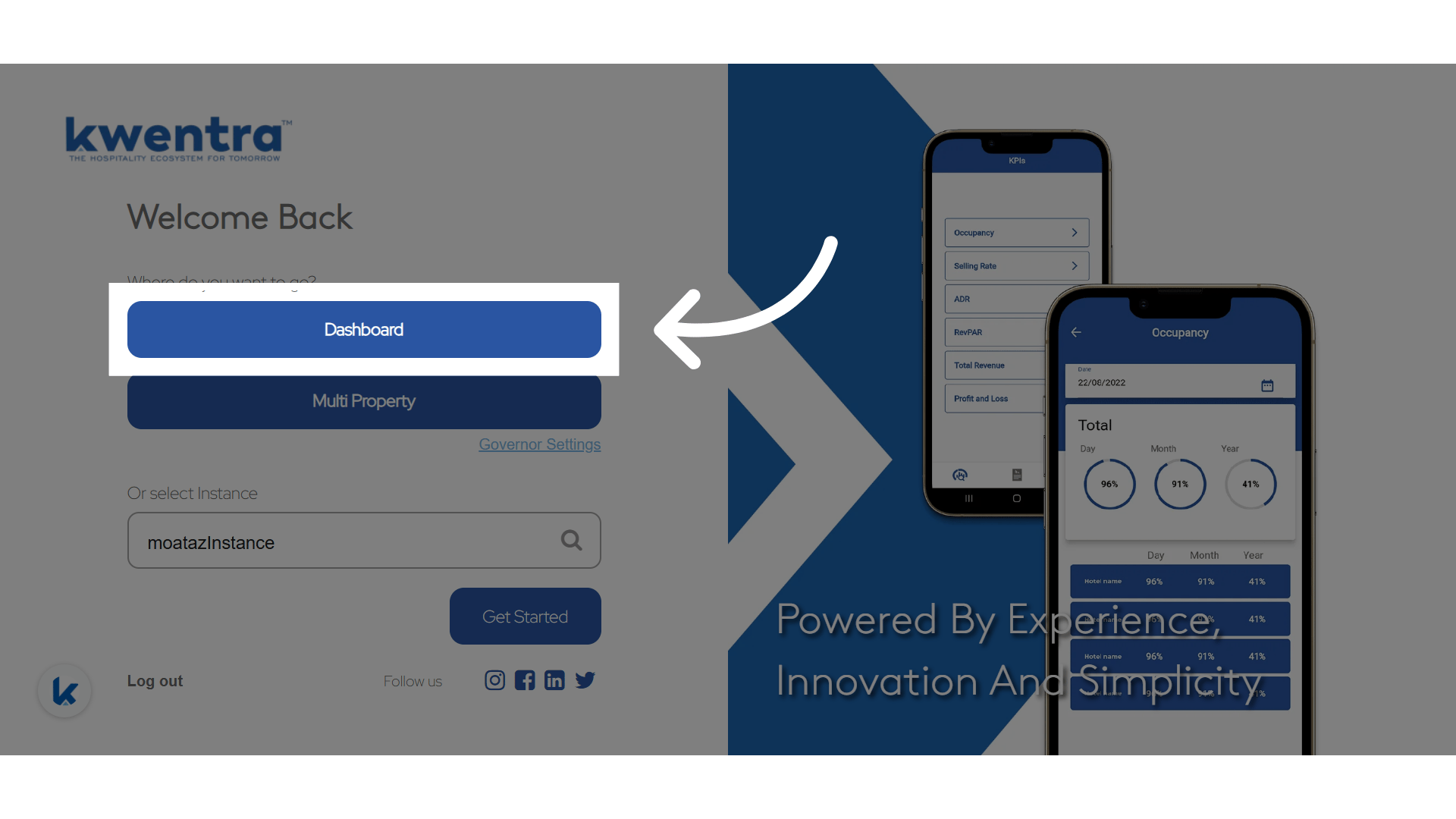
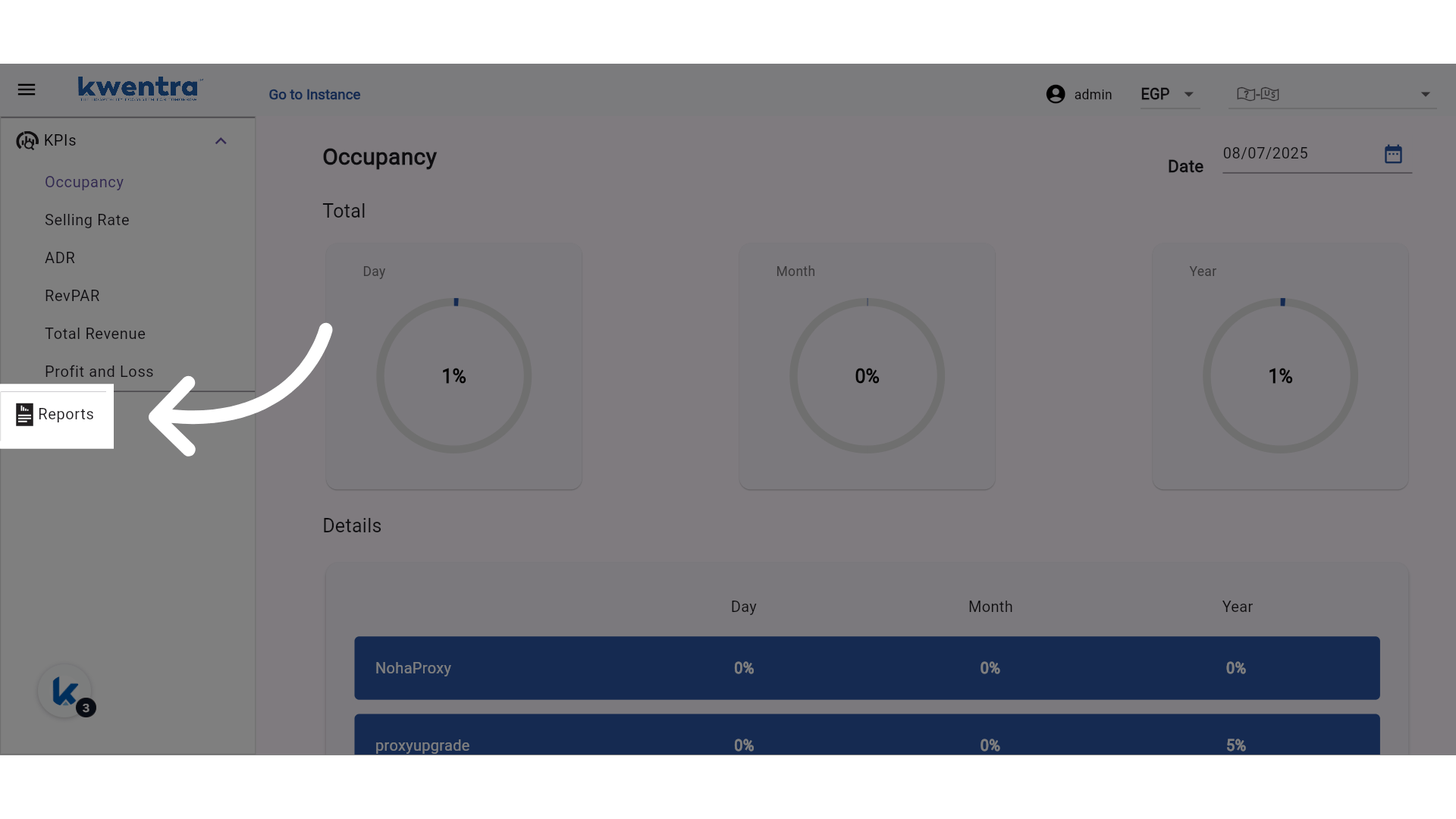
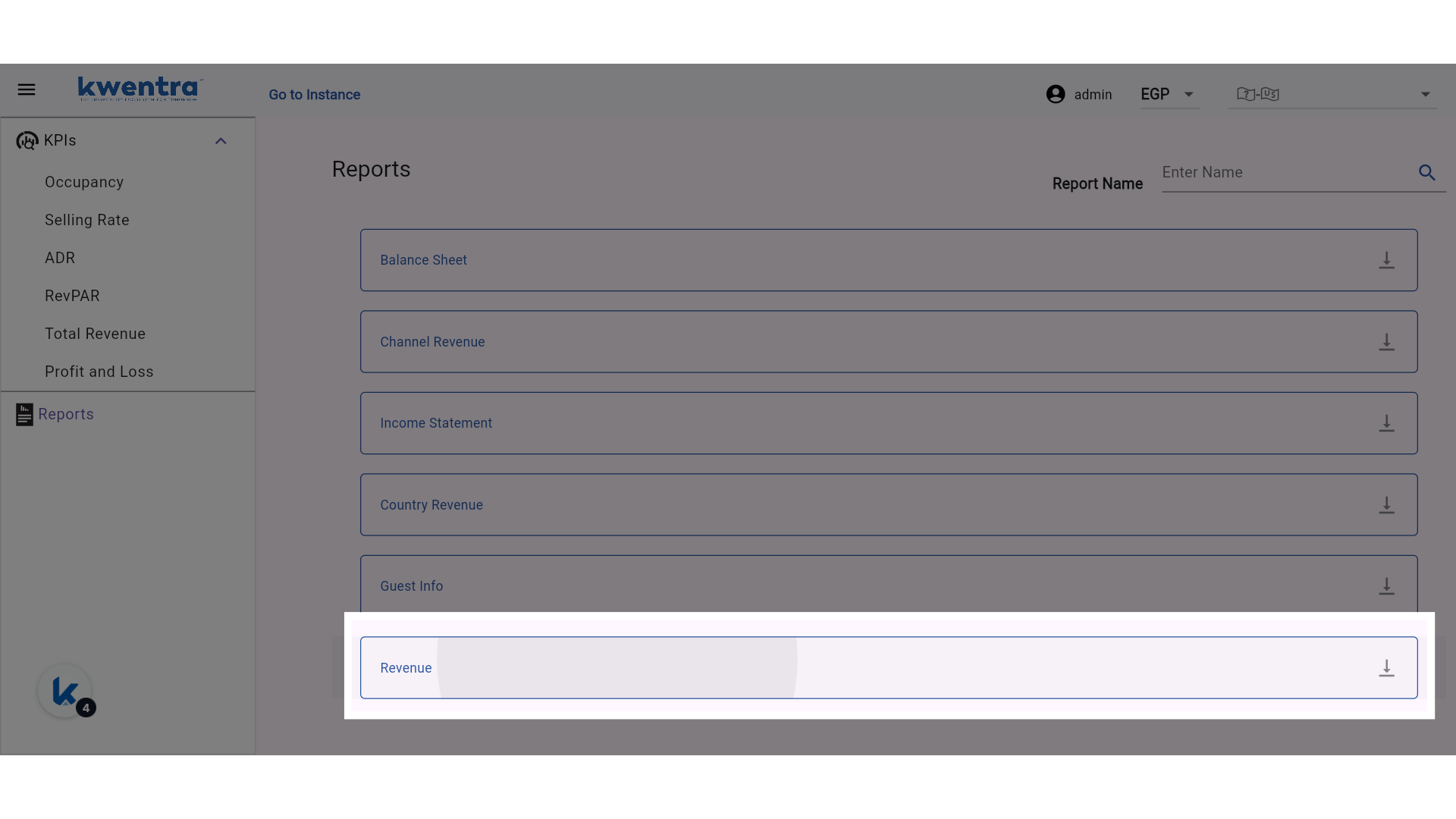
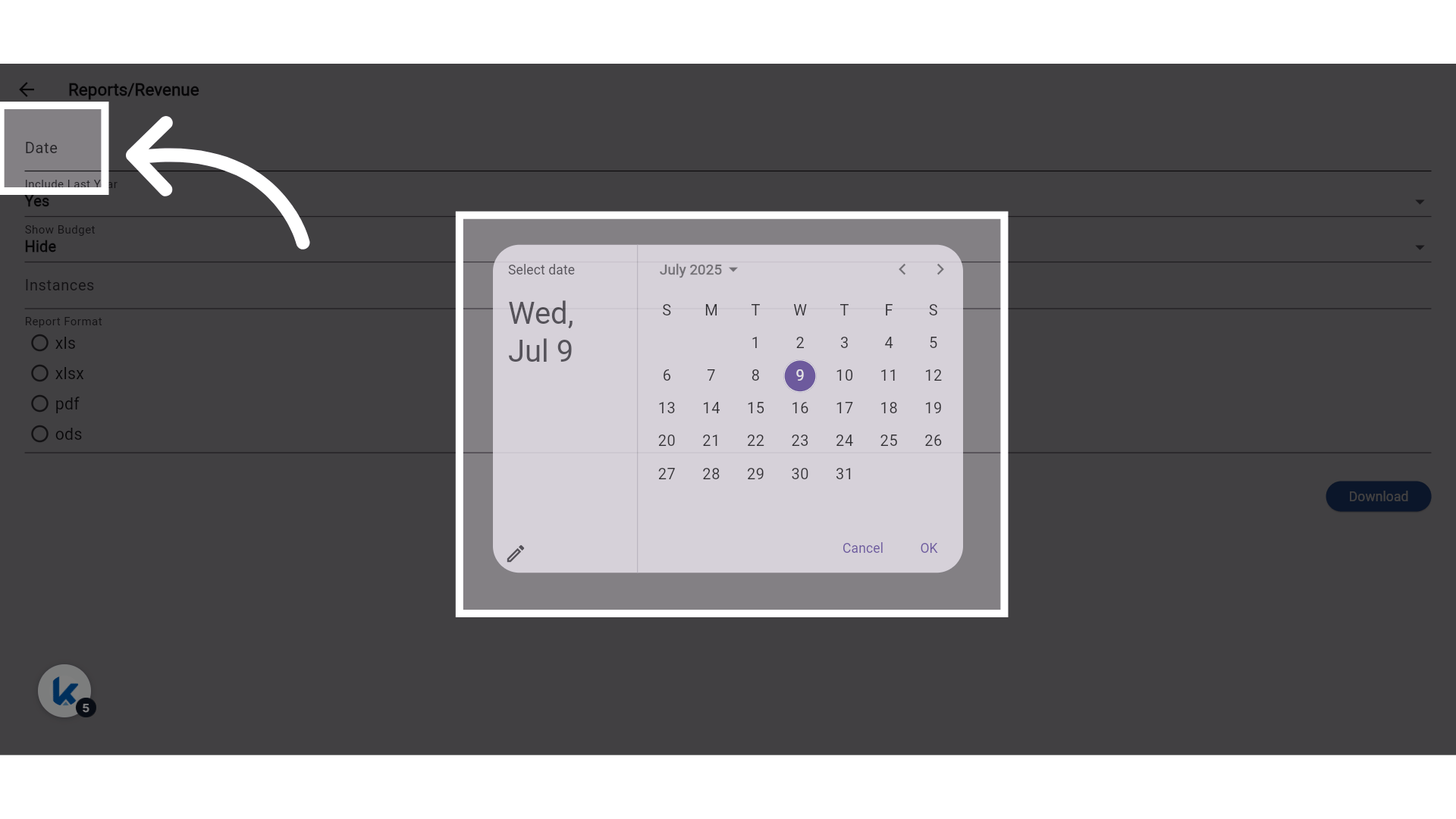
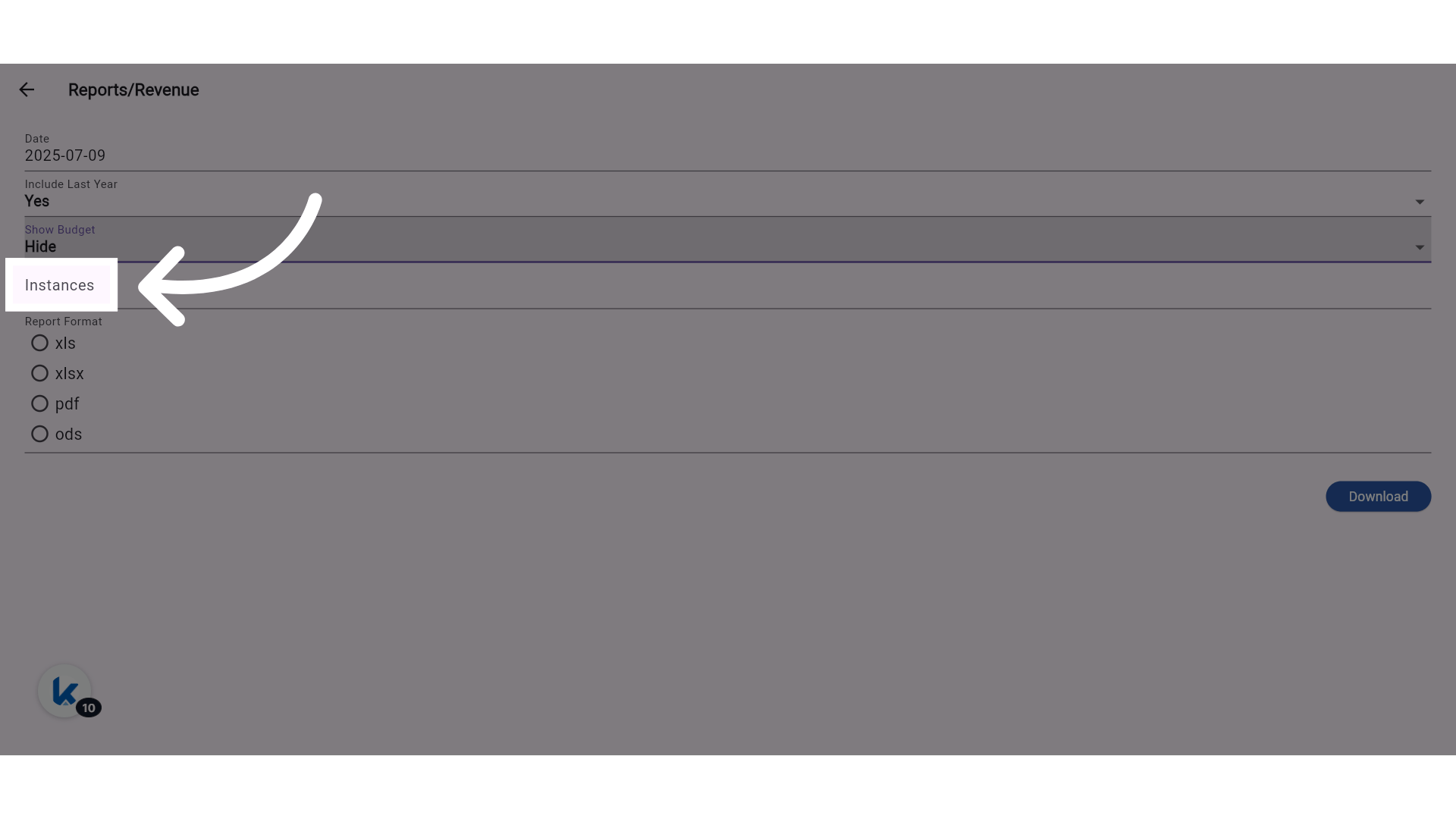
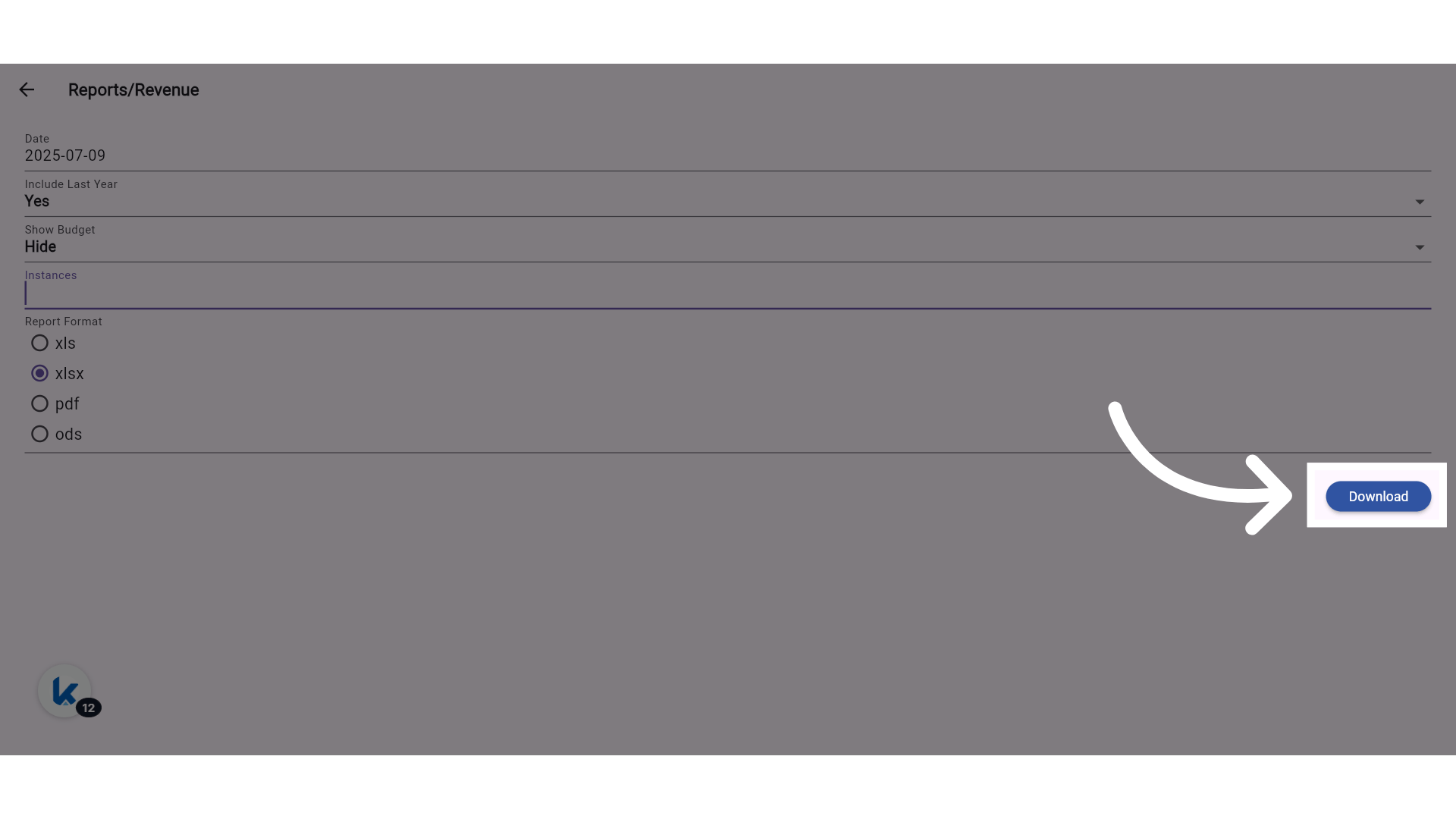
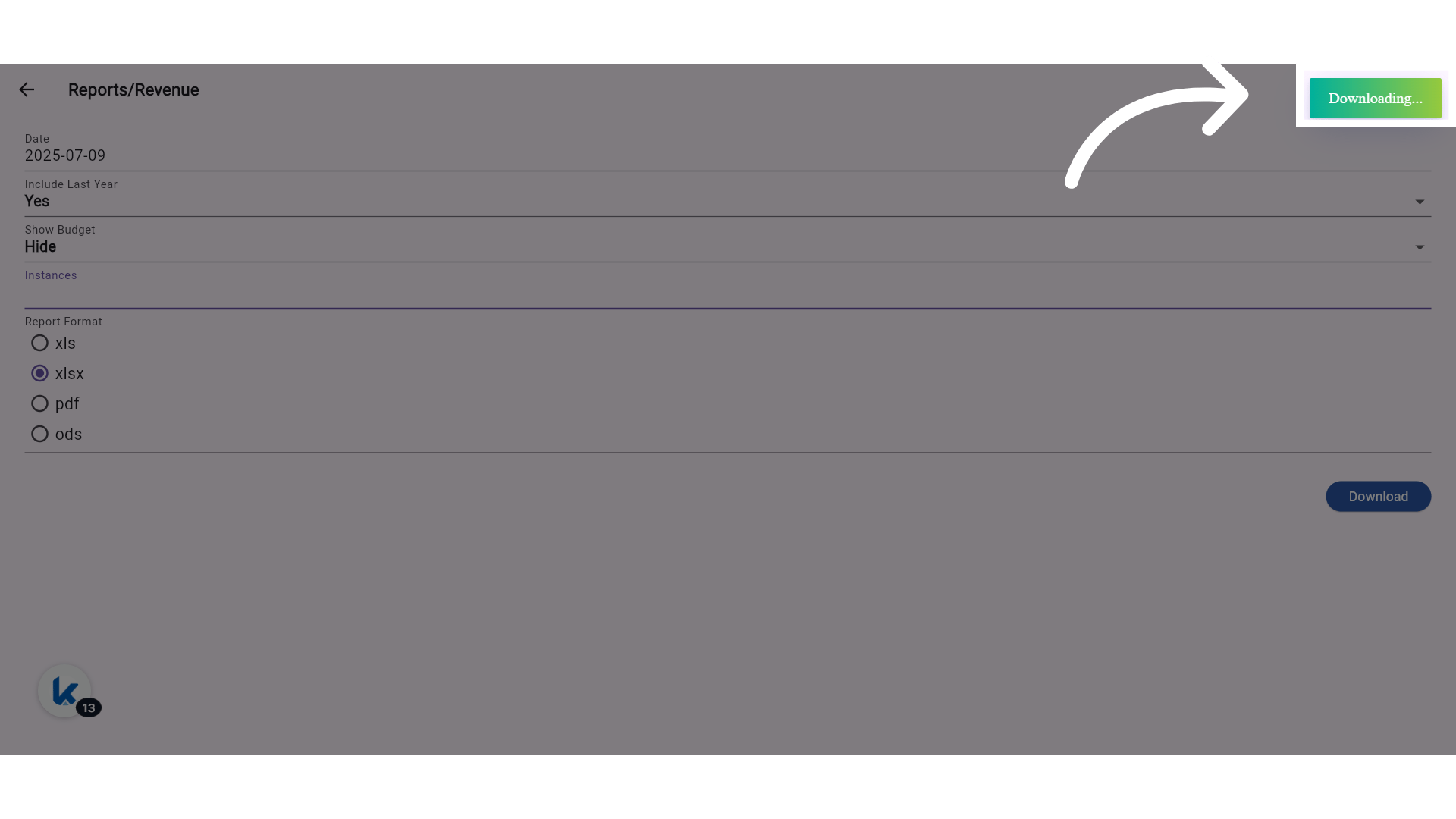
Other Report Filters and file format
Include Last Year: Adds “Last Year” comparison columns. Show Budget: Adds matching budget columns for each metric.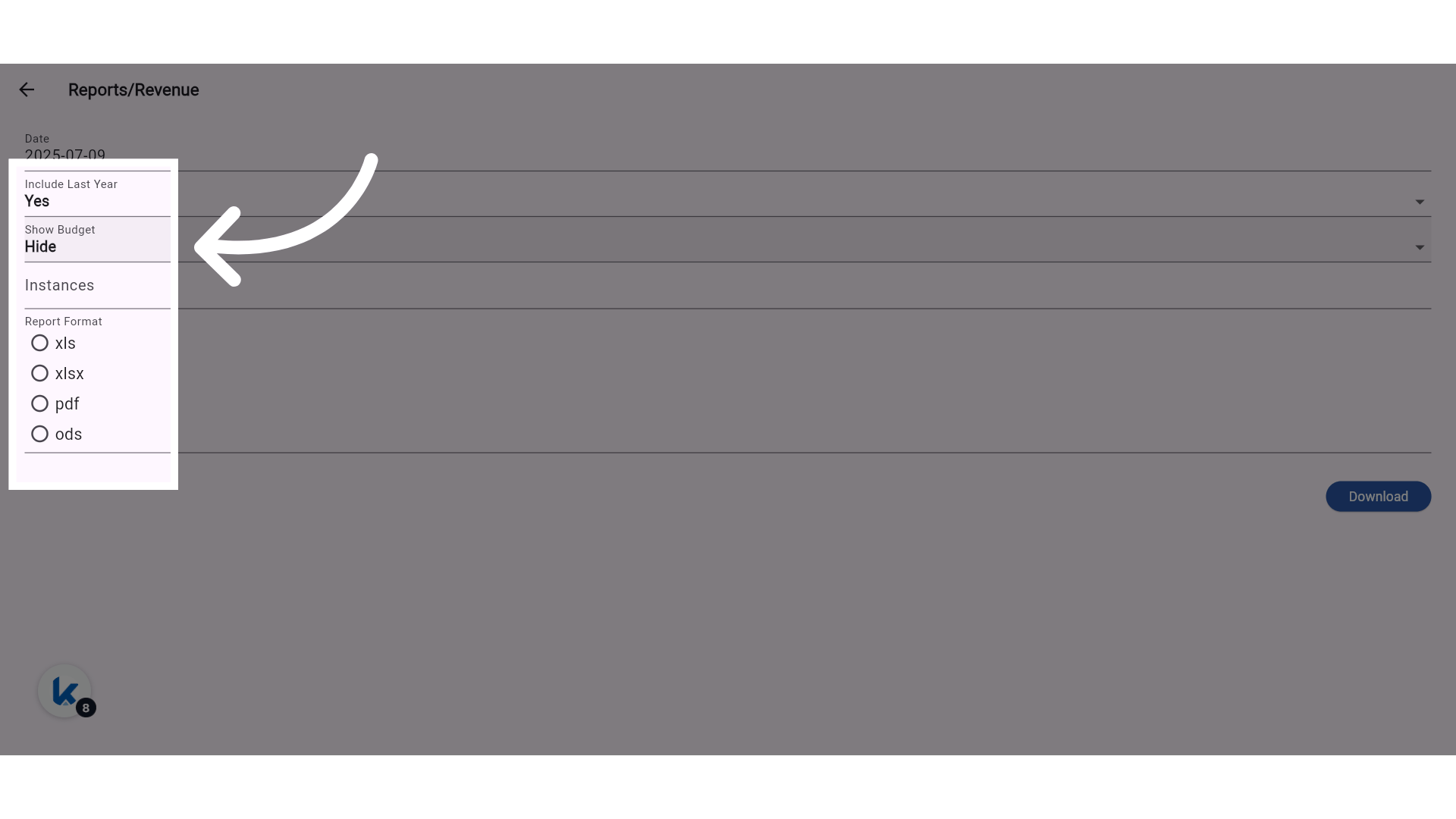
📊 Column Structure (When All Options Are Enabled):
- Department Code
- Department
- Today | Today (Budget)
- Month | Month (Budget)
- Year | Year (Budget)
- Day (Last Year) | Day (Budget Last Year)
- Month (Last Year) | Month (Budget Last Year)
- Year (Last Year) | Year (Budget Last Year)
🔒 Permissions:
- New permission created for Consolidated Revenue Report.