

How This Helps Your Business:
- Improves Booking Flexibility – Move group bookings based on occupancy, guest preferences, or operational needs.
- Enhances Centralized Management – Gives reservation teams control over booking allocation across multiple hotels.
- Reduces Manual Effort & Errors – Automates data transfer, reducing mistakes and saving time.
- Optimizes Revenue & Room Use – Prevents overbooking and ensures better room distribution.
When to Use the Group Transfer Feature:
- Rebalancing Bookings – Move groups when one hotel reaches full capacity.
- Operational Issues – Transfer guests if a hotel is under maintenance or facing service disruptions.
- Centralized Reservations – Adjust bookings to suit corporate or group needs better.
How do you transfer a group reservation?
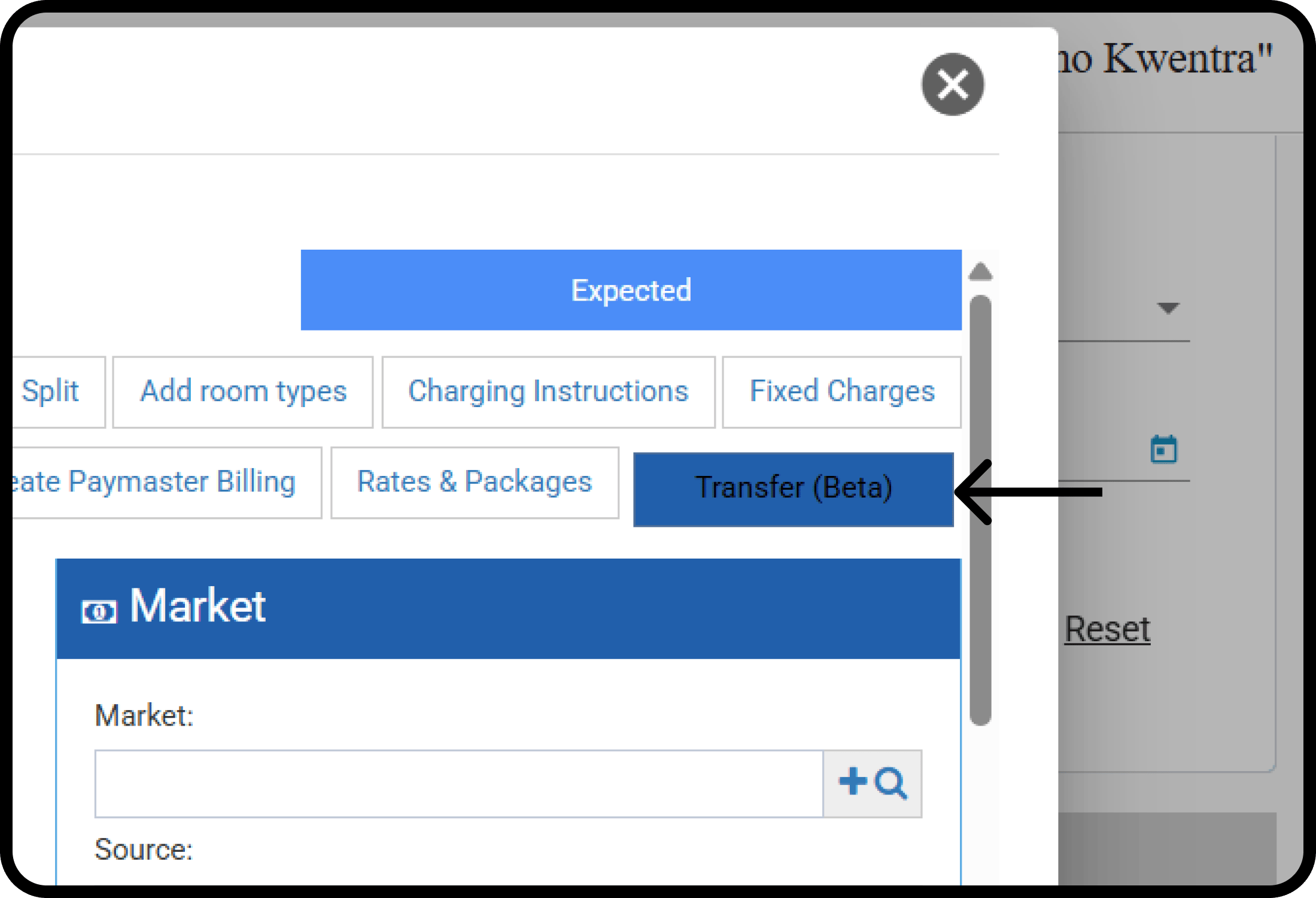
Front Office → Group Reservations → Select Expected Group Reservation The button is enabled only if:- The user has “Transfer Group Reservation” permission.
- The user has access to multiple properties.
- Group status is “Expected”, and it’s not a split reservation, even 1 room split.
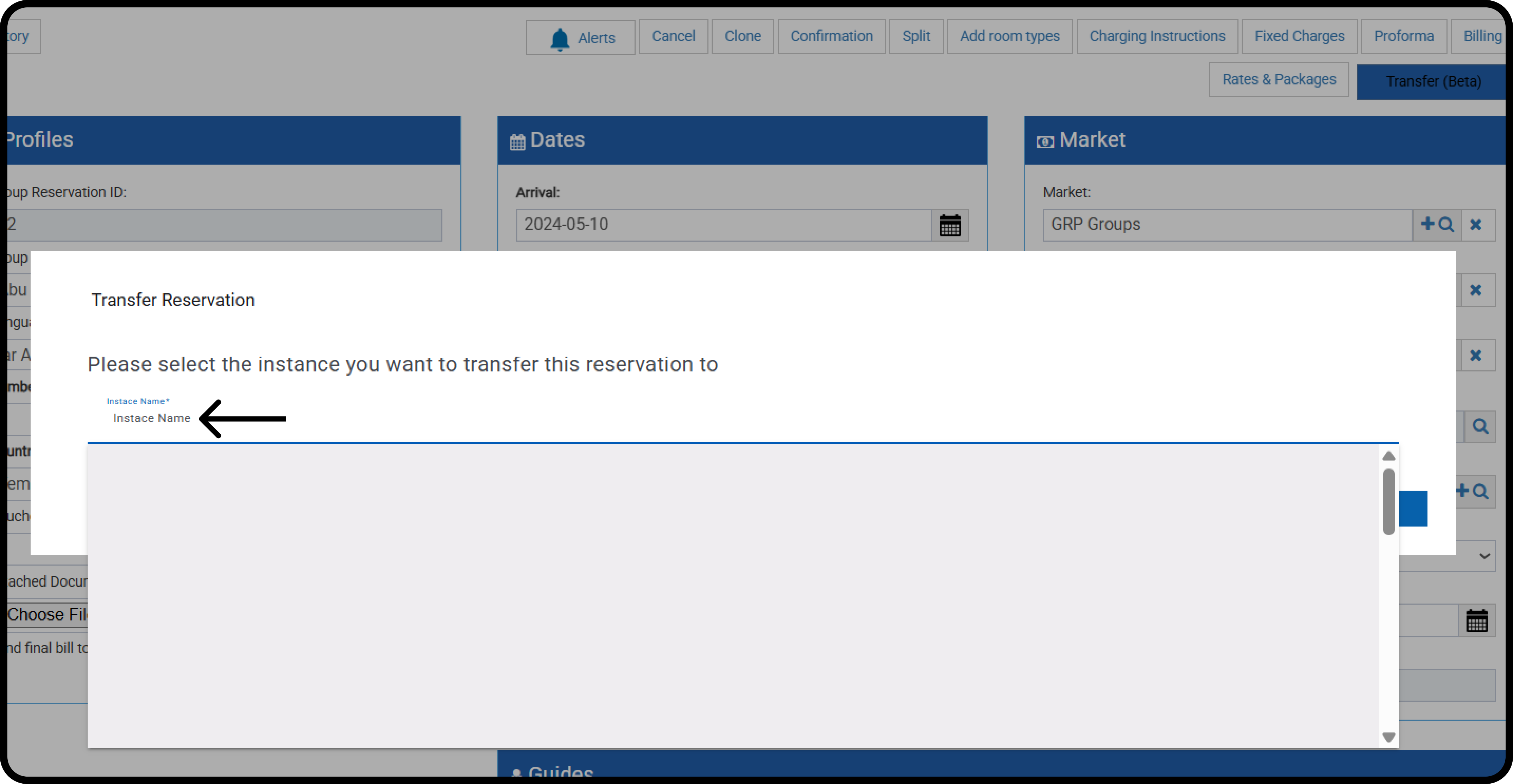
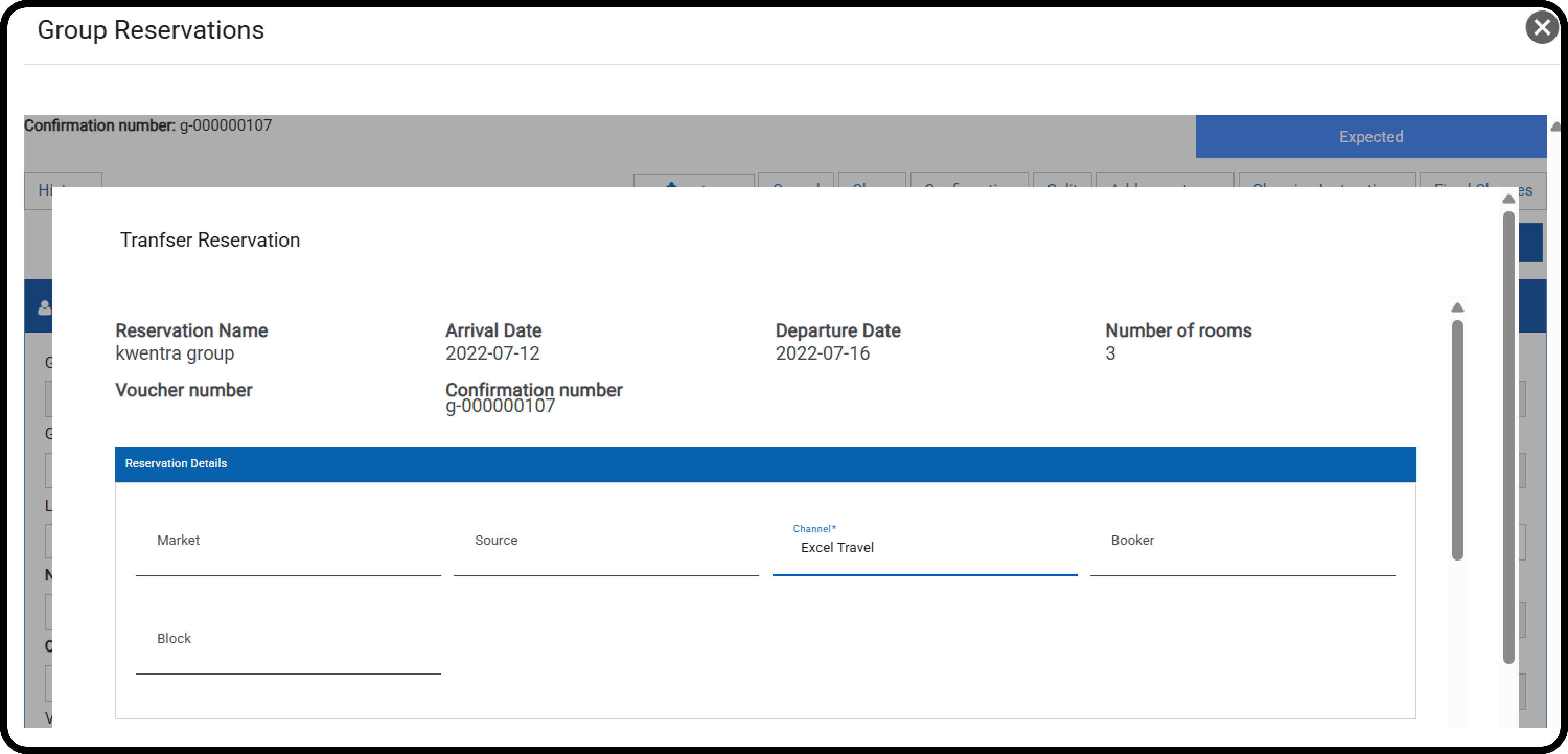
- Group Name
- Arrival & Departure Dates
- Number of rooms
- Voucher
- Group Confirmation number
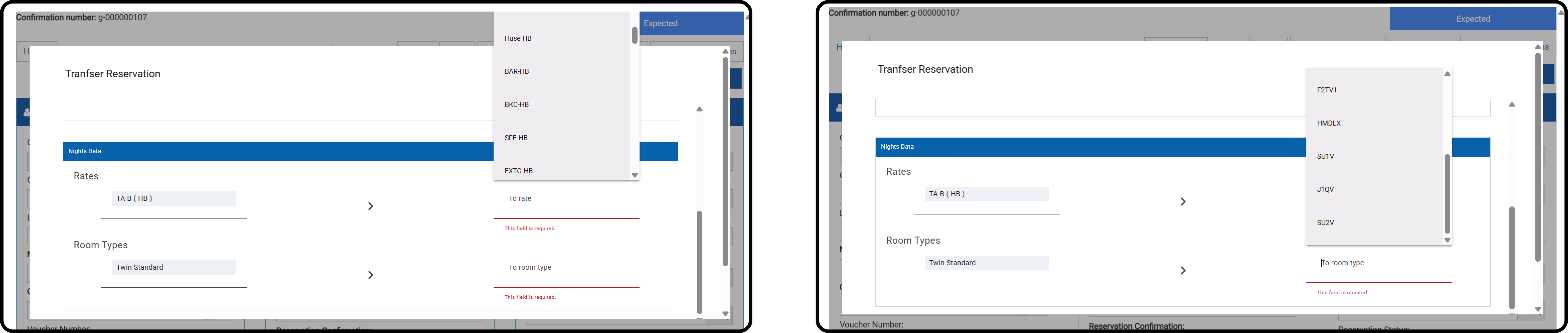
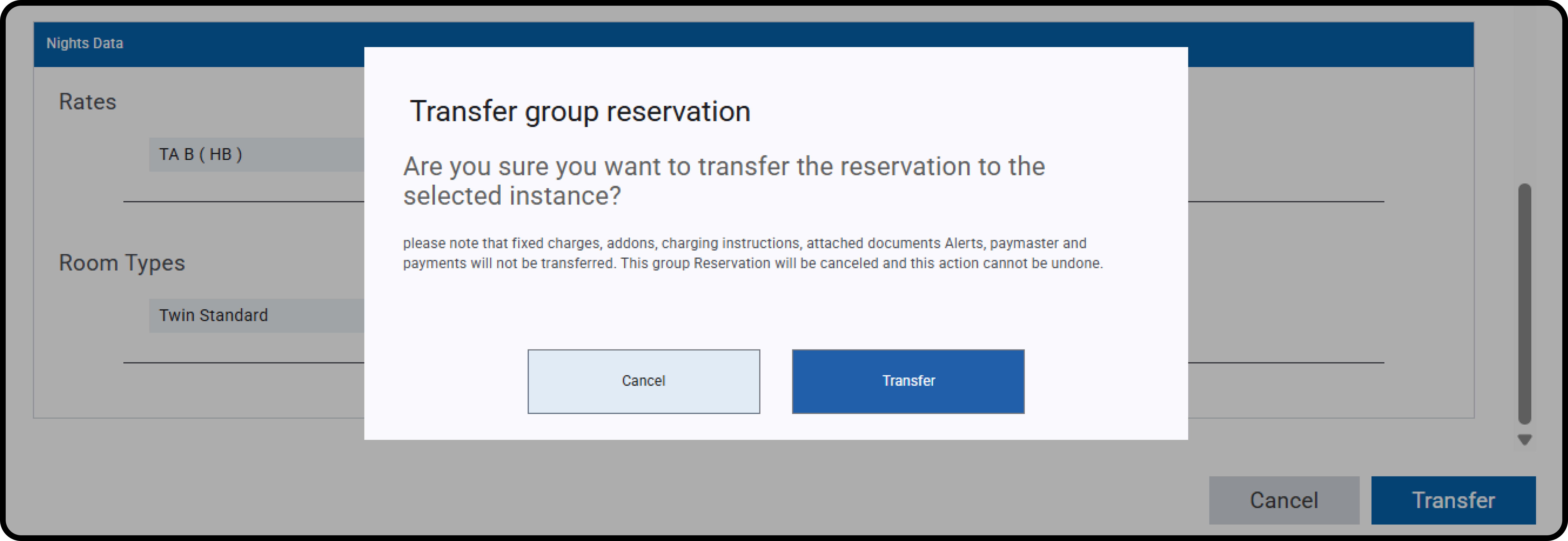
- A new group reservation is created in the destination instance.
- The source reservation is canceled.
- Logs and internal notes are added for tracking.
- Source and destination property dates: Both properties should be following the same audit date
- Rate Coverage: Ensures the selected rate has rate details in the destination property that covers the reservation dates.
- Occupancy Check: Confirms the number of guests and matches the room type occupancy for adults/children.
- Overbooking Warning: Allows transfer with a notification.