

💡 Business Value
This report provides cross-property insights on reservations that share the same voucher number. It enables financial teams and central reservations to:- Consolidate revenue by voucher.
- Detect duplicates or related bookings.
- Analyze channel performance tied to specific voucher campaigns or tour operators.
📚 Use Cases
- A central reservation manager wants to see how many rooms and how much revenue came from a specific voucher campaign.
- A financial controller wants to reconcile invoices with a tour operator that books multiple rooms under the same voucher.
- A night auditor needs to validate day-use bookings grouped under the same reference.
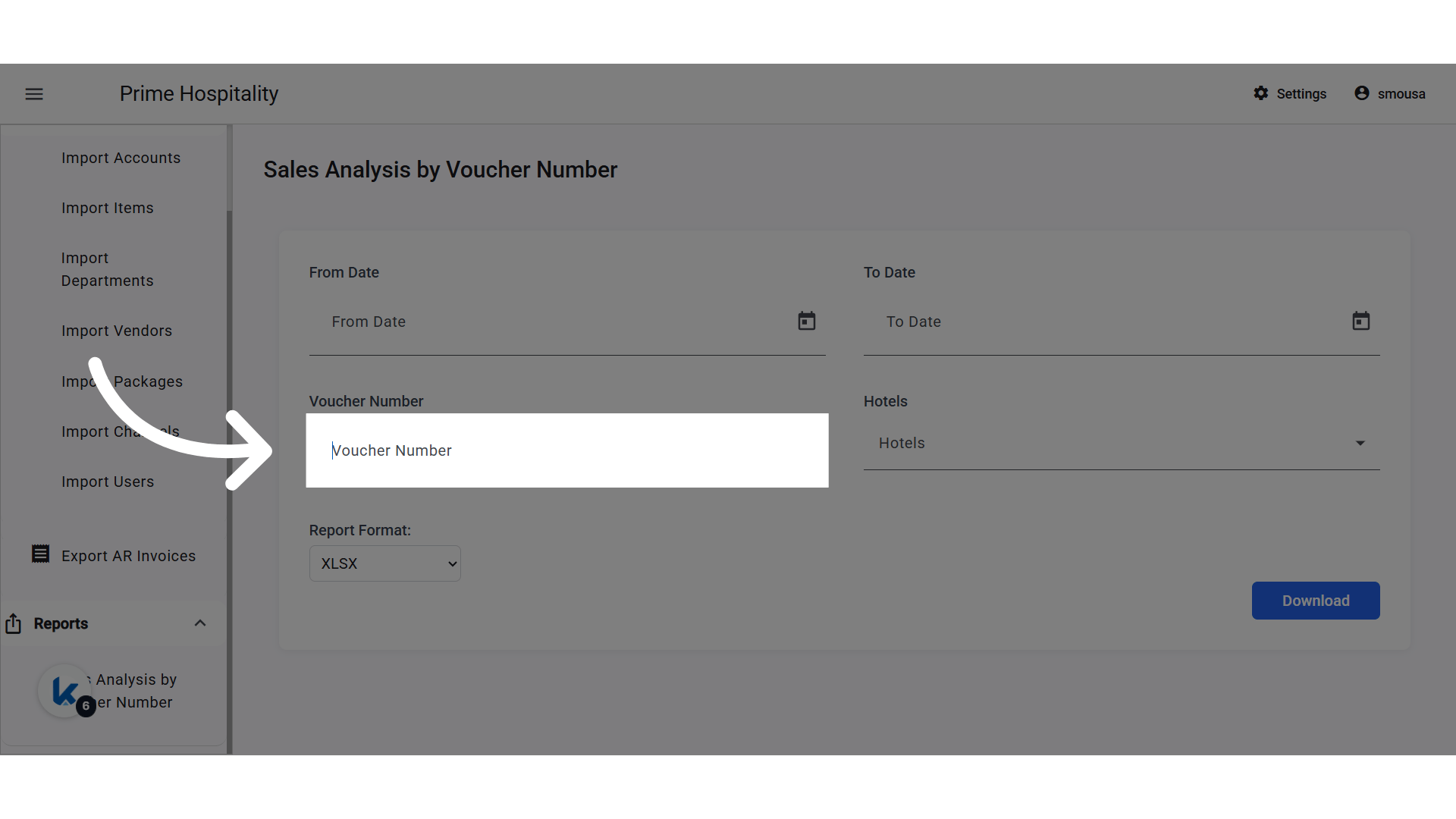
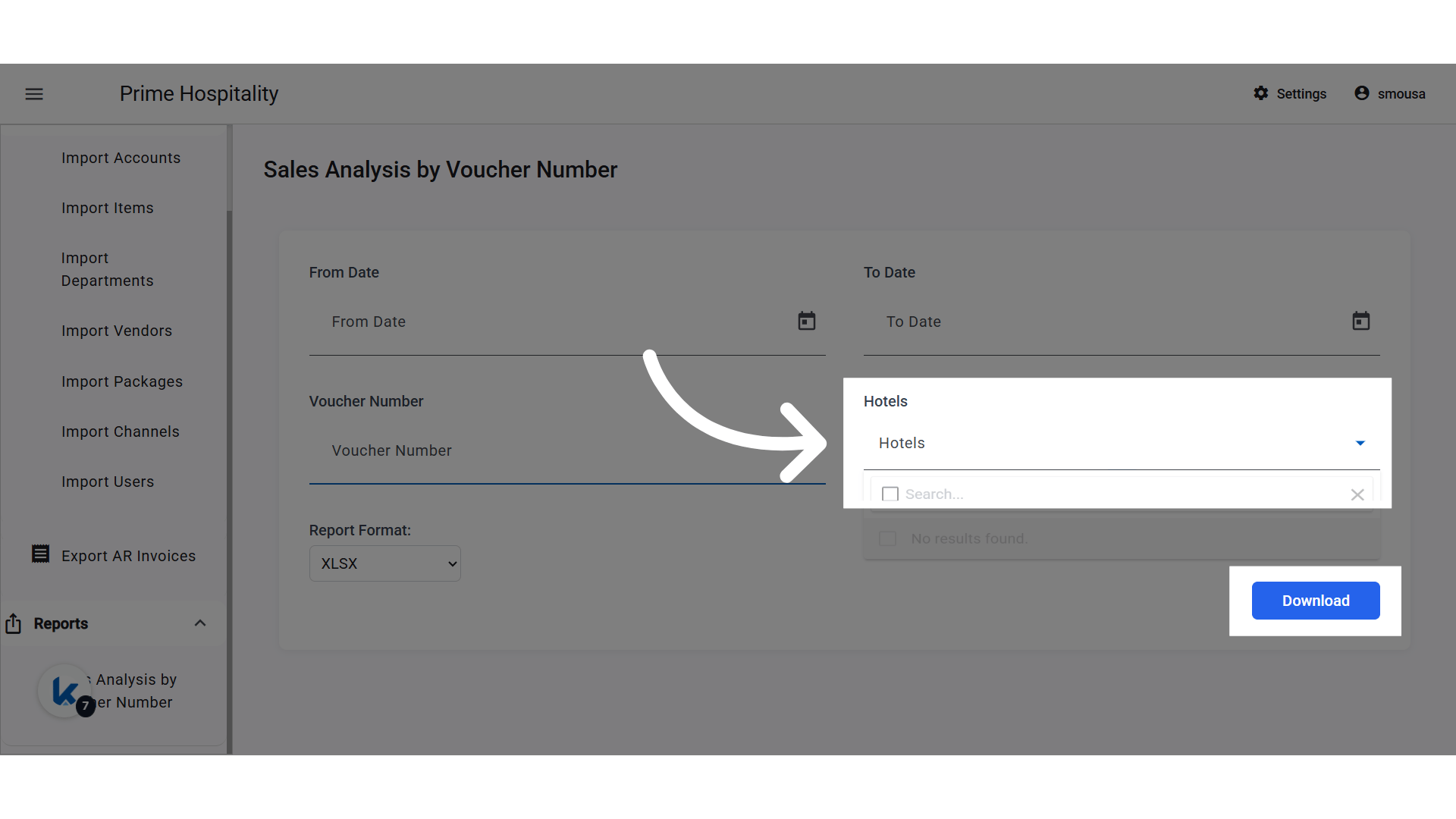
- Free-text field.
- Matches any part of the voucher number (partial search supported).
- Autocomplete list of instances in the same company.
- If no hotel is selected, the system includes all hotels in the company.
📊 Report Columns:
- Voucher Number (Request #)
- Hotel Name
- Client Name (Channel name)
- Rooms (Number of individual reservations sharing the same voucher)
- Revenue (Total of debit department postings grouped by voucher)
🔐 Permissions
A new permission must be created for this report and added to the following groups:- ✅ Multi Property Financial Controller
- ✅ Multi Property Night Auditor
- ✅ Central Reservation
UPDATE: 18th of September, 2025
[NEW] Paymaster Charges Now Included
Now you can view all charges—including Paymaster postings—that share the same voucher number, providing a comprehensive financial overview by voucher.Business Value
- Comprehensive voucher-level revenue tracking: Both reservation and Paymaster charges with matching voucher numbers are now included in revenue totals.
- Improved reconciliation: Financial and audit teams can see all charges associated with a voucher, reducing missed items.
- Stronger channel and campaign analysis: Paymaster charges (e.g., extra services, group incidentals) tied to voucher campaigns are fully visible.
What’s Changed?
- Paymaster charges are now included in the report when their voucher number matches a reservation’s voucher.
- Revenue, Tax, and Gross Revenue columns now reflect combined totals from both reservations and Paymaster postings with the same voucher number.
- Date filters and voucher grouping logic apply equally to both reservations and Paymaster charges for accuracy and consistency.
- Voucher Number search: Still supports partial search and works for both reservation and Paymaster postings.