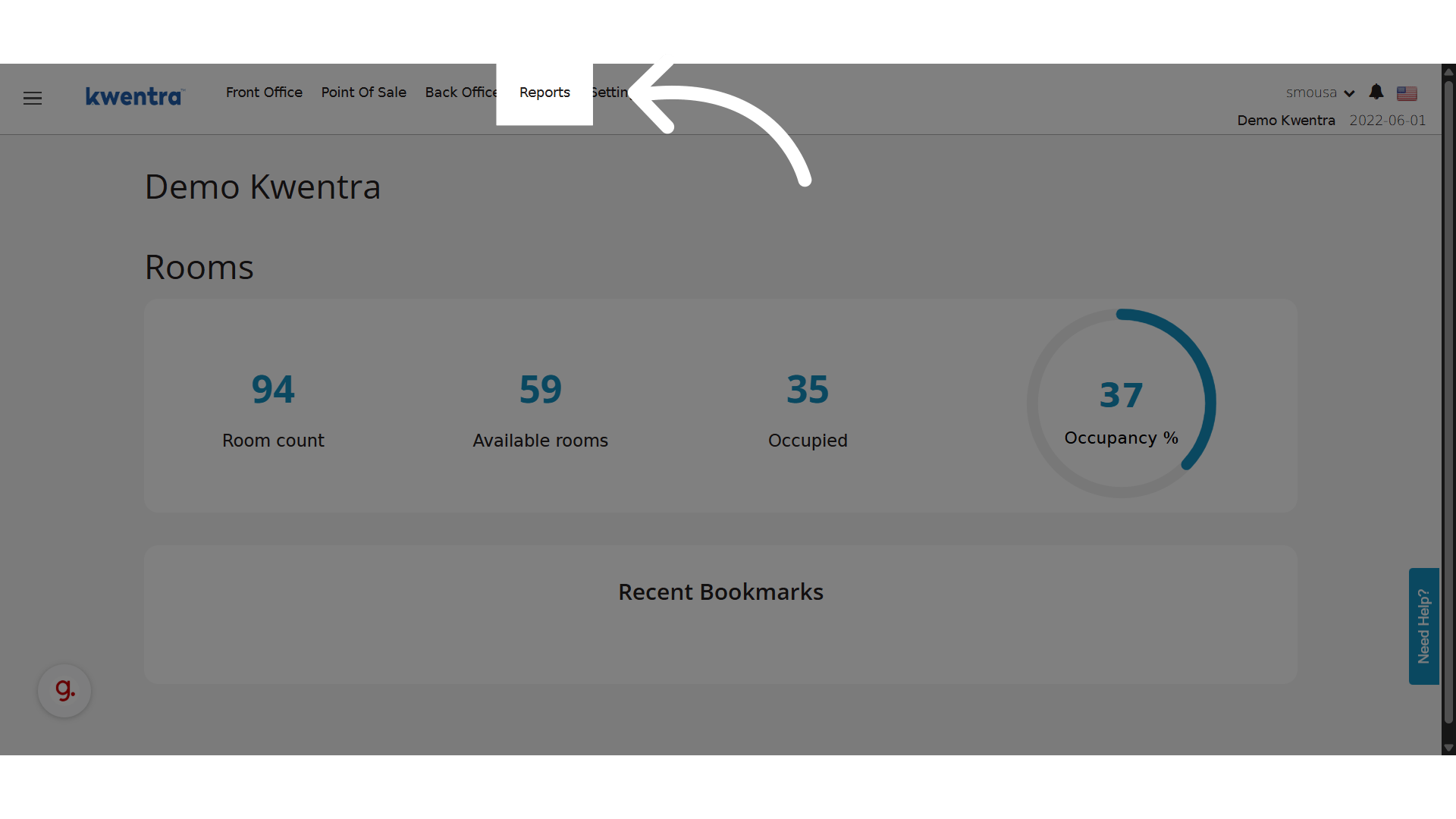
This update gives accounting teams in KSA the flexibility to generate reports based on the Hijri financial year, in alignment with local regulations and audit requirements. Go to manage.kwentra.comDocumentation Index
Fetch the complete documentation index at: https://help.kwentra.com/llms.txt
Use this file to discover all available pages before exploring further.
Changes
- A new dropdown parameter: Calendar
- Options: Gregorian (default) or Hijri
- When Hijri is selected:
- Dates displayed in report headers follow the Hijri calendar.
- Opening balances are calculated from the start of the Hijri financial year.
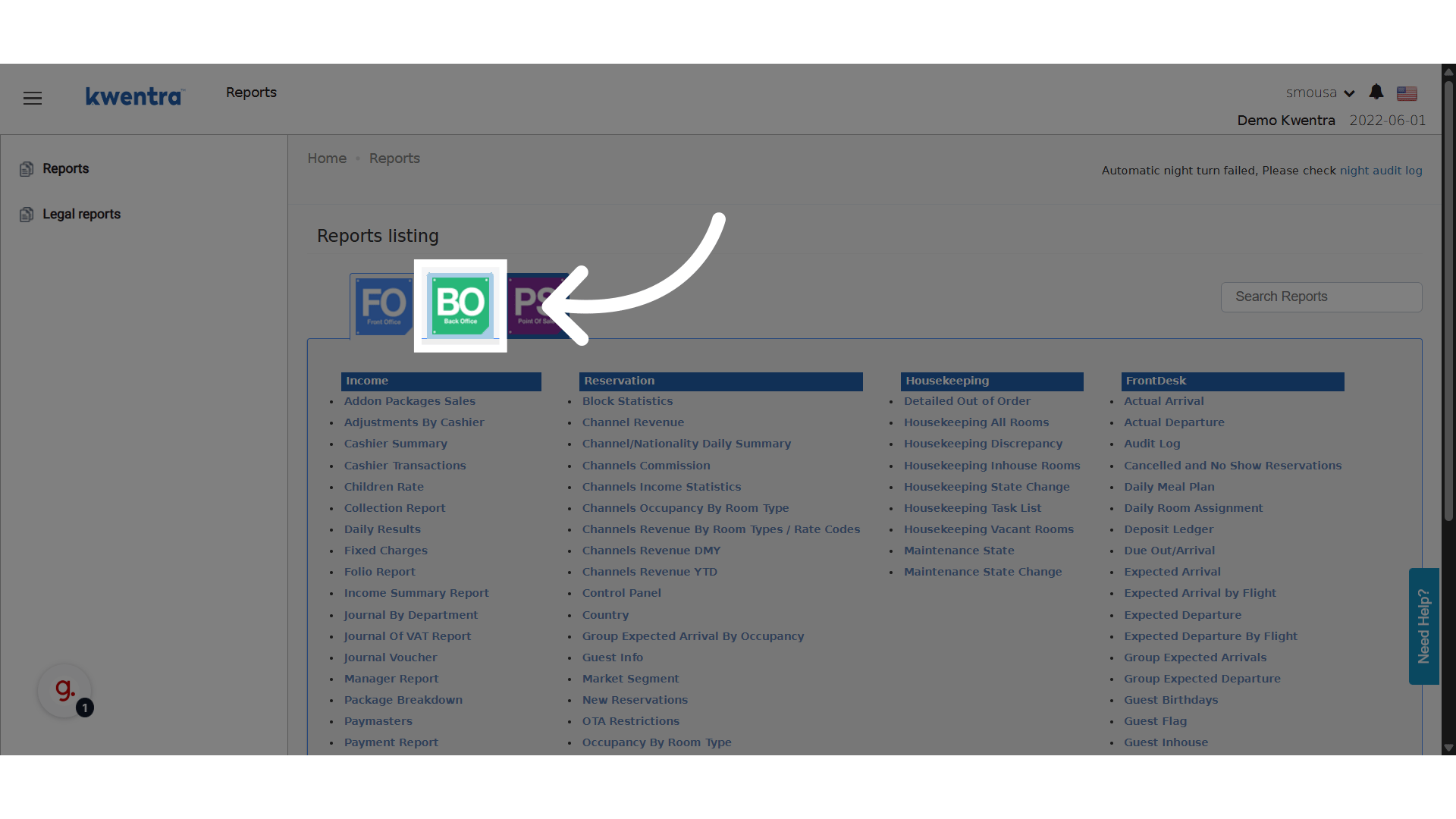
Click BO Reports
Click “Account Listing”
preview🆕 What’s New?
- A new Calendar parameter has been added to the report.
- You can select between the Gregorian and Hijri calendars.
- When Hijri is selected:
- All displayed dates in the report follow the Hijri format.
- The opening balance is calculated based on the start of the Hijri year.