Business Value
- Export all submission records to CSV for audits and reviews.
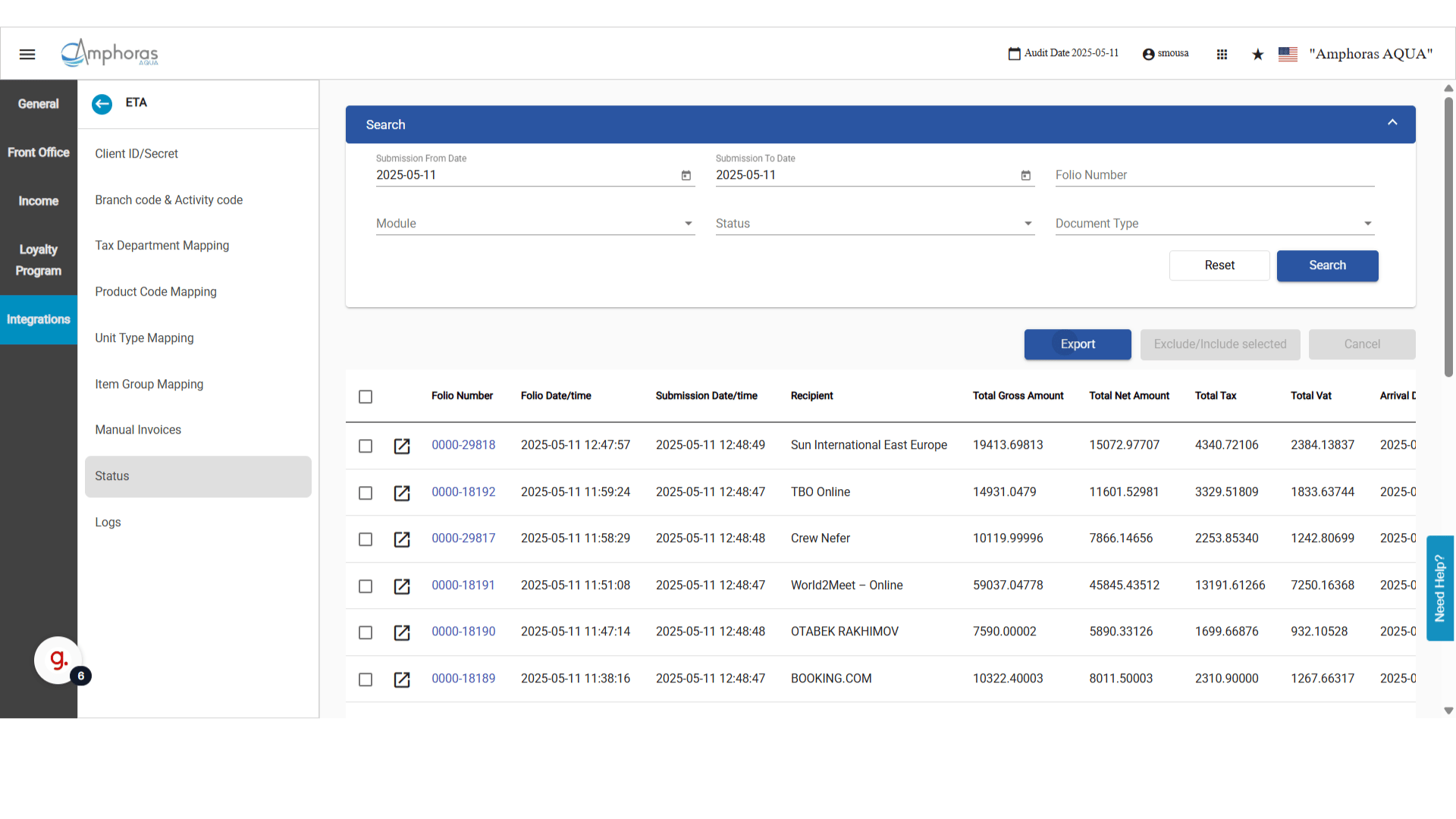
- See key document details on the screen without opening each record.
- Find issues fast by checking tax amounts, recipients and folios.
- Check fewer things by hand.
Use Cases
- A finance officer exports all records for the month to CSV for an audit.
- A front office manager opens the folio of a rejected document with one click.
- An accountant checks tax amounts on the screen against the folio.
How It Works
- Go to manage.kwentra.com.
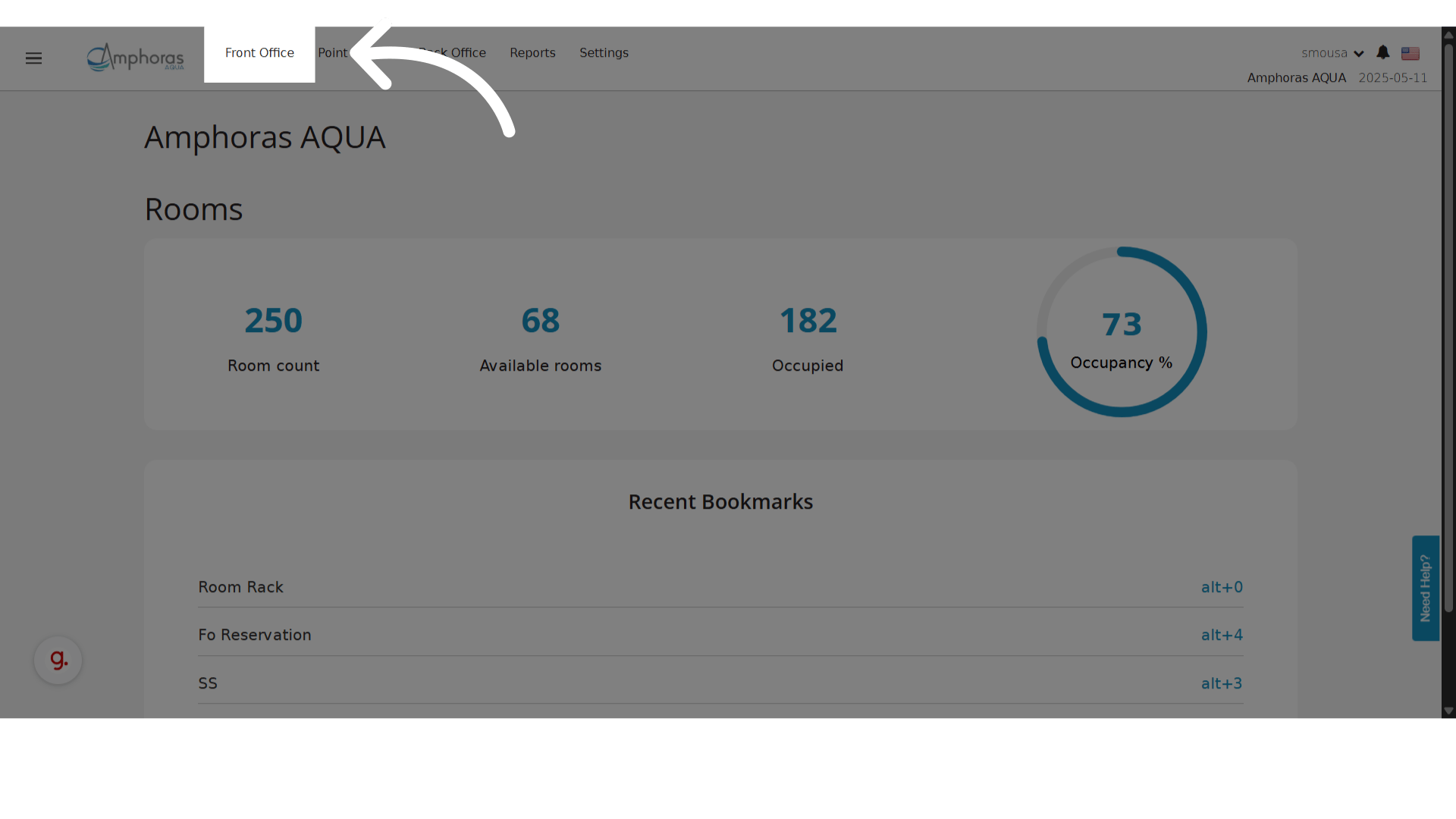
- Click Front Office.
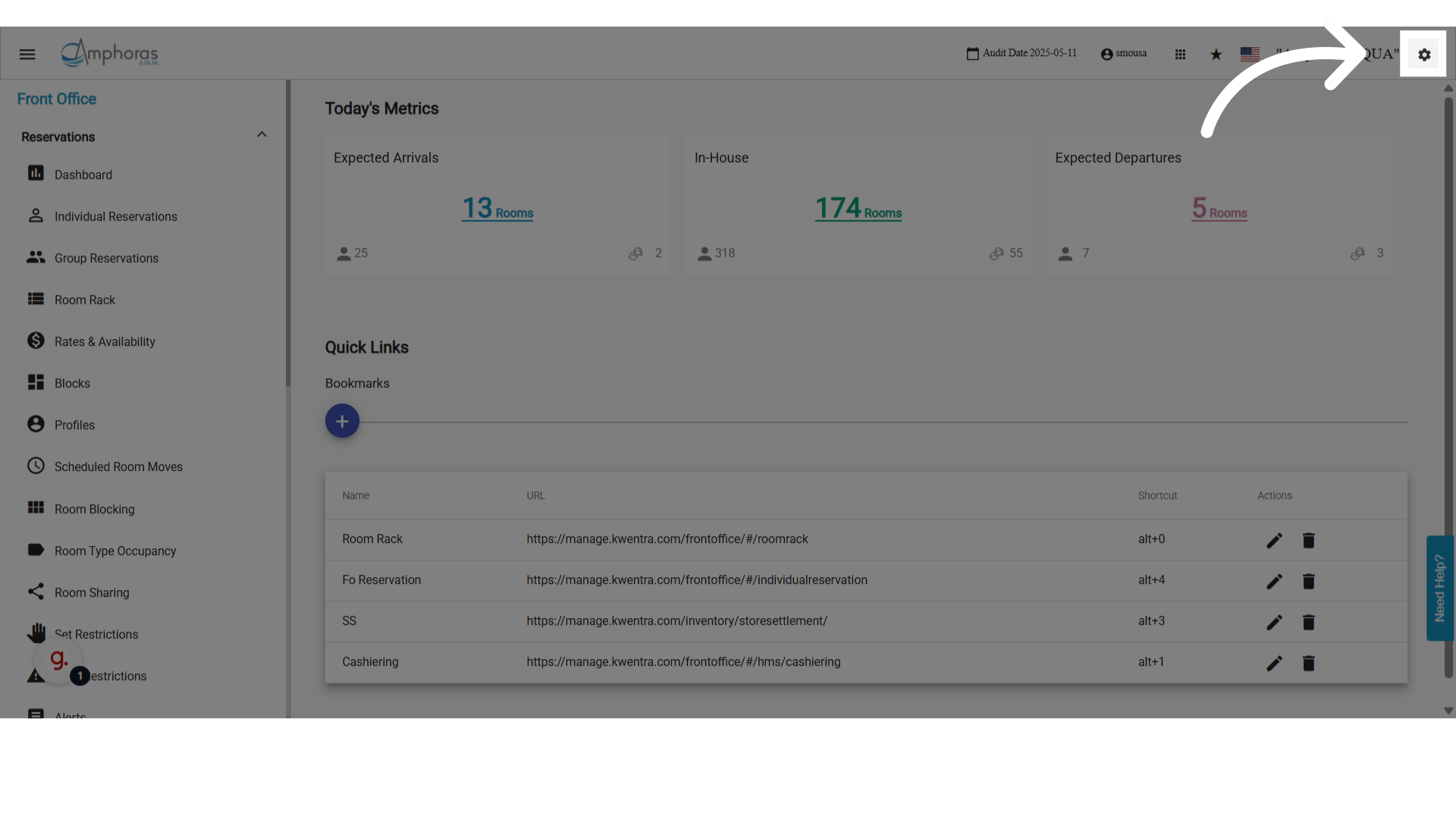
- Click Settings.
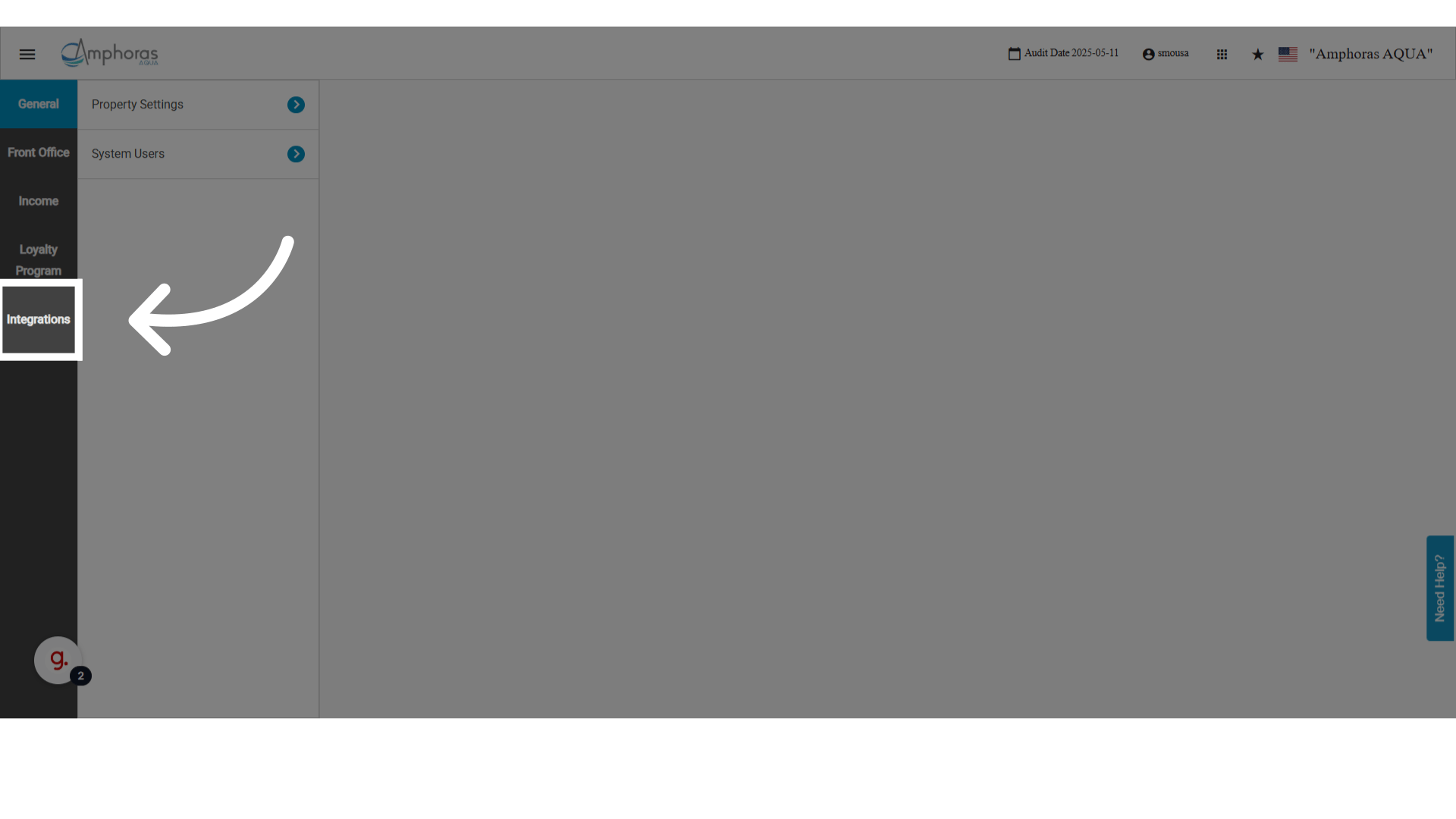
- Click Integrations.
- Click ETA.
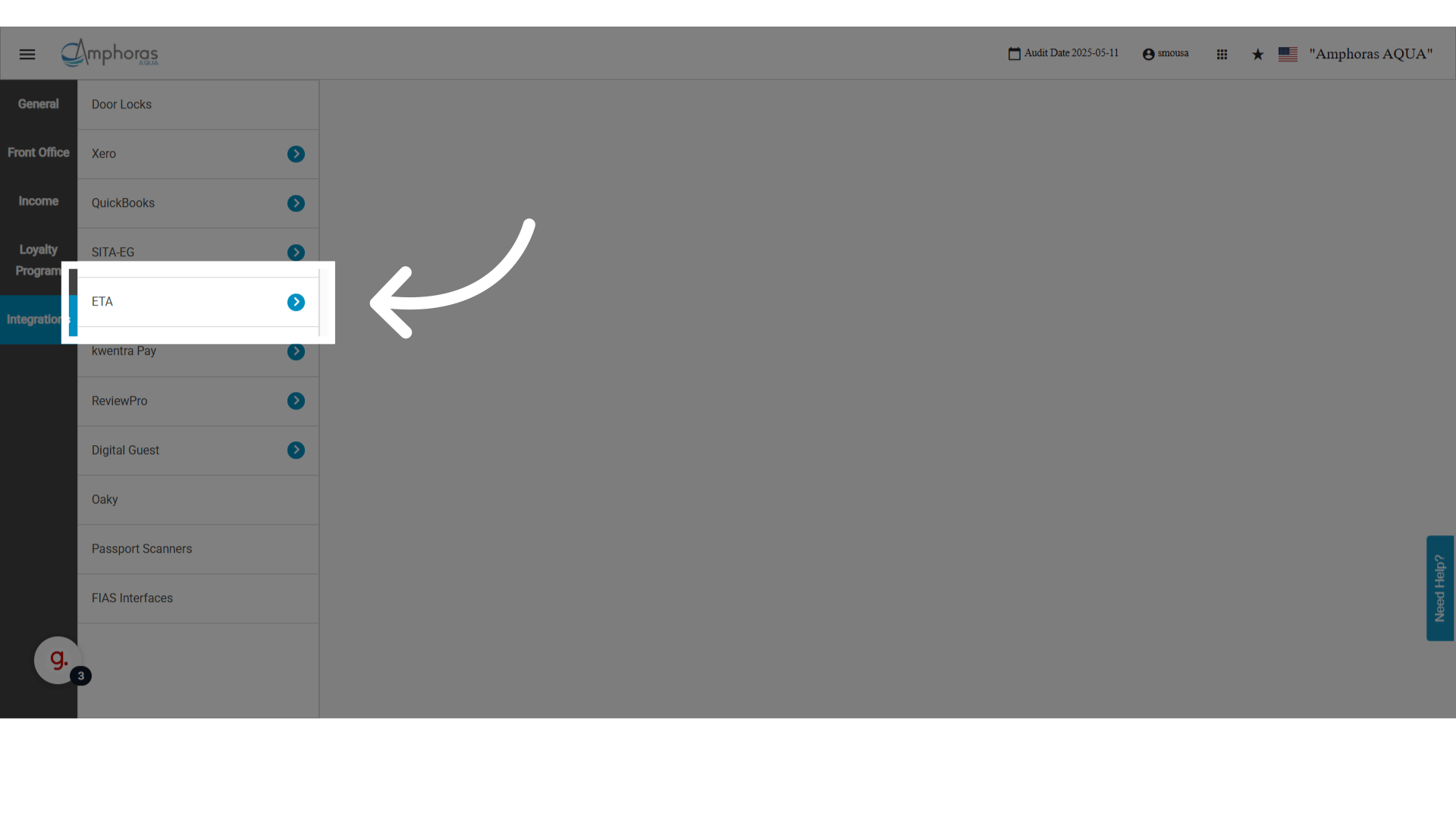
- Click Status.
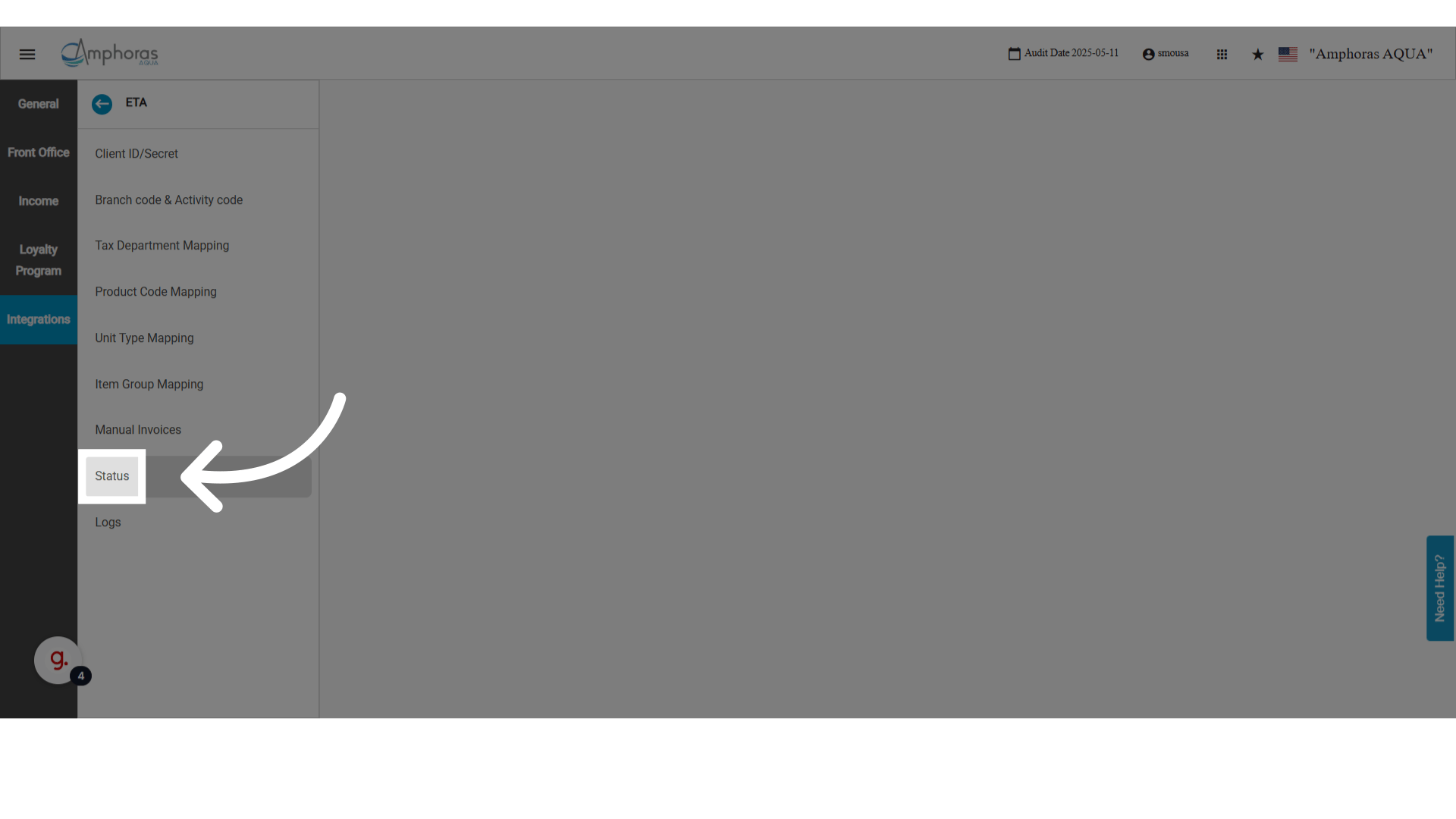
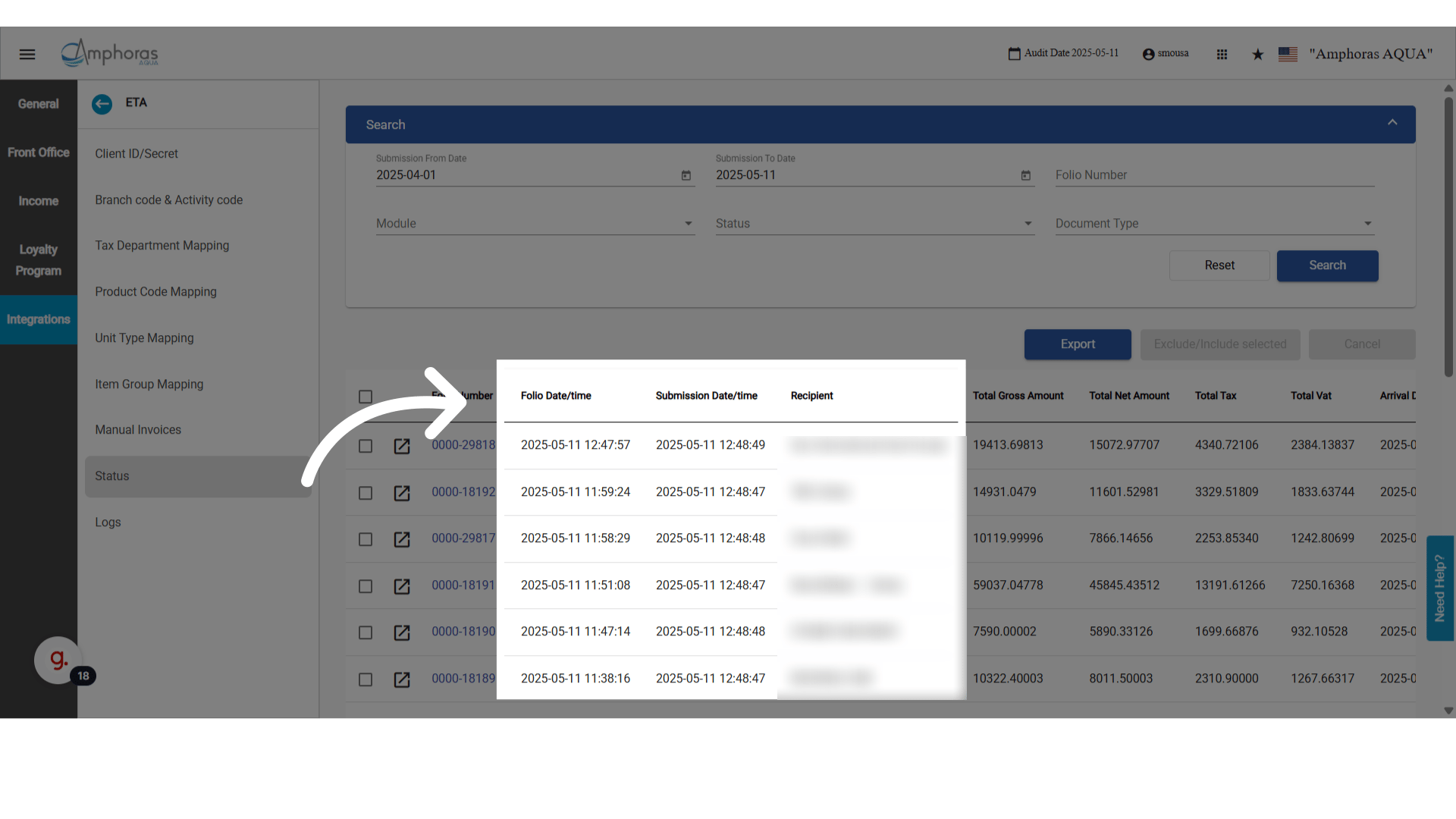
New Columns: Folio Date/Time and Recipient
- Folio Date/Time: when the folio was created in Kwentra.
- Recipient: who receives the invoice.
Open the Folio List from the ETA Screen
- A Folio icon now shows next to each invoice number.
- Click it to open the Folio List in a new tab.
- The list is already filtered to that document’s folio number.
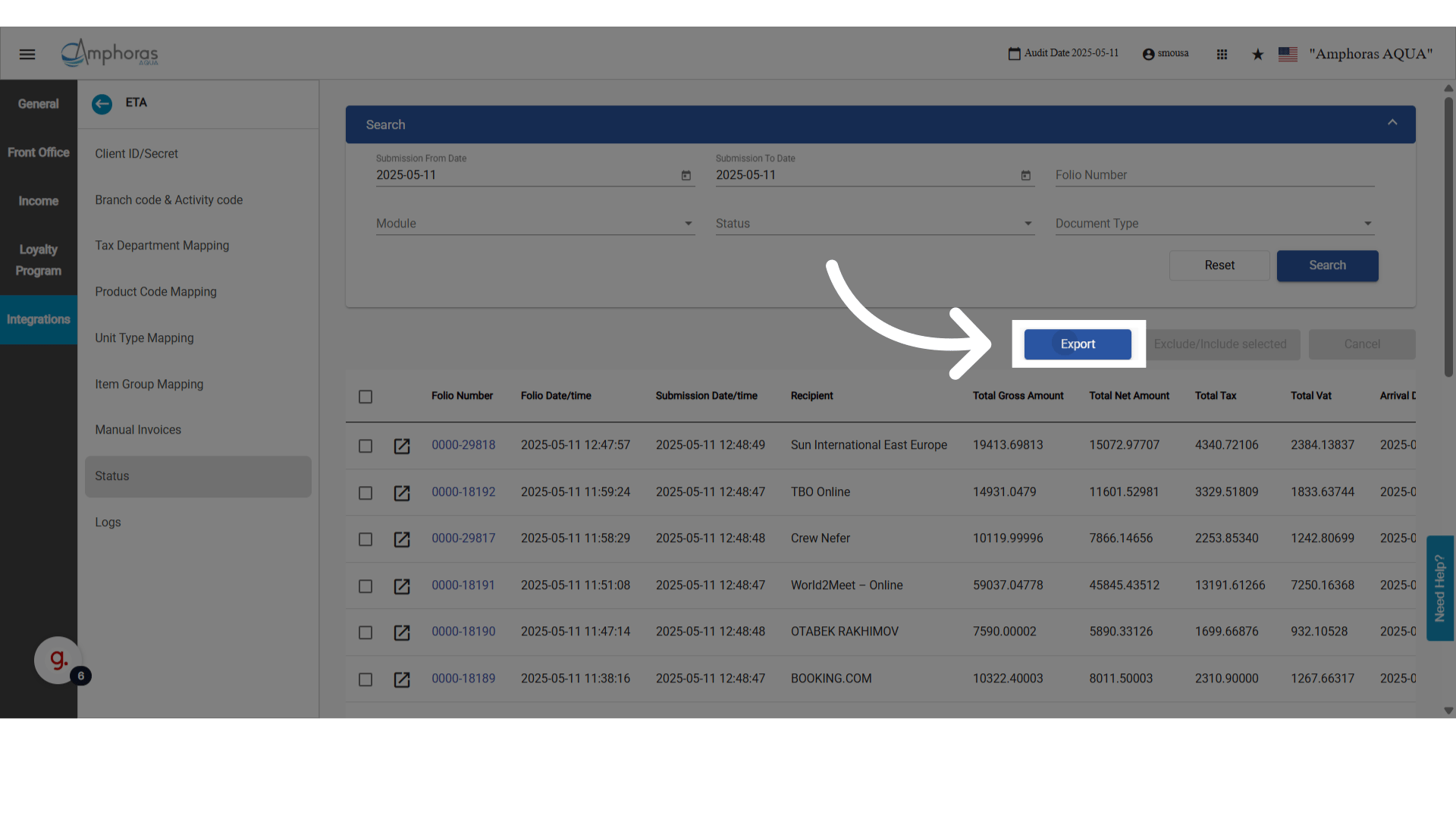
Export to CSV (All Filters and Pages)
Export all filtered records, from all pages, in one click.- A CSV file downloads with every record that matches your filters. It is not limited to the current page.
- The file name has a timestamp, such as
ETA_Status_Export_2025-04-07.csv. - The file has all columns, including the new ones.
- Pending documents are not exported. They have no submission date.
Tax and Financial Columns Added
These columns show on the screen and in the export:- Total Net Amount: net amount of the invoice or receipt.
- Total Gross Amount: total amount with tax.
- Total Tax: total tax charged.
- Total VAT: total of tax amounts mapped as T1 (VAT).
- Arrival Date: the reservation arrival date, or the Paymaster date. It depends on the document source.
New Column Order on the Screen and in the Export
- Folio Number
- Folio Date/Time
- Submission Date/Time
- Recipient
- Total Net Amount
- Total Gross Amount
- Total Tax
- Total VAT
- Arrival Date
- Module
- Type
- Status
- Errors