Documentation Index

Fetch the complete documentation index at: https://help.kwentra.com/llms.txt

Use this file to discover all available pages before exploring further.

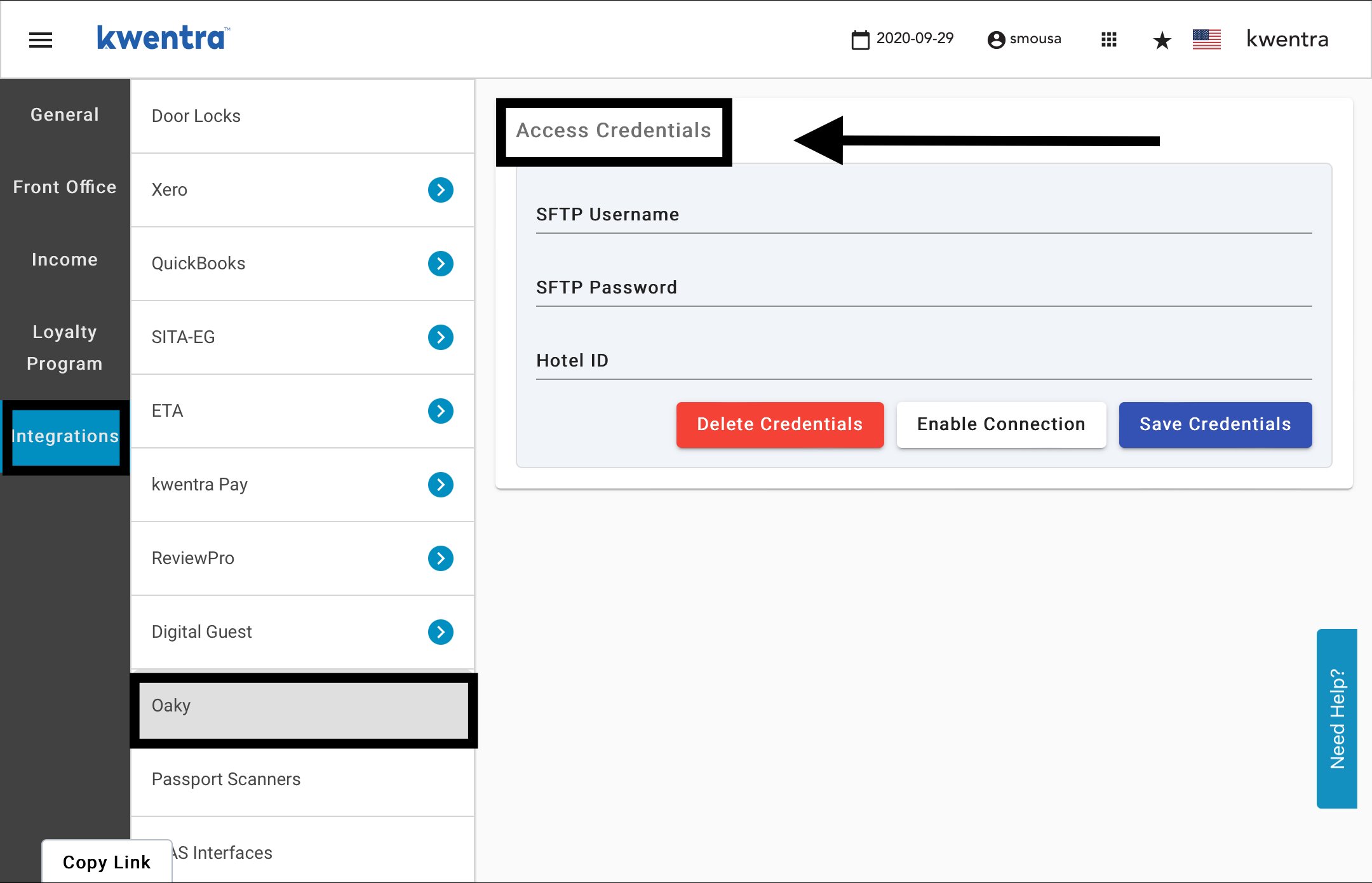
What is Oaky? Oaky is a commission-free upselling platform which helps hotels maximize profit and enhance the guest experience. Browsing from best-selling upsell offers, hoteliers can add personalised guest-facing deals in a matter of minutes, and promote them through perfectly timed guest communication. This puts guests in control of designing their stay with upgrades, special deals and ancillary services. In short, Oaky offers upsells in a way today’s travellers enjoy and appreciate. Oaky is a trusted partner by ho(s)tels across 60 countries. How does kwentra work with Oaky? When the connection between kwentra and Oaky is enabled, kwentra PMS sends 2 reports per day “one at 12:00 am UTC time and the other at 12:00 pm UTC time” that includes all upcoming and expected reservations for the upcoming 30 days. These daily updates contain all the guests’ reservation details from their names, contact info, their booked room type to their VIP status and their preferred salutations. In that way Oaky has all the info needed for you to send upselling offers and have your guests customize their stay, enhance their experience and therefore maximize your profit. How to link kwentra with Oaky? Front Office → Settings Gear Sign → Integrations → Oaky If you have an Oaky Account and would like to connect to kwentra PMS please send your SFTP Username & Password along with your Hotel ID to support@kwentra.com to enable the connection with Oaky.