

Business Value
- See every property’s ZATCA submissions in one file.
- Find invoices that are not reported or not cleared.
- Check gross, net and VAT totals per property.
Use Cases
- A multi-property financial controller checks that all properties reported their invoices.
- A night auditor exports the day’s submissions for all properties.
- A finance manager compares VAT totals across properties.
How It Works
Running the Report
- Go to manage.kwentra.com.
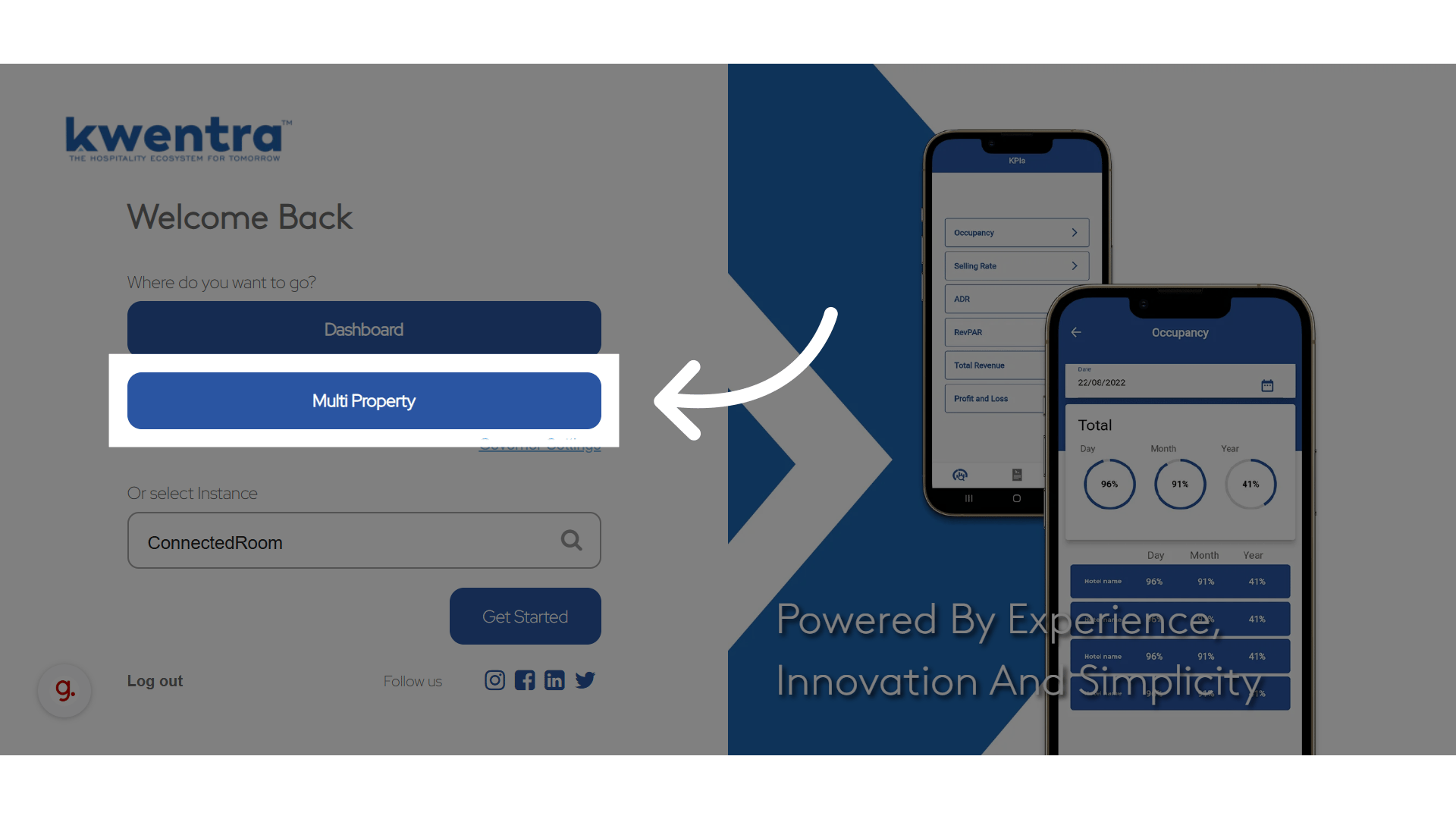
- Click Multi Property.
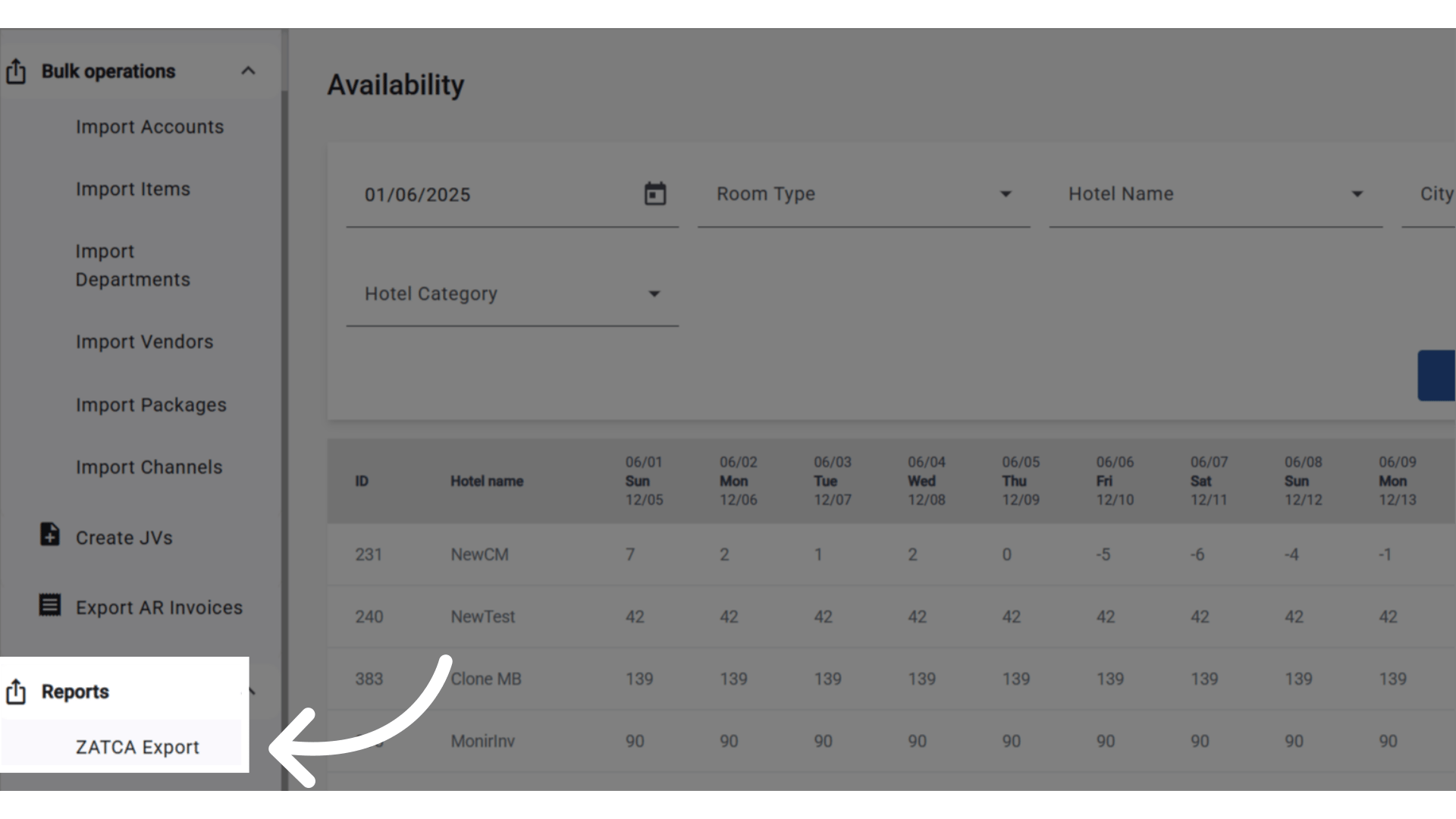
- Open ZATCA Export. It covers all properties under the same company.
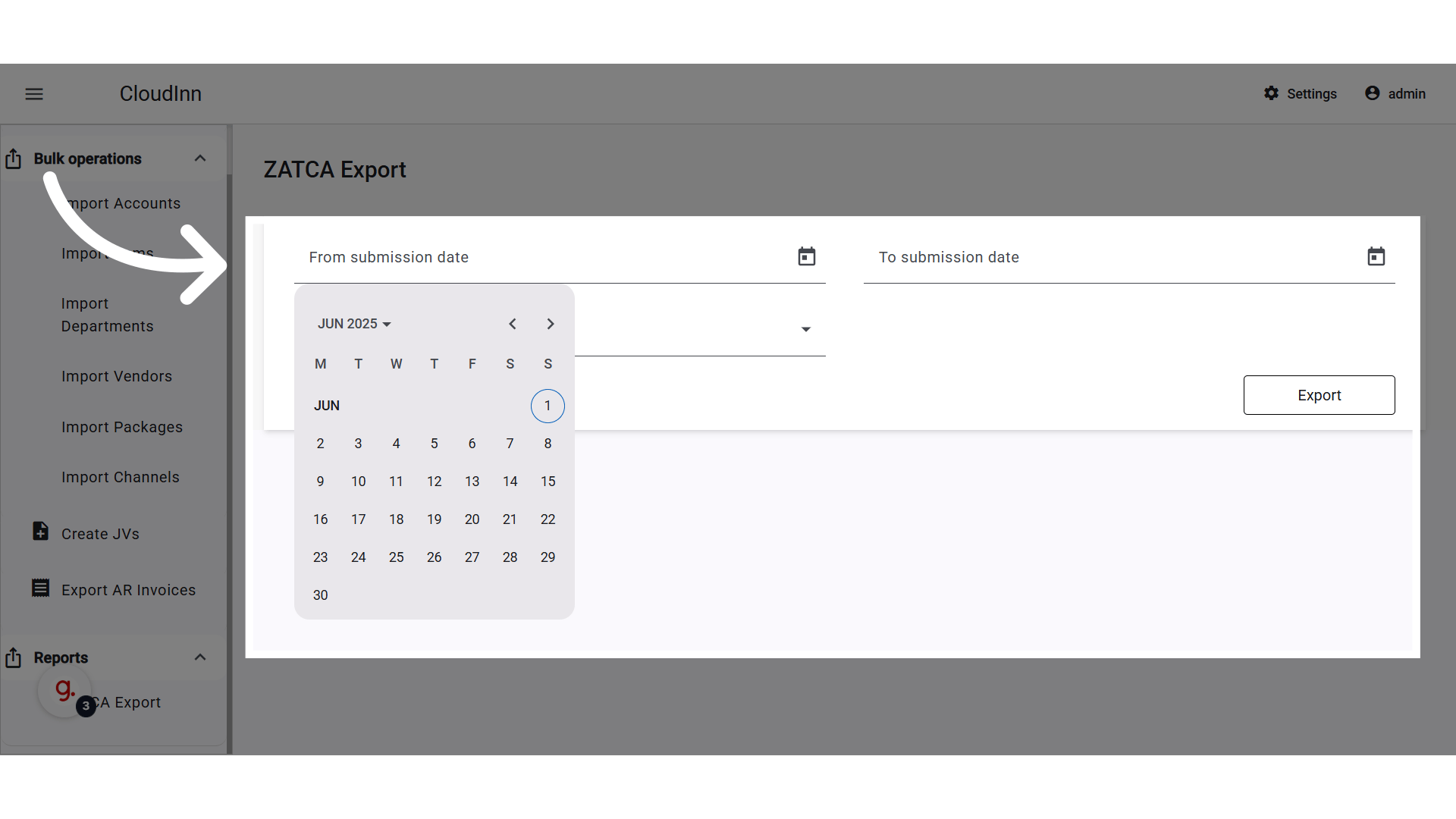
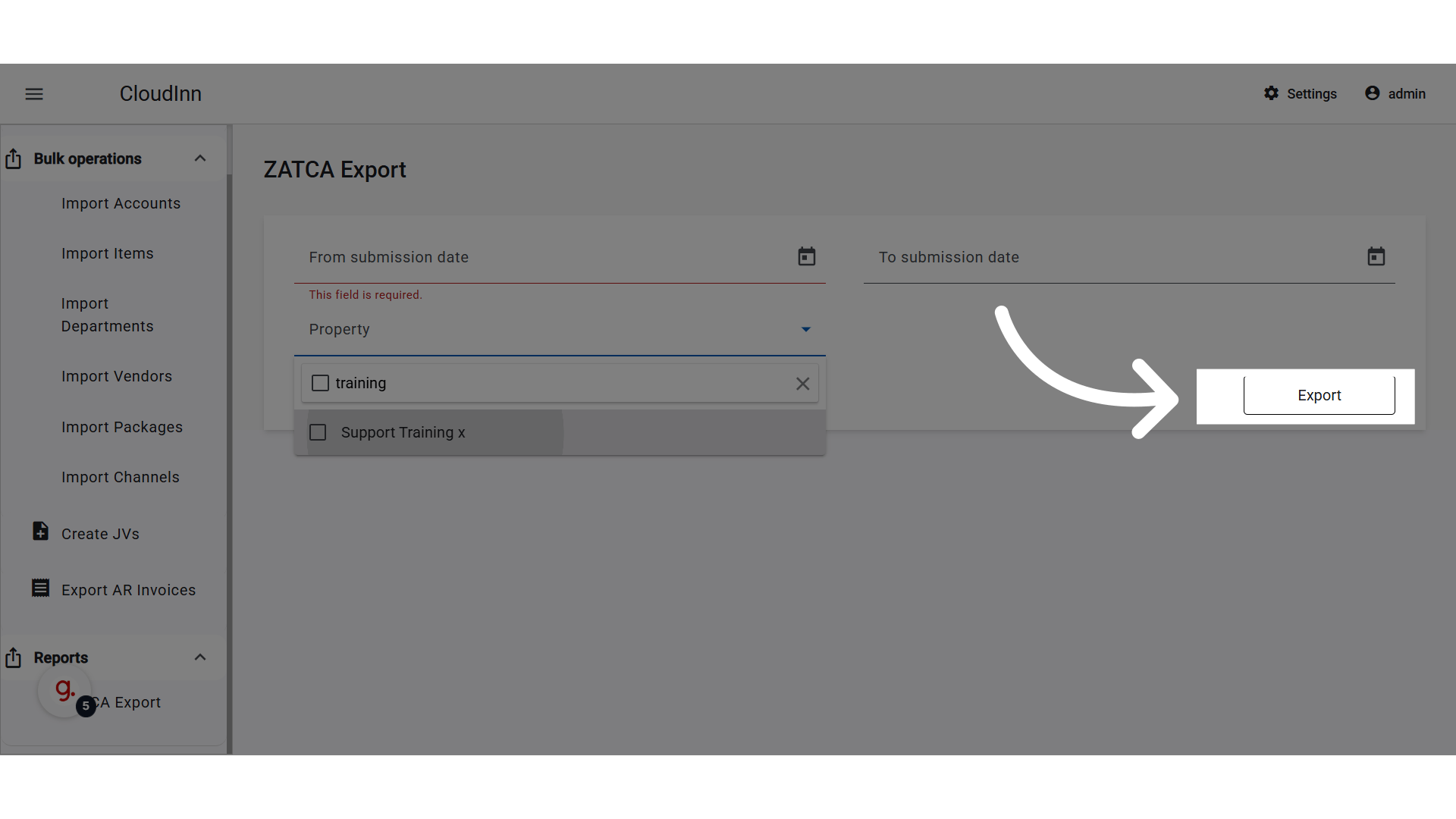
- Select the dates.
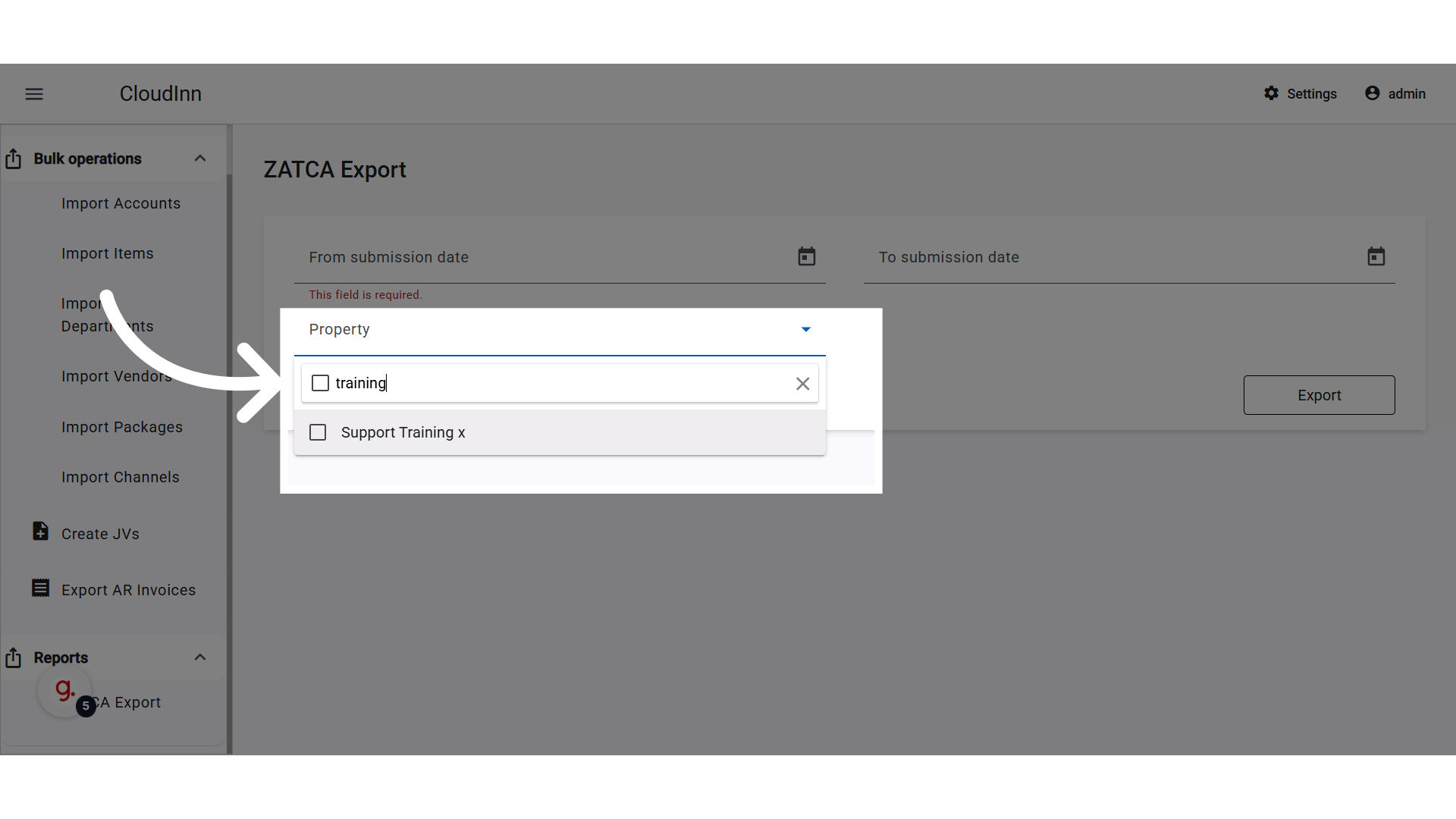
- Search for and select the properties under your company.
- Click Export.
Report Columns
What the Report Includes
- All properties the logged-in user can access.
- Only properties where the ZATCA integration is on.
- Both reported and pending or failed submissions.
- All data comes from the folio XML messages sent to ZATCA.
Permissions
To open the report, the user needs one of these roles:- Multi-Property Financial Controller
- Multi-Property Night Auditor