Business Value
- Avoid fines by reporting guest data every day, as KSA law requires.
- Handle guest profiles and police reports in one place, inside Kwentra.
- Send check-ins, check-outs and escort details automatically. No manual uploads.
Use Cases
- A receptionist updates a guest profile and sends it to Shomoos at once.
- A manager checks the log screen to confirm all of today’s guests were reported.
- The hotel sends a “no transaction today” alert automatically to avoid penalties.
How It Works
- Go to manage.kwentra.com.
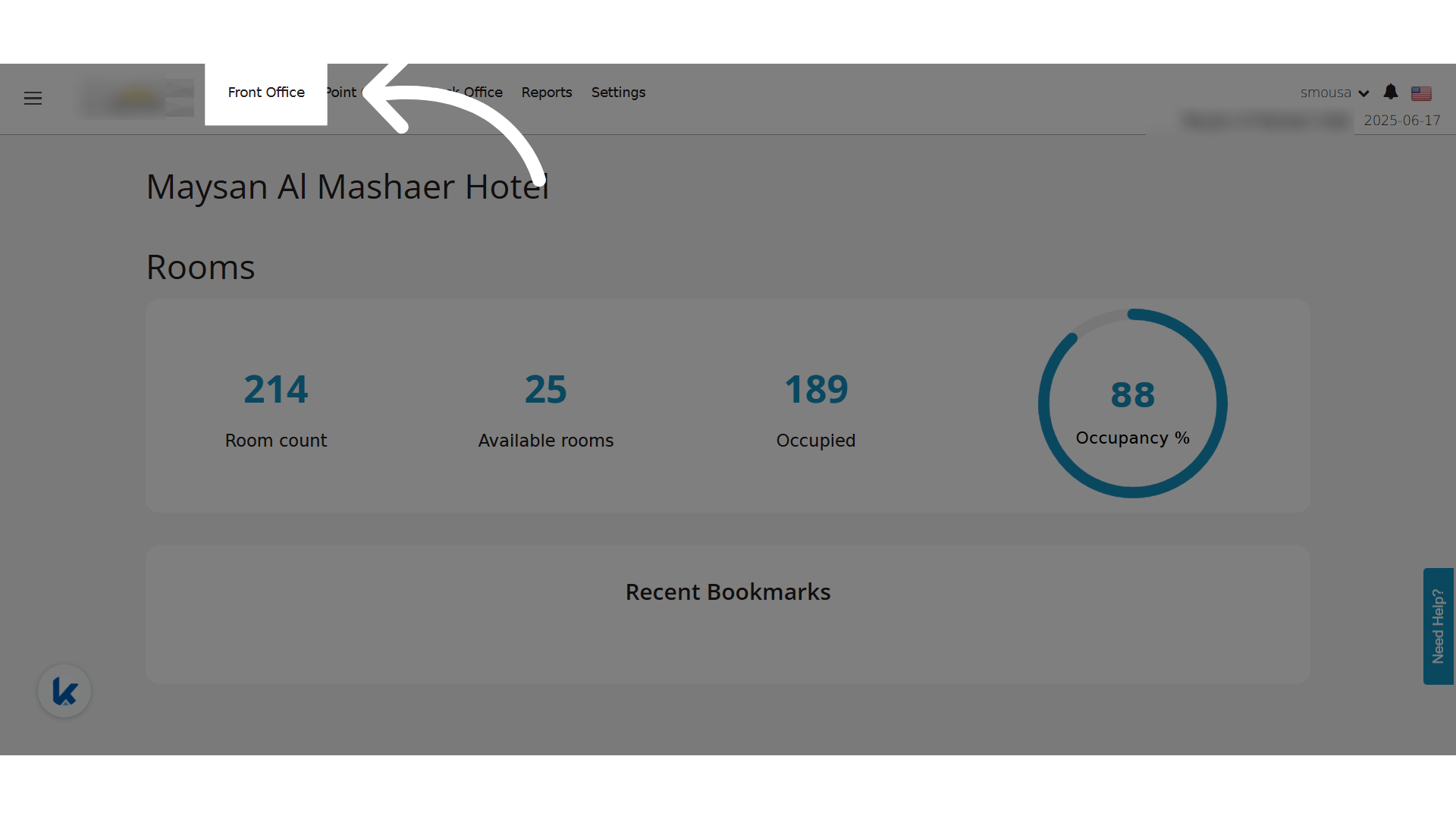
- Click Front Office.
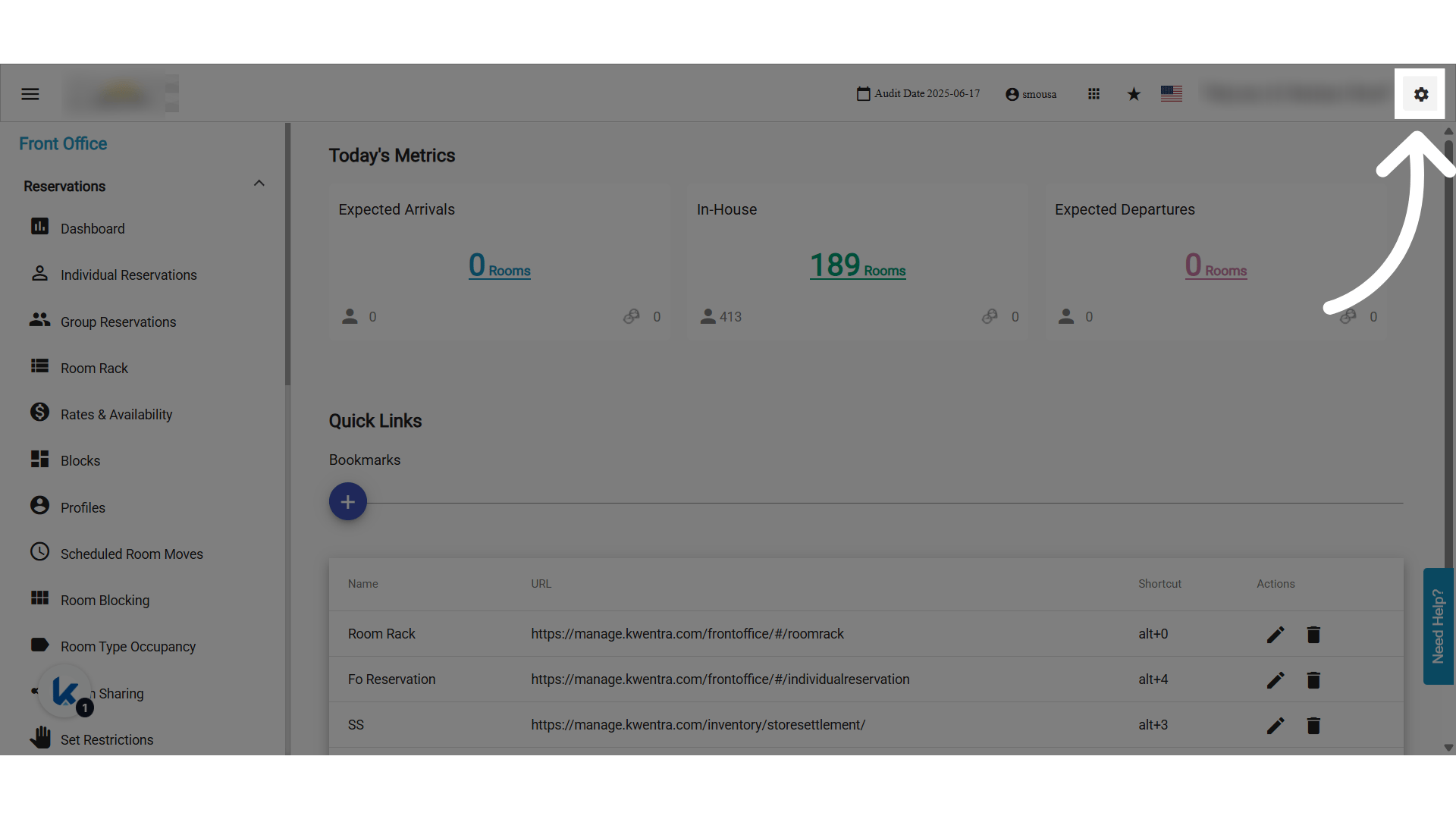
- Click Settings.
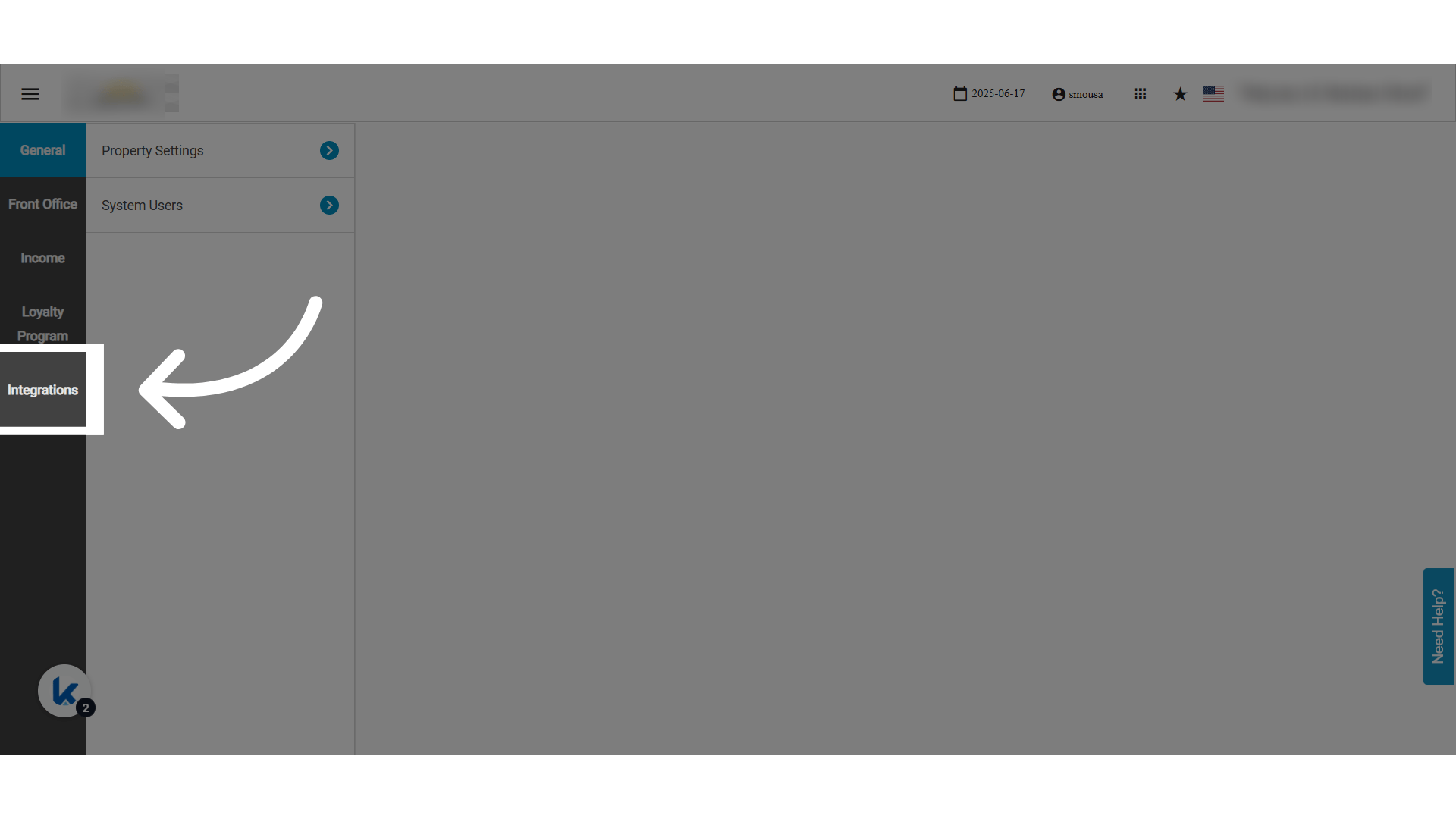
- Click Integrations.
- Choose the Shomoos integration.
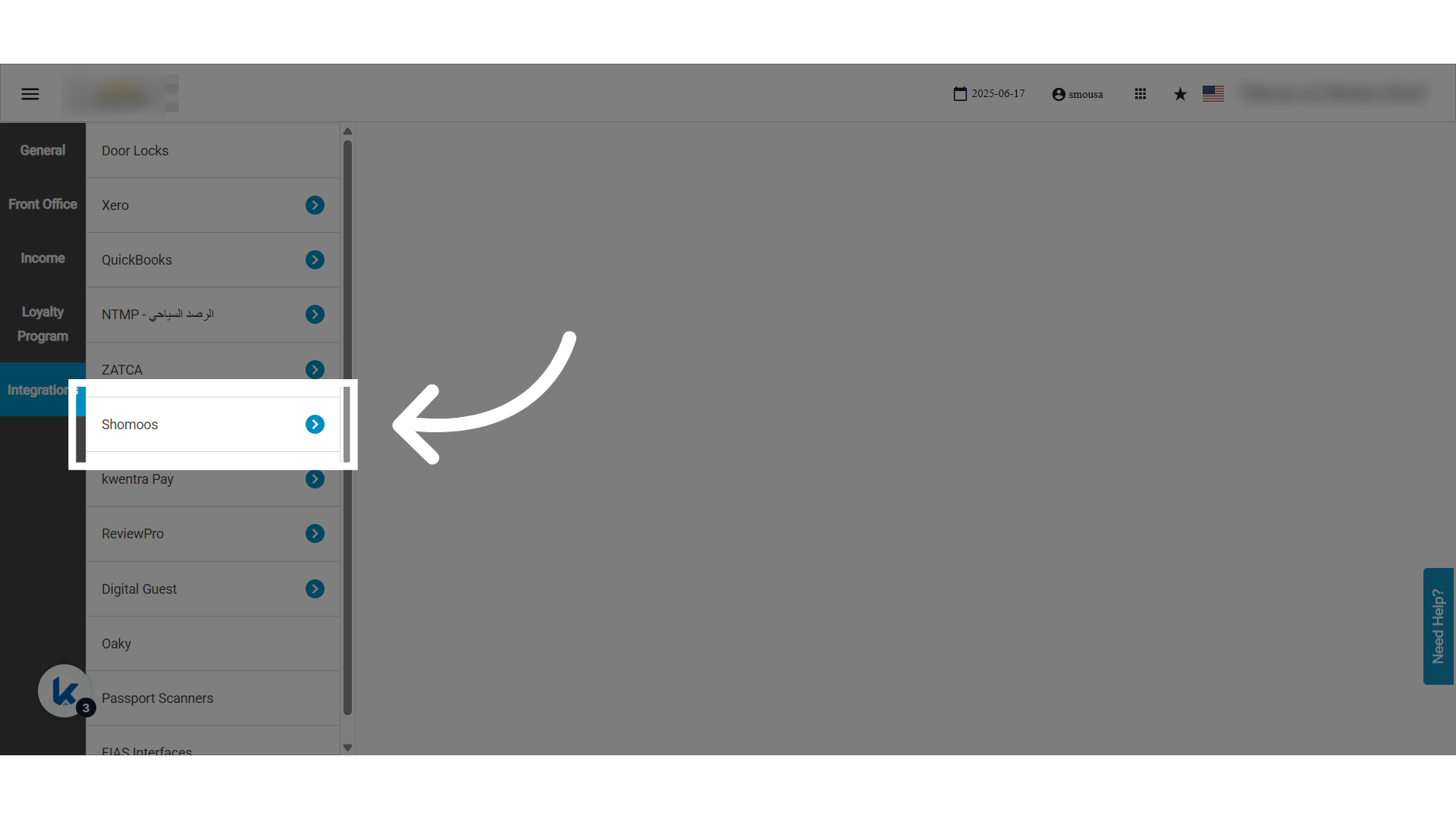
- Click Integration Setup.
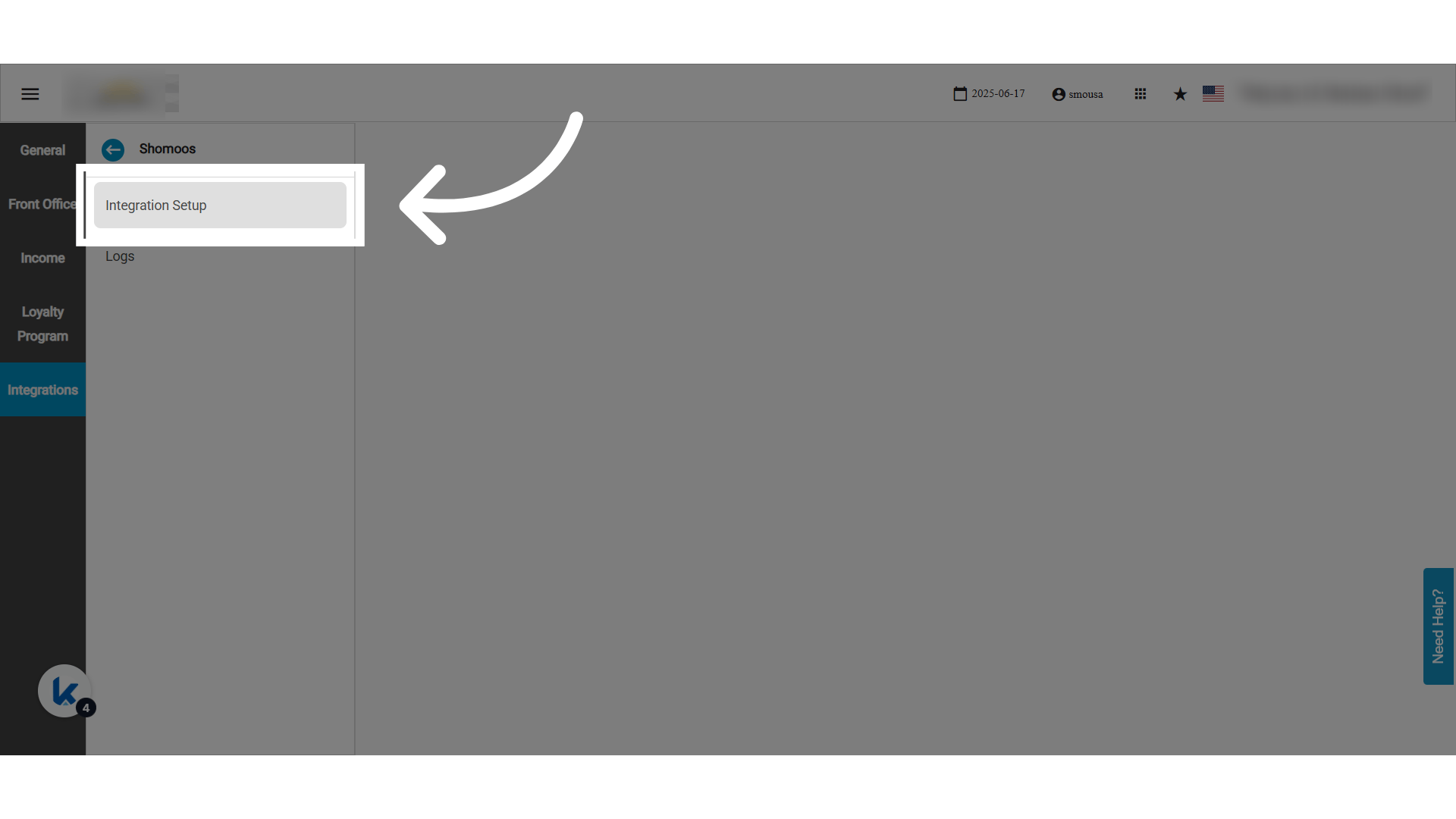
Authentication Page
Enter these details from the Shomoos portal:- Branch Code (رمز الفرع): the code of the branch the branch manager picked on the Shomoos portal.
- User ID (رقم هوية المستخدم على الفرع): the National ID or Iqama number of the branch’s authorized user.
- Password (الرقم السري): the branch password.
- It is created when you pick the integration intermediary (الوسيط) on Shomoos.
- It is entered in the branch password field on Shomoos and shared with Kwentra.
- Actions: enable or disable the connection. Save or delete the credentials.
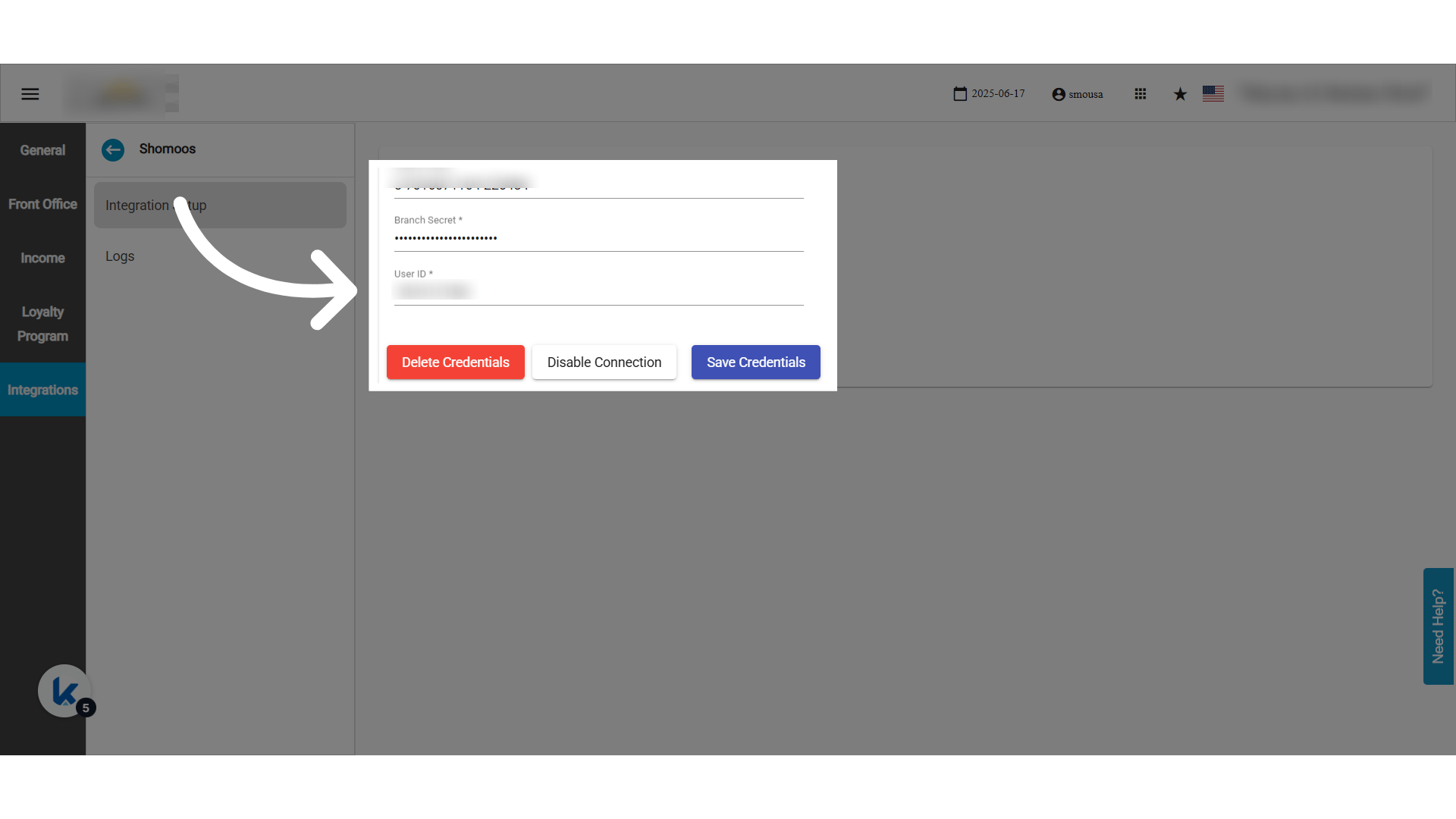
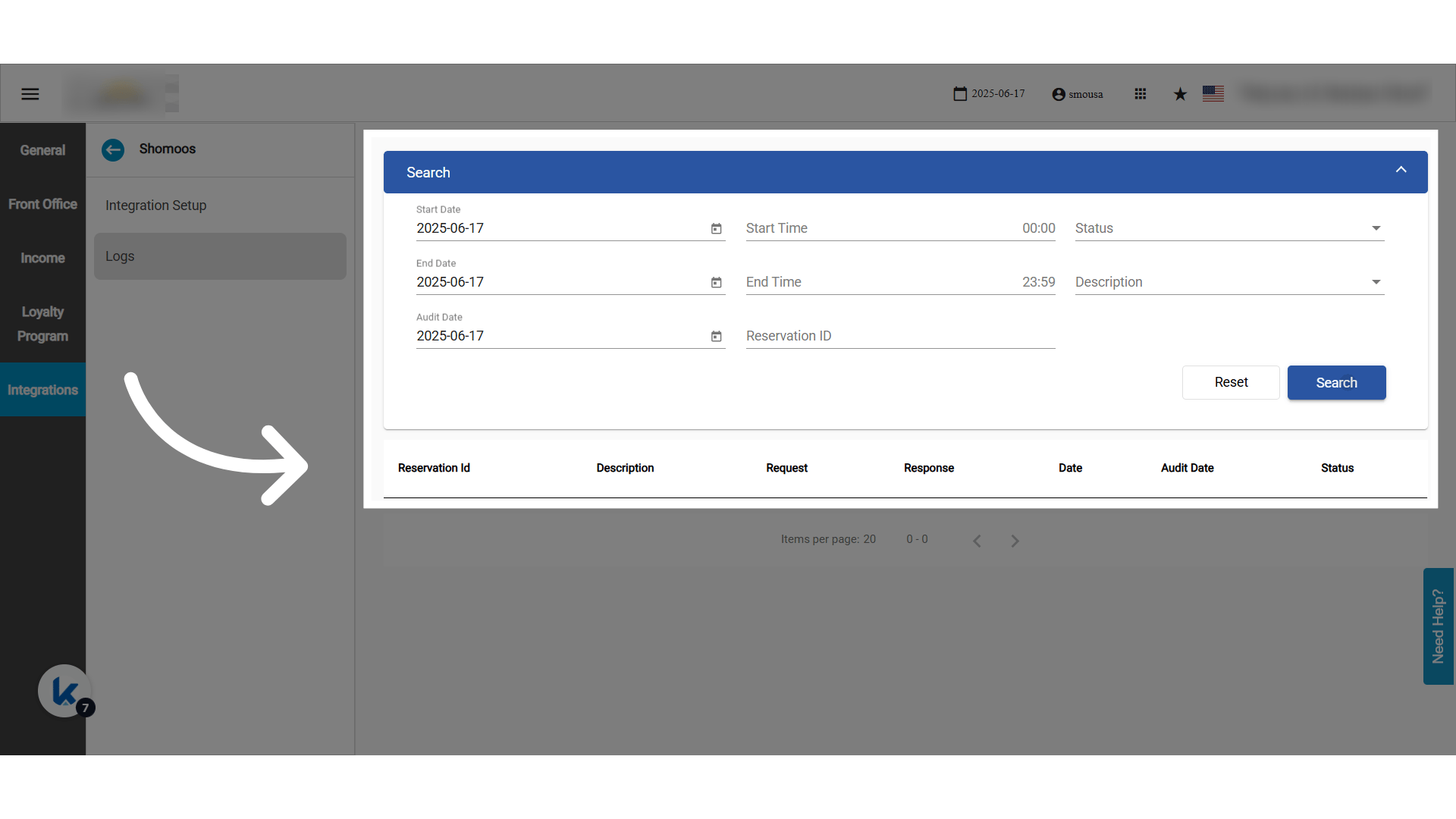
Logs Screen
- Every Shomoos API call is logged.
- You can trace every error and success response.