Business Value
- Compliance: meet KSA e-invoicing rules (ZATCA) in front office and back office.
- Fewer audit risks: the system signs and checks every back office financial document.
- One place to monitor: see logs and statuses in the ZATCA Log and Status screens.
- Less manual work: no manual processing or matching of credit and debit notes.
Use Cases
- An accountant issues an AR invoice to a company in Saudi Arabia.
- An accountant applies a credit note for an overpayment or a refund.
- An accountant creates a debit note for extra charges.
- A finance manager reviews the ZATCA clearance status of back office invoices.
- An auditor sees tax lines grouped by department.
How It Works
- Go to manage.kwentra.com.
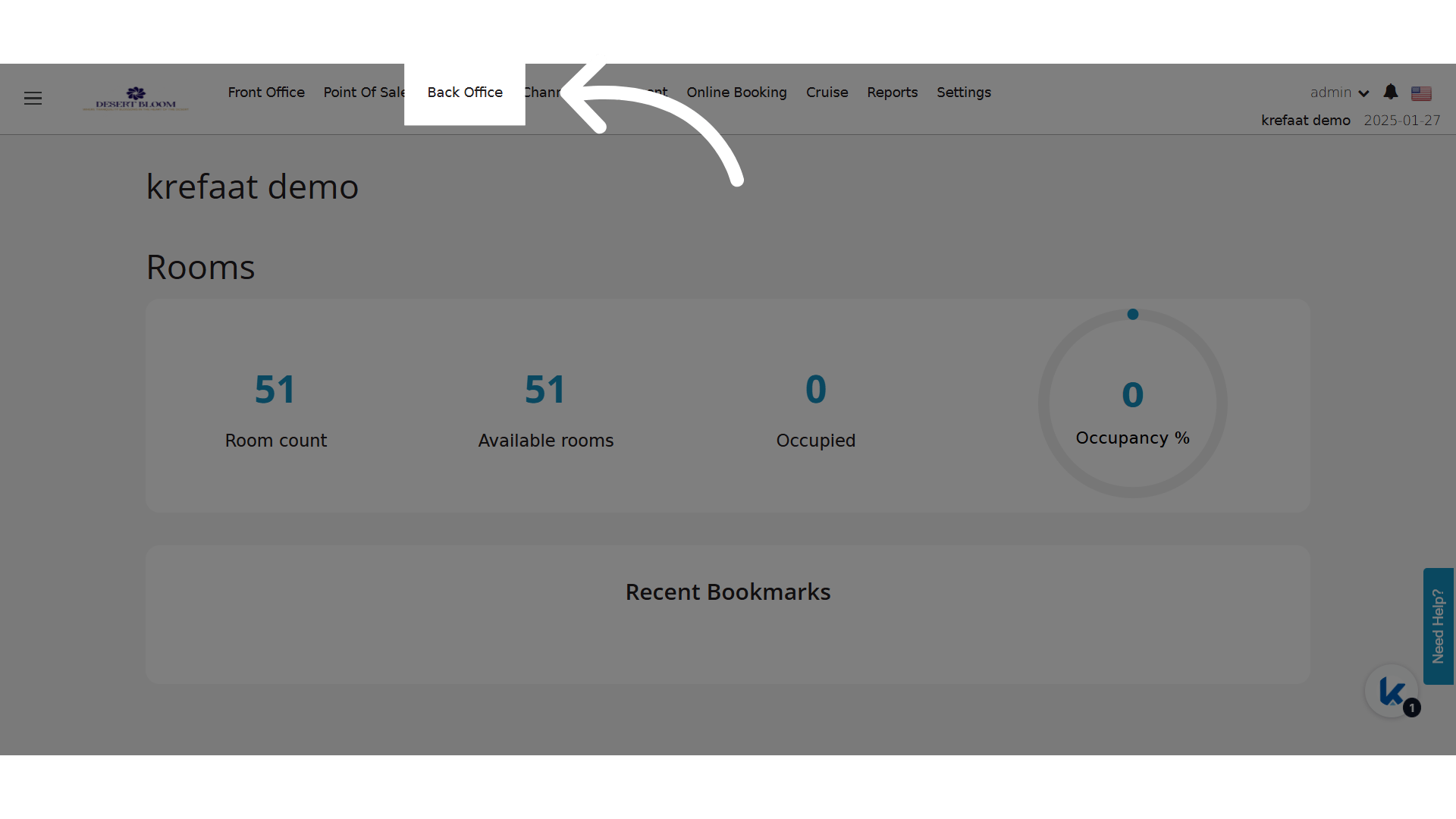
- Click Back Office.
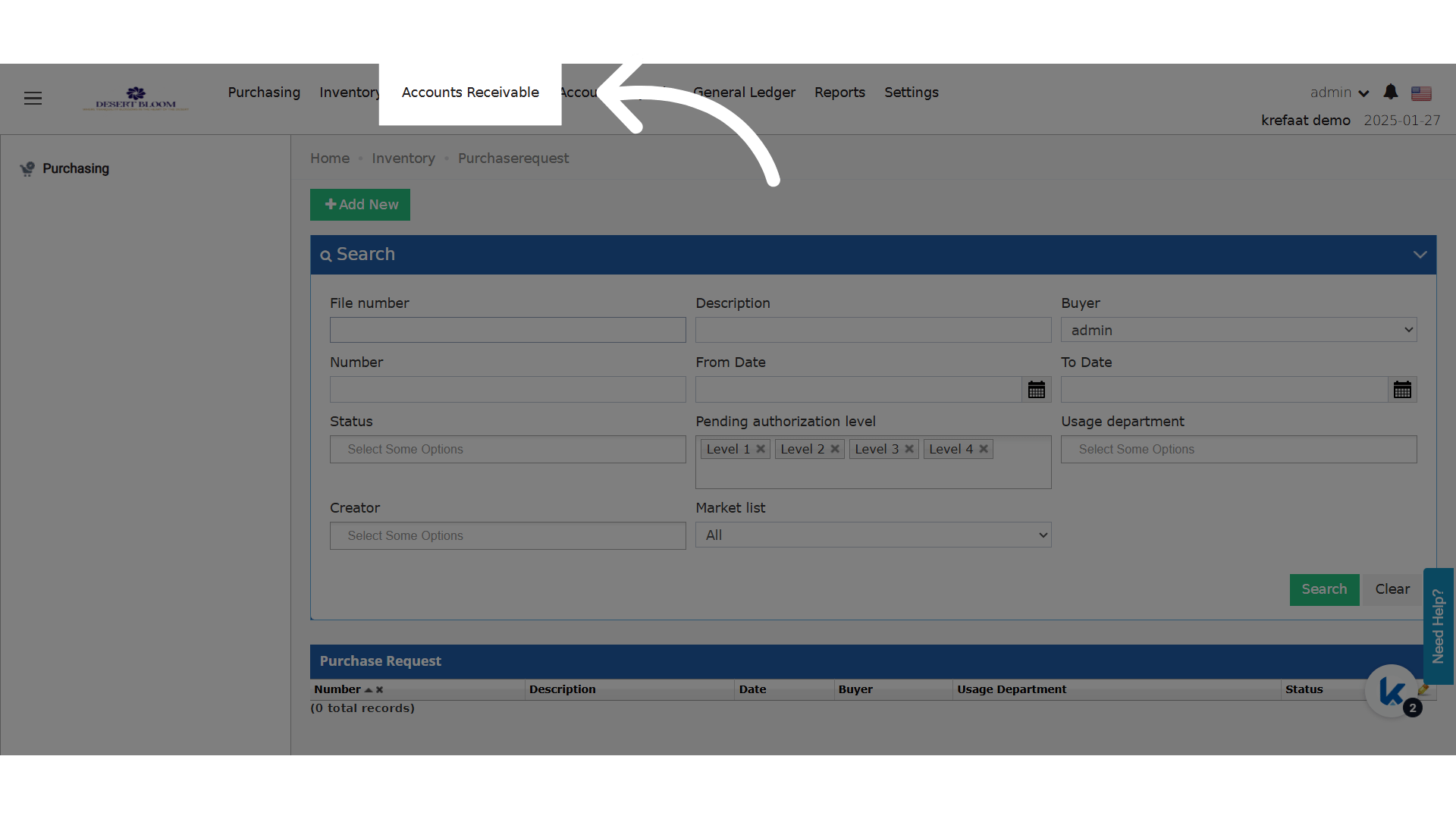
- Click Accounts Receivable.
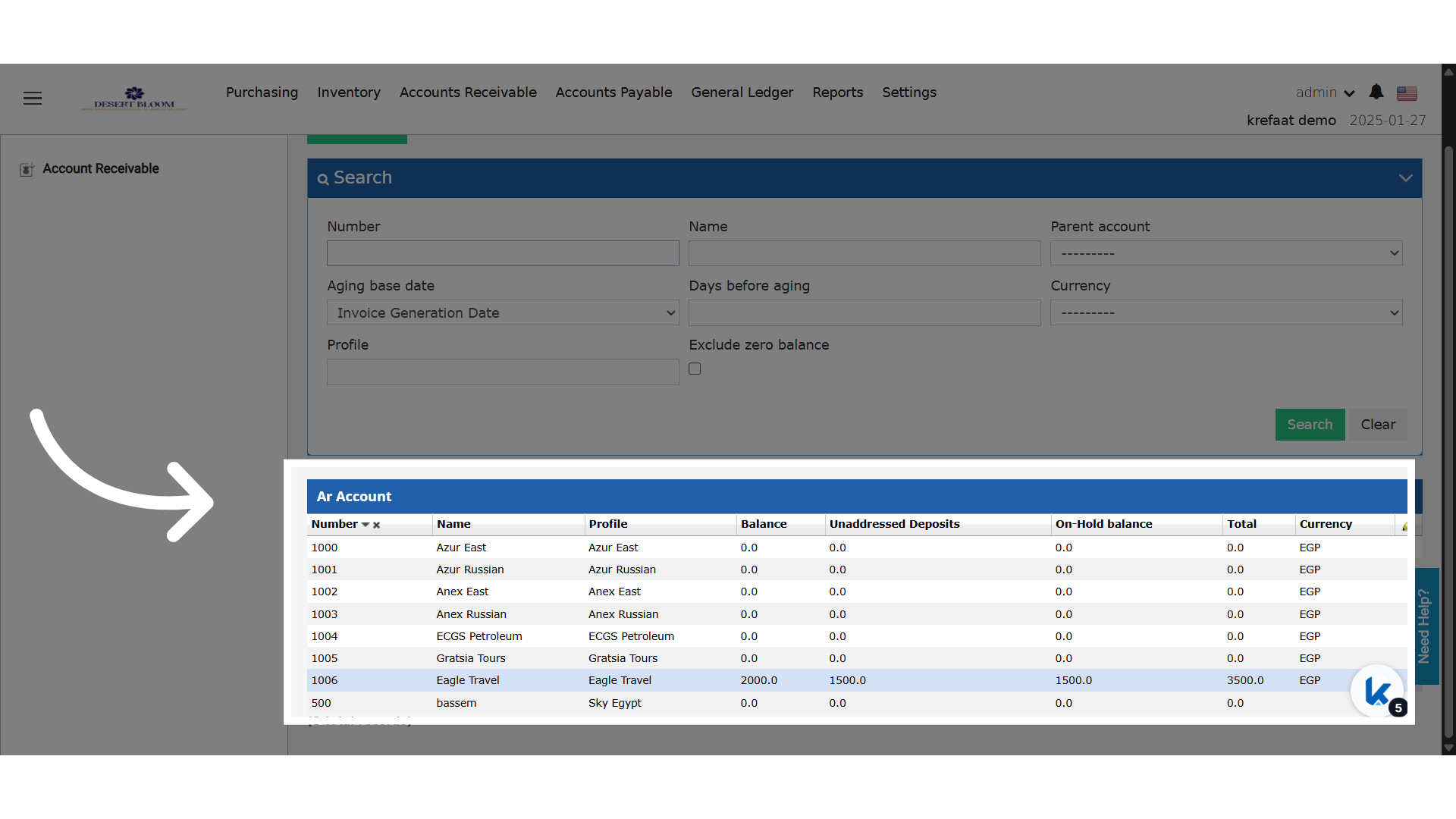
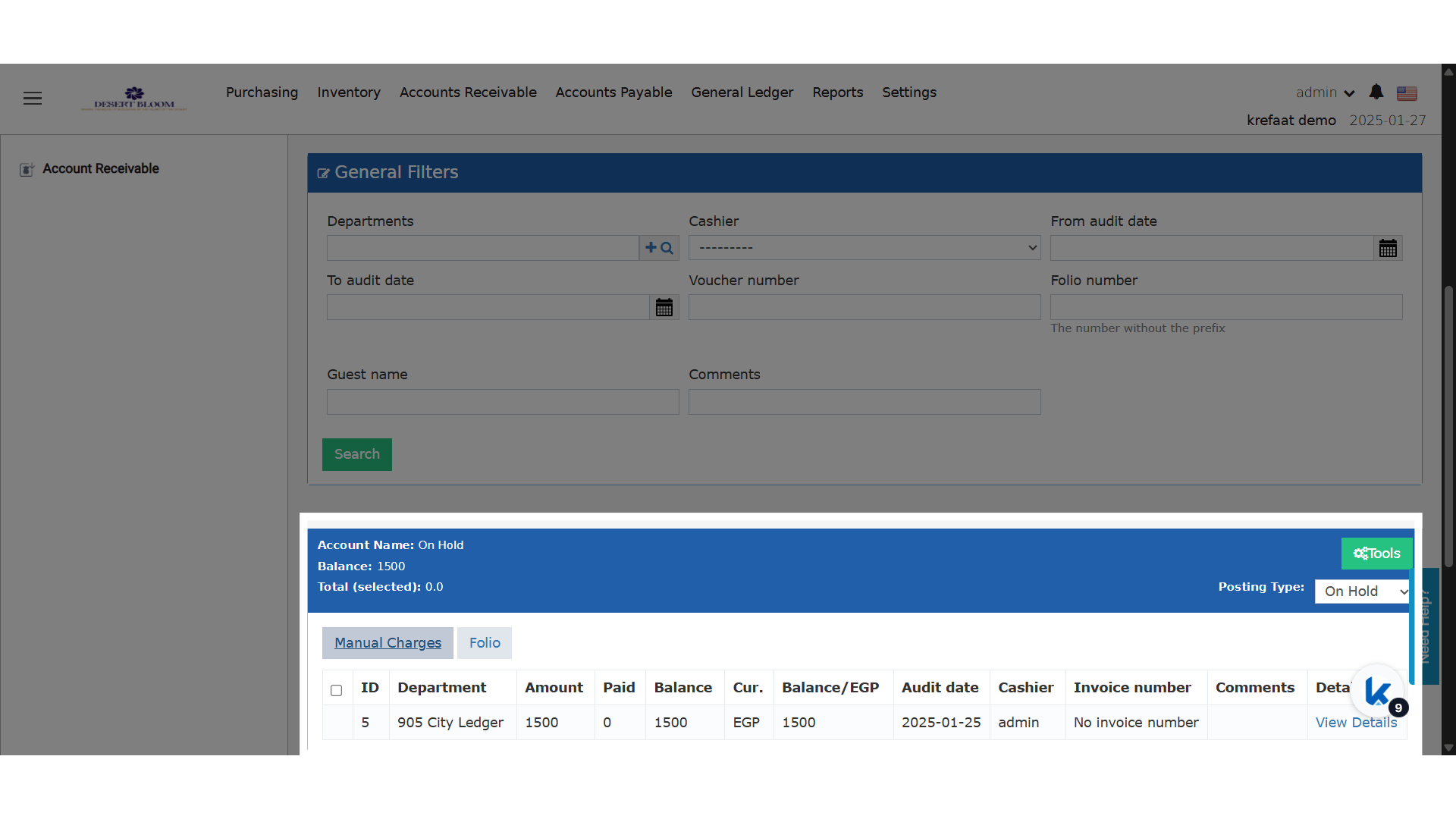
- Select an AR account.
Required Company/Channel Fields
ZATCA needs these fields in the Company/Channel profile:- VAT Number
- Name
- Street
- Building Number
- District
- City
- Postal Code
- Country ISO Code