Business Value
- Saves time for front desk and reservations teams by avoiding repetitive manual entry.
- Reduces the risk of missing important guest, billing, or internal notes on multiple bookings.
- Ensures operational consistency, especially during busy check-in or group movement periods.
Use Cases
- Group Check-ins: The front desk needs to mark all reservations for a wedding group with a note: “Welcome amenities to be delivered on arrival.”
- Billing Coordination: The night audit team needs to add a billing note to multiple business traveler bookings: “Charge to company account.”
- Internal Communication: The Reservations team wants to flag several back-to-back bookings for maintenance follow-up.
How-To Steps
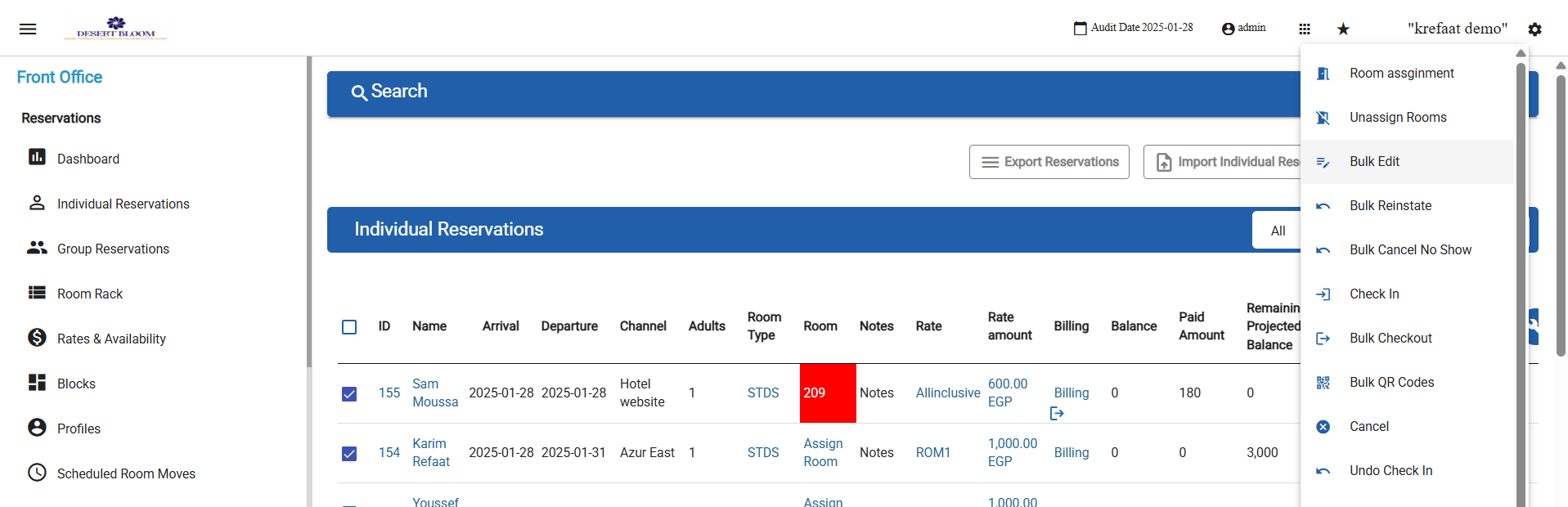
- Go to Front Office → Individual Reservations.
- Select one or more reservations from the list.
- Click Actions, then choose Bulk Edit.
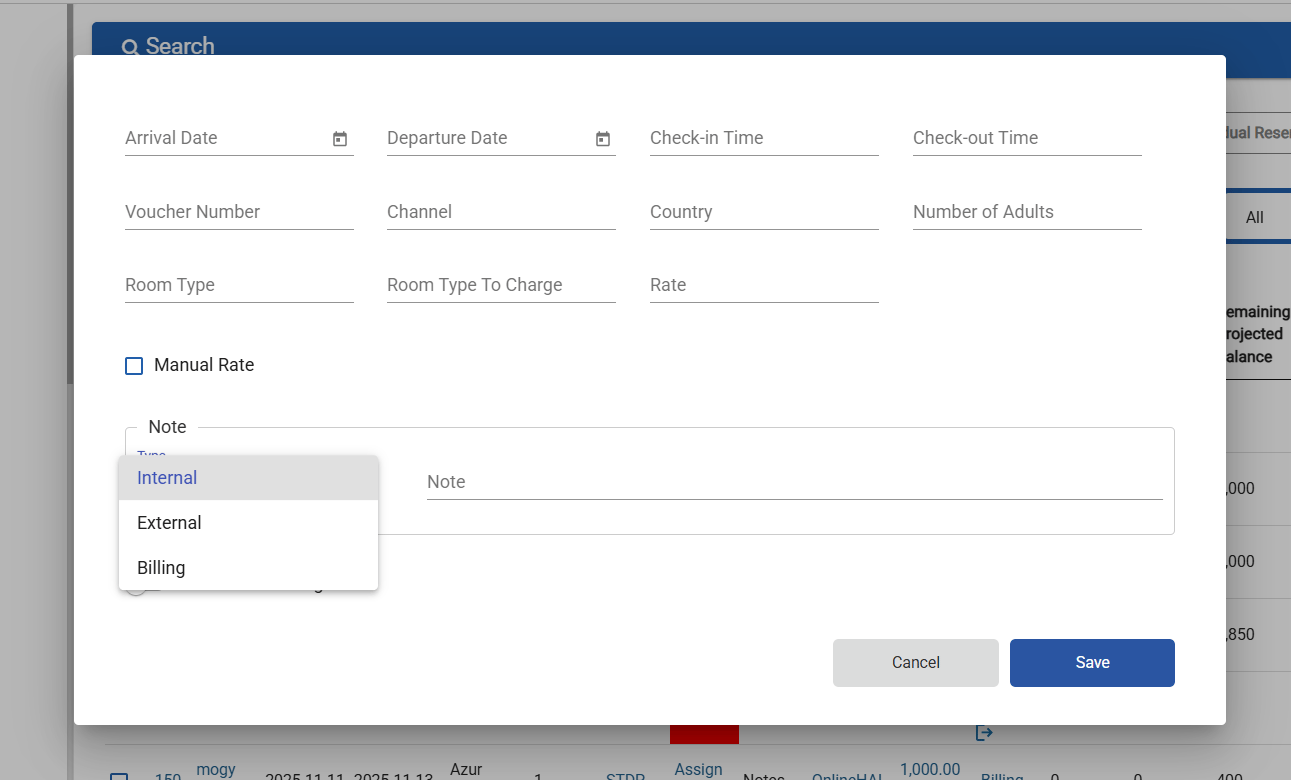
- In the Bulk Edit popup, fill in the new fields:
- Type (Dropdown):
- Choose from: Internal (default), External, Billing
- Note (Text Field):
- Write your note here (e.g., “Late check-out approved”).
- Type (Dropdown):
- Click Save.
- The note will be added to every selected reservation, according to the chosen type.