Value & Application
🧩 Use Cases:
- A front desk agent wants to assign a clean room to a walk-in guest and can instantly filter out occupied or due-out rooms.
- During shift changes, new staff can view which rooms are expected to check in or out without needing to navigate away from the reservation screen.
- Housekeeping coordinators can cross-check upcoming room statuses during the night audit or operational handovers.
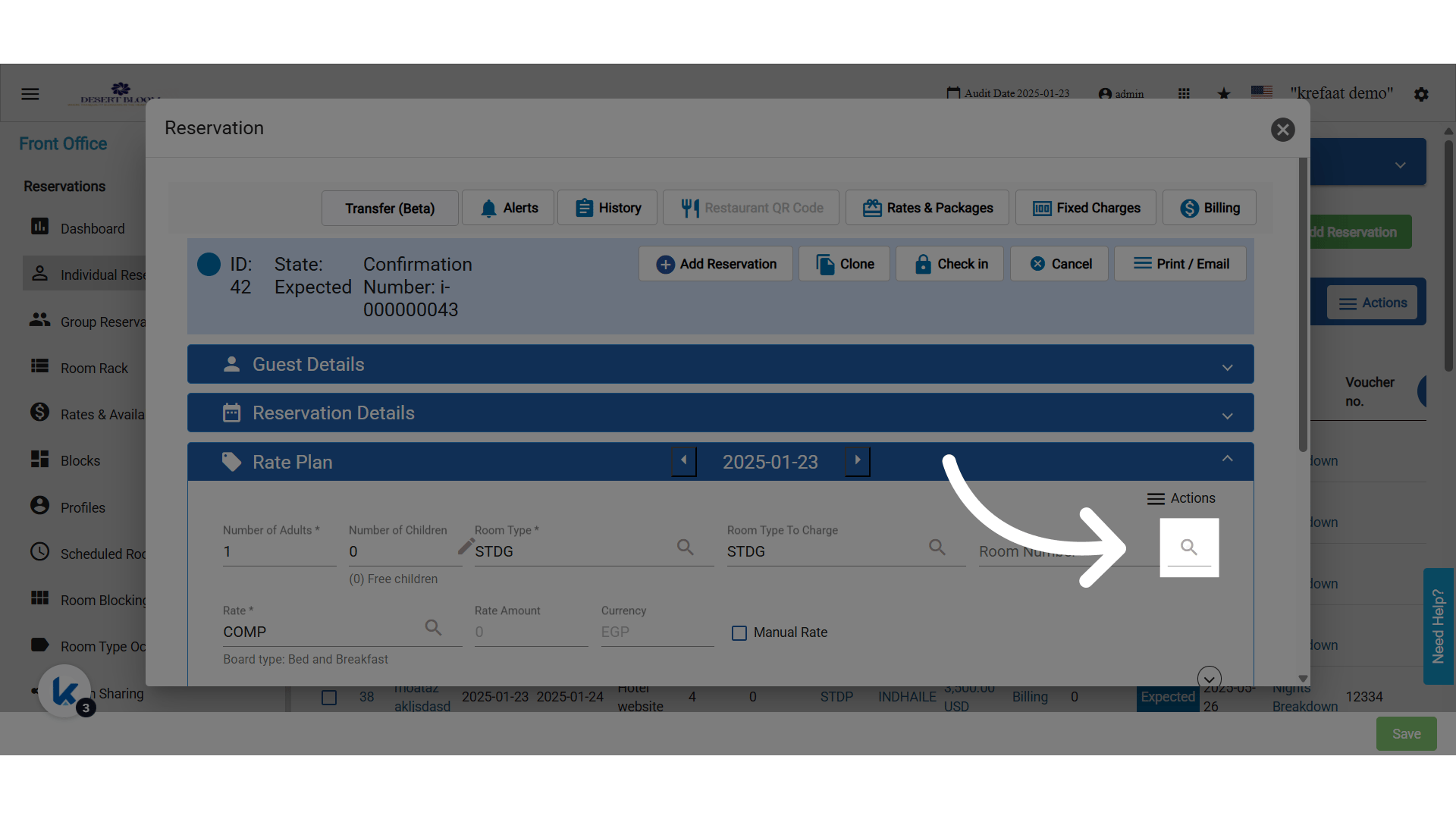
🛠 What’s New?
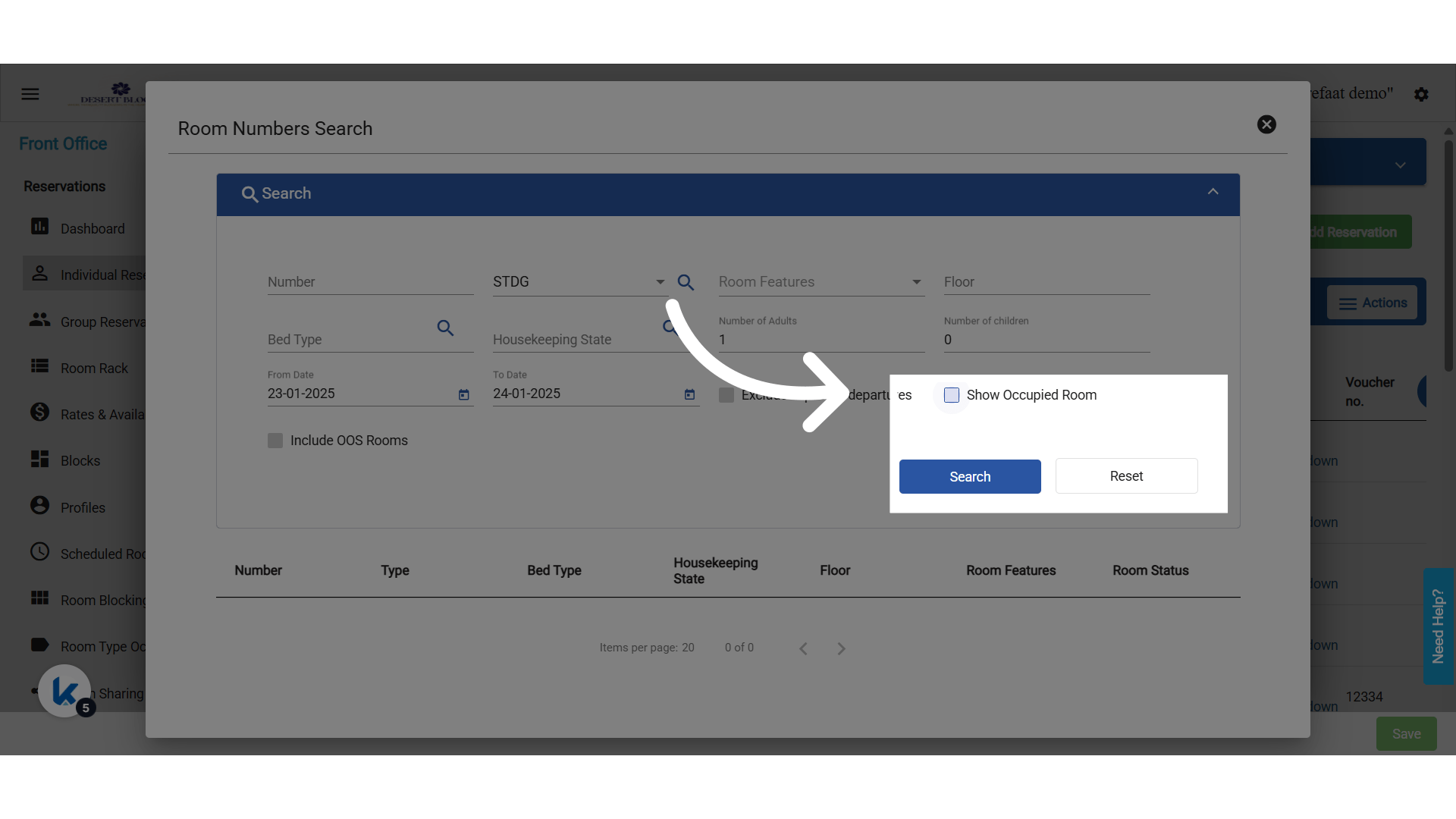
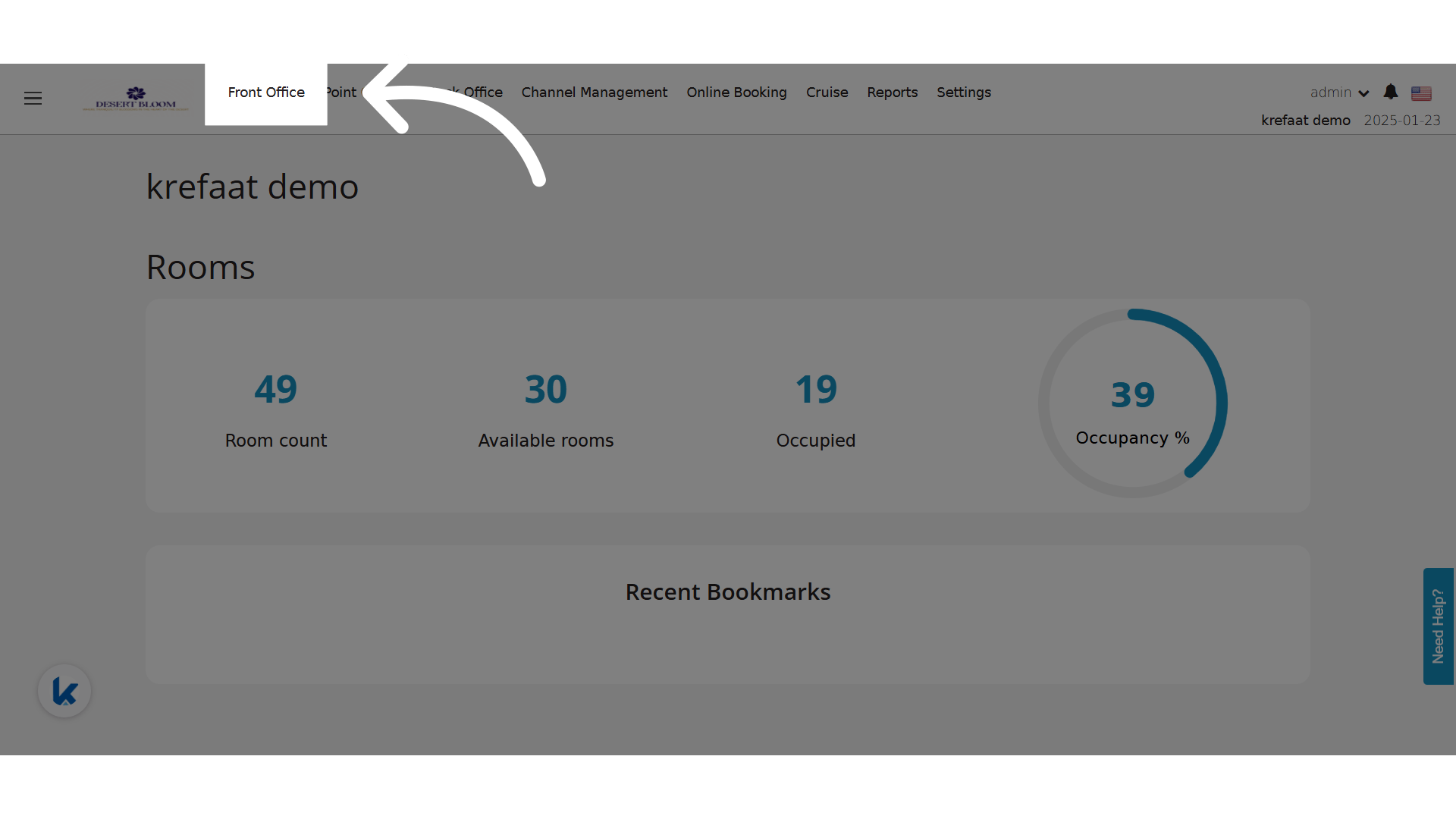
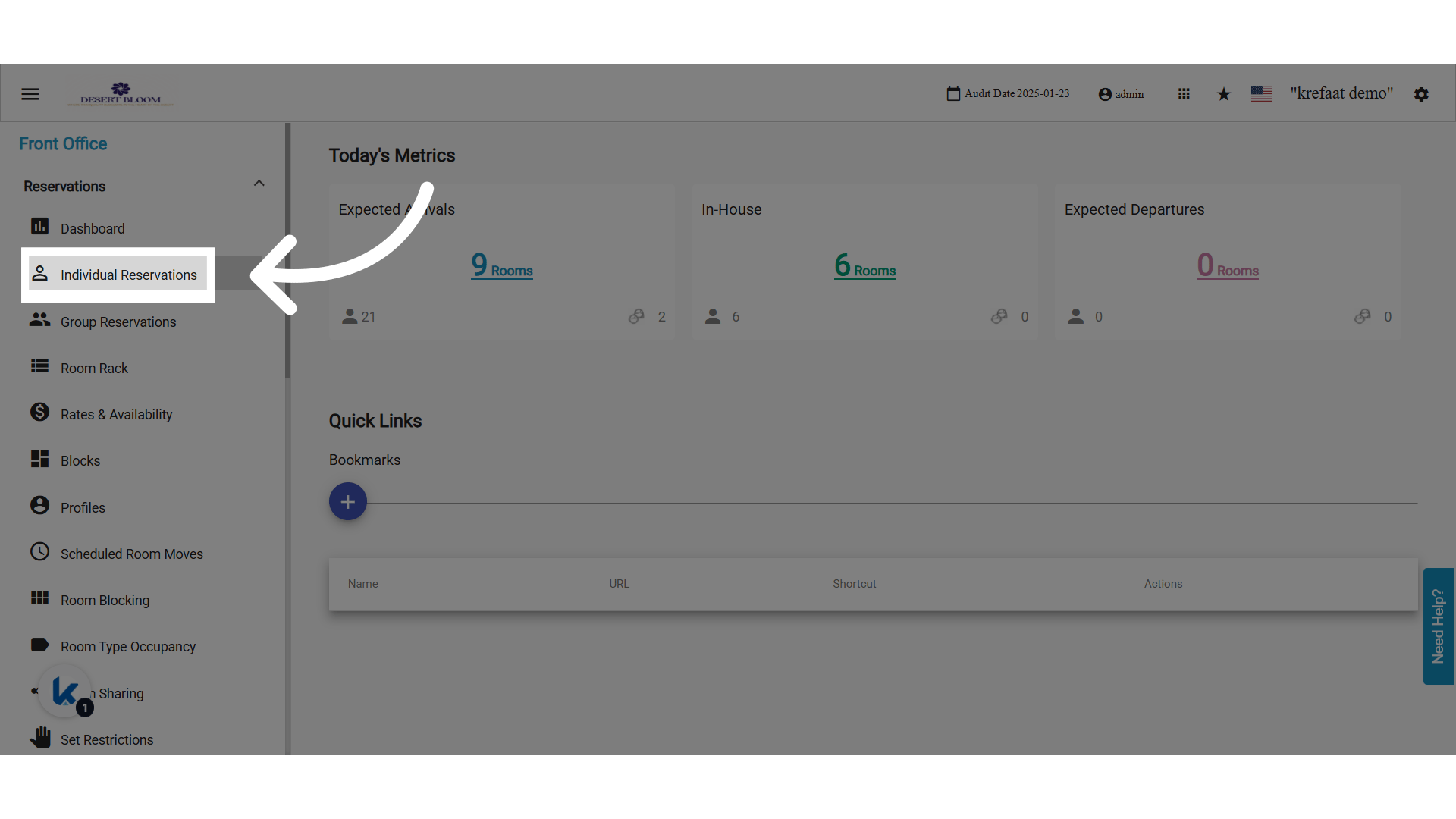
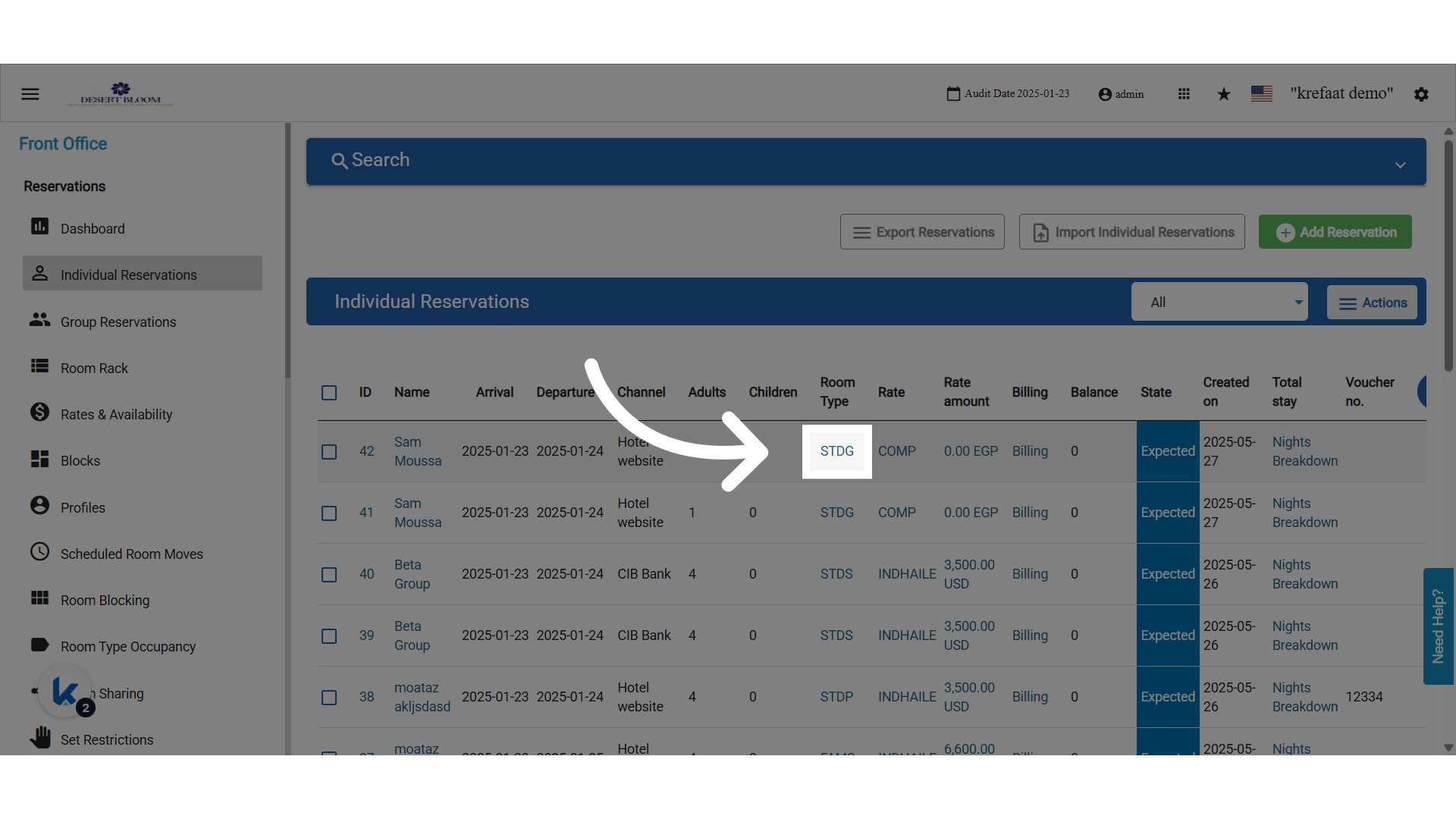
A new column titled “Room Status” has been added to the Room Lookup popup when selecting a Room Number on the Individual Reservation screen.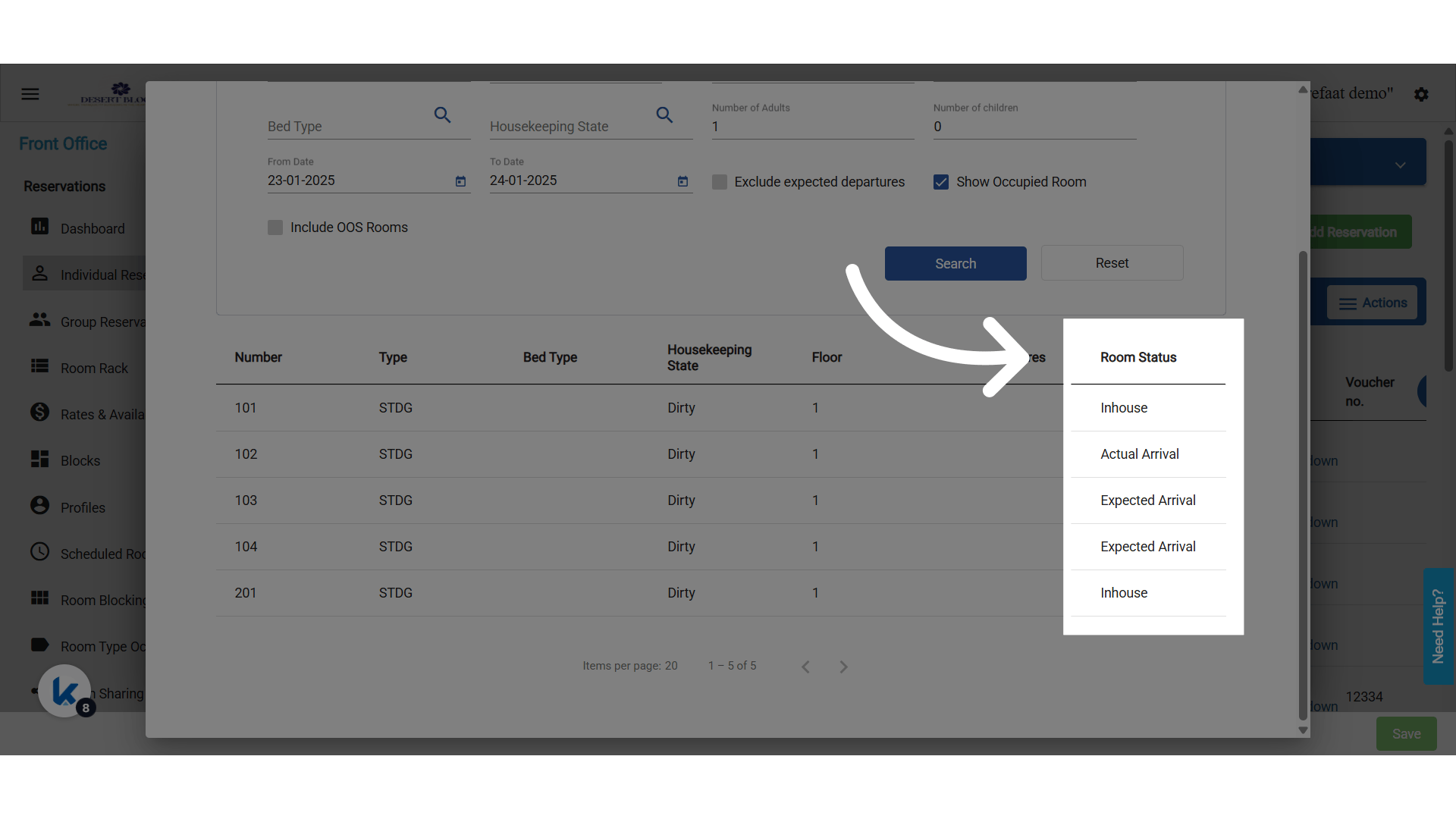
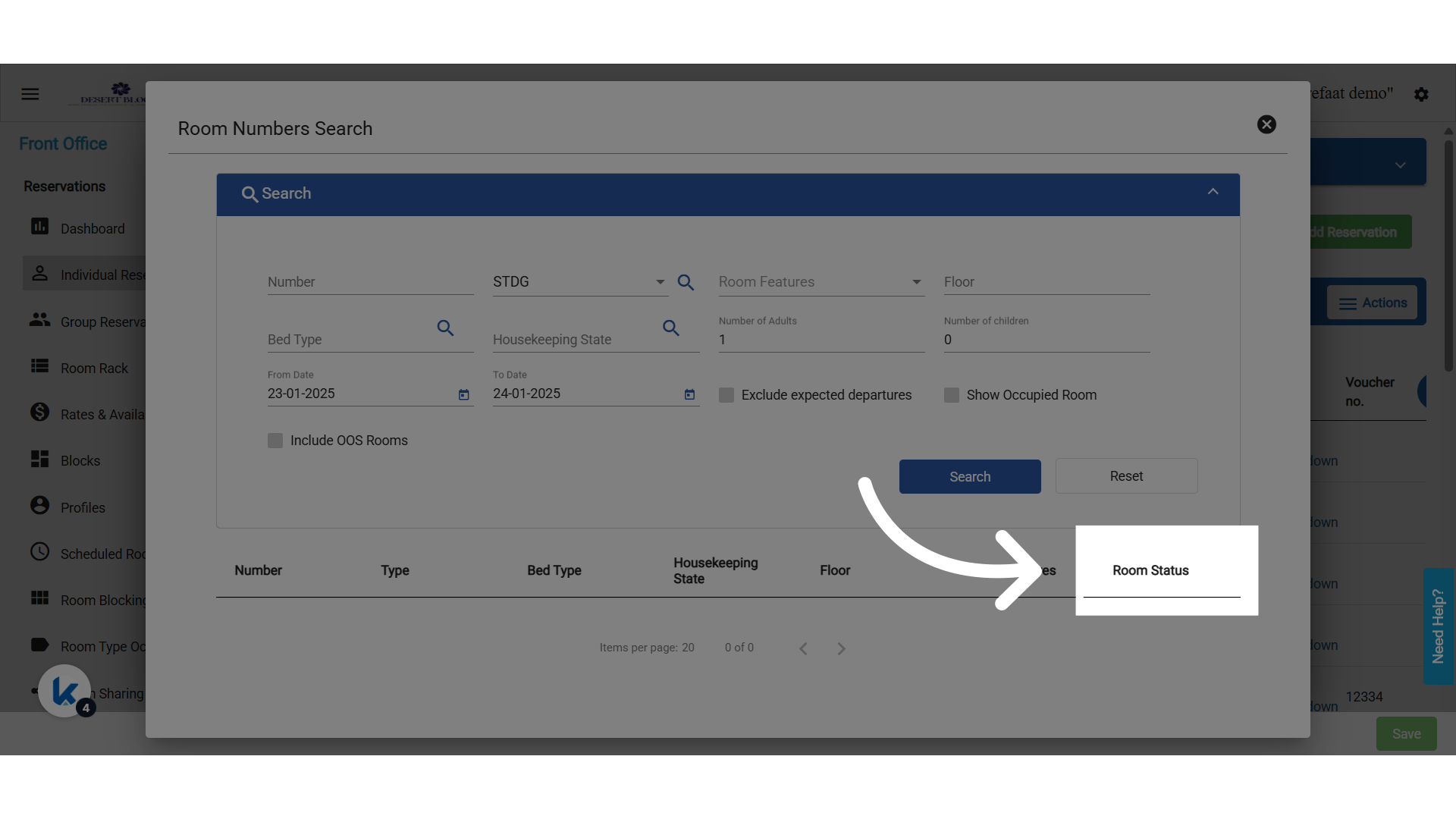
- Room Status is determined dynamically based on the “From Date” selected in the lookup.
- The “Show Occupied Rooms” checkbox must be selected for the following statuses to appear:
- Expected Arrival
- Actual Arrival
- Inhouse
- Expected Departure
- Due Out / Arrival (when both Expected Arrival & Expected Departure exist for the same room)