Documentation Index

Fetch the complete documentation index at: https://help.kwentra.com/llms.txt

Use this file to discover all available pages before exploring further.

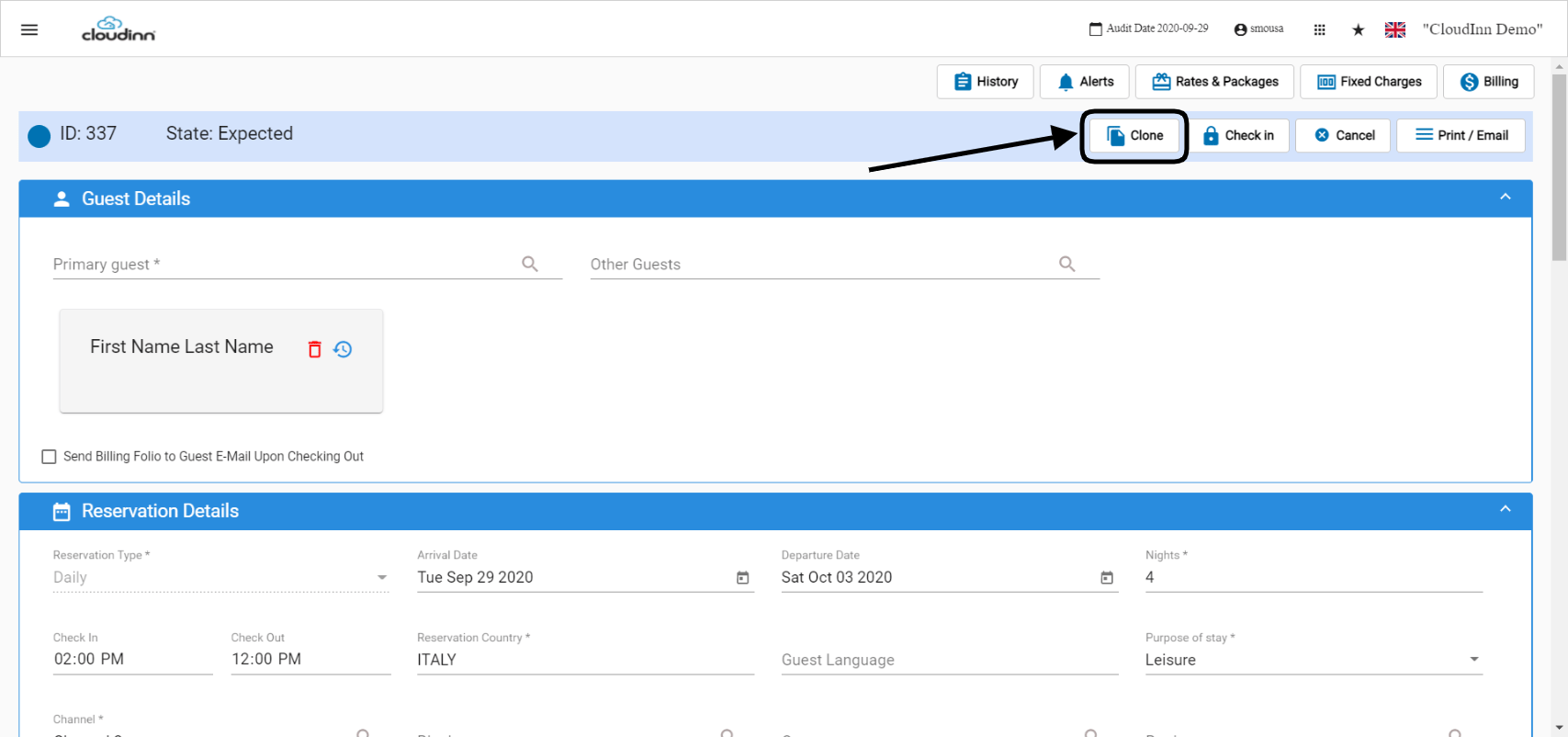
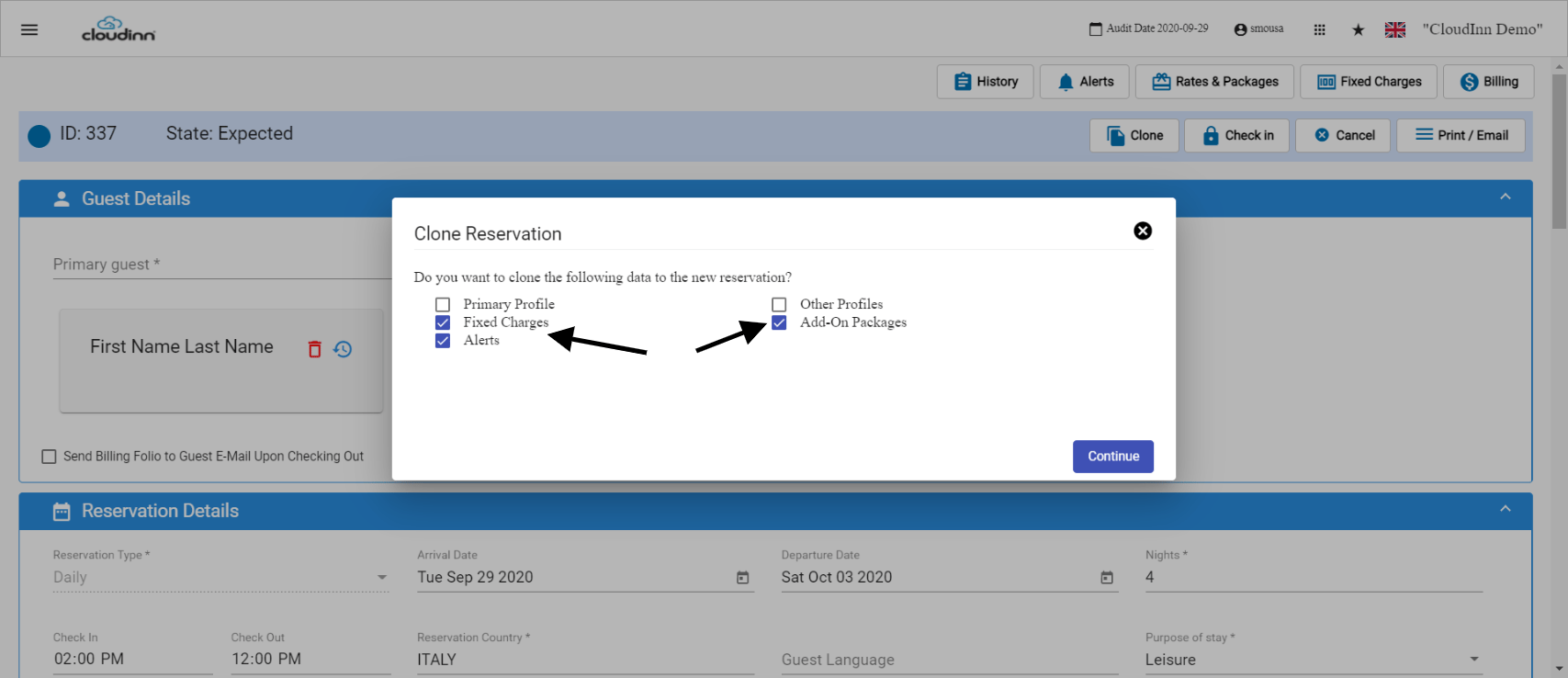
What is Clone? Clone is a feature we use to create a duplicate reservation from another, this helps when creating multiple reservations with similar details and information like dates and channels. First, you need to find the reservation that you would like to duplicate. C You will find the option to Clone among the top right features. Once you click on Clone, the system would ask you which information you would like to get cloned for the new reservation. In most of the scenarios, you wouldn’t want the primary and other profiles for the new reservation however the rest of the information like fixed charges and add-on packages would be needed on the new reservation. Clicking on Continue will create the new reservation exactly like the reservation you are duplicating from. Now the new reservation is ready to add the Guest Profile you need and go to the bottom to Save and Edit. Update: 29th of May, 2022 Cloning a reservation is not strictly exclusive to expected reservations, you can now clone reservations from any state with the same steps you used before. Important Notes:
  • Cloning a checked in reservation will automatically apply the current system date for the arrival date and apply the same departure date of the cloned reservation.
  • Cloning a reservation in the past will automatically apply the current system date for the arrival date and put the reservation for 1 night.