

Business Value
- Checks meal rights at the restaurant door, with no paper vouchers.
- Gives one code per reservation, or one per guest.
- Blocks a second meal or a meal outside meal times.
- Logs every pickup: who scanned it, when, and for which guest.
Use Cases
- A family of four gets four codes, and each adult collects breakfast once.
- The front desk prints codes for a whole group at check-in in one step.
- An income auditor checks every meal collected this month in the pickup report.
How It Works
Before you start:
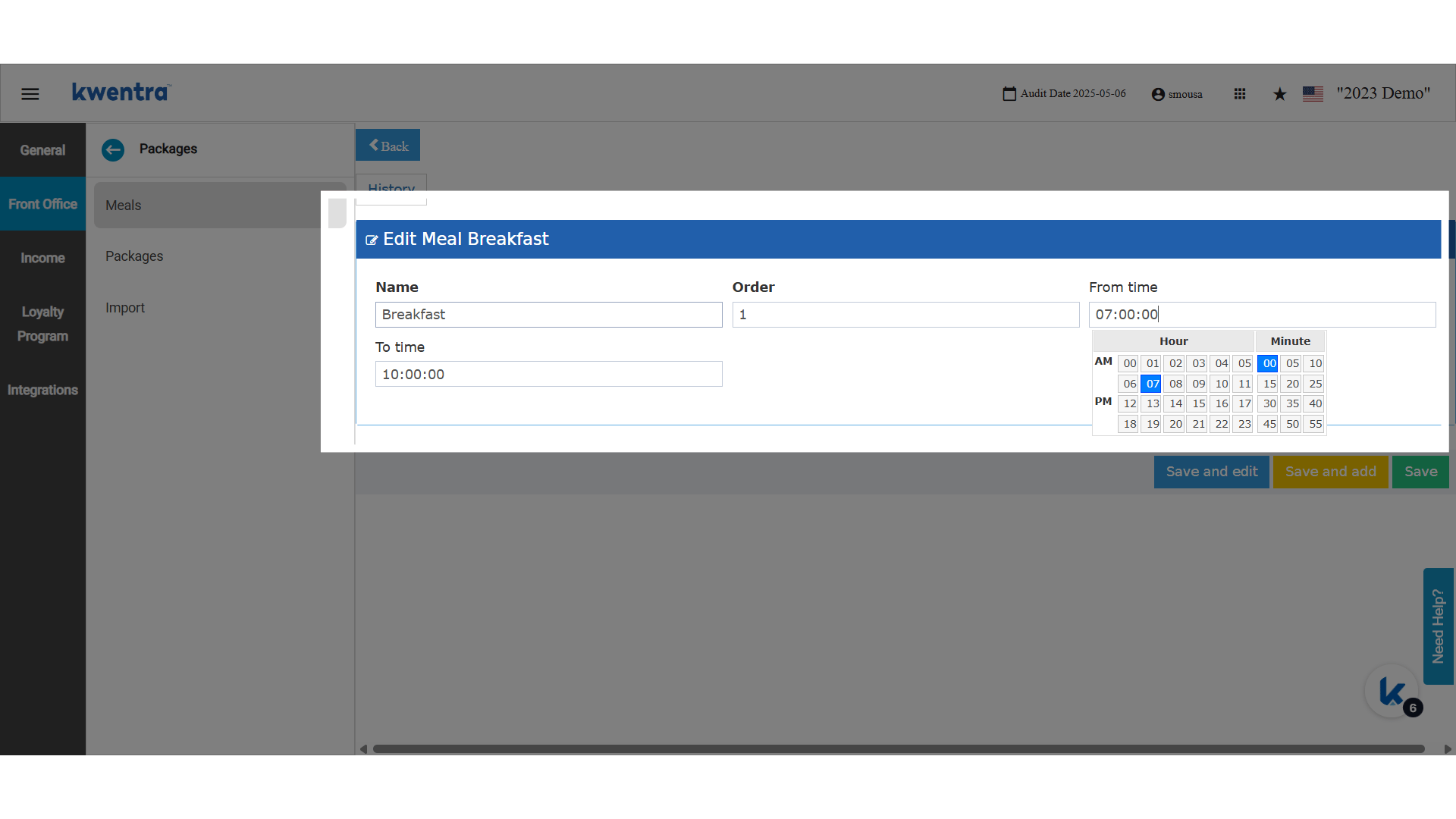
- Set up meal times. Codes are created and checked against them.
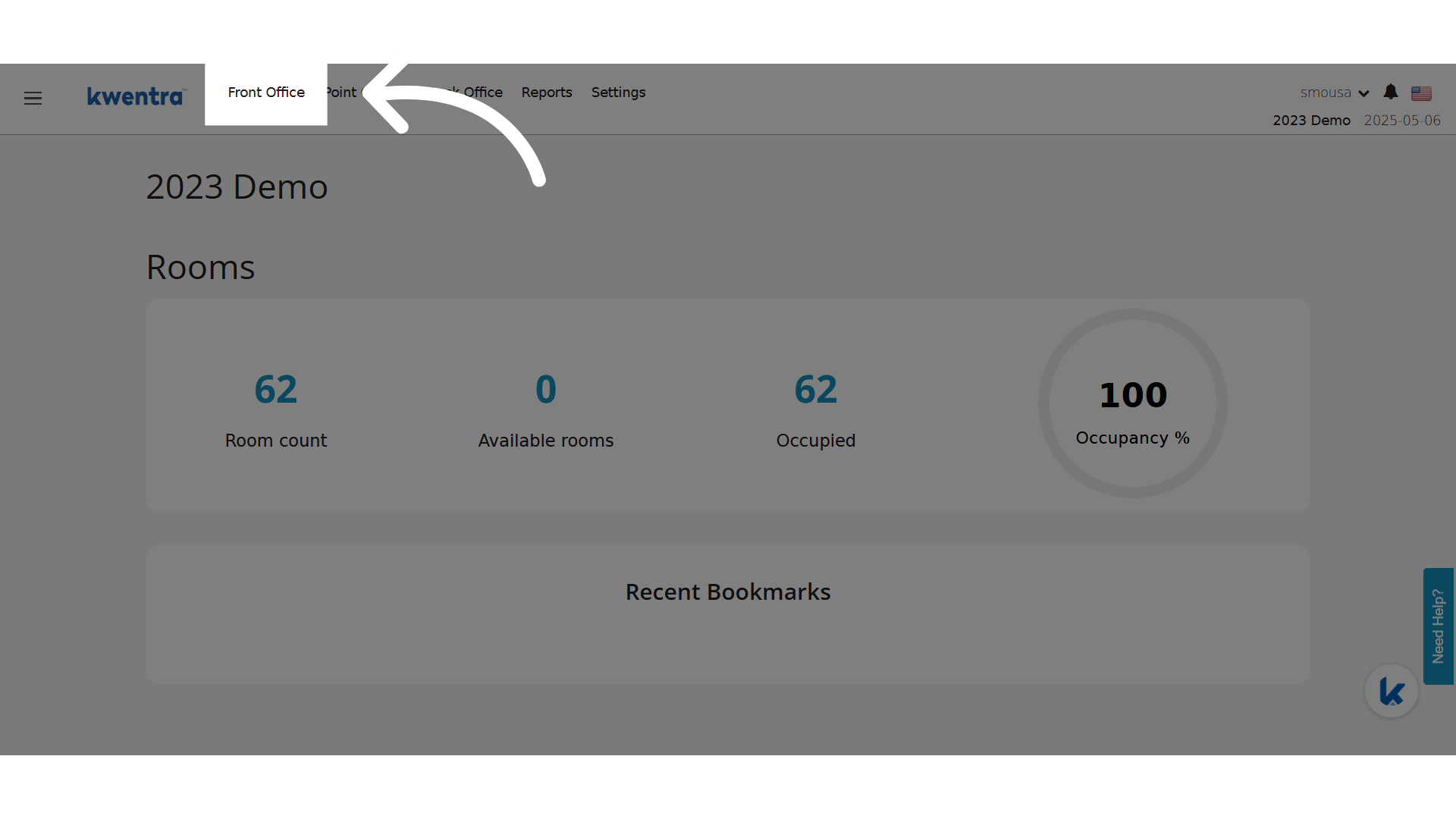
- Codes can be created only for Checked In reservations.
Generate a QR Code for a Reservation
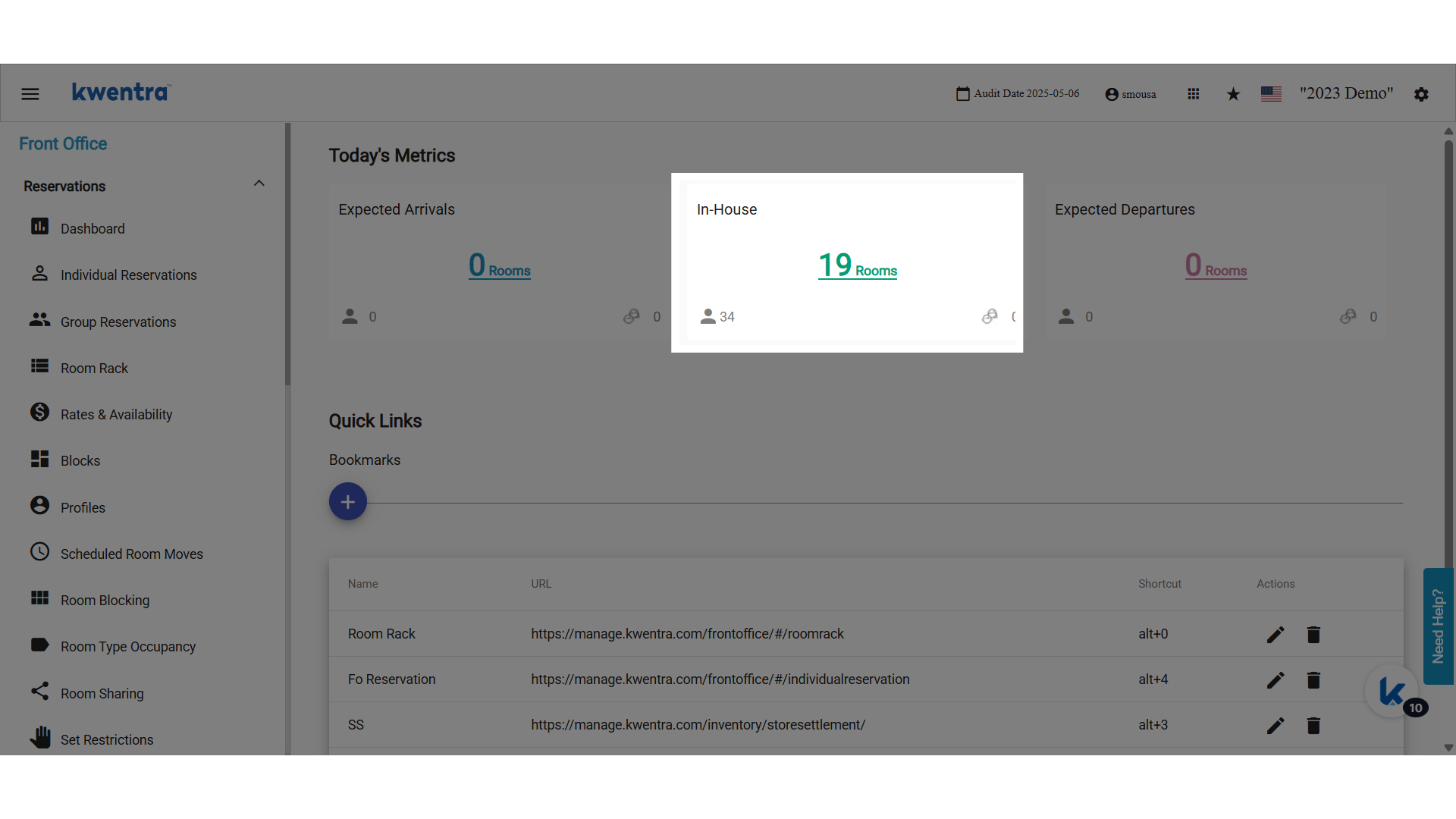
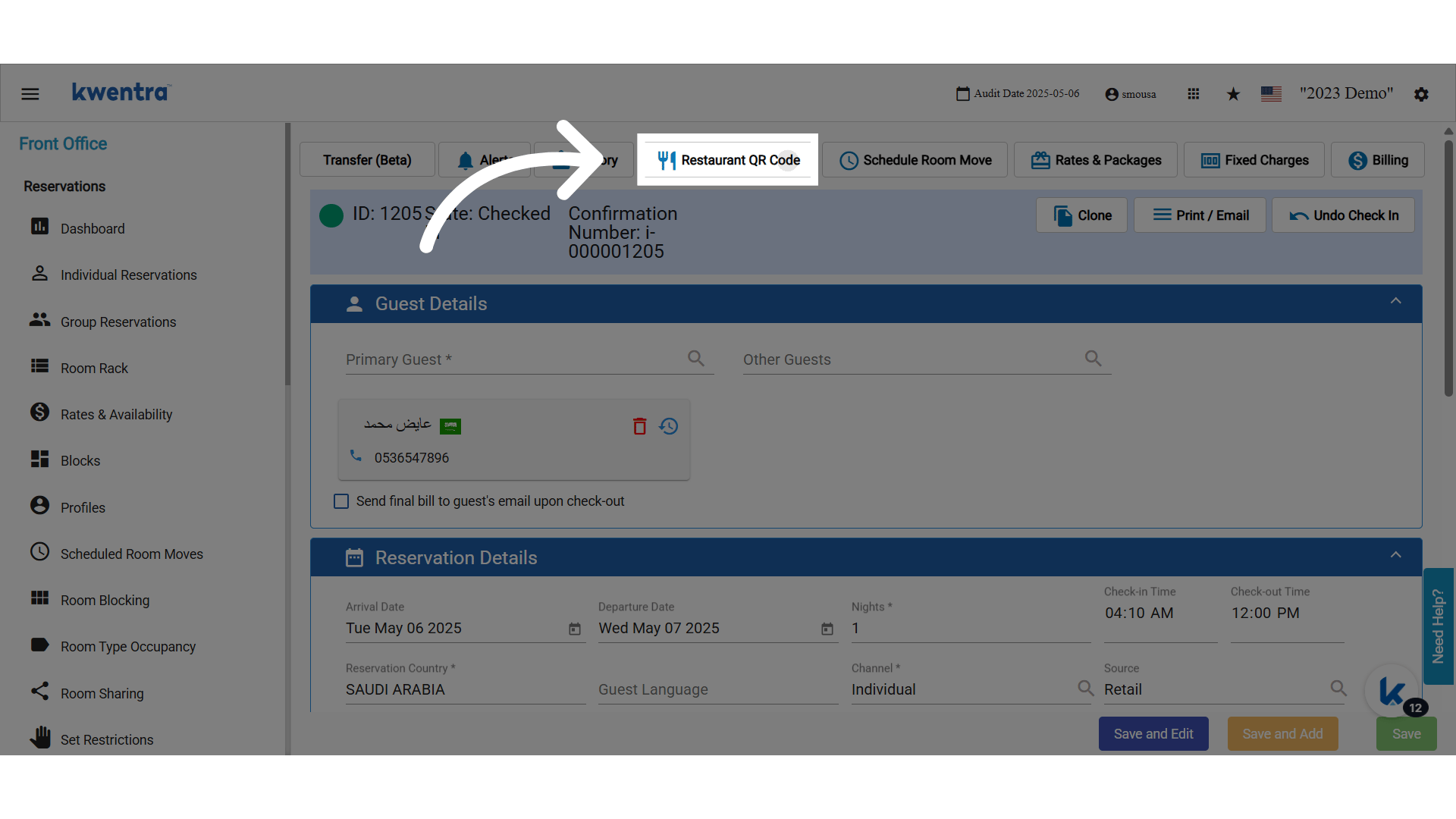
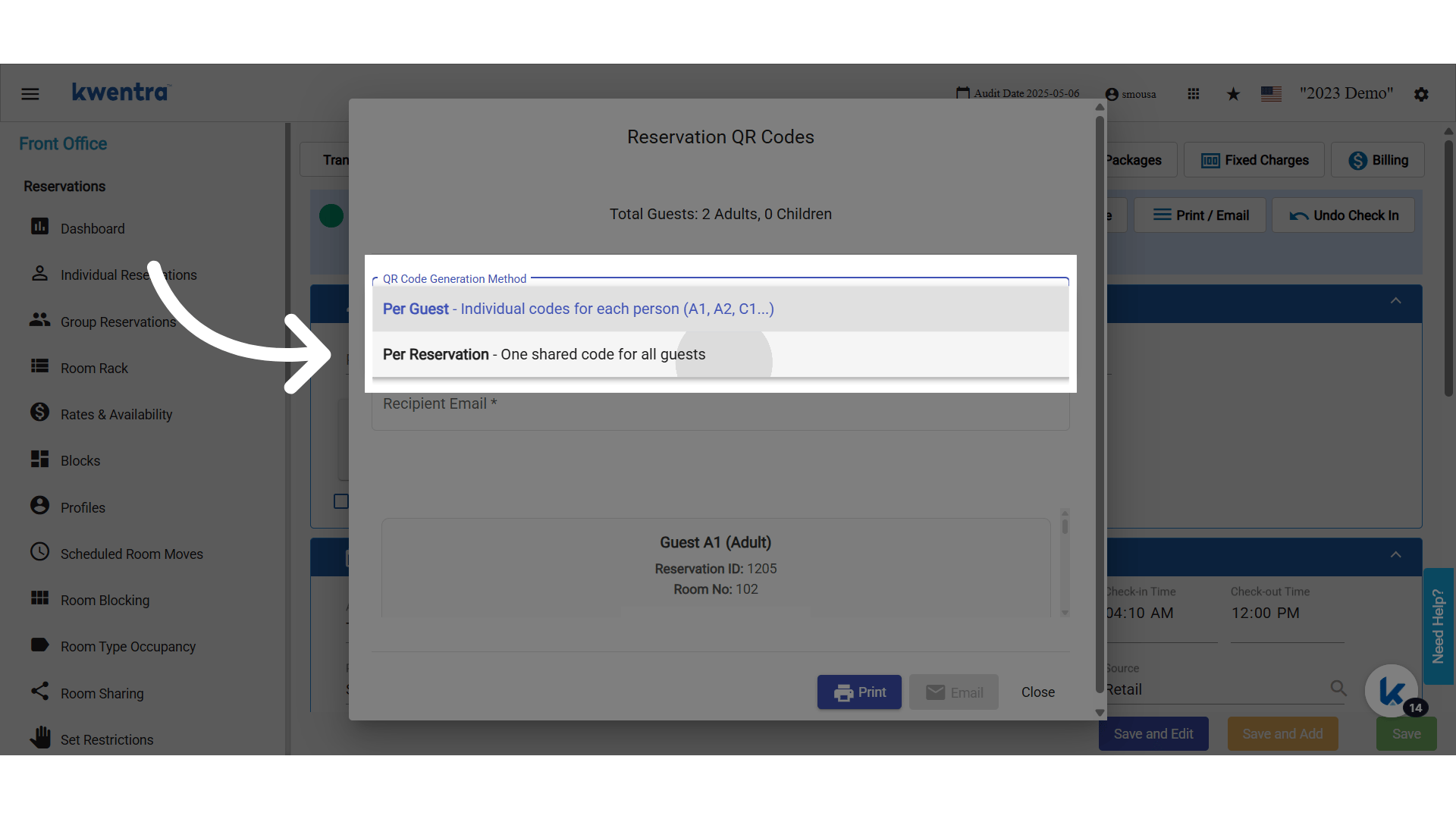
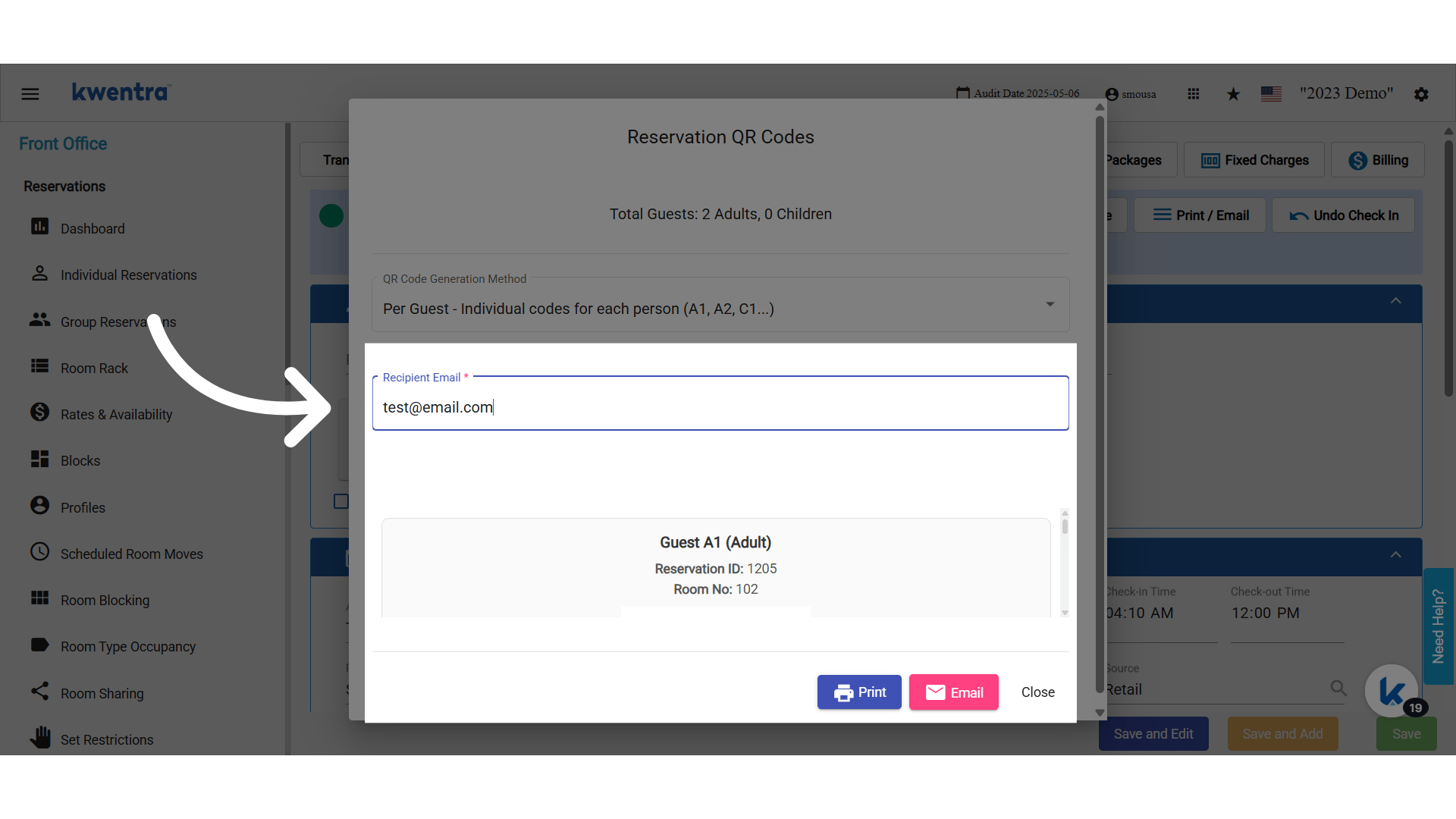
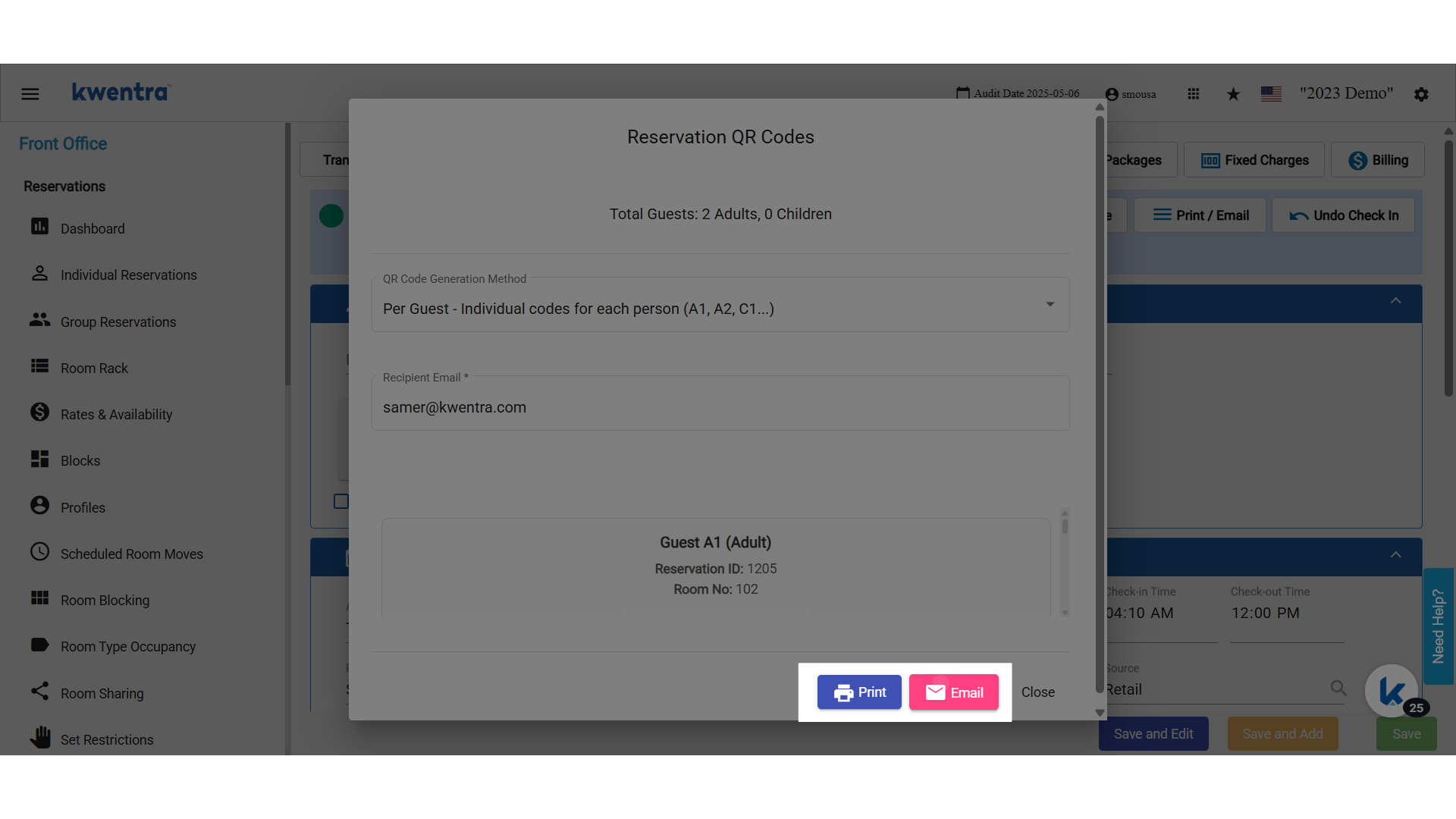
Open a checked-in reservation and click Restaurant QR Code. The button shows when the feature is turned on for your property. One code per reservation:- The code is linked to the reservation and the room.
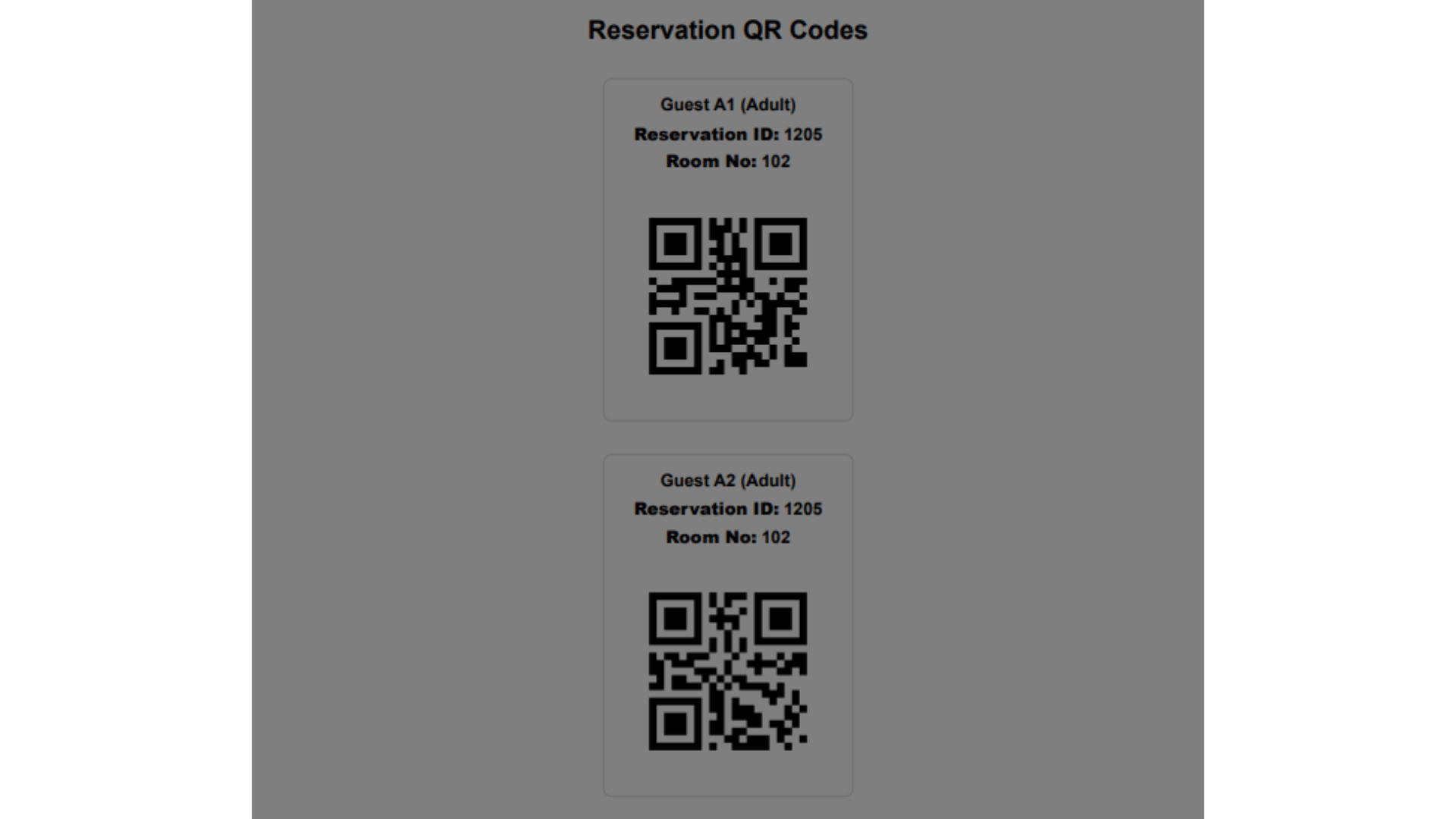
- Print prints the code with the reservation details.
- Send Email sends the code to the guest’s email.
- The reservation gets one code per adult. For 4 adults: 46586-1, 46586-2, 46586-3 and 46586-4.
- Each code prints vertically, to suit a POS printer.
Bulk Generate QR Codes
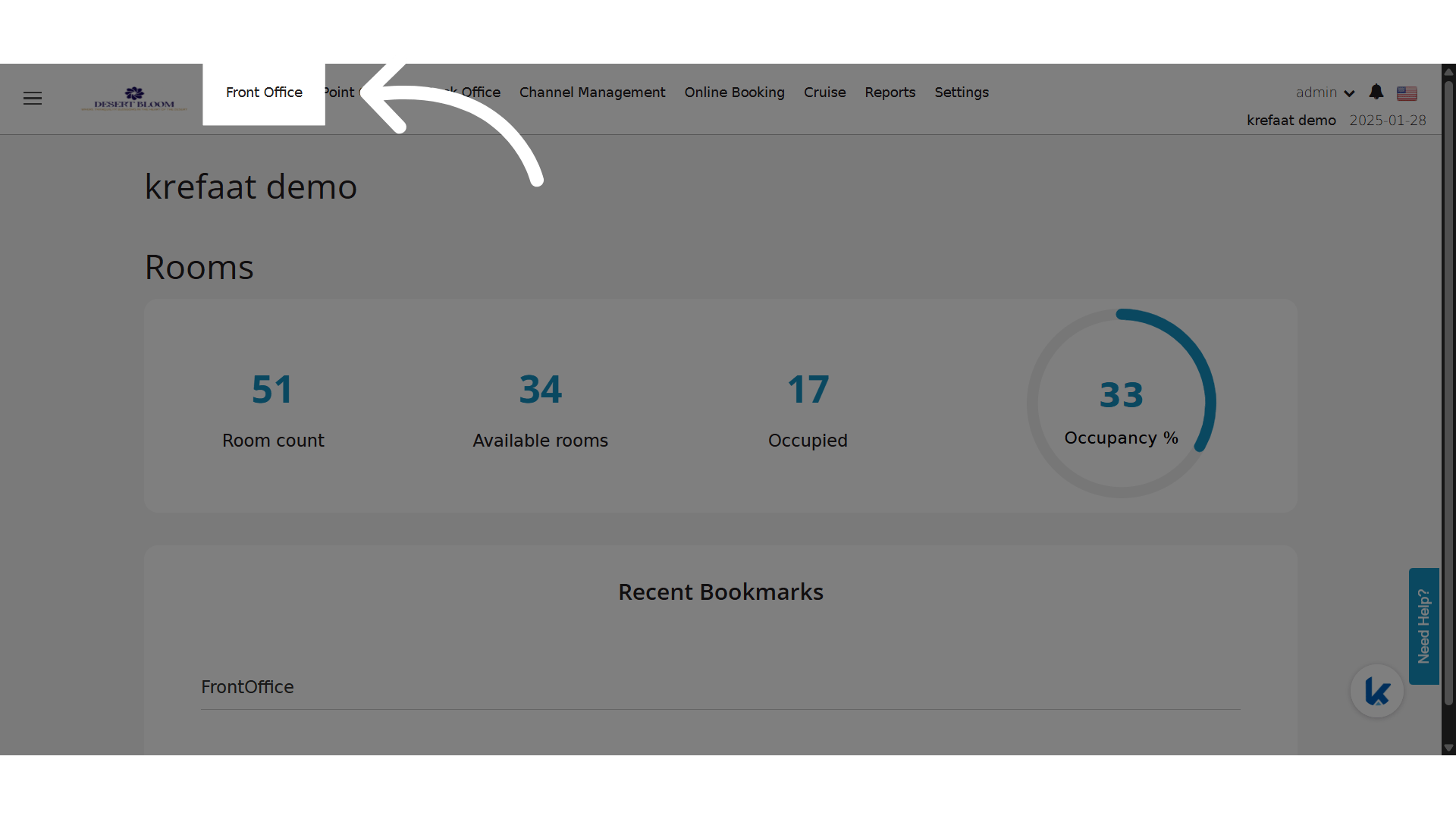
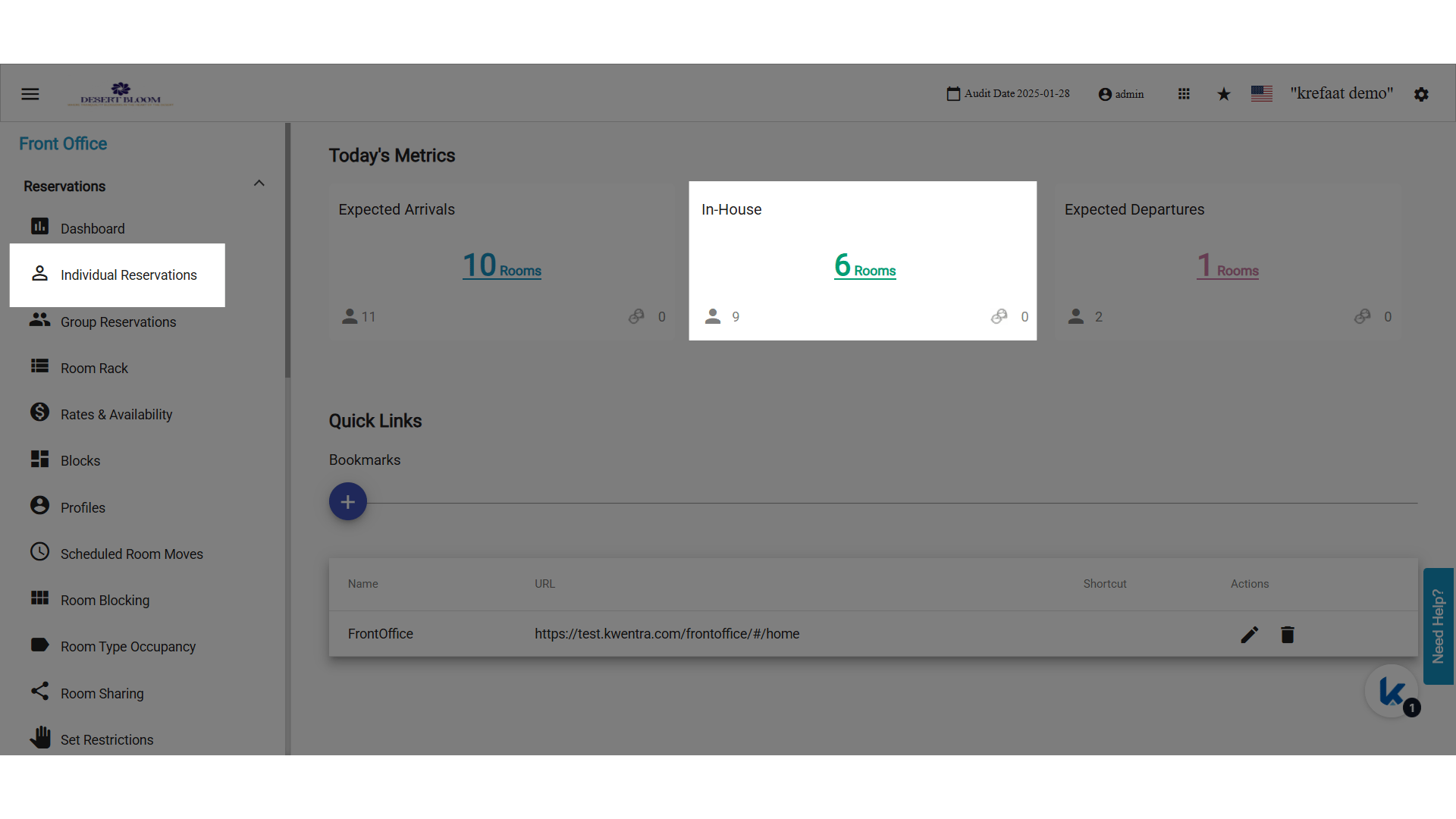
Create codes for many reservations at once, for example a group arriving together.- Open In-House Reservations, or Individual Reservations.
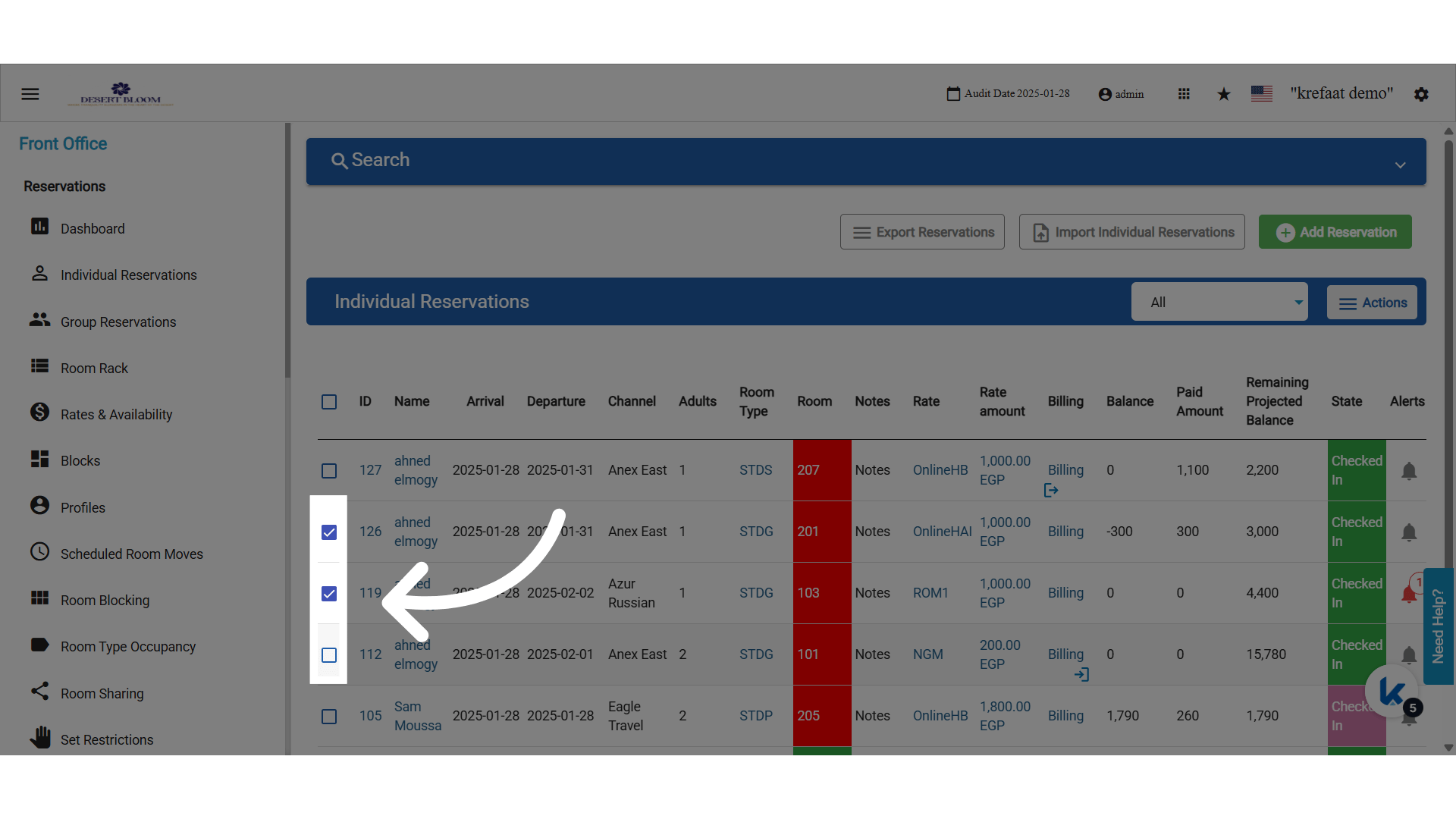
- Tick the reservations.
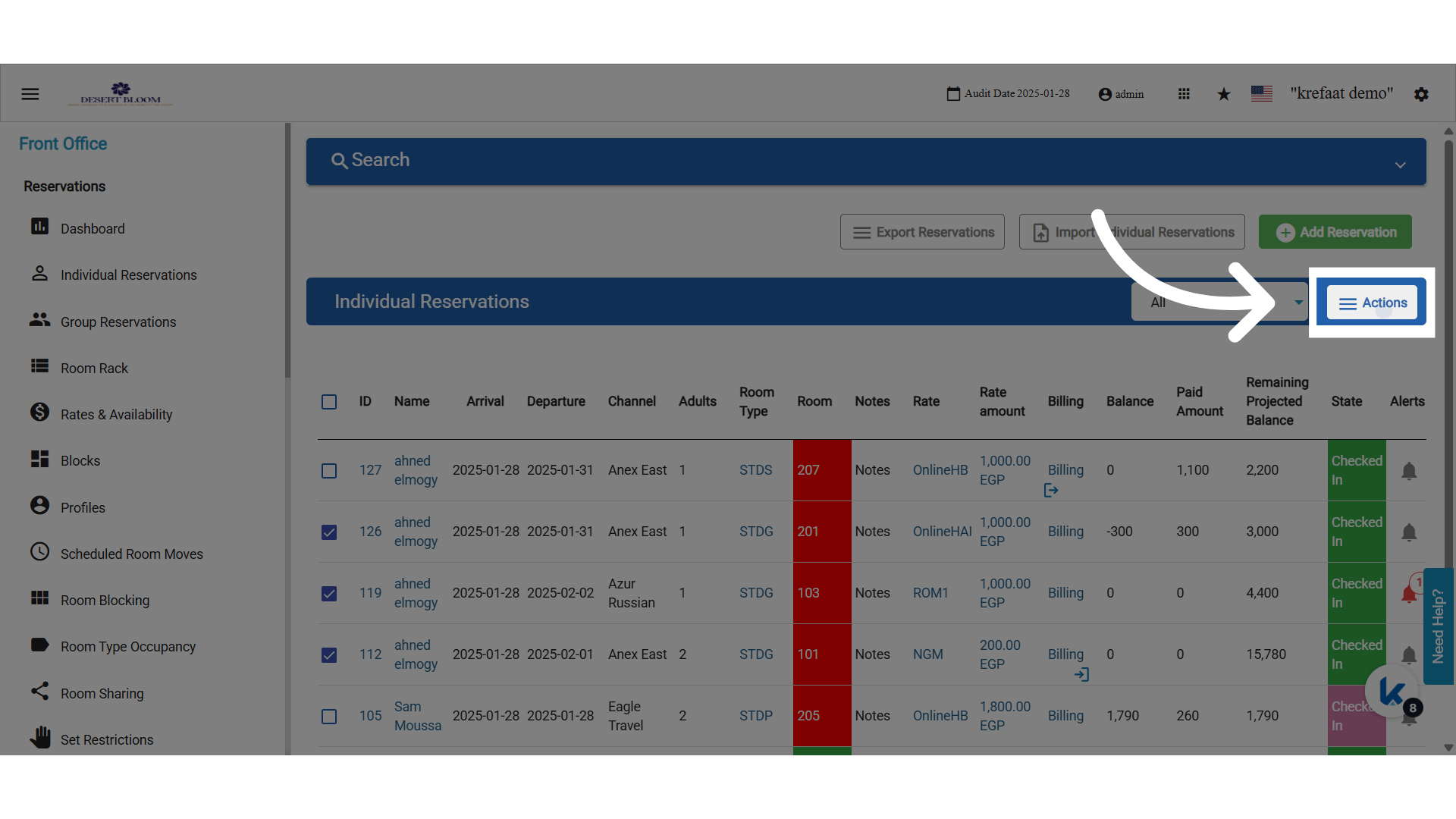
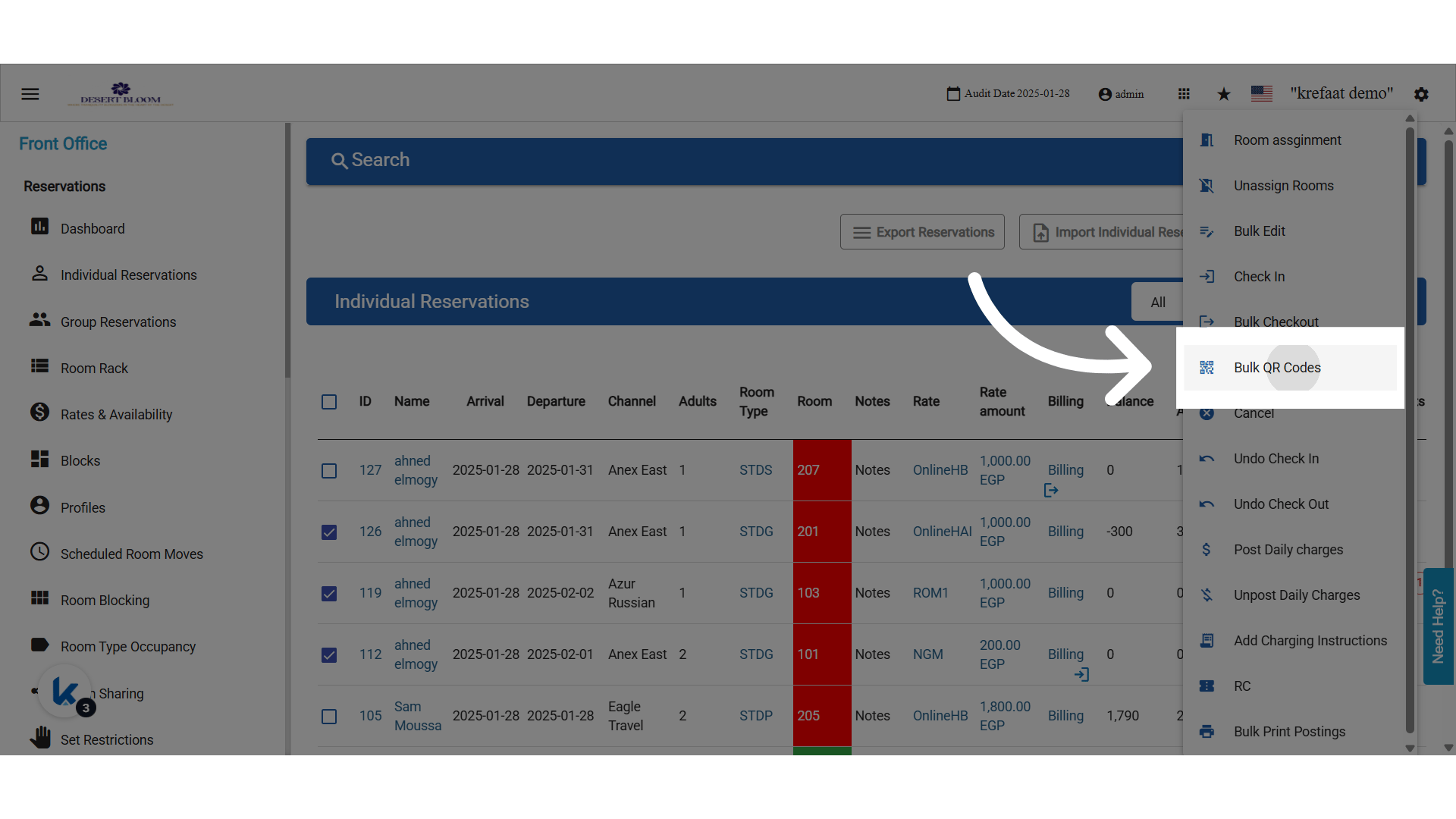
- Click Actions, then Bulk QR Codes.
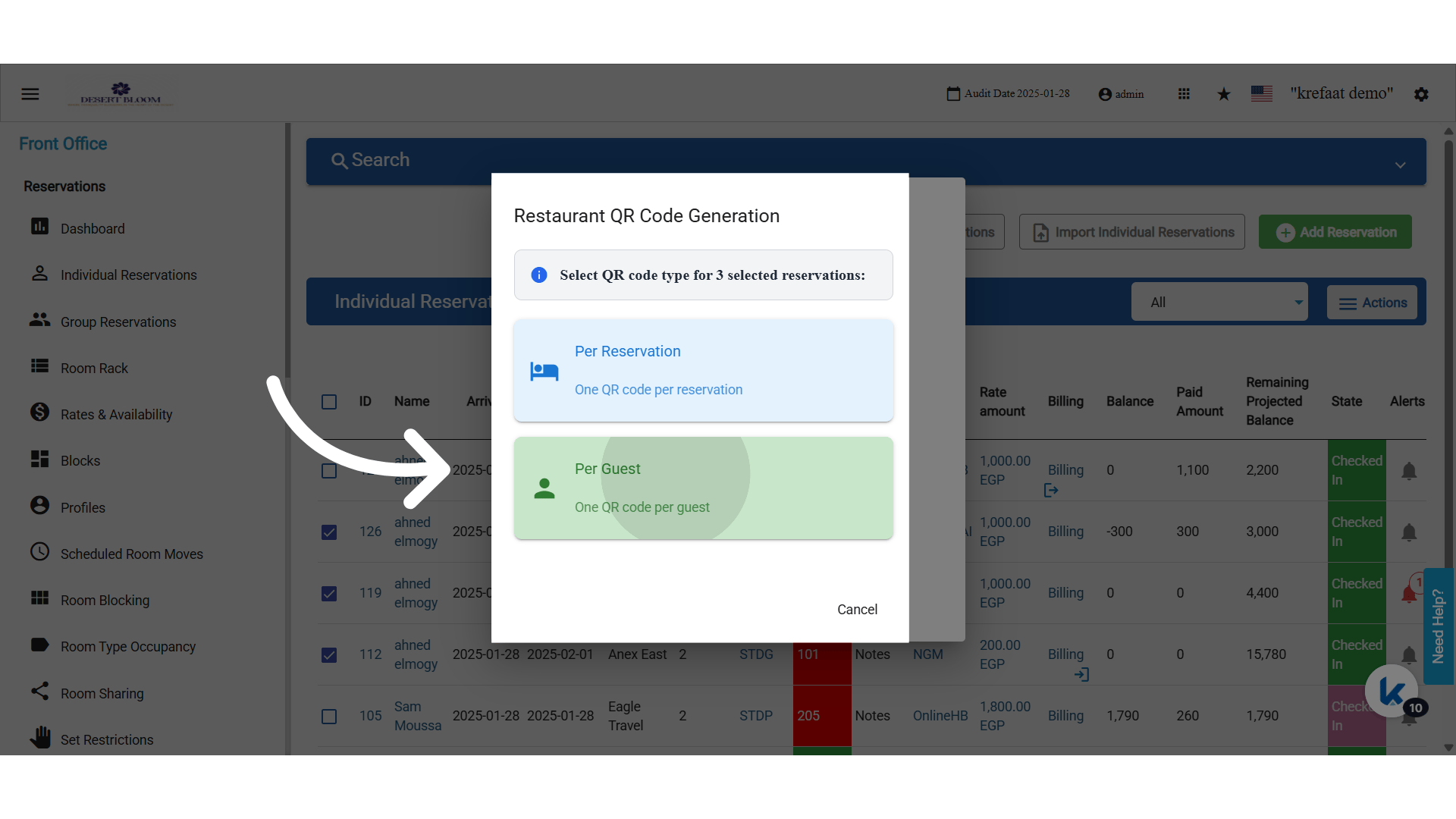
- Choose Per Reservation or By Person.
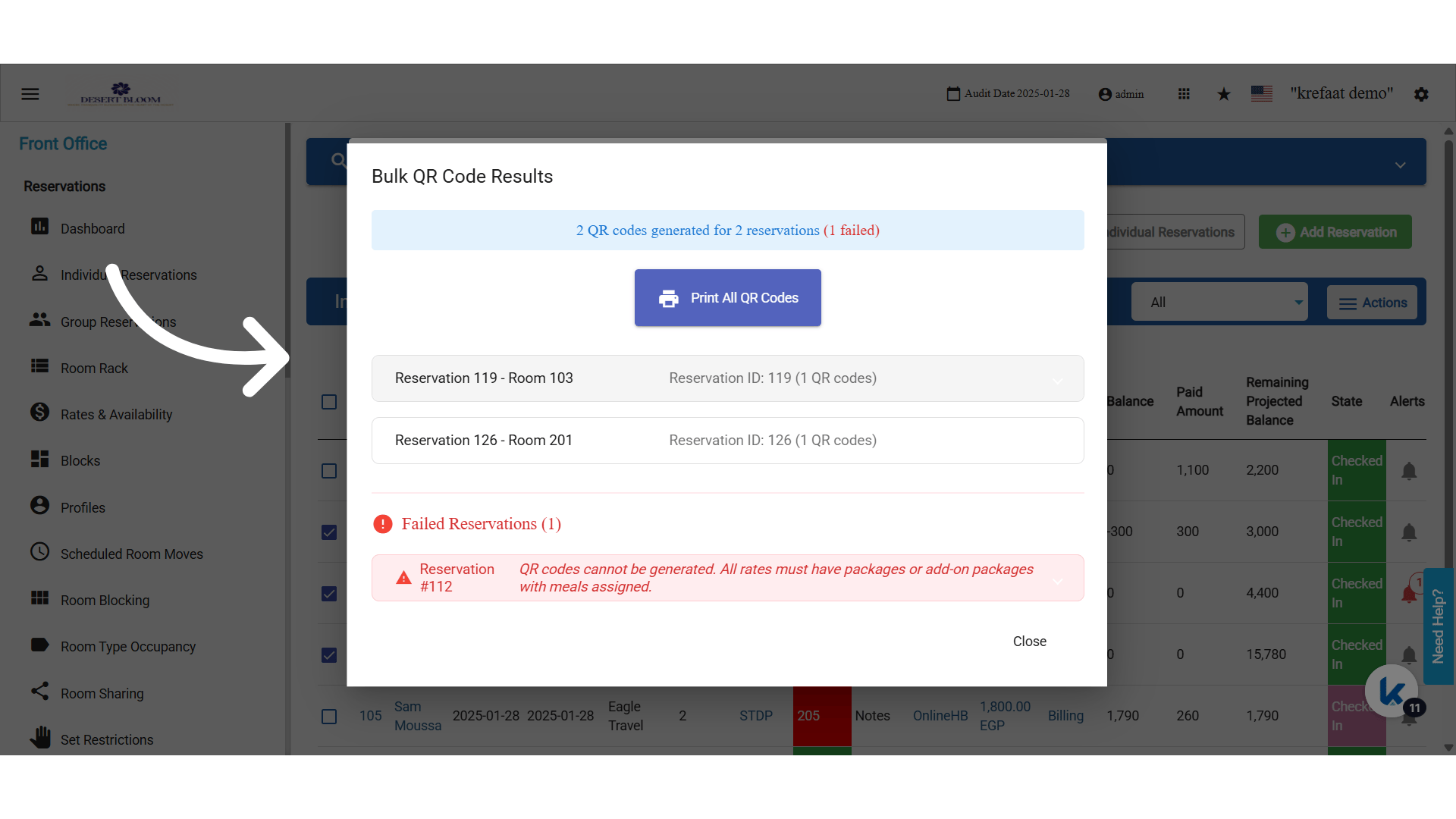
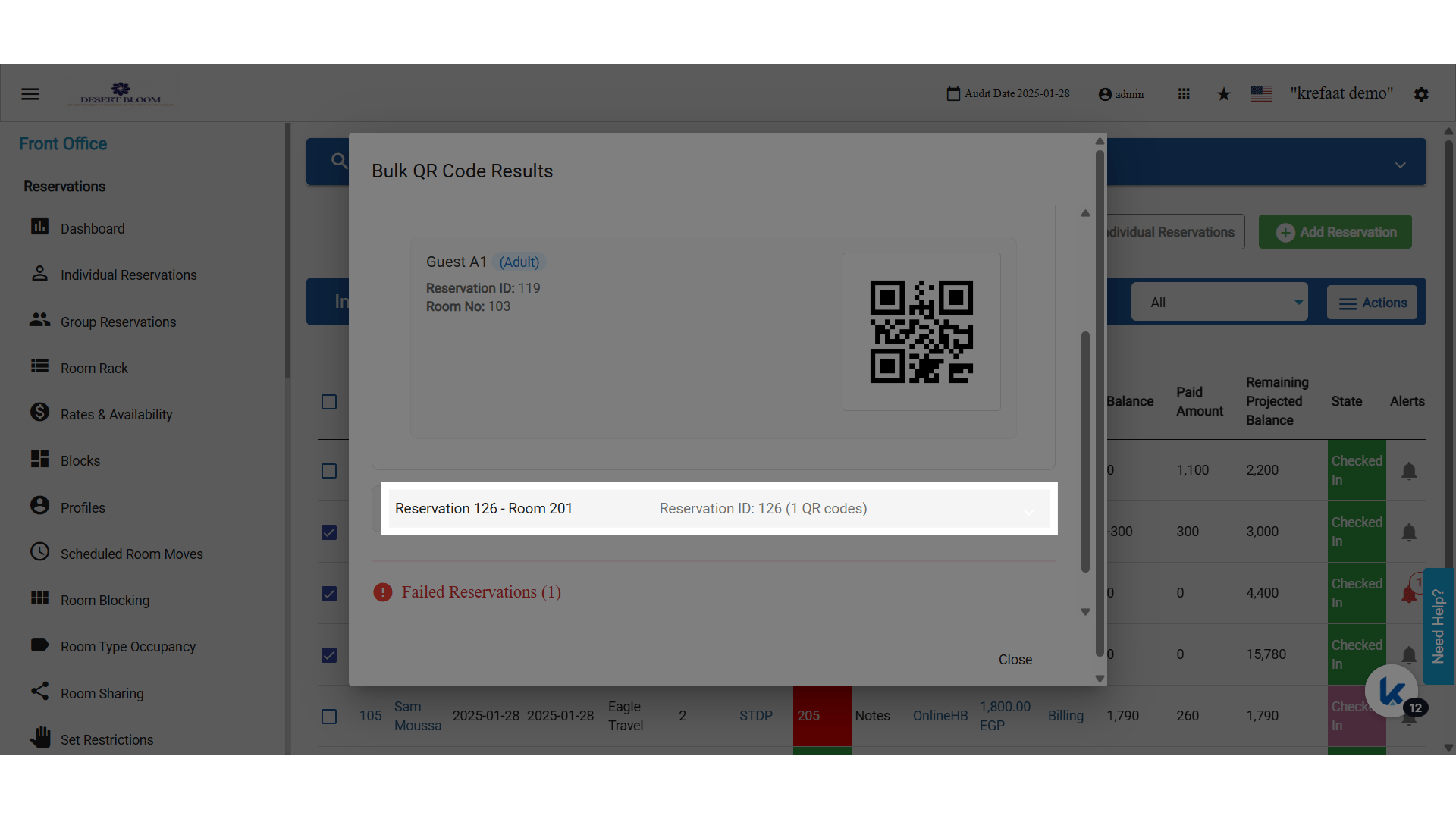
- Review the results. Expand a row to see the meal details.
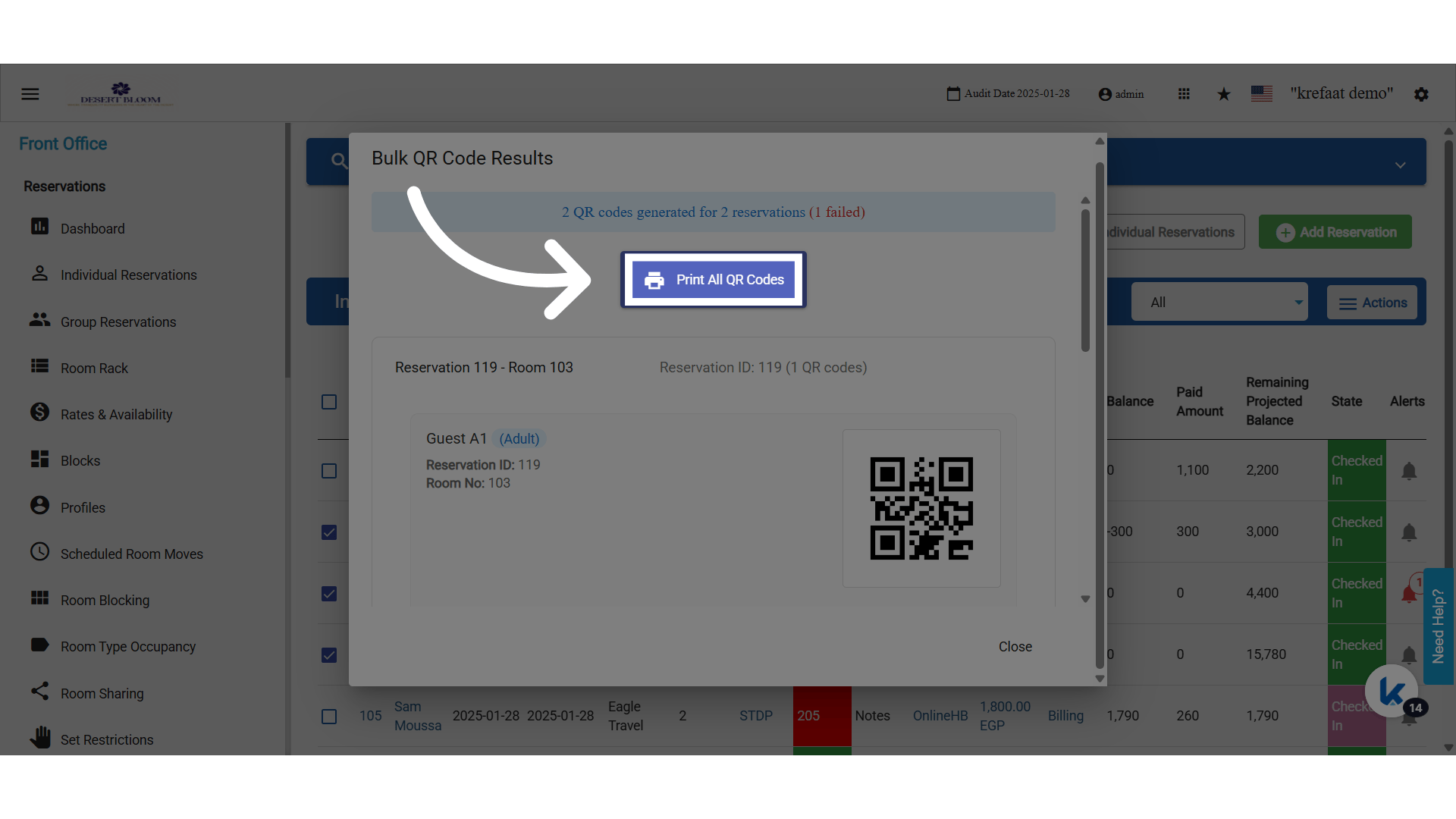
- Click Print All QR Codes, then Close.
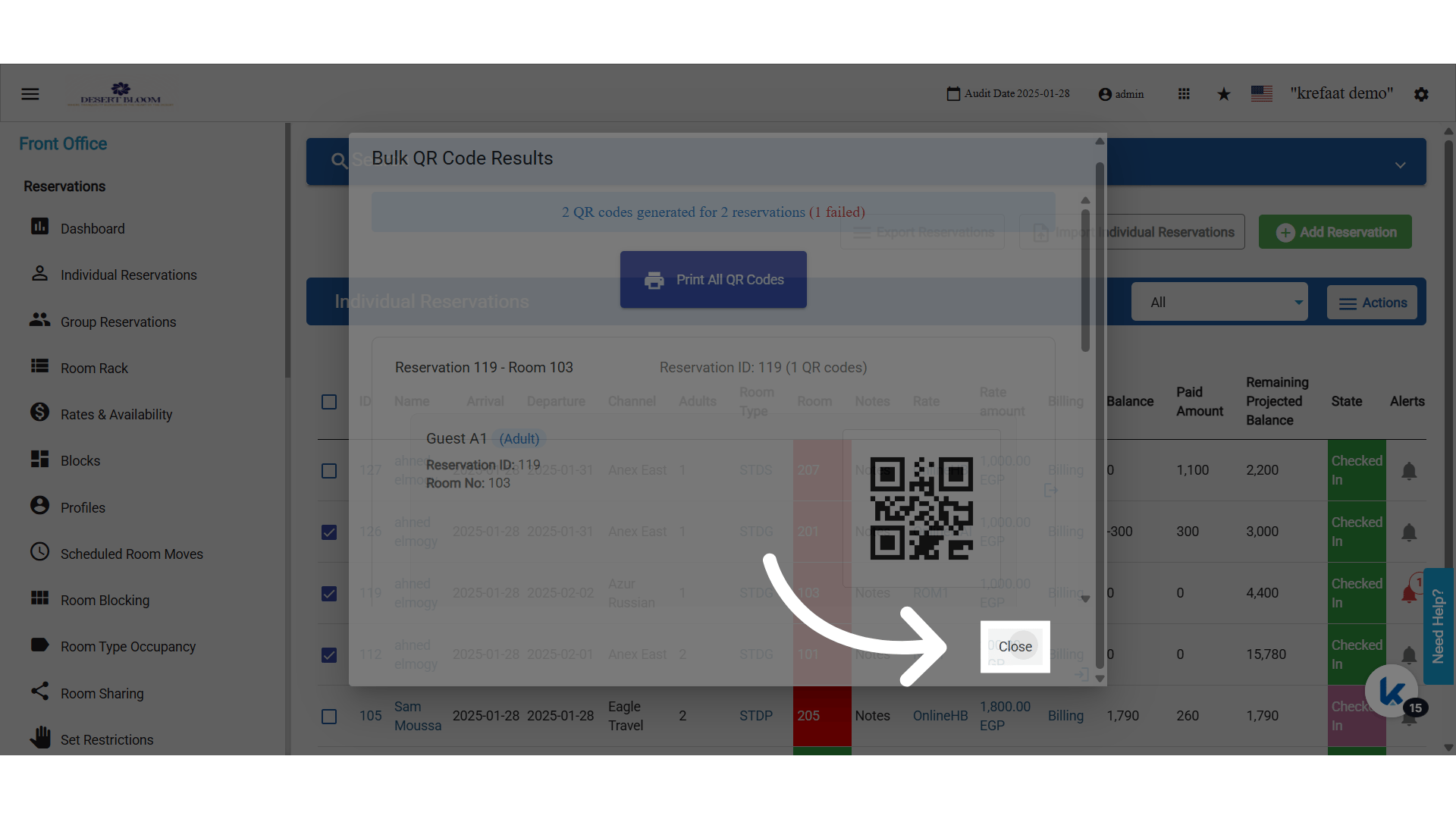
- Select at least one reservation first.
- By Person creates one code per adult in each reservation.
- The printout uses the same vertical layout as a single reservation.
- Bulk supports printing only. Email is available for a single reservation.
- A reservation whose rate has no package with a meal gets no code. All rates must have packages or add-on packages with meals.
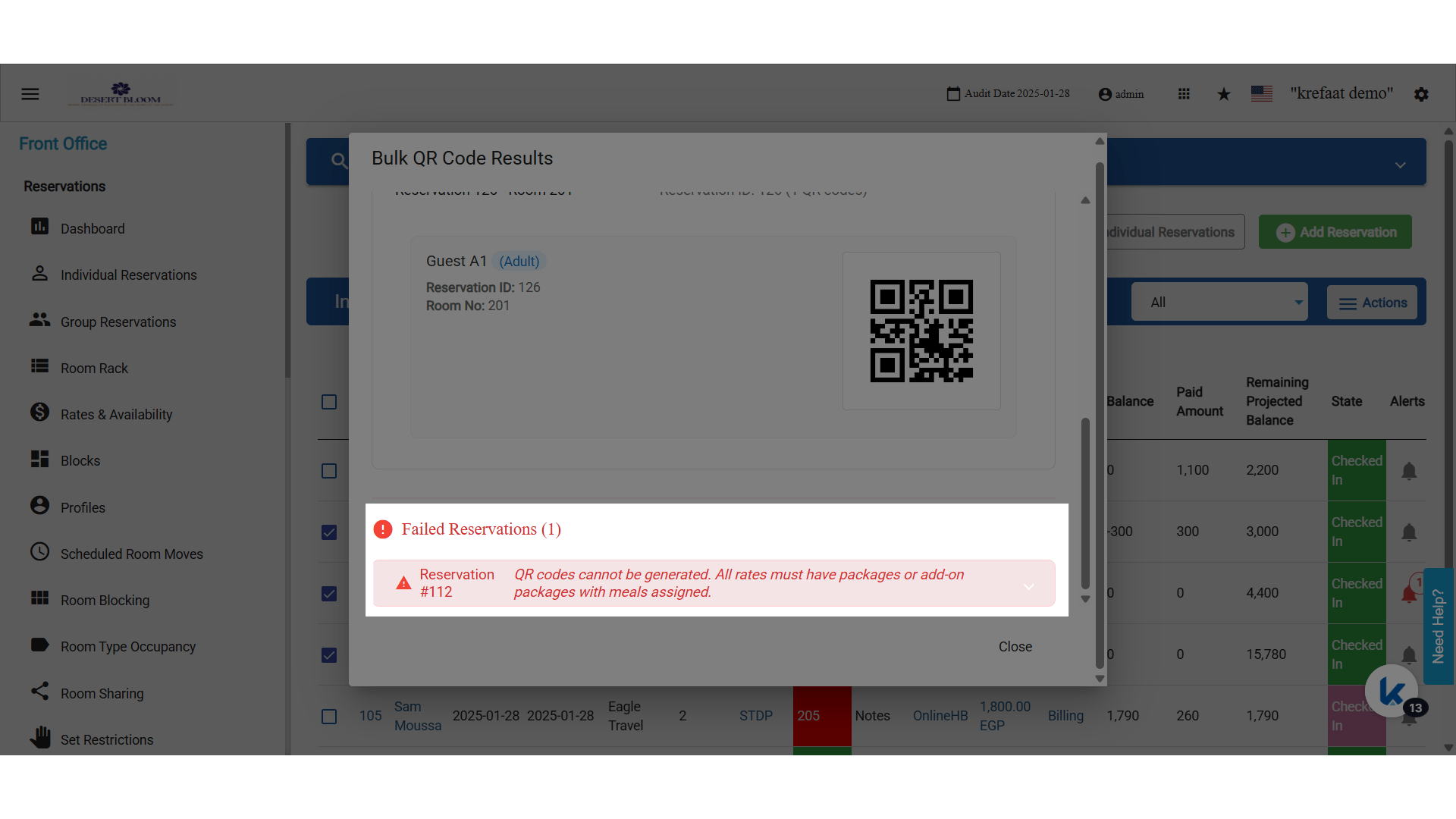
QR Codes for Paymasters
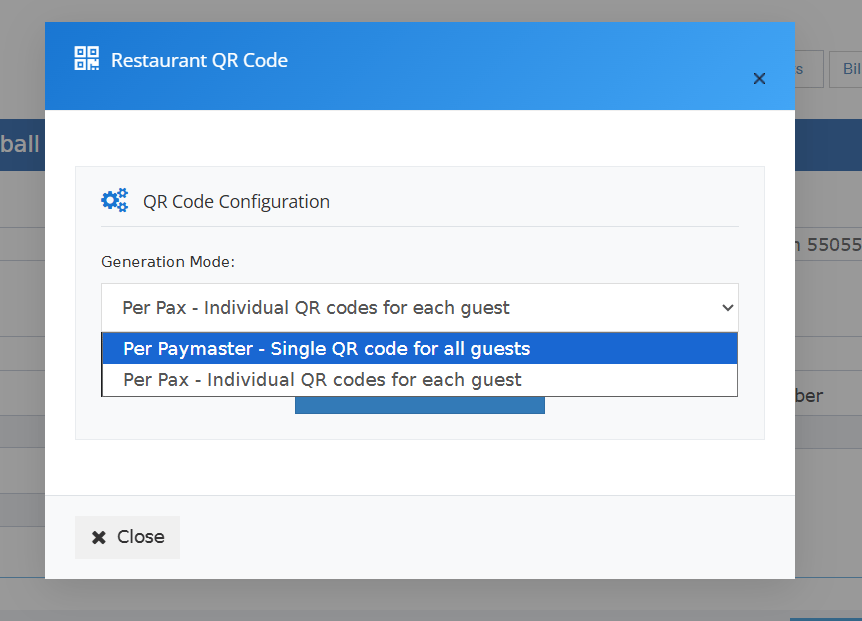
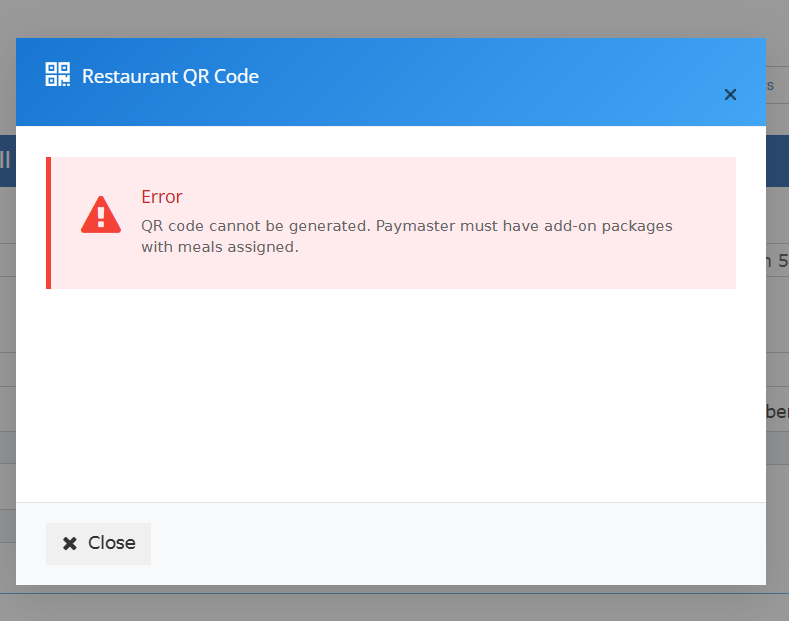
A paymaster can get a code for meals sold as add-on packages, for example for spa or event guests.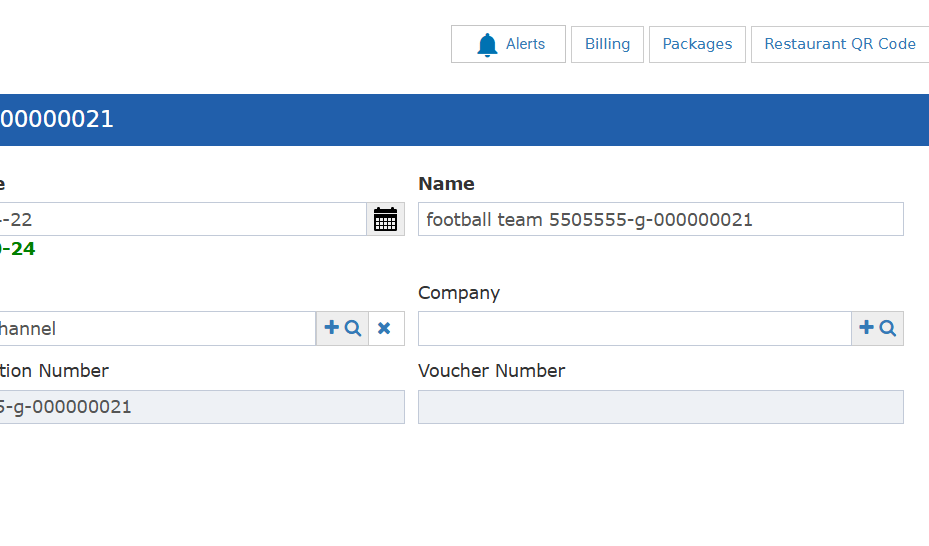
- The code covers the total number of packages with meals.
- It starts with PM. Reservation codes start with RS.
- It is printed and scanned the same way as a reservation code.
- Only open paymasters can use it.
- With no add-on package that has a meal, you see “No available packages with meals to generate QR code.”
Scan a QR Code at the Restaurant
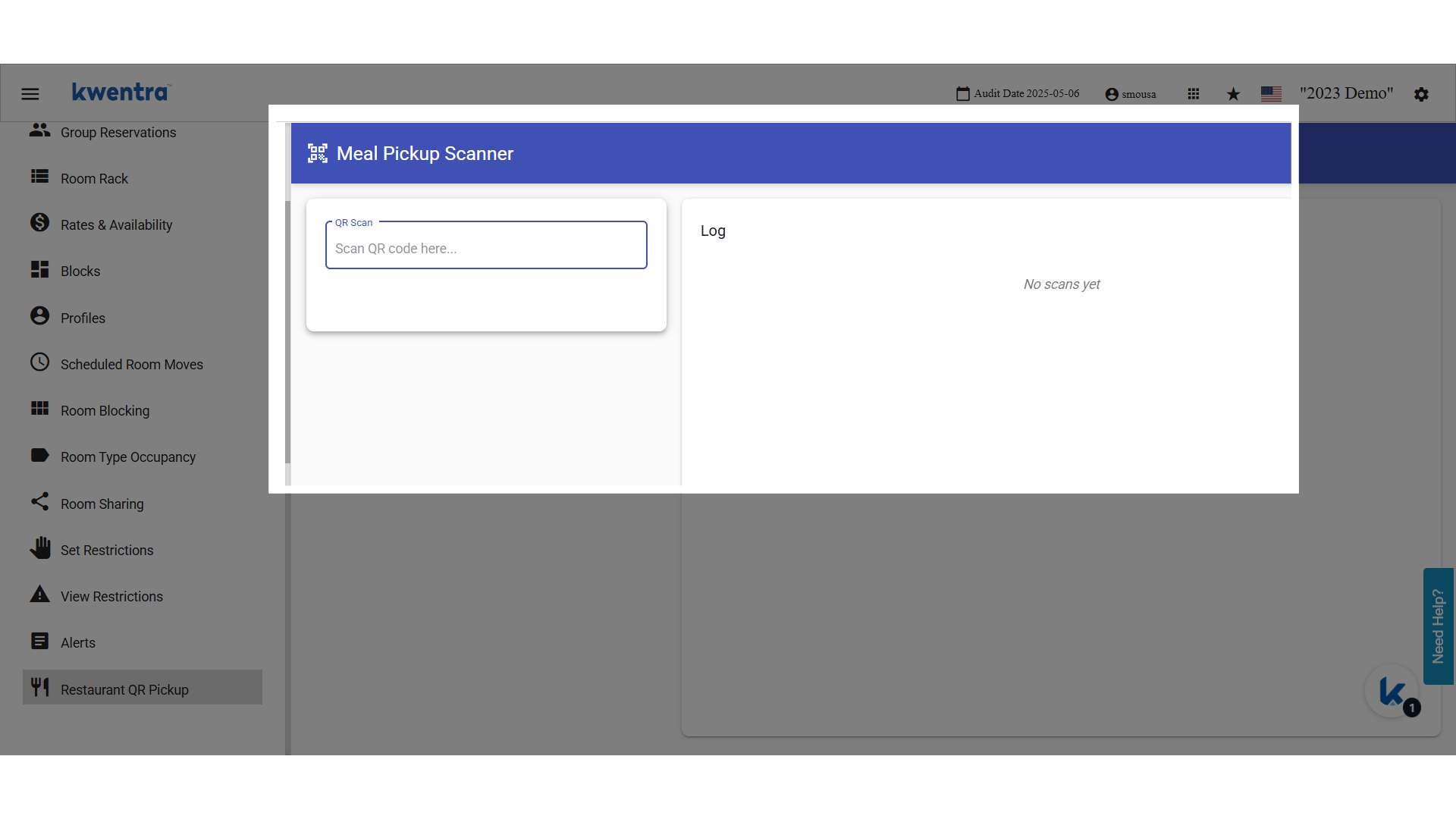
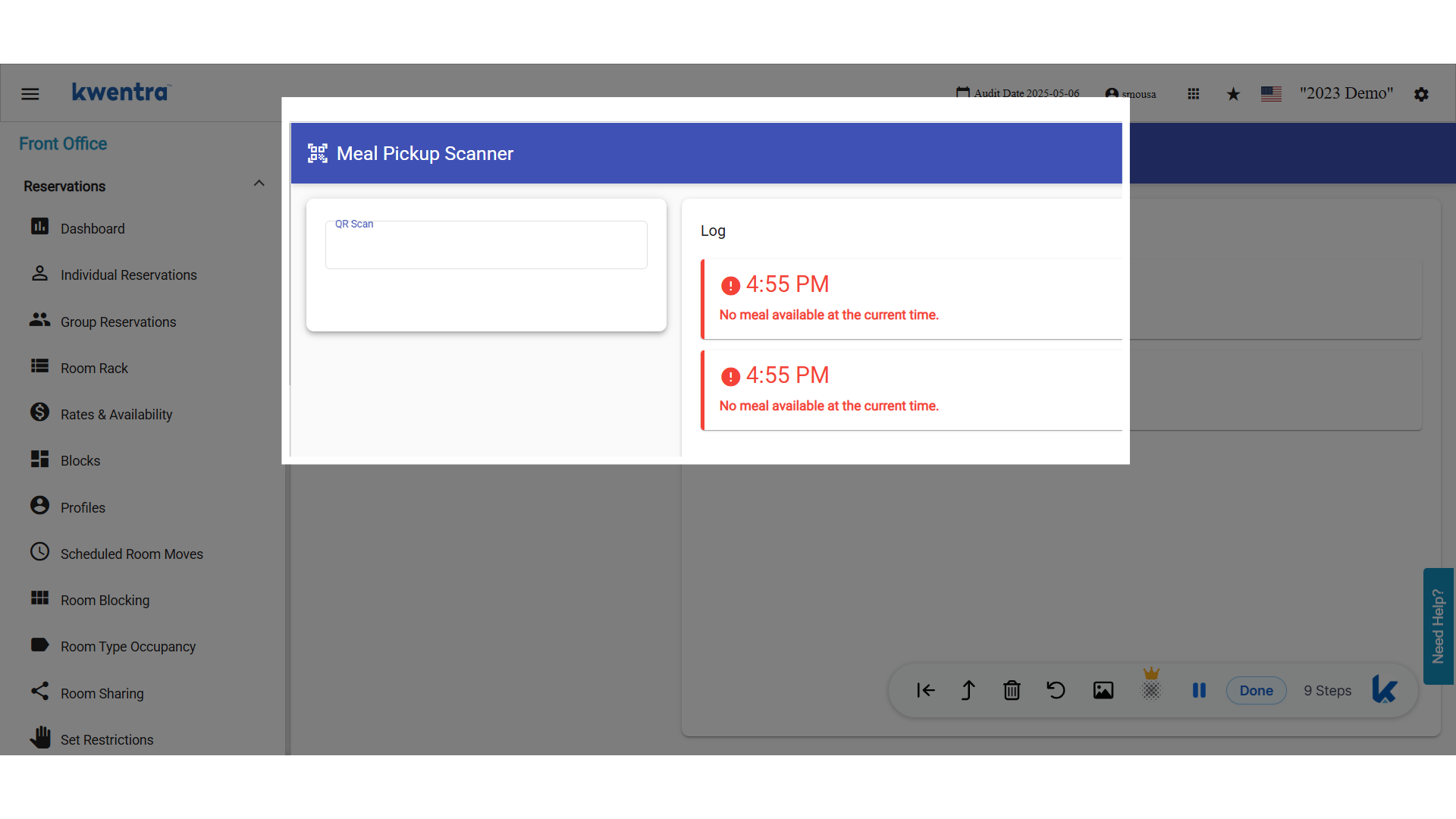
Open Restaurant QR Pickup and scan the code. The QR reader works like a keyboard. It reads the code, turns it into text and enters it on the screen.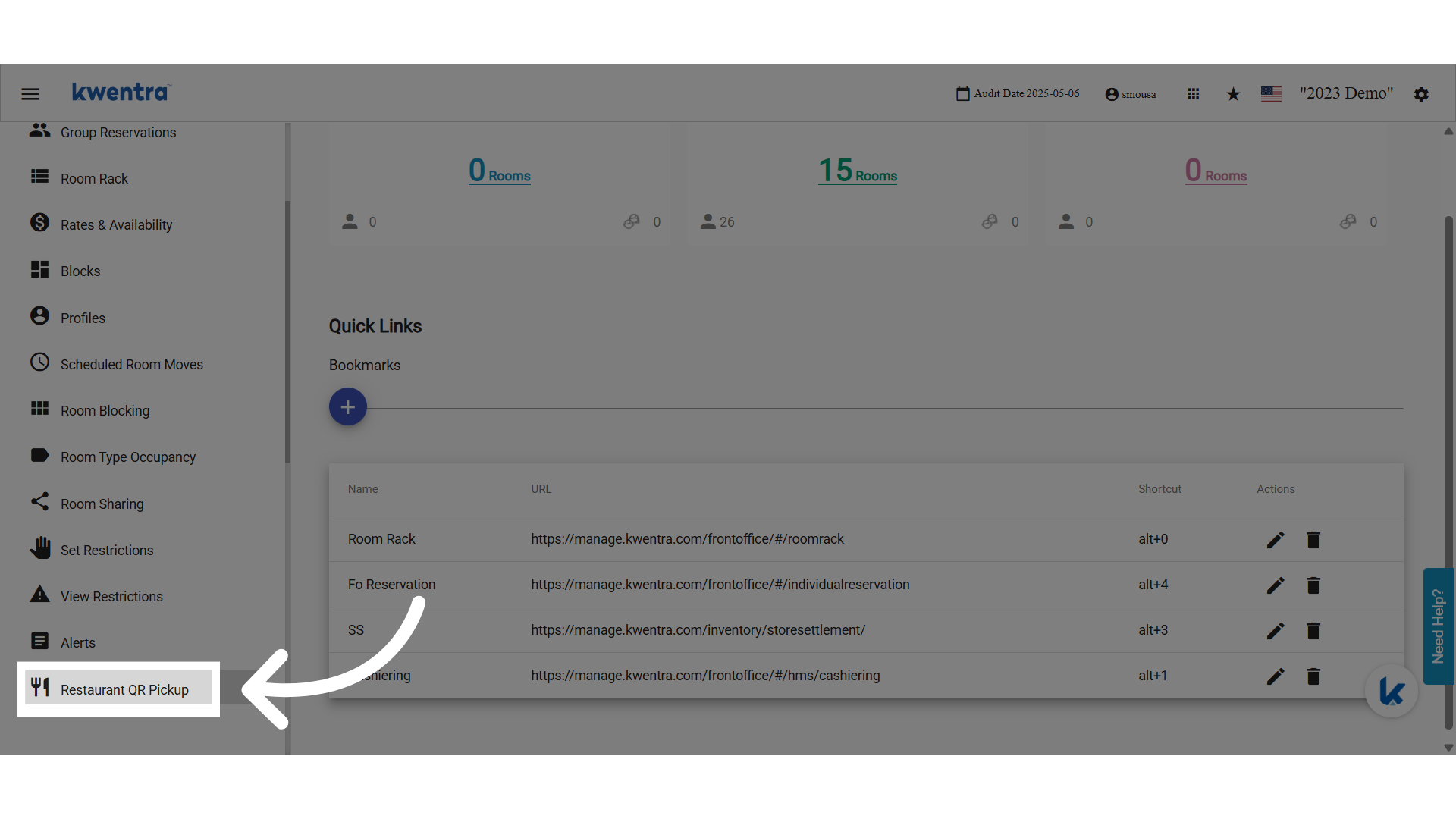
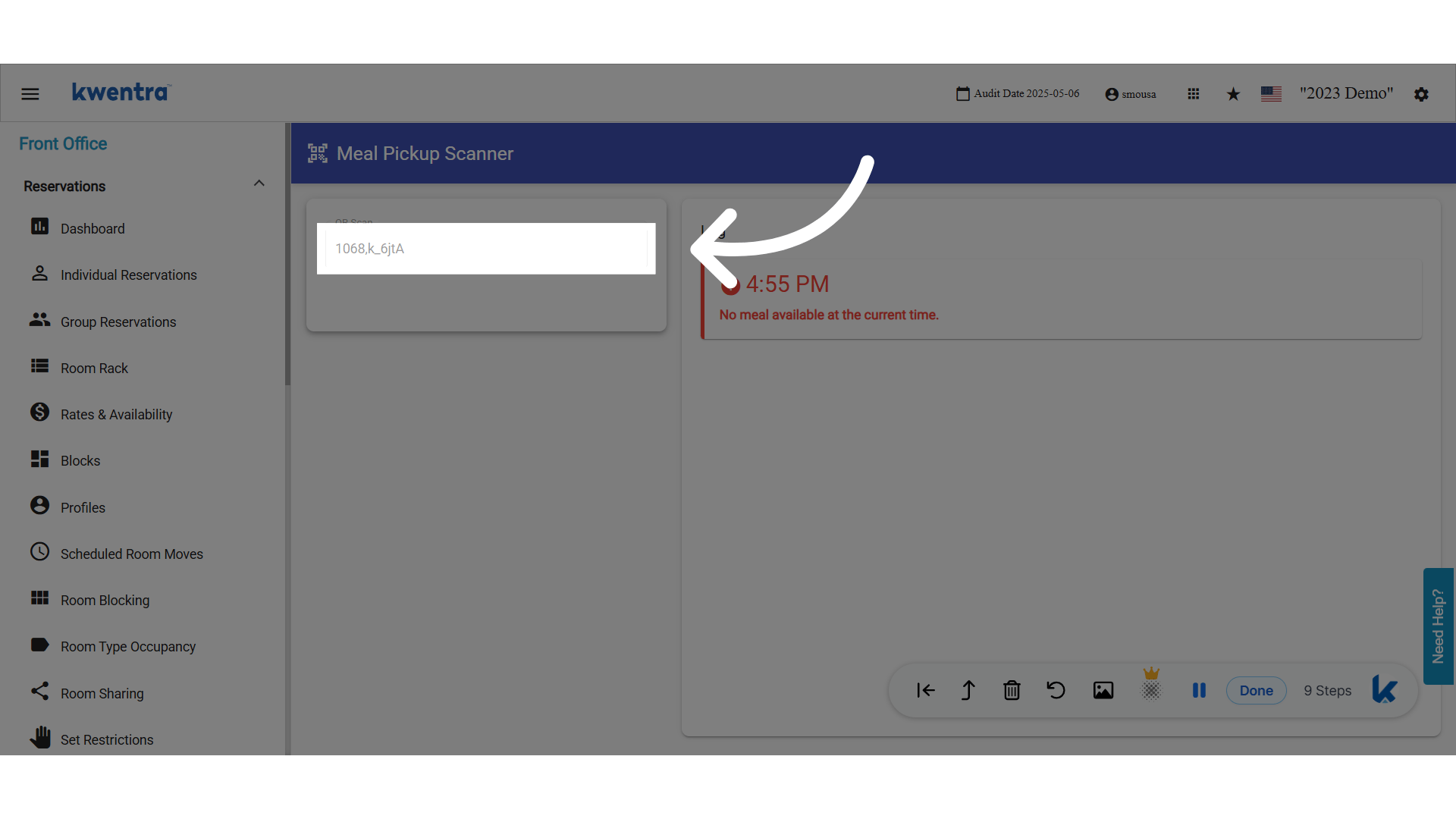
- Is the guest entitled to a meal now?
- Has the guest already had this meal today?
- When all meals are used, you see “You don’t have any remaining meals.”
Restaurant QR Code Pickup Report
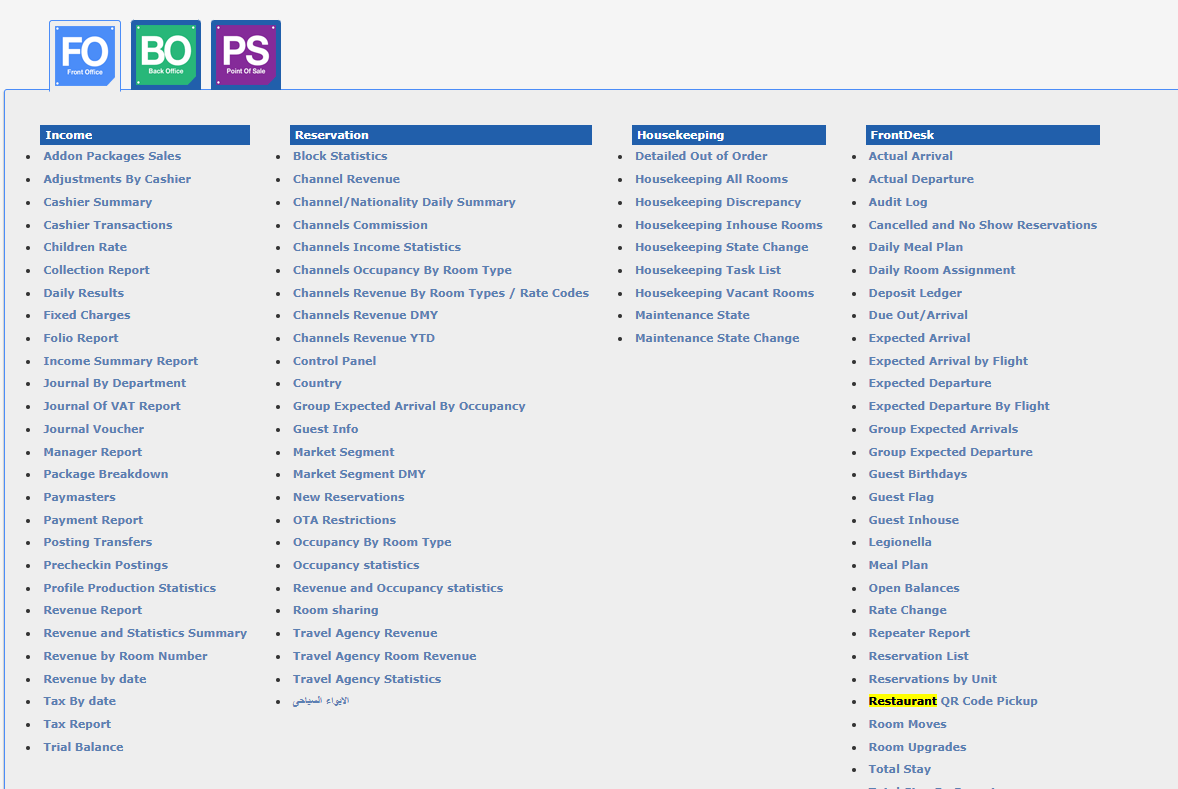
The report lists every QR pickup by reservation, paymaster, package, meal and user.Running the Report
- From date (required): cannot be after To date.
- To date (required): cannot be before From date.
- Group by: None (grand total only), Type, Package or Meal. Each group shows its own totals.
- Type: Reservation, Paymaster. You can pick more than one.
- Package: only packages with meals. You can pick more than one.
- Meal: you can pick more than one.
- User: you can pick more than one.
Report Columns
Permissions
- Can run restaurant QR code pickup
- Can view restaurant QR code pickup