Business Value
- Saves Time: Hotel staff can bulk-generate restaurant QR codes for multiple guests simultaneously, reducing manual effort.
- Flexible Options: Users choose to generate QR codes by reservation or for individual guests.
- Operational Efficiency: Streamlines meal authentication for groups and busy check-in periods.
- Consistent Guest Experience: Ensures all checked-in guests have valid QR access for meal services.
Use Cases
- Group Arrivals: When a group of guests checks in together, the front desk can generate all their QR codes with a few clicks.
- High Occupancy Days: On busy days, staff can bulk-generate QR codes for all arrivals, avoiding bottlenecks.
- Per-Person Needs: For hotels offering meal plans per person (pax), generate personalized QR codes for each guest.
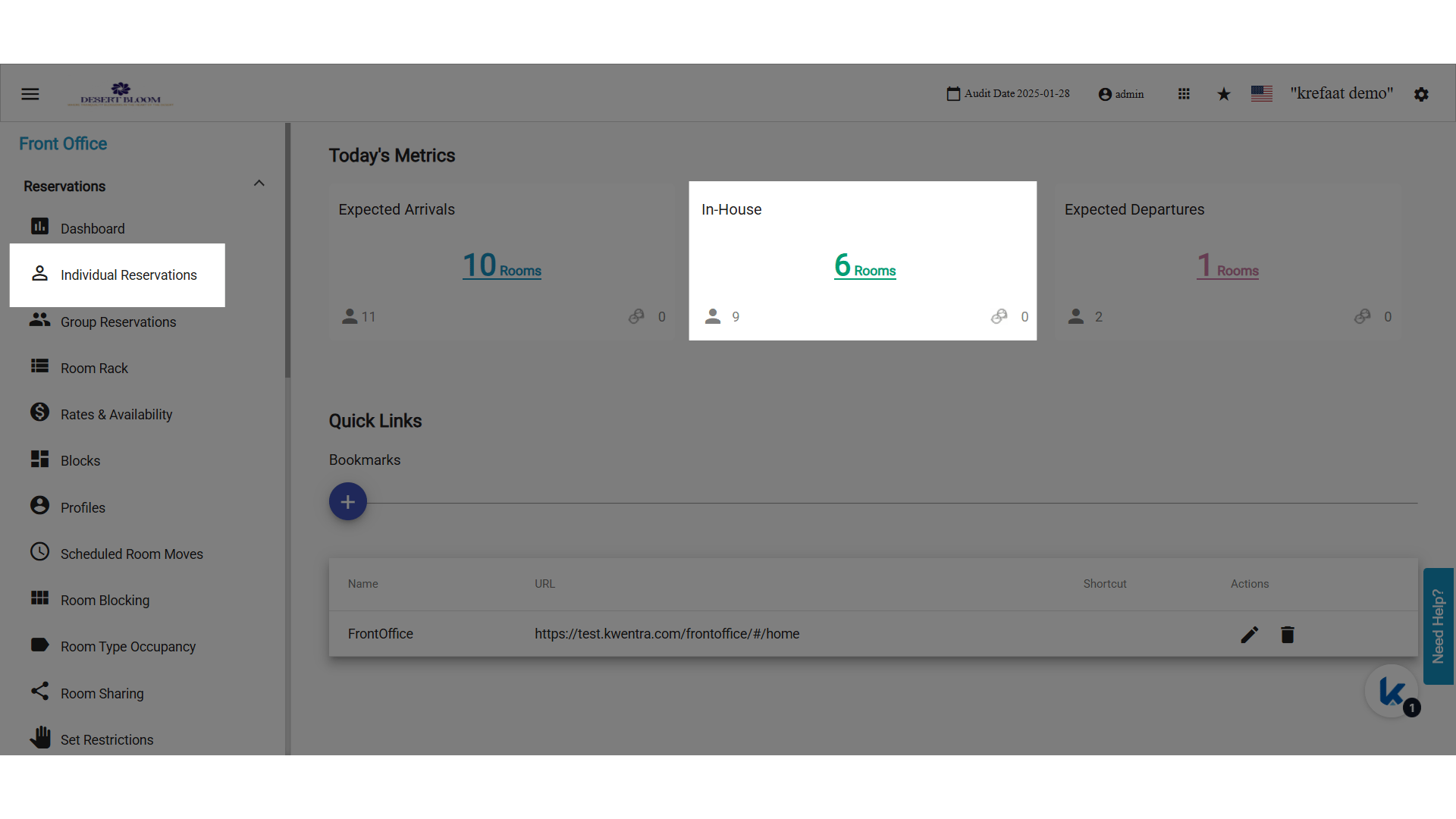
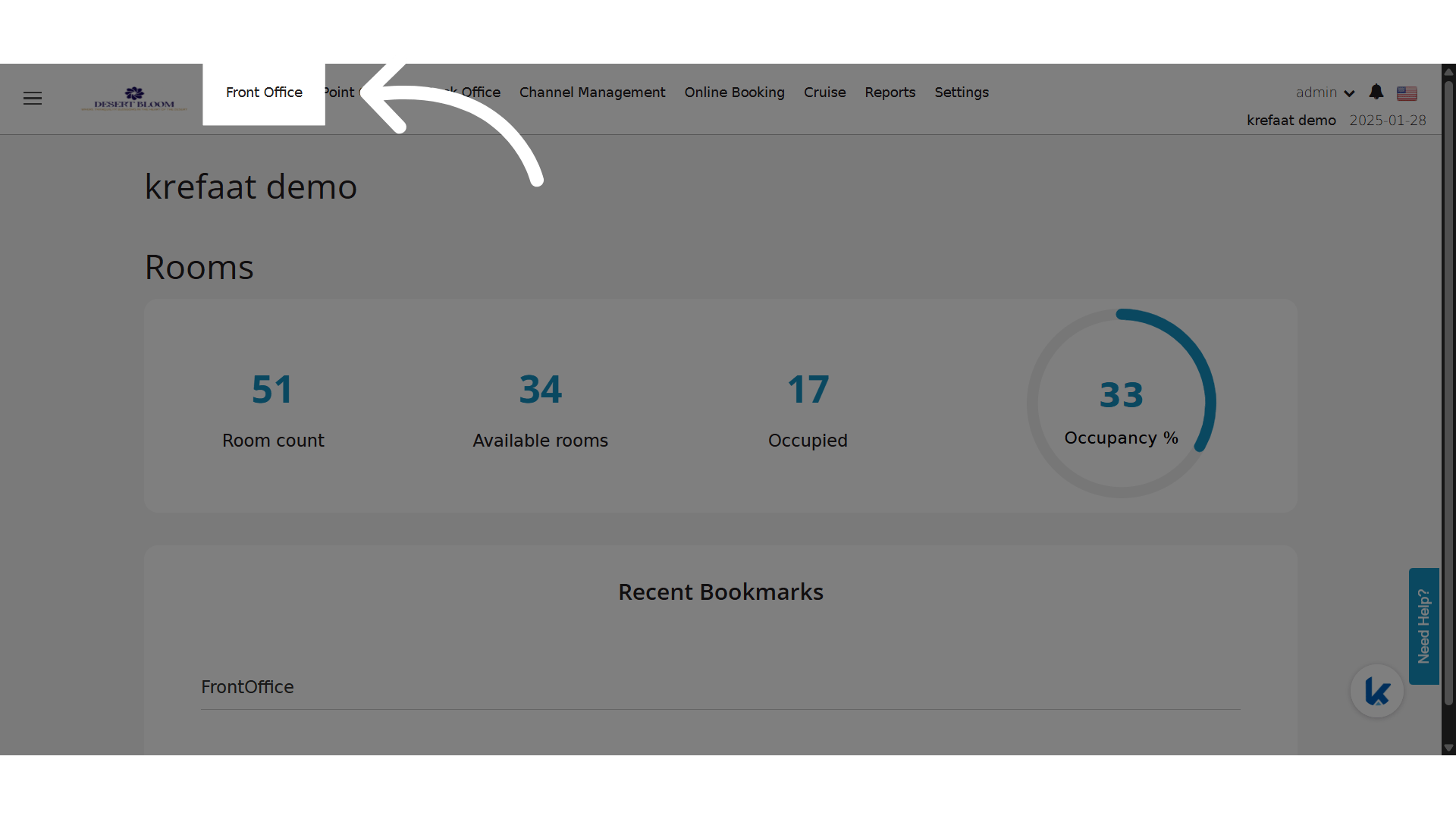 Go to your In-House Reservations from here or from Individual Reservations
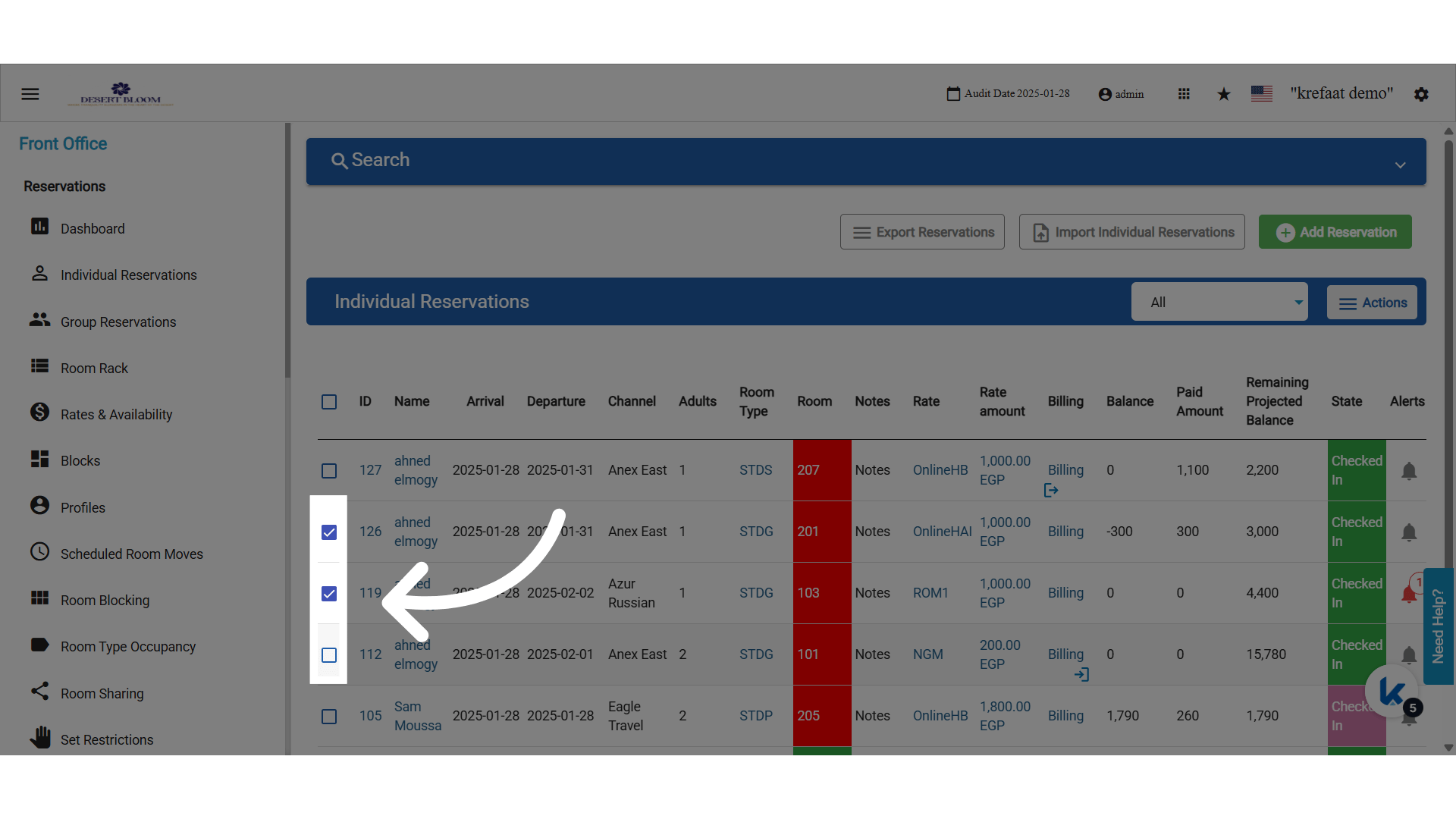
 Mark on the reservations to bulk generate
 Click on Actions
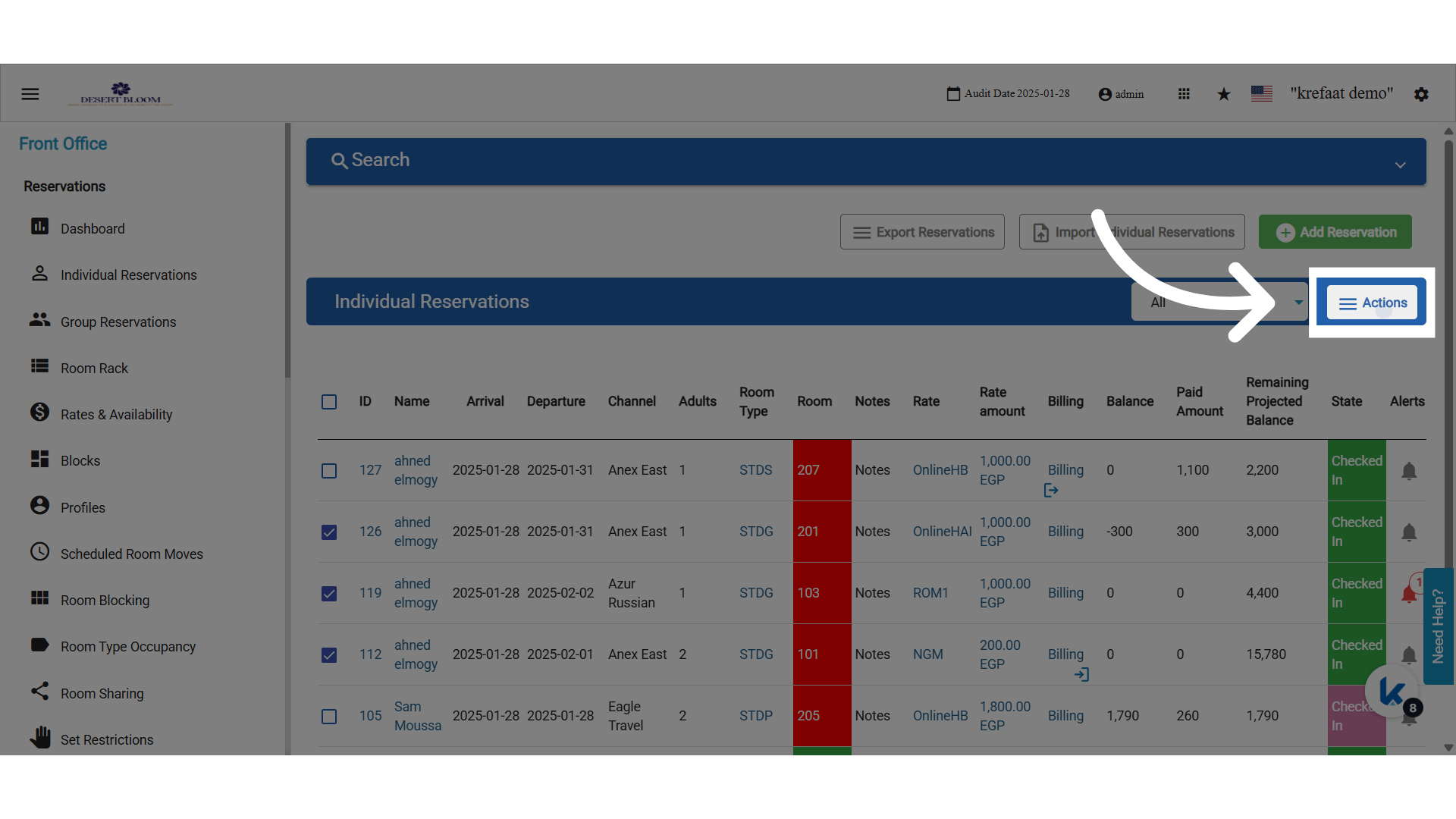 Click “Bulk QR Codes”
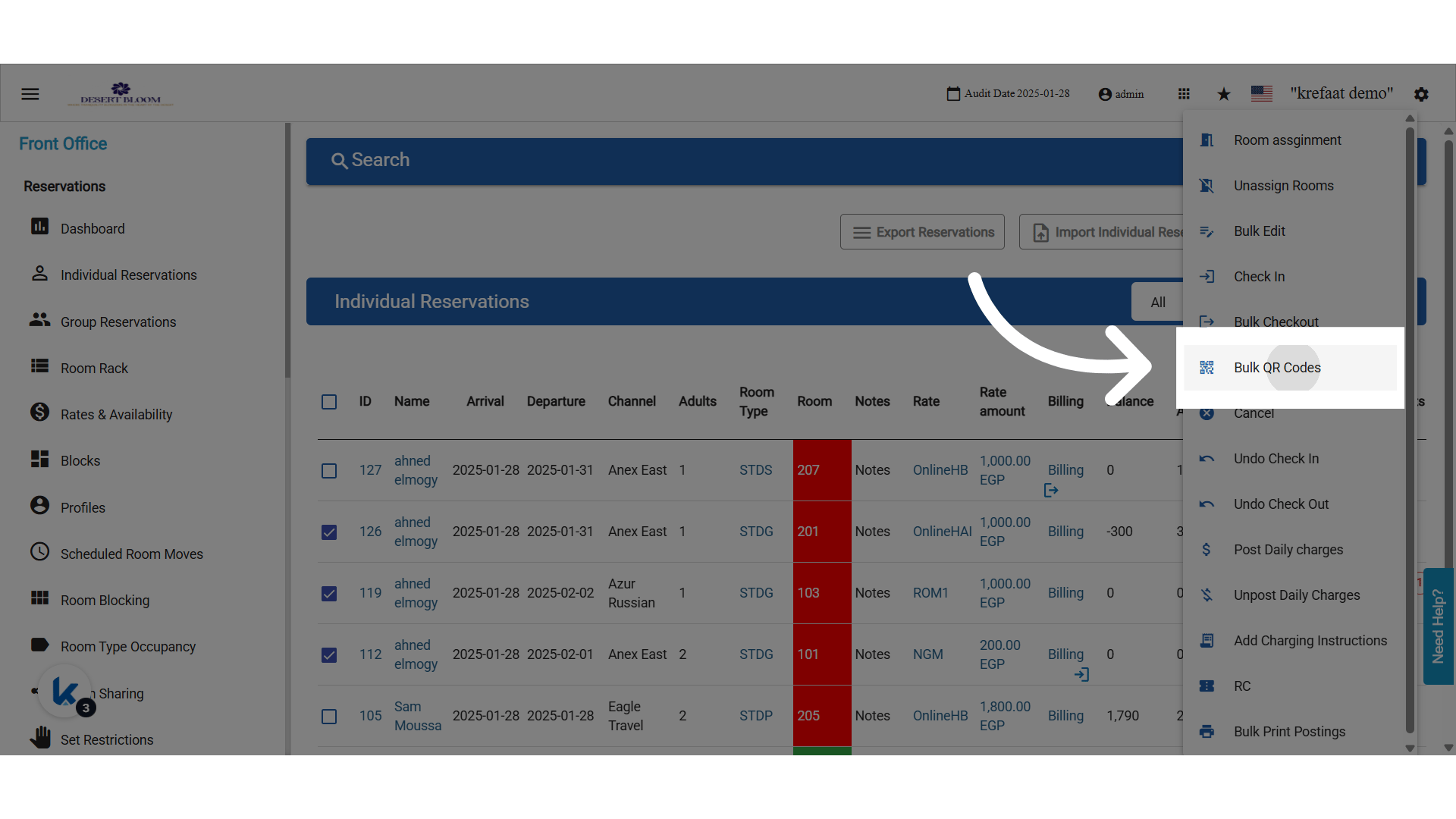 Choose between Per Reservation or Guest
Behavior & Validations:
Choose between Per Reservation or Guest
Behavior & Validations:
- You must select at least one reservation before using the tool.
- If ‘By Person’ is selected, the number of QRs matches the number of adults in each reservation.
- The display/printout format matches the vertical style already used in single-reservation QR code printing.
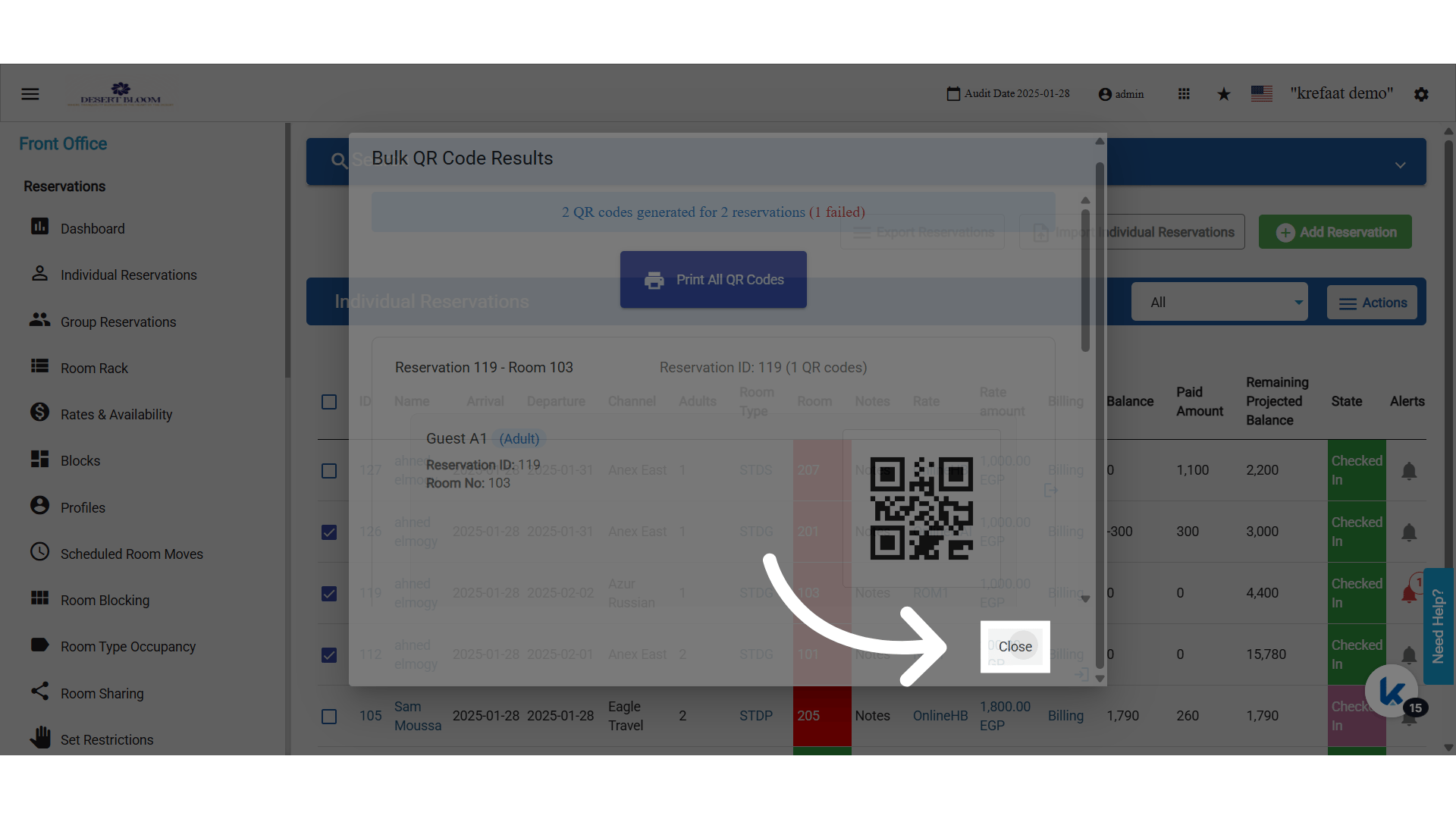
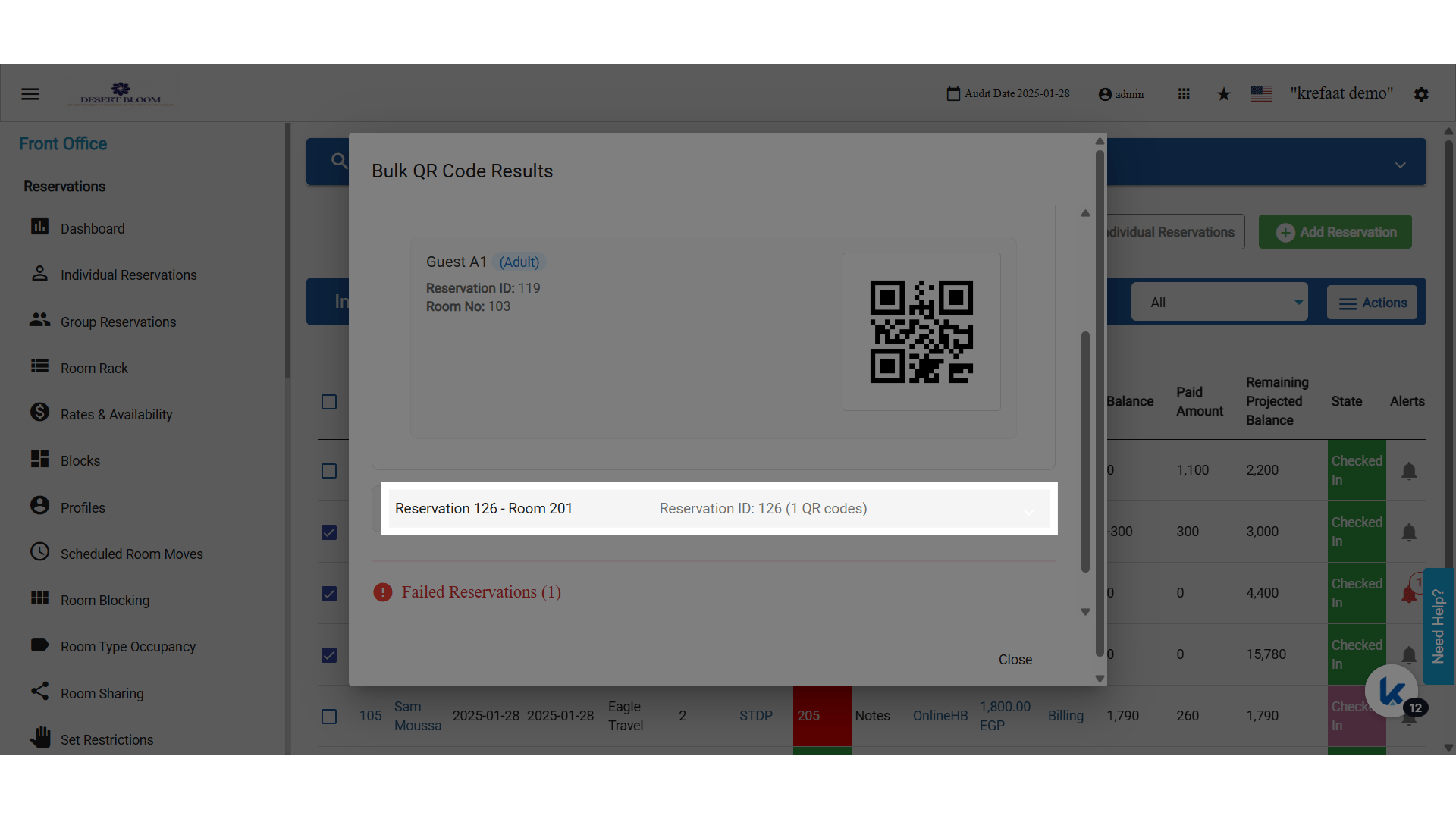
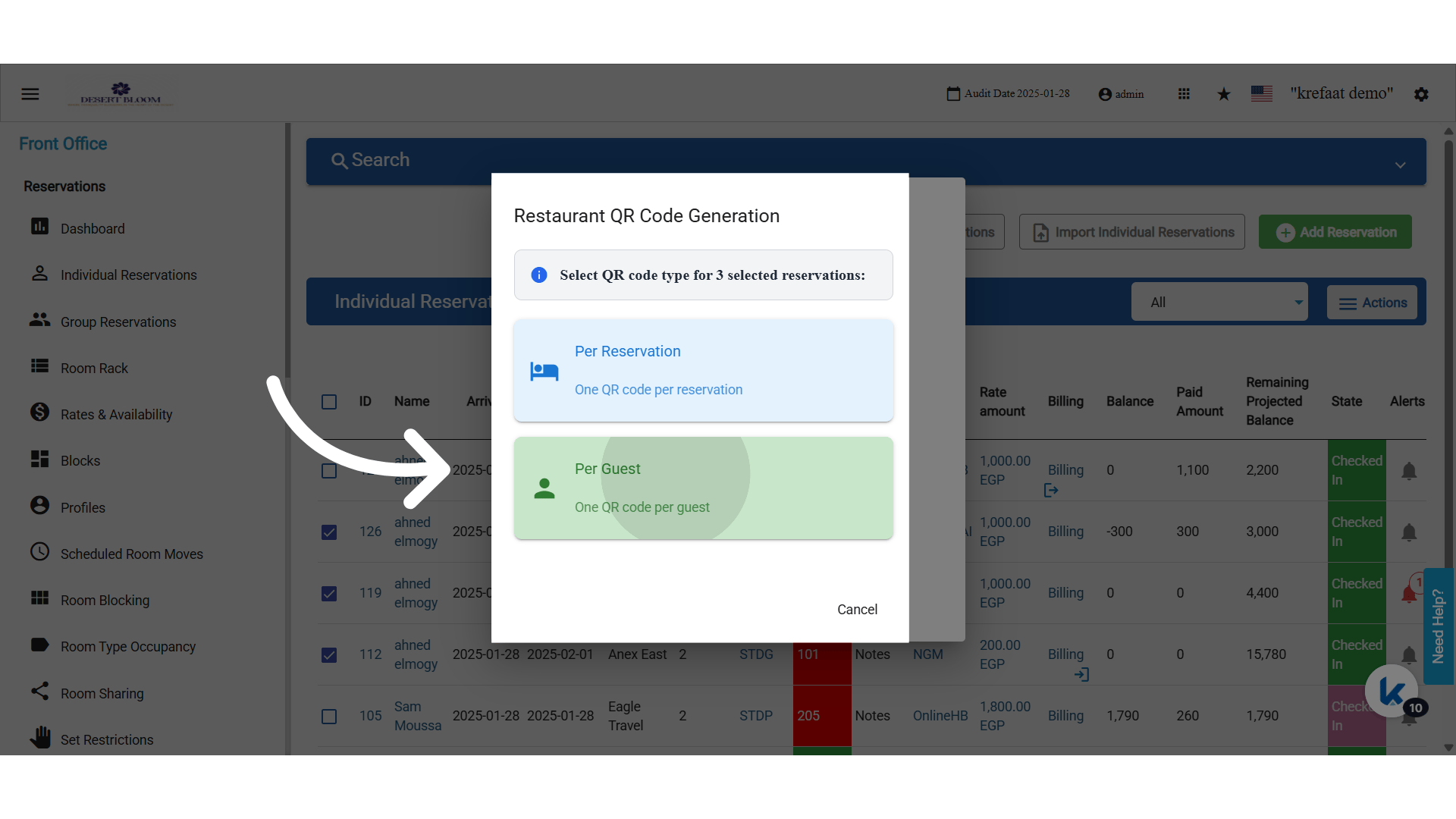 Bulk QR Code Results
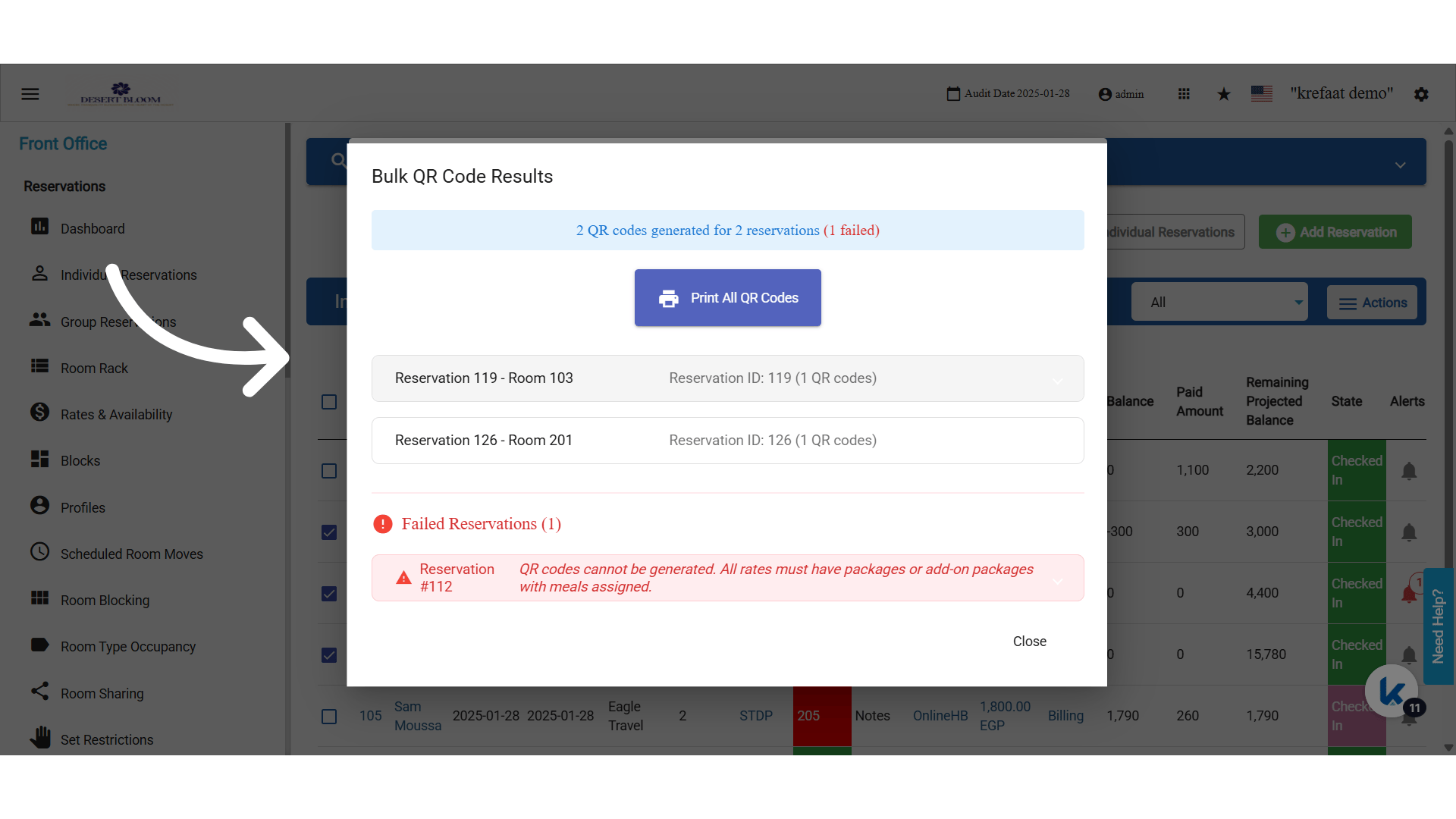 Expand to know more details about the meal
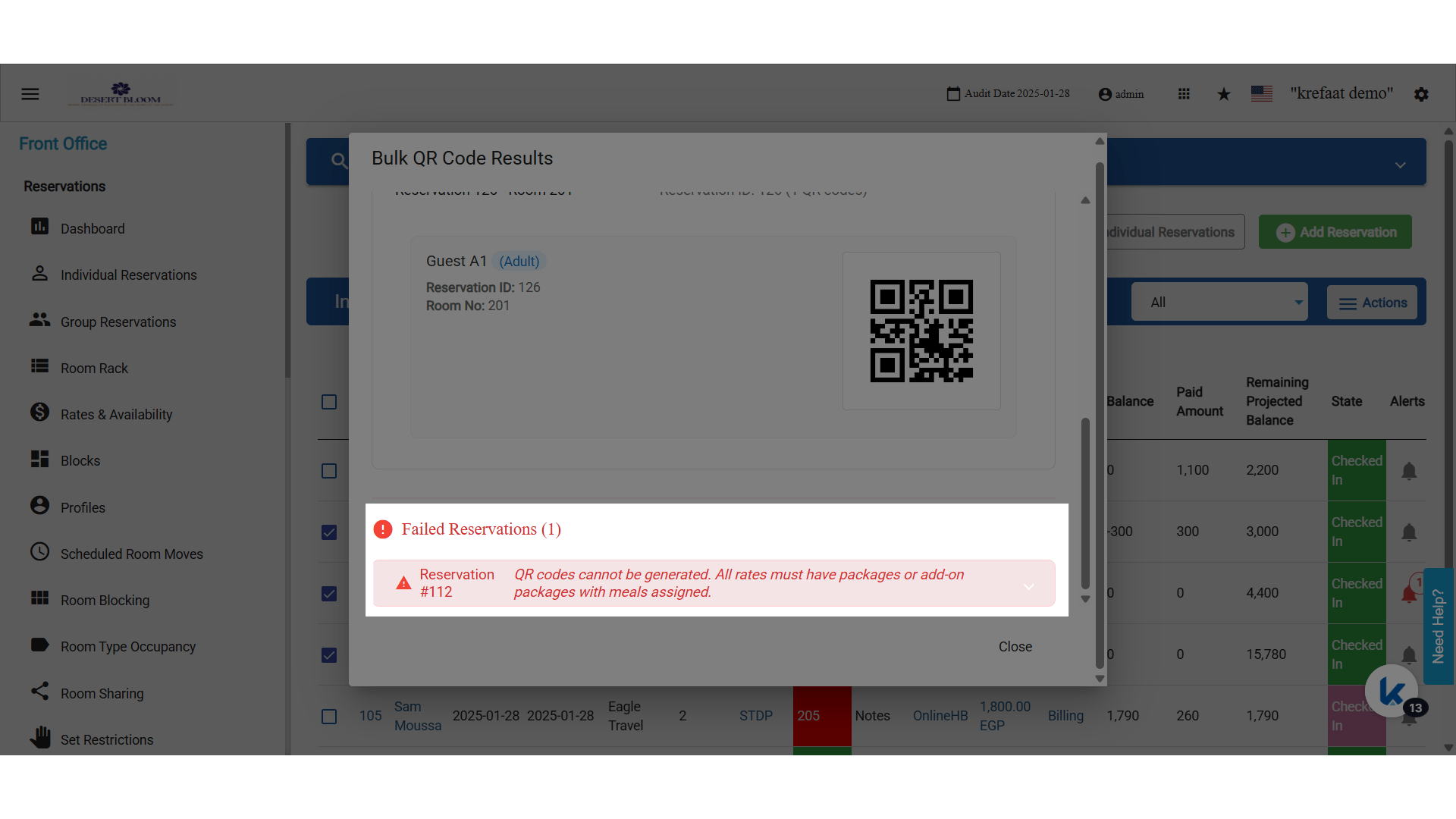
 QR codes cannot be generated. All rates must have packages or add-on packages with meals assigned
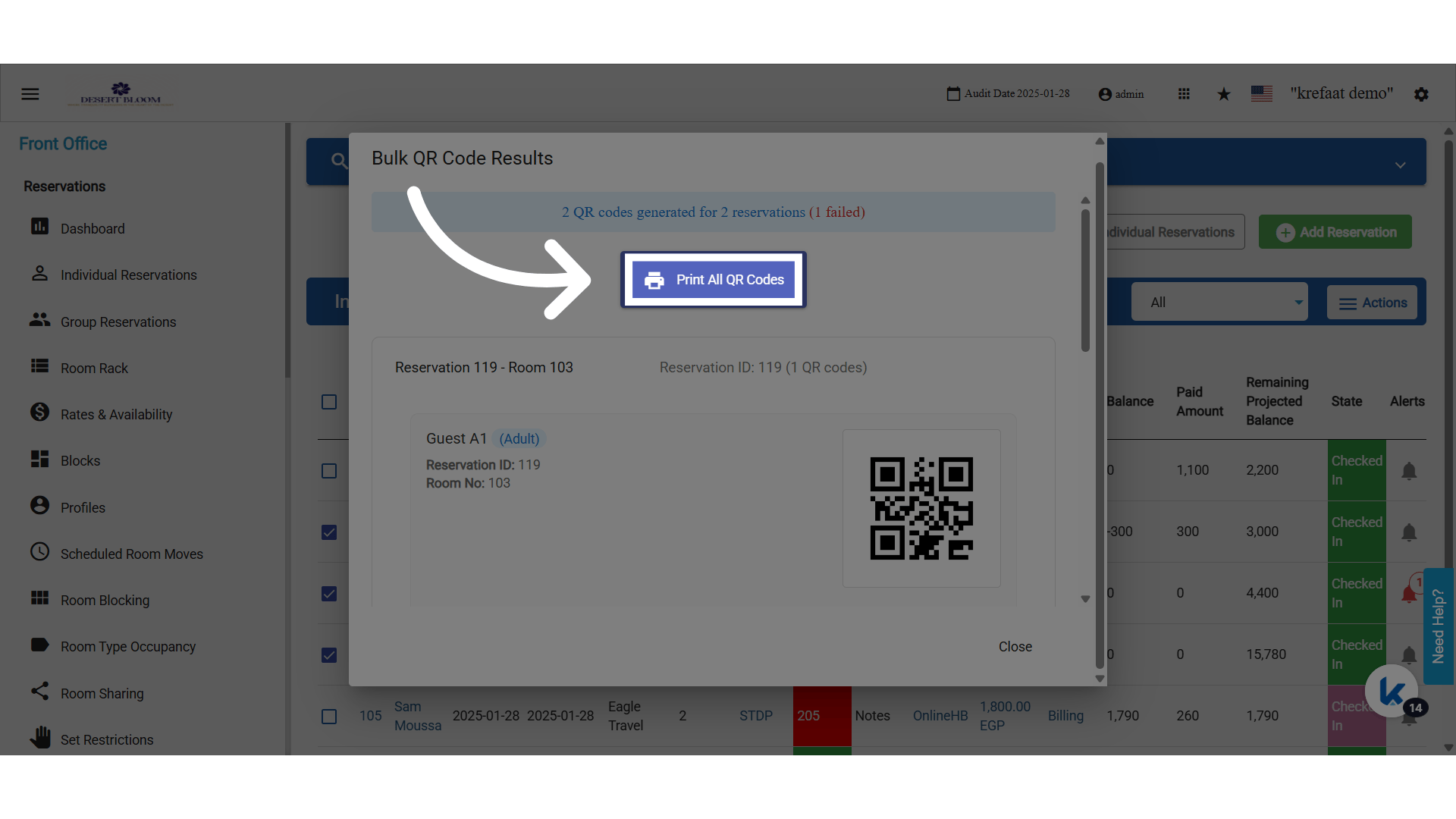
 Proceed to Print All QR Codes”
 Click “Close”
Currently, printing is supported (emailing is available for single reservations).
Click “Close”
Currently, printing is supported (emailing is available for single reservations).