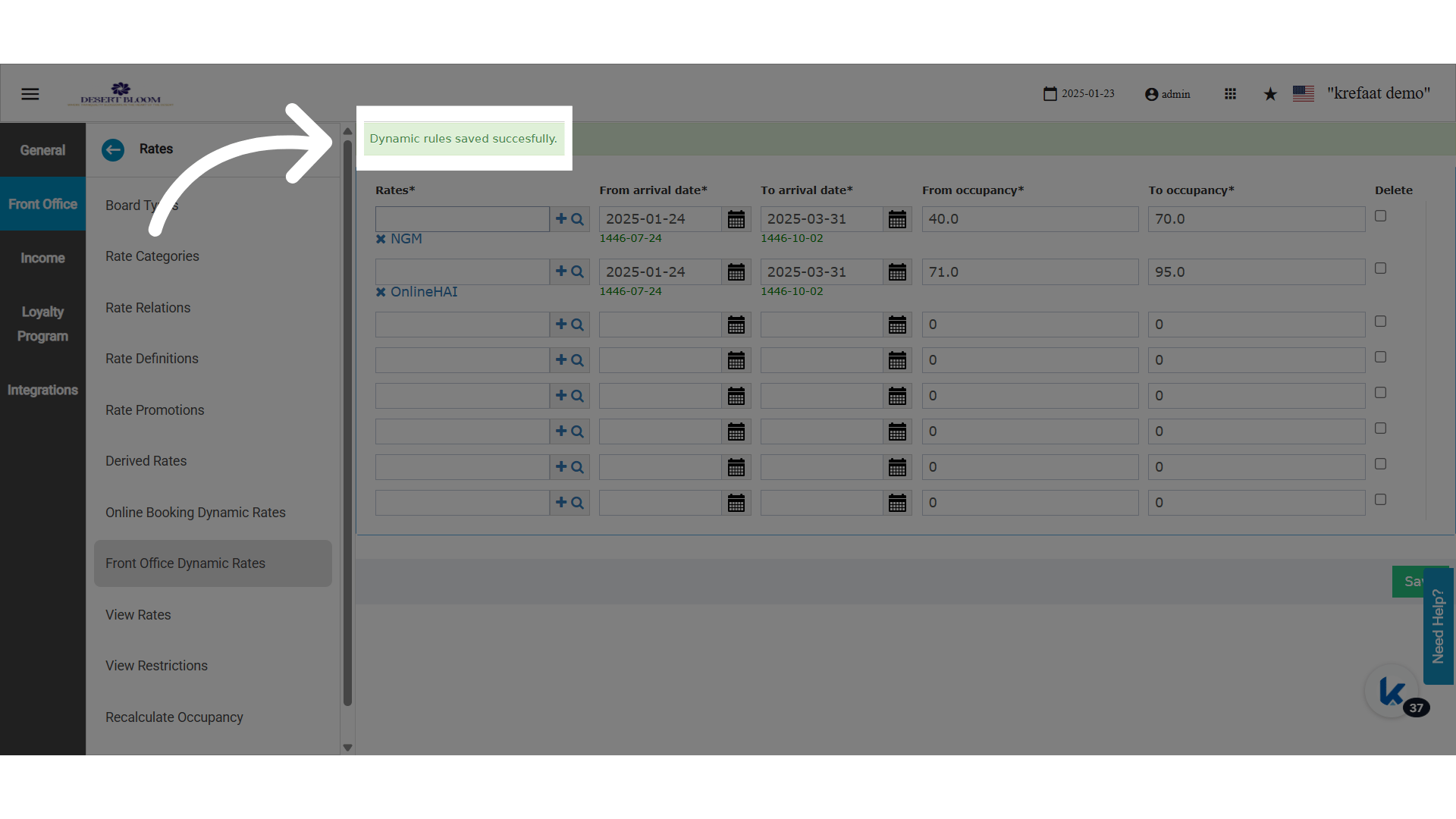
💼 Business Value
- Empowers revenue managers to control which rate codes appear during booking based on real-time hotel occupancy.
- Prevents rate misselection by front desk users, aligning daily operations with strategic pricing rules.
- Enhances dynamic rate handling separately from online booking logic.
🎯 Use Cases
- A resort wants to offer BAR 1 during off-season (low occupancy), BAR 2 in shoulder periods, and BAR 3 in peak times.
- The reservations team only sees the valid rate code during the booking flow, reducing pricing errors.
- A hotel running special events configures exclusive rate codes based on expected occupancy surges.
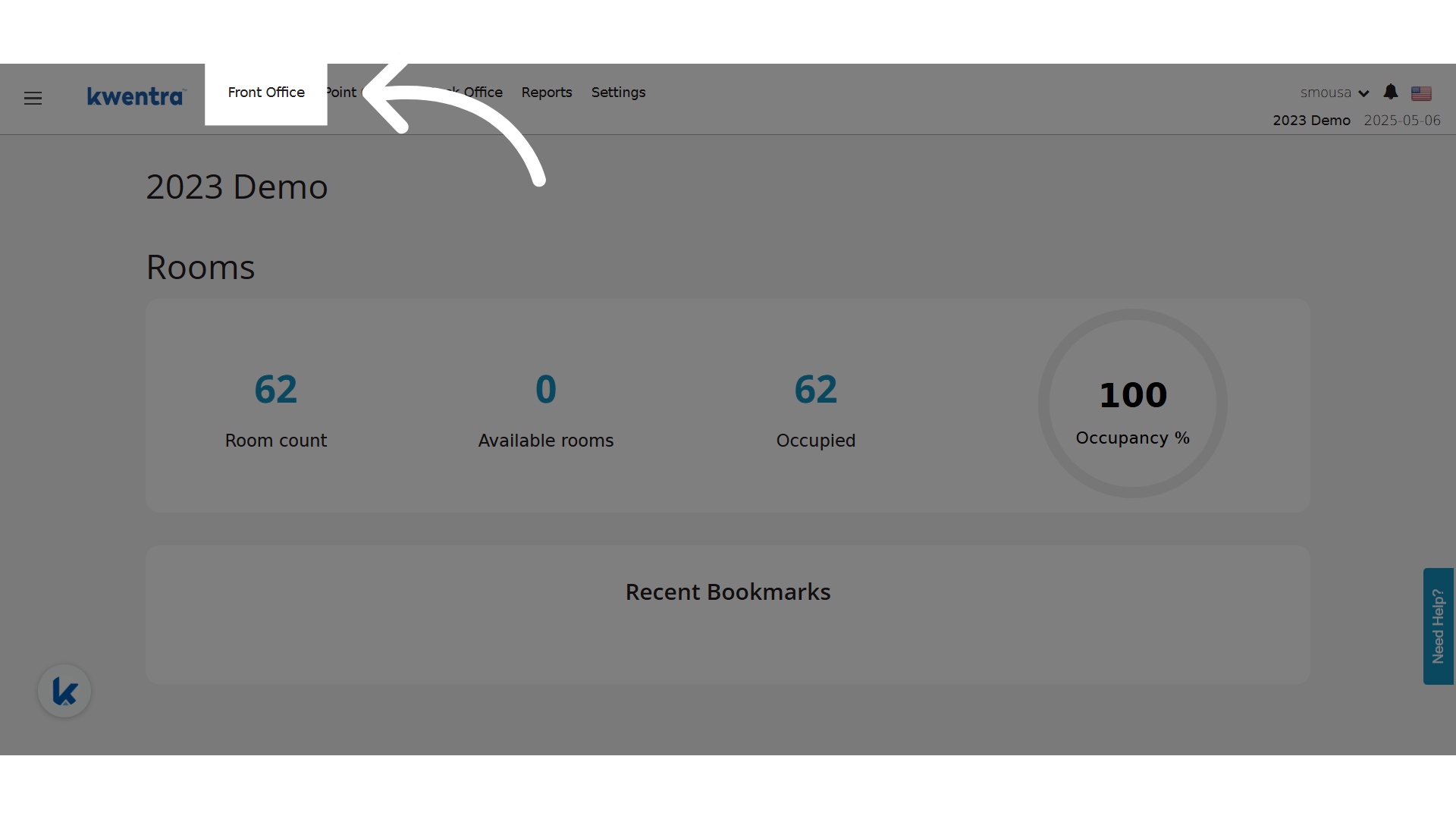
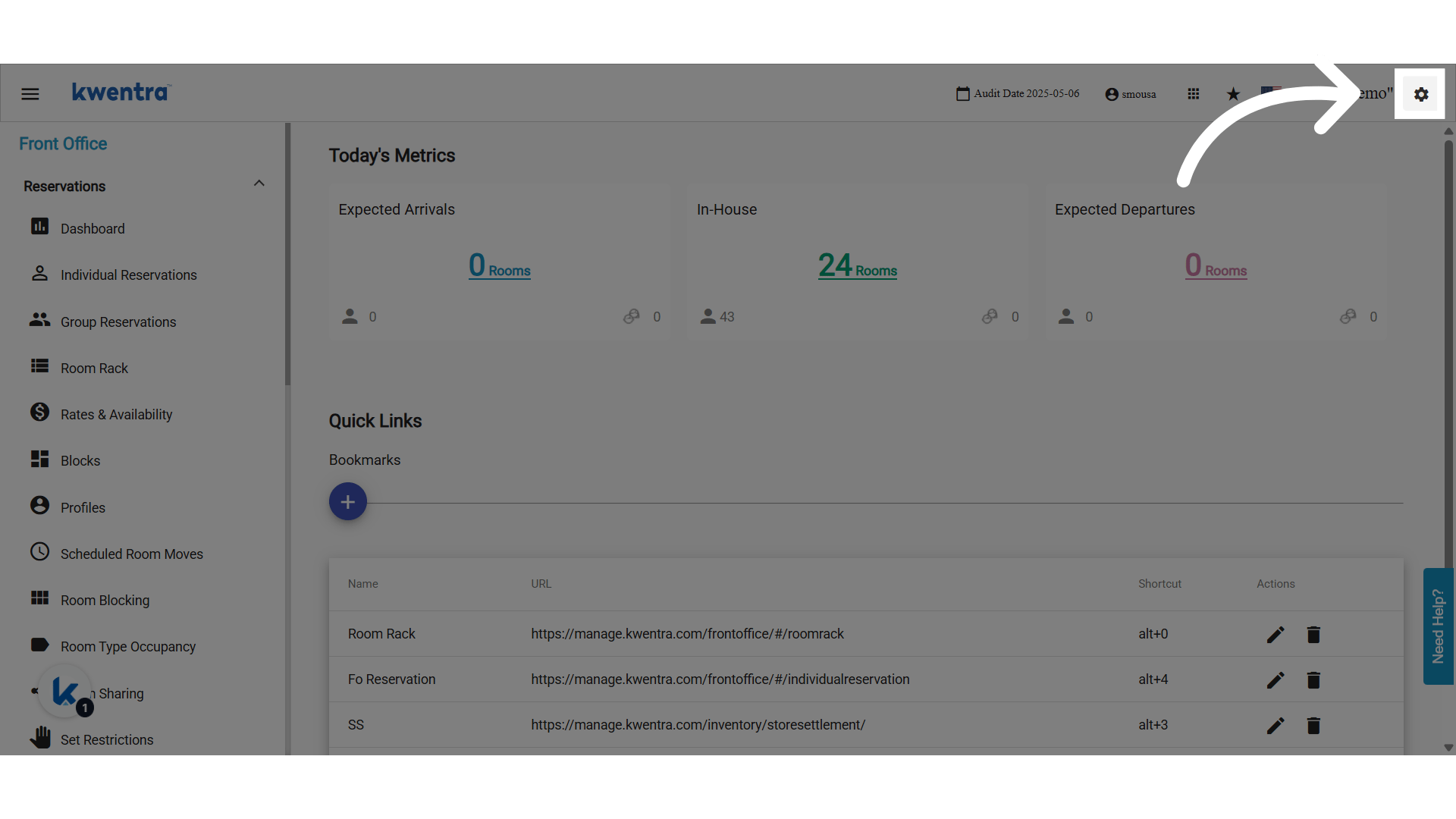
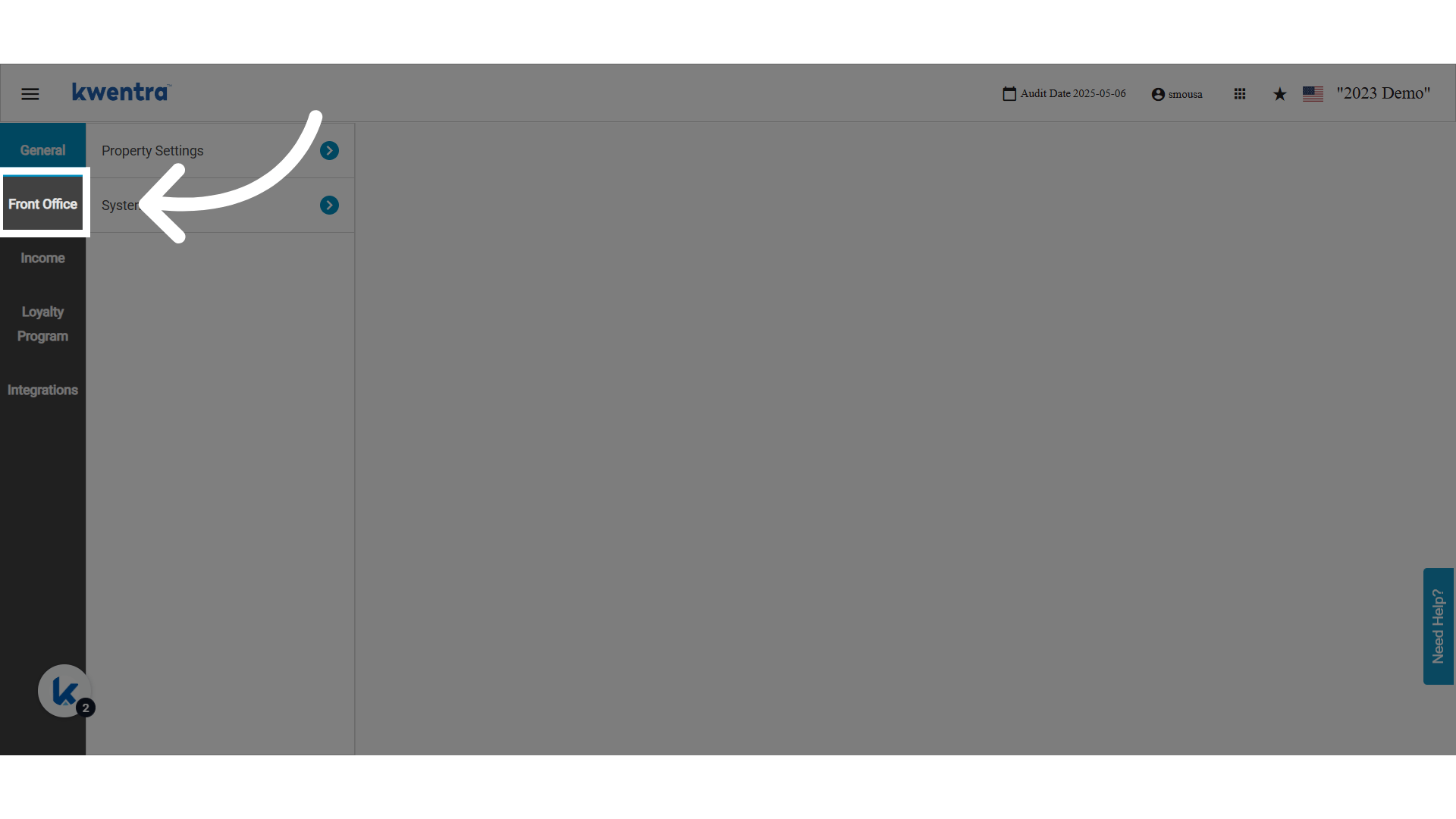
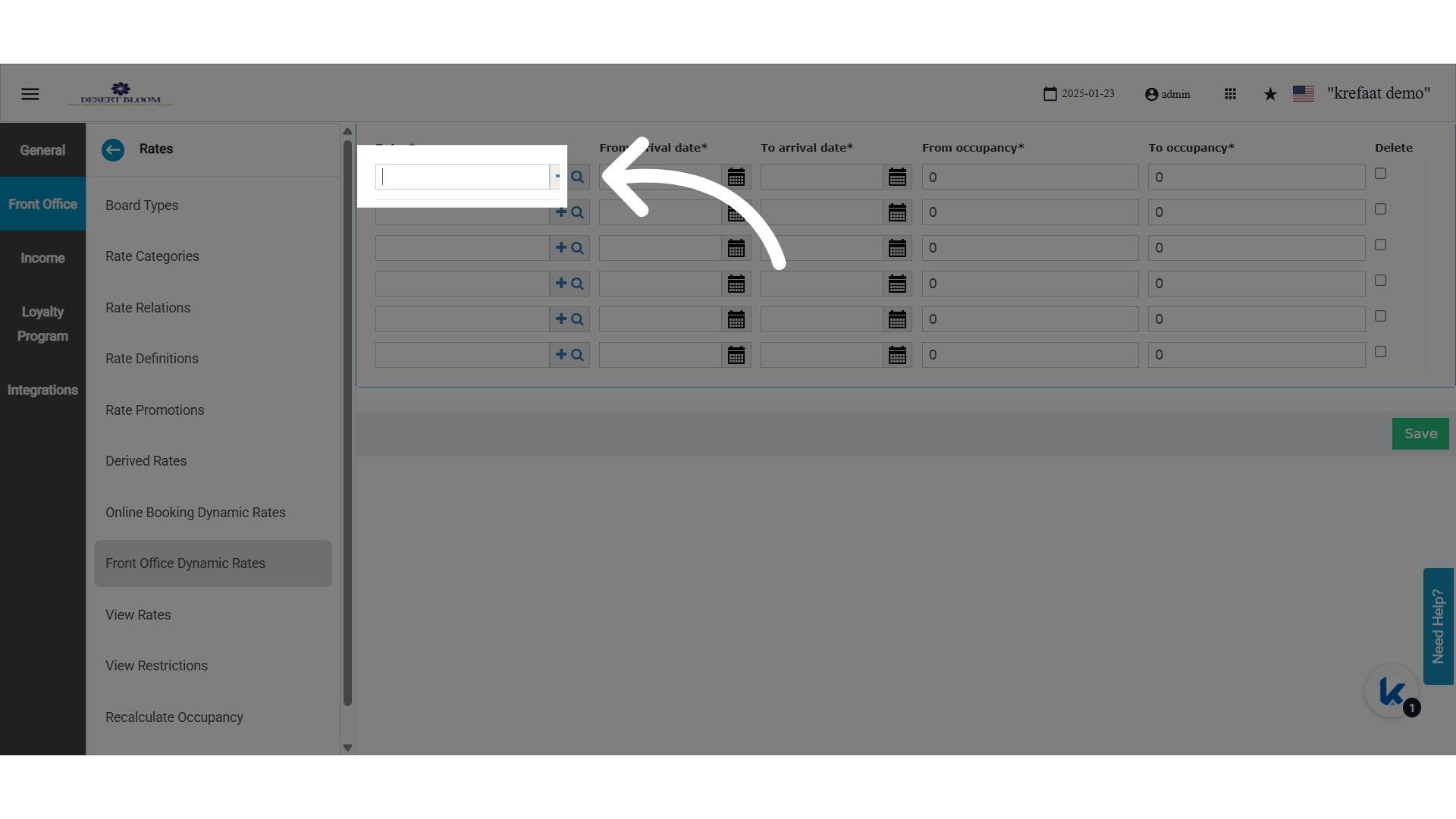
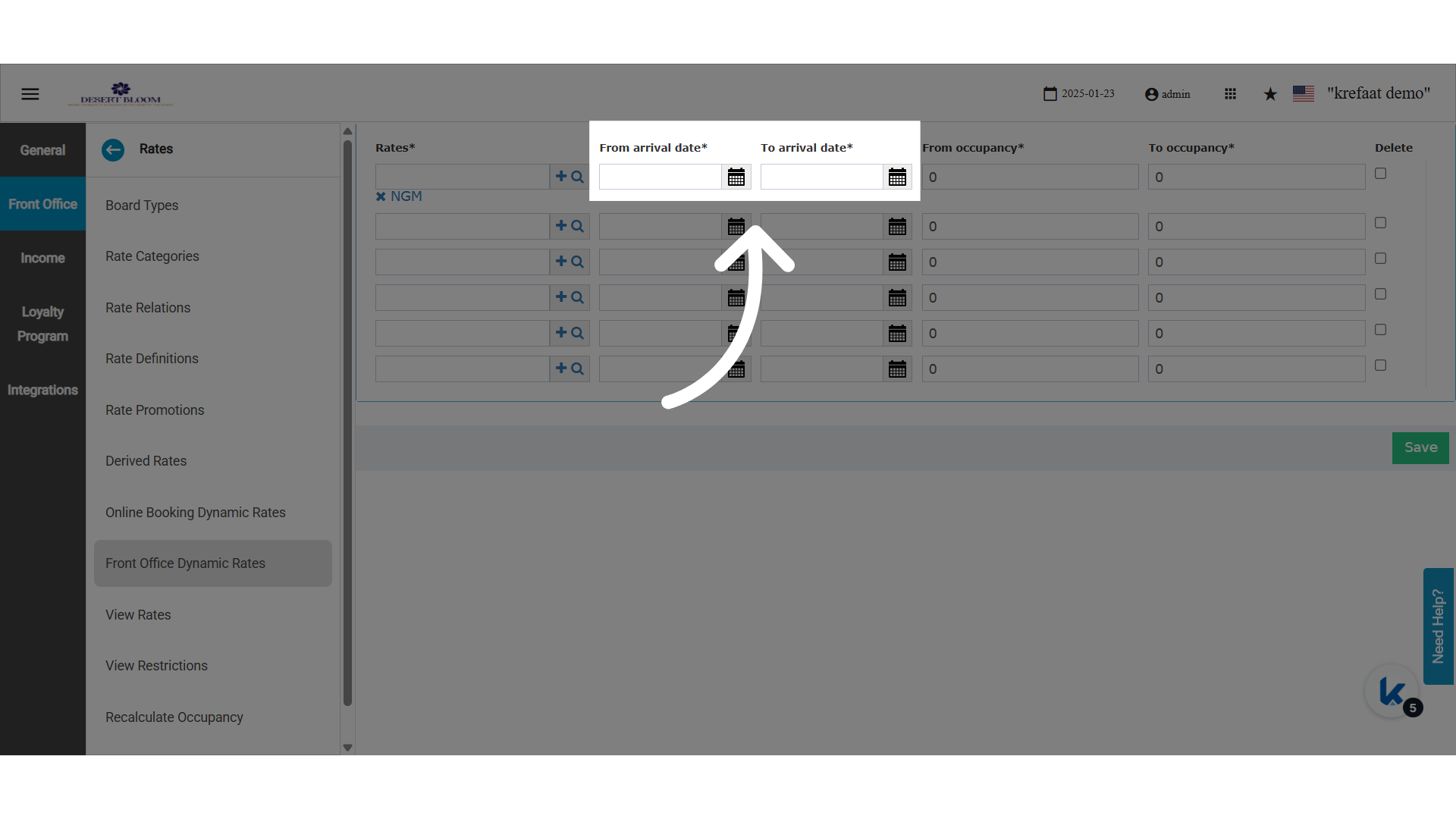
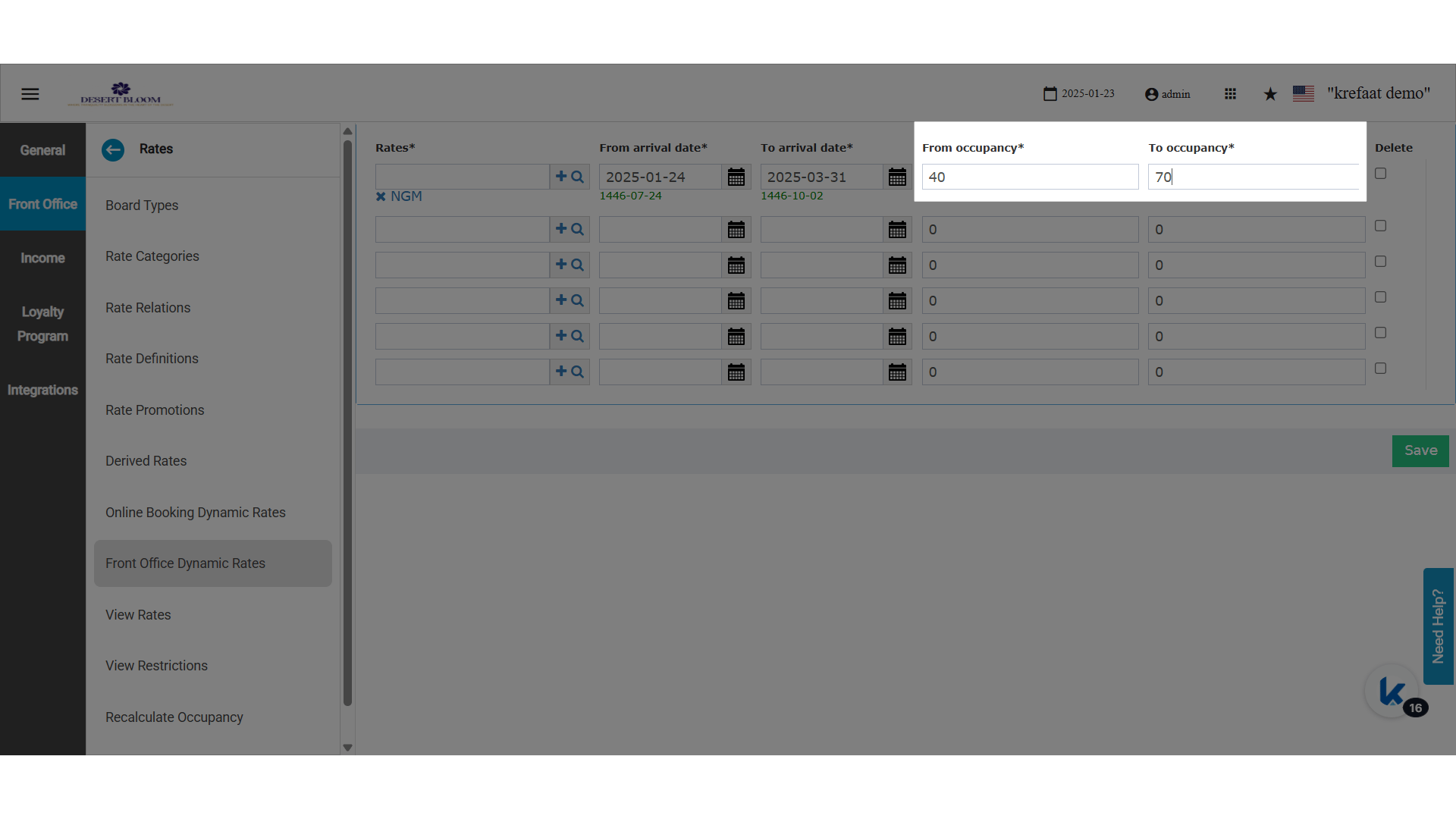
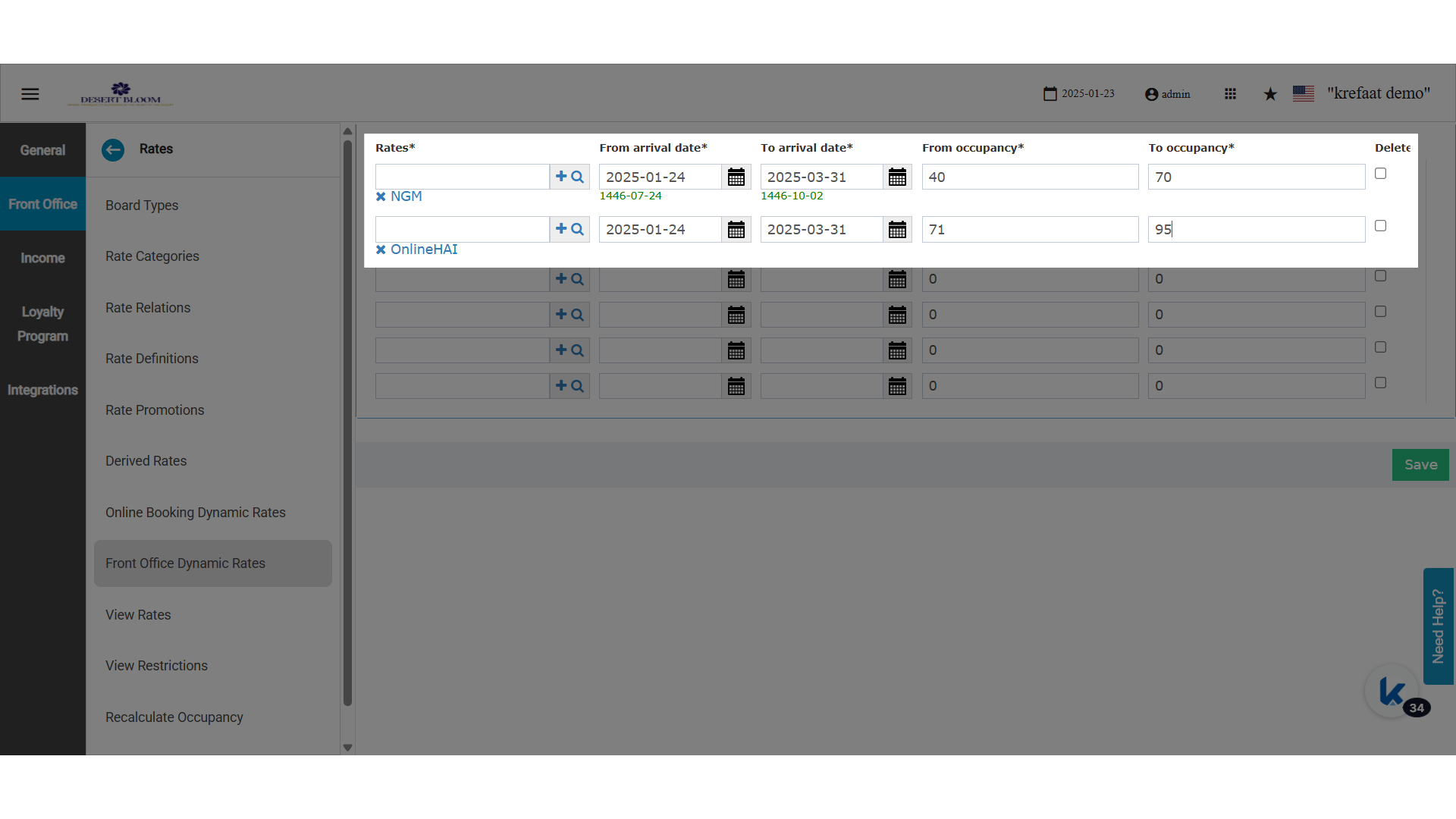
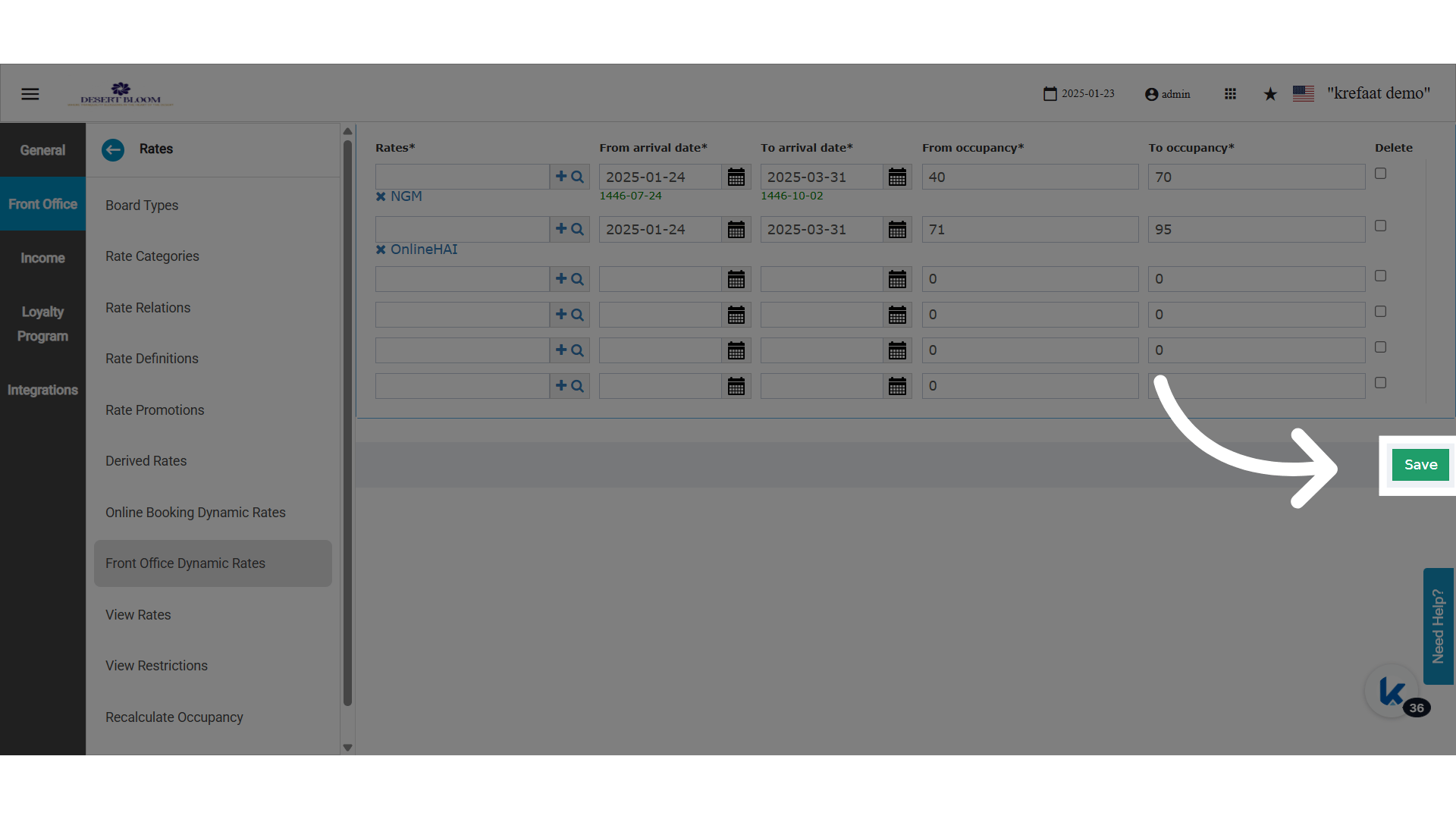
- Occupancy Range: 0%–50%
- Arrival Date Range: May–Aug 2025
- Rate Code Shown to Staff: BAR 1
- Occupancy Range: 51%–75%
- Arrival Date Range: May–Aug 2025
- Rate Code Shown to Staff: BAR 2