

Business Value
- Share system-generated documents (like Registration Cards) instantly with guests through WhatsApp.
- Simplify guest check-in by collecting signatures and confirmations online.
- Reduce manual steps and ensure documentation is stored and traceable.
Use Cases
- Front Desk sends the RC link for guest e-signature before or upon arrival.
- Night Audit confirms the RC was accepted with a timestamp.
- Managers print, copy, or WhatsApp the RC link directly to guests.
- Compliance teams access the signed RC PDF in the reservation at any time.
Technical Know-How
Navigation
- Front Office → Individual Reservations → Select Reservation → Print → RC → Share via WhatsApp
- Front Office → Group Reservations → Select Reservation → RC → Share via WhatsApp
WhatsApp Share Button
- Opens a pop-up for Mobile Number entry when clicked.
- The mobile number field:
- Mandatory (digits and “+” only, max 30 characters).
- Must include country code (e.g., +20, +966).
- Auto-filled from the guest profile’s Mobile; if empty, from Telephone; if both are empty, the user enters it manually.
- “Save & Send” button:
- Validates and, if permitted, updates the guest profile’s Mobile number.
- If the user has no edit permission, it skips the update and continues the flow.
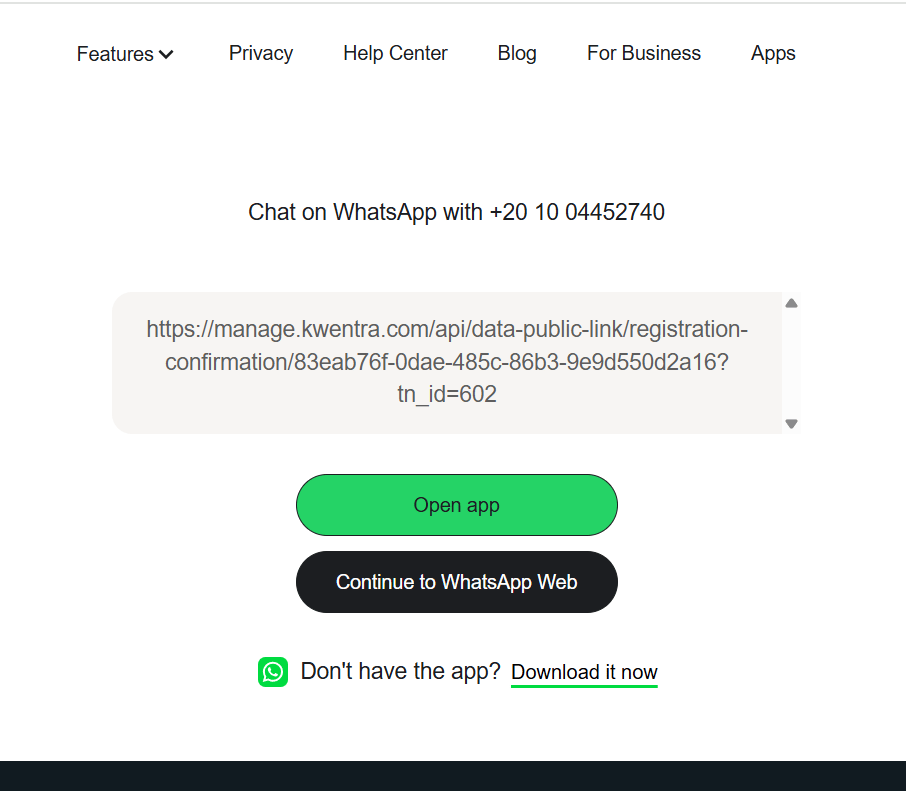
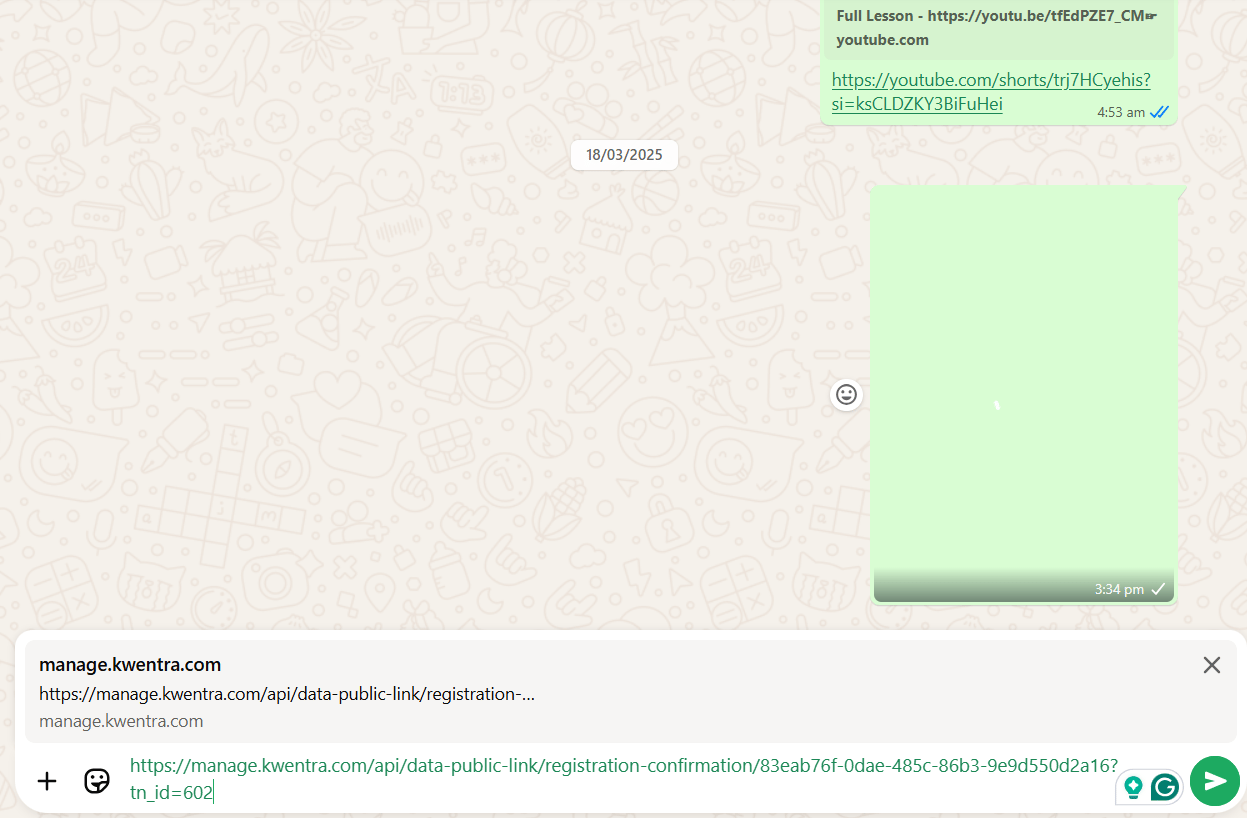
- Opens WhatsApp link in a new browser tab.
Accept & Confirm
-
Guests can click “Accept & Confirm” on the RC page.
- After clicking, the button is hidden from further public views.
- System stamps a read-only RC Confirmation Date (with instance time zone) on the reservation.
- PDF copy attached to reservation, named:
- If RC Confirmation Date exists, “Accept & Confirm” will not appear.
Technical/Storage Specs
- The PDF RC file is created and saved in storage the first time “Share WhatsApp” is used.
- If the reservation changes, the old file is deleted.
- Reservation stores a UUID to identify and manage the file.
- Each RC link access checks for file existence:
- If file exists, display it; if not, generate and display a new RC.
- Accept button shows only if “rc sign date” is null.