How to check-out a guest’s reservation?
Once your guest has reached their last day of the reservation this means that it’s check out time, you won’t be able to check out the guest on the system unless both of the below conditions are met.
- Audit Date should be equal to the guest’s departure date.
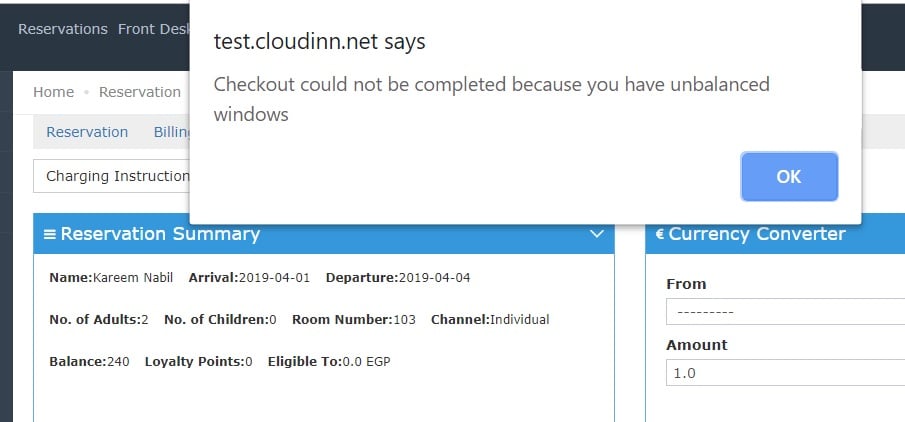
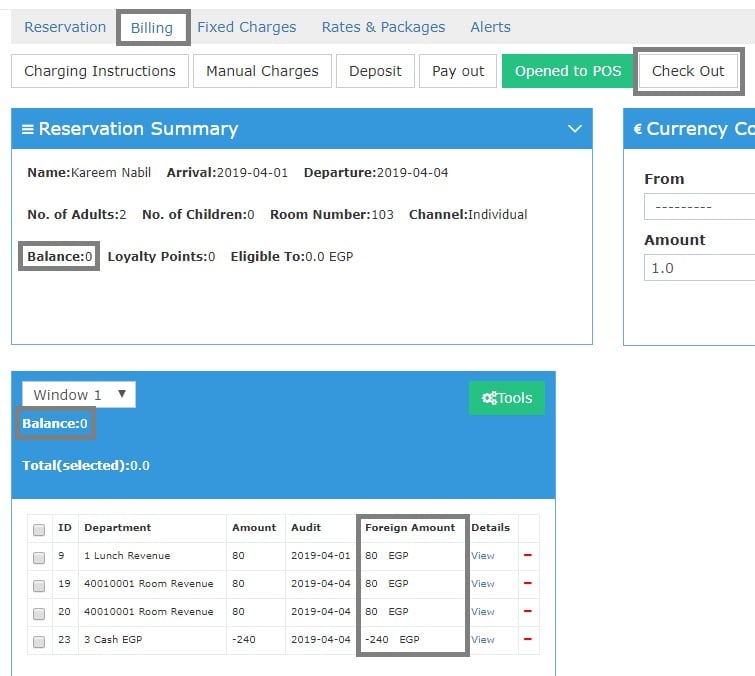
- all Billing windows from Billing Screen should be balanced at zero.
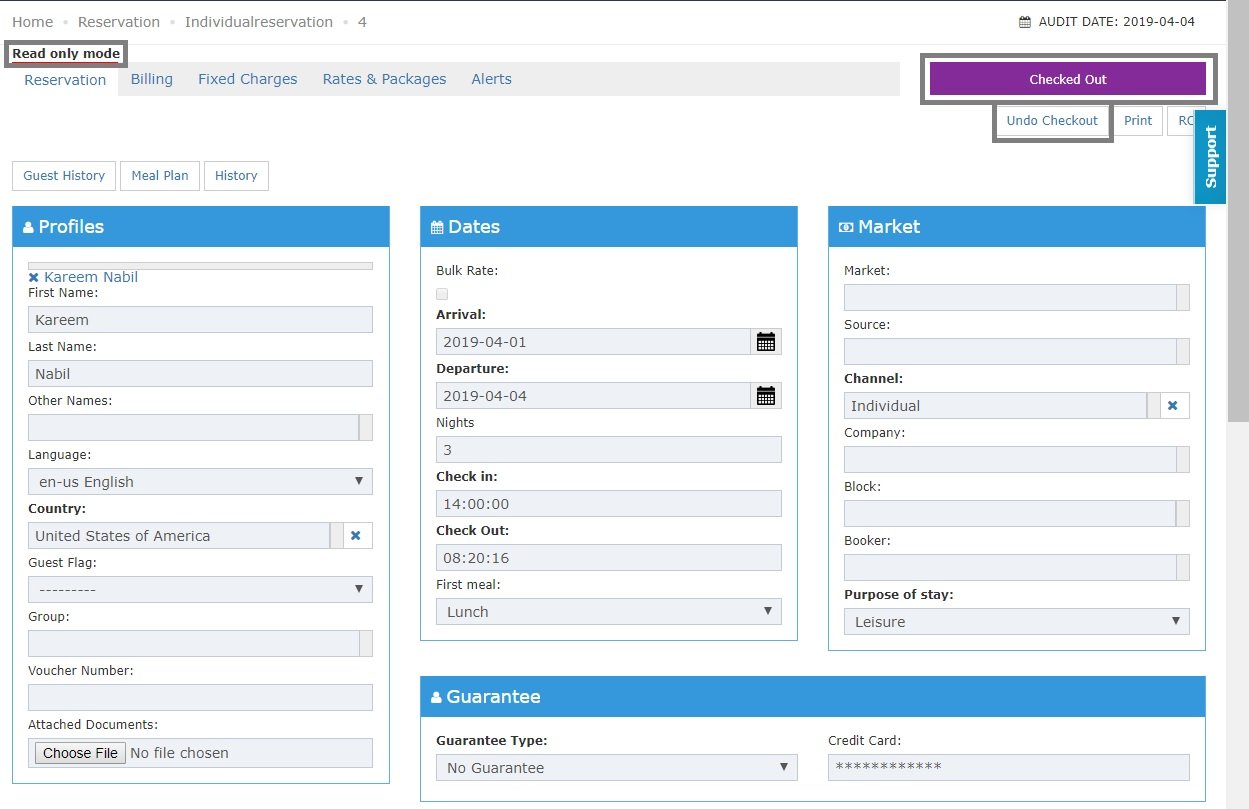
- Reservation status is Checked out.
- The reservation is in Read Only Mode so we can’t edit any info post check out.
- You have the option to Undo Checkout in case you would like to reverse your action.